
Veo 3.1 Fast living room TV commercial example
This Veo 3.1 Fast watch page shows a bright living-room TV commercial prompt with native audio, controlled staging and a 16:9 ad format.
Prompt breakdown
Prompt used to generate this render.
Cinematic 6-second TV commercial in 16:9 with sound. Wide static shot at eye level of an empty, bright modern American living room. Warm painted walls, premium hardwood floor, large windows with soft daylight, but no fu…Show full promptHide full prompt
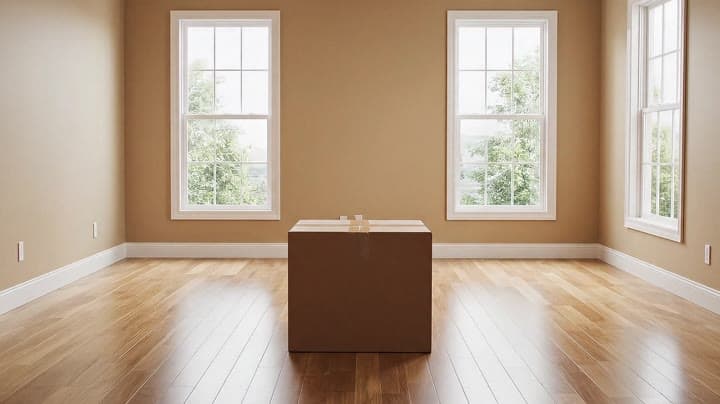
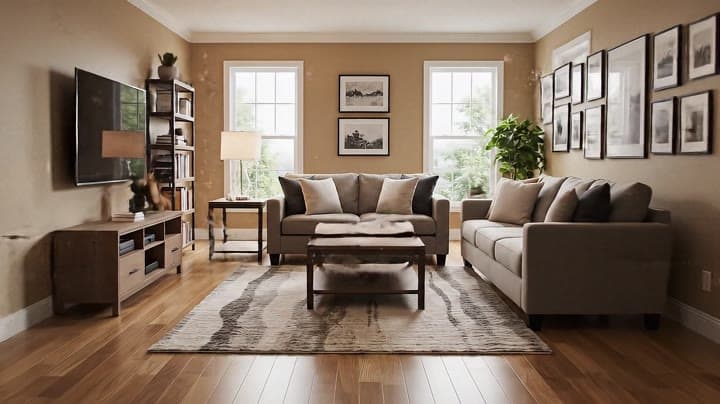
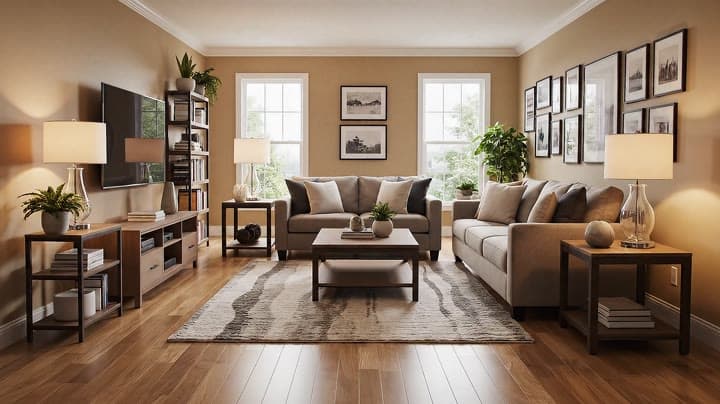
Cinematic 6-second TV commercial in 16:9 with sound. Wide static shot at eye level of an empty, bright modern American living room. Warm painted walls, premium hardwood floor, large windows with soft daylight, but no furniture yet. Exactly in the center of the room sits a plain brown cardboard box on the floor, completely neutral with no logo, no text, no branding. The camera is a clean, wide commercial framing with a very subtle, smooth push-in toward the box, no shake, no rotation, no fast movement. After a brief calm moment, the box begins to gently tremble, the tape peels back, and it suddenly bursts open in a controlled, magical way. From this single box, furniture and decor rapidly appear and assemble themselves throughout the room: a modern family sofa builds itself, a rug unfurls across the floor, a coffee table slides into place, a TV stand and wall-mounted TV appear, bookshelves and side tables fill with objects, lamps pop on with warm light, plants appear in the corners, framed pictures snap onto the walls, and small decor pieces settle into place. The transformation happens fast but clearly readable, turning the once empty interior into a fully furnished, cozy, modern American living room that feels high-end yet lived-in. The camera always keeps the box area and main seating area clearly in view, ending on a polished wide shot of the finished living room with soft daylight and warm interior lighting. Audio: no music. Only clean, realistic sound design — soft room tone, cardboard crackles, tape peeling, subtle whooshes as furniture appears, gentle thumps as pieces land and settle — all tightly synchronized with the visual action. No people, no text, no UI, no logos or brand names.
Workflow
Text to video
Camera
Push In
Output
6s · 16:9
Recorded render cost
$1.17
Audio
Enabled
Constraints
Text To Video, Audio Enabled, Push In
Prompt improvement notes
Note 1
Keep the subject, camera move, lighting, duration, aspect ratio and audio requirement grouped so the render has one clear production brief.
Note 2
Change one variable at a time when cloning this prompt: model, duration, camera motion or reference input. That makes quality and price differences easier to compare.
Note 3
Add a short negative prompt if you need to block text overlays, logos, distorted hands, face warping or unwanted camera shake.
Note 4
For product shots, keep the product name generic, describe materials and lighting, and avoid adding too many scene changes in one clip.
Compare this model
Review this example beside nearby engines before choosing a render path.
Why Google Veo 3.1 Fast fits this shot
Veo 3.1 Fast now handles quick prompts, image-to-video, 8s reference mode with 1-4 stills, first/last transitions, and extend runs with optional audio.
Text prompts
Reference mode
Audio option
Key frames
Related examples
View all examples Google Veo 3.1 Fast
Google Veo 3.1 Fast product ad example: futuristic street dancer with glowing
Google Veo 3.1 Fast product-ad example (text-to-video + audio): futuristic street dancer with glowing neon, plus stable video/thumbnail and related Veo examples.
 Google Veo 3.1 Fast
Veo 3.1 Fast FPV apartment commercial example
This Veo 3.1 Fast example uses an FPV-style camera move to reveal a staged apartment commercial with sound and polished lighting.
 Seedance 2.0
Seedance 2.0 AI SaaS product ad video example
This Seedance 2.0 text-to-video with audio example shows how an AI SaaS or enterprise software product ad can use cinematic control room visuals, glowing monitor walls, polished lighting, and confident pacing to create a premium commercial look. Use it as a reference for startup launch videos, AI platform ads, software promos, and B2B product commercials that need more atmosphere than a basic product demo.
 Seedance 2.0 Fast
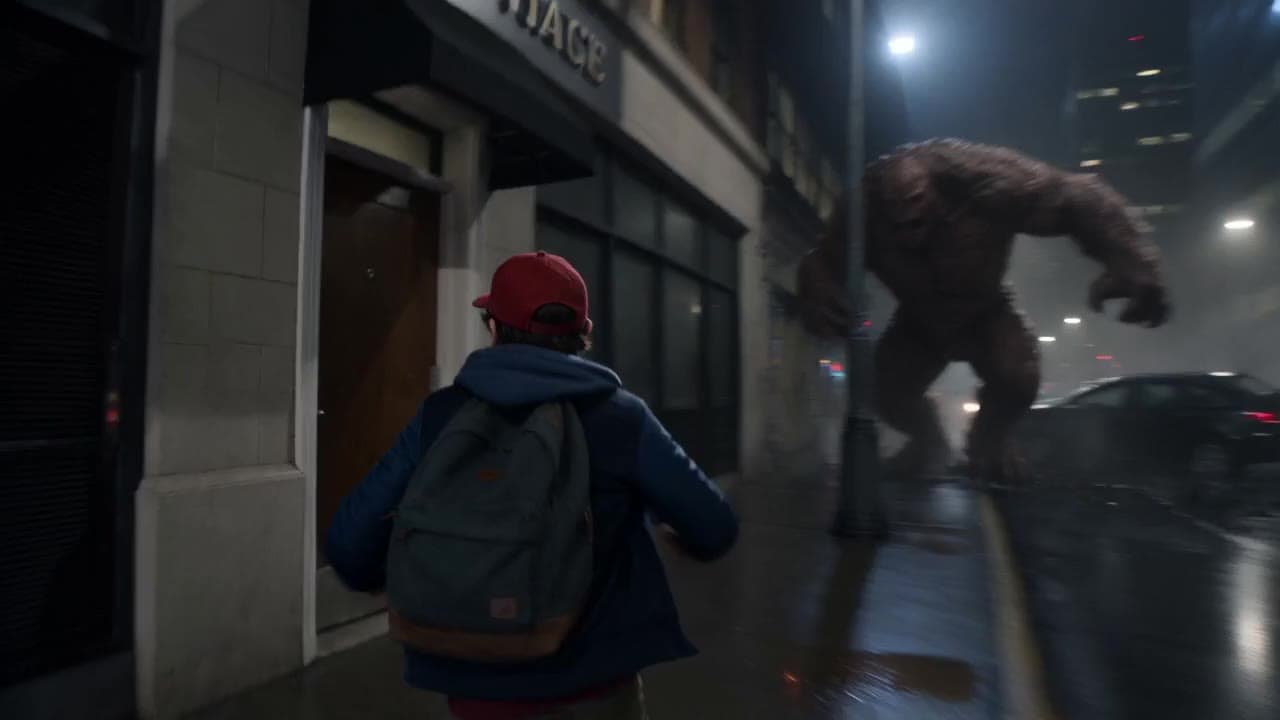
Seedance 2.0 Fast action product ad video example
This Seedance 2.0 Fast text-to-video with audio example shows how an action-style product ad can use cinematic camera motion, dramatic lighting, fast pacing, and high-impact visuals to create a polished commercial sequence. Use it as a reference for automotive ads, sports promos, game trailers, launch videos, and brand campaigns that need speed, tension, spectacle, and a more cinematic feel than a basic product shot.