Entry draft
$0.65
5s · 720p
WAN MULTI-SHOT VIDEO ROUTE
15s multi-shot clips, 5s/10s reference-video consistency, and optional audio for text or image starts.
Use Wan 2.6 when you need the newer Wan route on MaxVideoAI: 720p or 1080p clips up to 15 seconds, text-to-video, image-to-video, 5s/10s reference-video guidance and optional audio for text or image workflows.
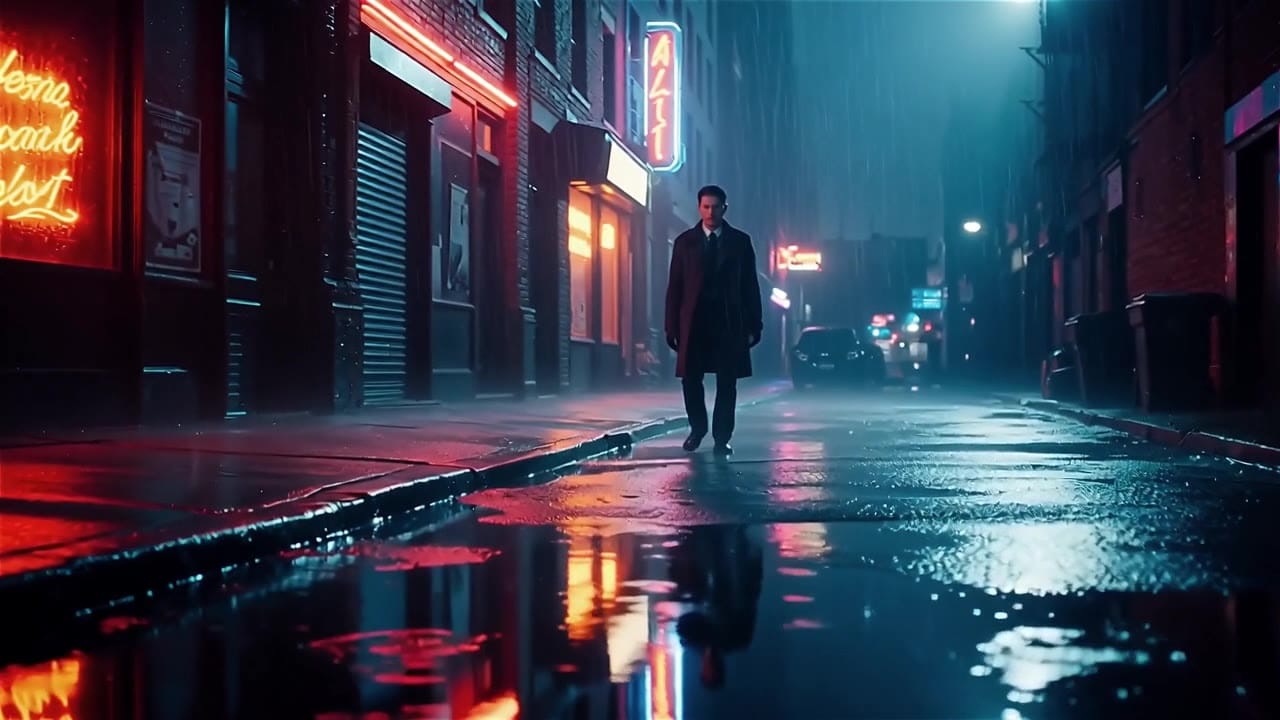
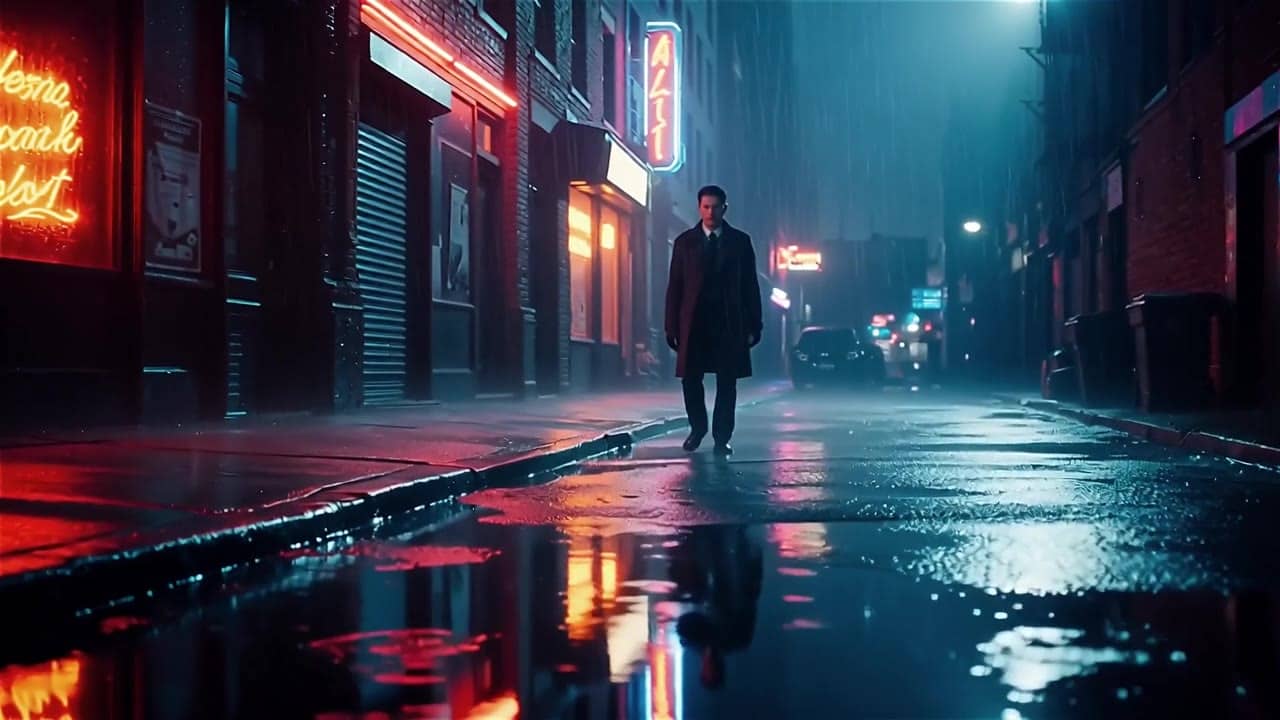
Wan 2.6 example
Multi-shot reference-guided clip
Multi-shot clips
Plan short sequences with cleaner internal beat structure.
Reference-to-video
Use supported reference videos for 5s/10s consistency checks; audio is off in this mode.
Text or image start
Generate from a prompt or anchor the first frame with one image.
720p or 1080p
Choose review or production preview resolution before generation.
Max 15s
Use 5, 10 or 15 second durations depending on the beat.
Pay-as-you-go
See exact live price before you generate.
Preset 720p/1080p totals - see the exact live price in the app before you generate.
$0.65
5s · 720p
$1.30
10s · 720p
$1.95
Most popular10s · 1080p
15s
Up to 1080p
All prices are MaxVideoAI display prices in USD credits for preset scenarios.
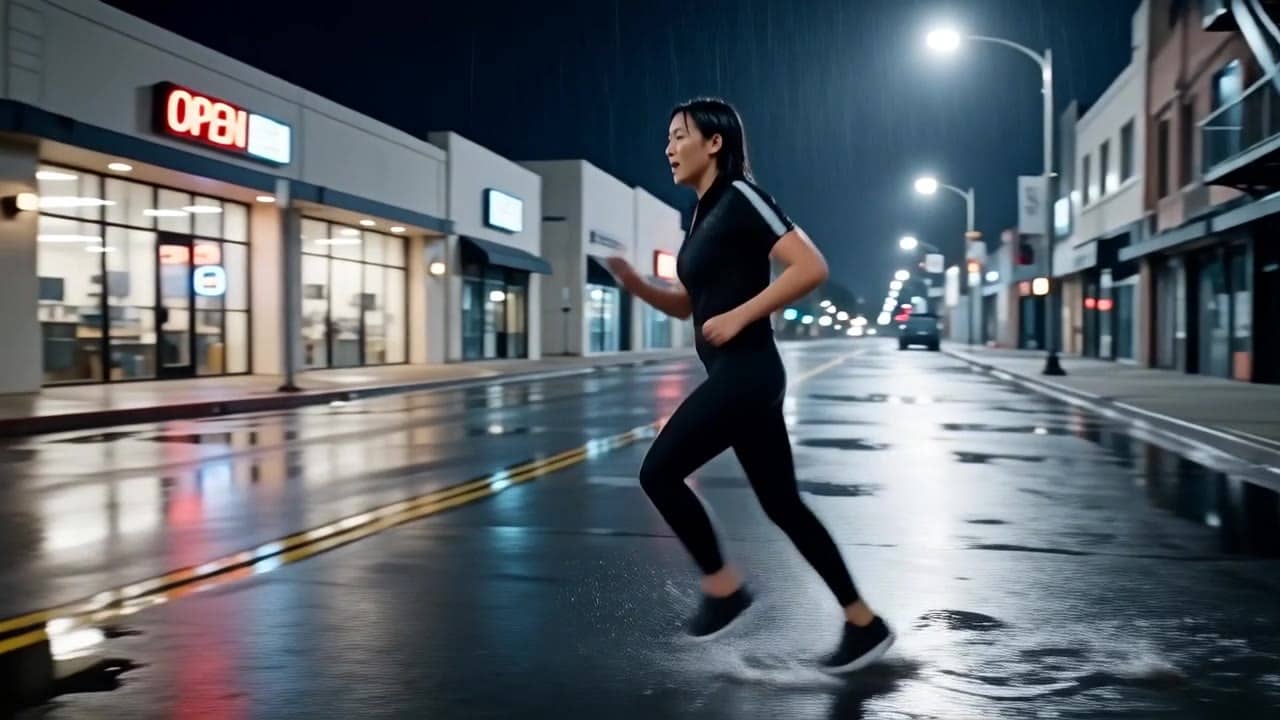
Recent Wan 2.6 renders across text, image, and reference workflows.
See what's possible with Wan 2.6 – Multi-shot AI video (Text/Image 5–15s, Reference 5–10s, 720p/1080p).
Jump into the app with one click and reuse the setup.
Dialogue, ambience and SFX generated in sync.
Keep characters, style and scene consistency across sequences.
Built-in guardrails and safety filters for responsible review.
Use Wan 2.6 for longer 15s clips, reference-video consistency and multi-shot planning. Use Wan 2.5 for shorter audio-ready checks.
Use reference-to-video for 5s/10s clips when motion rhythm, subject identity or a previous take should guide the next output.
Compare Wan 2.6 with Sora 2 or Veo 3.1 when audio, consistency and cinematic polish are the decision points.
Wan 2.6 follows short prompts with clear subject, scene, and motion; use a simple shot list for multi-shot.
Source: Wan AI
Write subject, action, camera, style, duration and optional sound direction.
Use one still to lock product shape, character framing or opening composition.
Use one to three videos for 5s/10s guidance when motion or identity should stay consistent.
Attach a short track only for text or image workflows when timing or mood should follow sound.
Use short timestamped beats when a 15 second clip needs internal structure.
Use 1–2 sentences when you want variations.
[Subject] [motion] in [scene], [camera], [lighting/style], [optional sound cue].
Negative: [text, logos, extra people, blur]
[Subject] [motion] in [scene], [camera], [lighting/style], [optional sound cue]. Negative: [text, logos, extra people, blur]
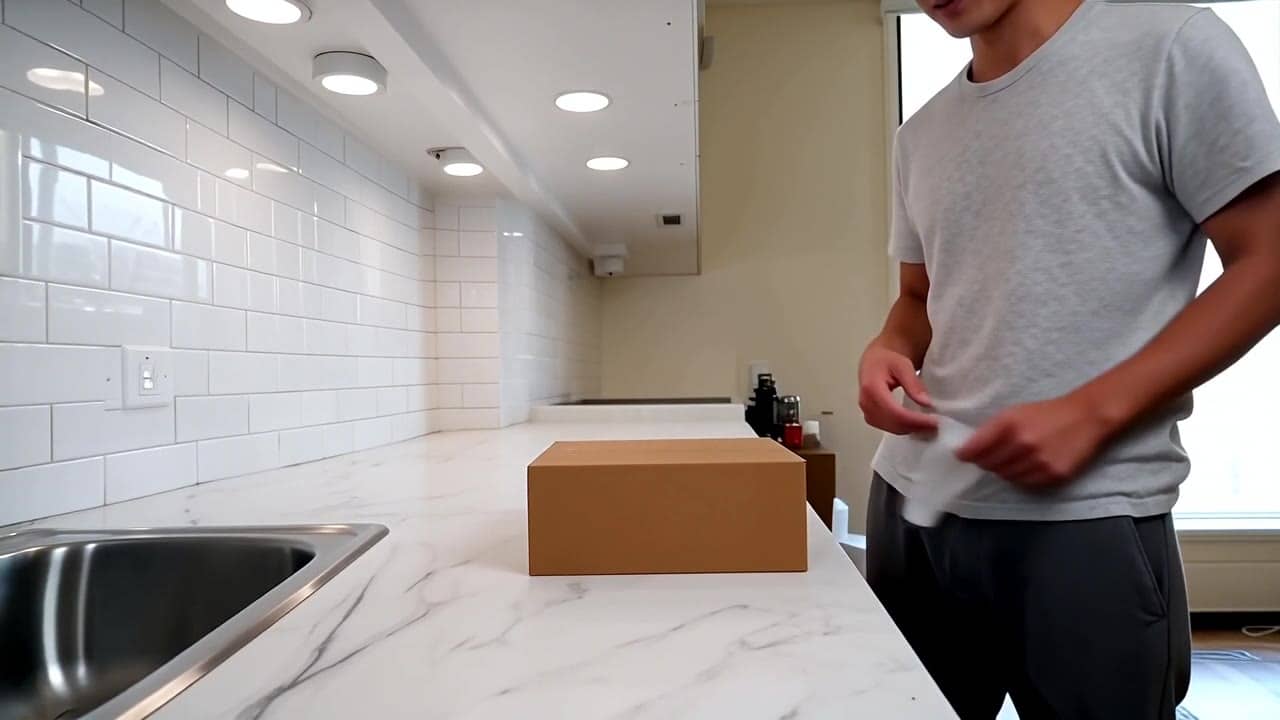
Subject: Product unboxing in a clean studio kitchen • Action: Person presents a product on a minimalist tabletop
Camera: Wide 16:9 shot with visible body and clean motion • Style: Bright studio, commercial product render
Audio: Light ambience, audio included when the route exposes it
Wide 16:9 full-body unboxing video in a clean studio/kitchen setting. A person is fully visible (head-to-toe or at least head-to-knees) standing behind a minimalist tabletop. They unbox a small generic gadget from a plain matte cardboard box: peel the seal, open the lid, remove the inner tray, take…
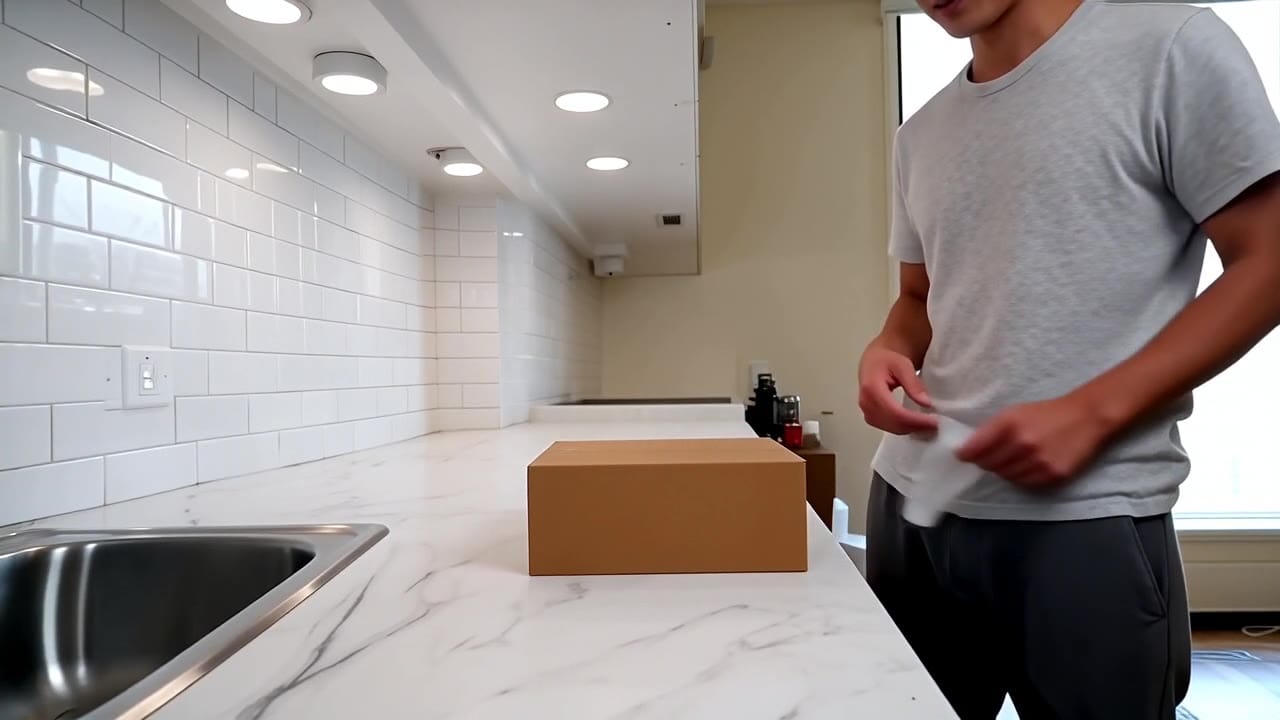
Wan 2.6 is easiest to steer when you use short beats, explicit transitions, and reference anchoring when identity must stay stable.
These side-by-side comparisons break down price, resolution, audio, speed, and motion style so you can pick the right engine fast.
Each page includes real outputs and practical best-use cases.
Create rich AI-generated videos from text or image prompts using Sora 2. Native voice-over, ambient effects, and motion sync via MaxVideoAI.
Compare Wan 2.6 vs OpenAI Sora 2 →Generate cinematic Veo 3.1 videos with text prompts, start-image animation, multi-reference guidance, optional last-frame control, and extend workflows in one unified MaxVideoAI model page.
Compare Wan 2.6 vs Google Veo 3.1 →Generate fast AI video with LTX 2.3 Fast on MaxVideoAI. Text and image workflows support 6–20s clips, 1080p/1440p/4K, native audio, and 25/50 fps options.
Compare Wan 2.6 vs LTX 2.3 Fast →The limits that shape your renders.
Supports text, image, and reference-video workflows for stronger subject continuity. Built for multi-shot sequences.
Shot lists with timestamps steer pacing and transitions. Clear beat markers work better than adjectives.
Built-in safeguards and best practices for responsible creation with Wan 2.6.
Audio URLs are optional for Text and Image modes. Reference mode does not support audio uploads.
1–3 MP4/MOV references. Tag them in the prompt as @Video1, @Video2, and @Video3.
Text and Image modes: 5, 10, or 15 seconds. Reference mode: 5 or 10 seconds.
No. In MaxVideoAI, Wan 2.6 Reference mode is limited to 5 or 10 seconds and does not use the audio URL option. Use Text or Image mode for 15-second or audio-guided tests.