Veo Examples

Reference-friendly Veo examples with prompts, format choices, and practical settings. This page includes Google Veo 3.1, Google Veo 3.1 Fast, and Google Veo 3.1 Lite.

This Veo examples page focuses on motion consistency, framing control, and practical prompt templates.

Preview
Audio onOpen watch page

Reference-friendly Veo examples with prompts, format choices, and practical settings.

Full prompt

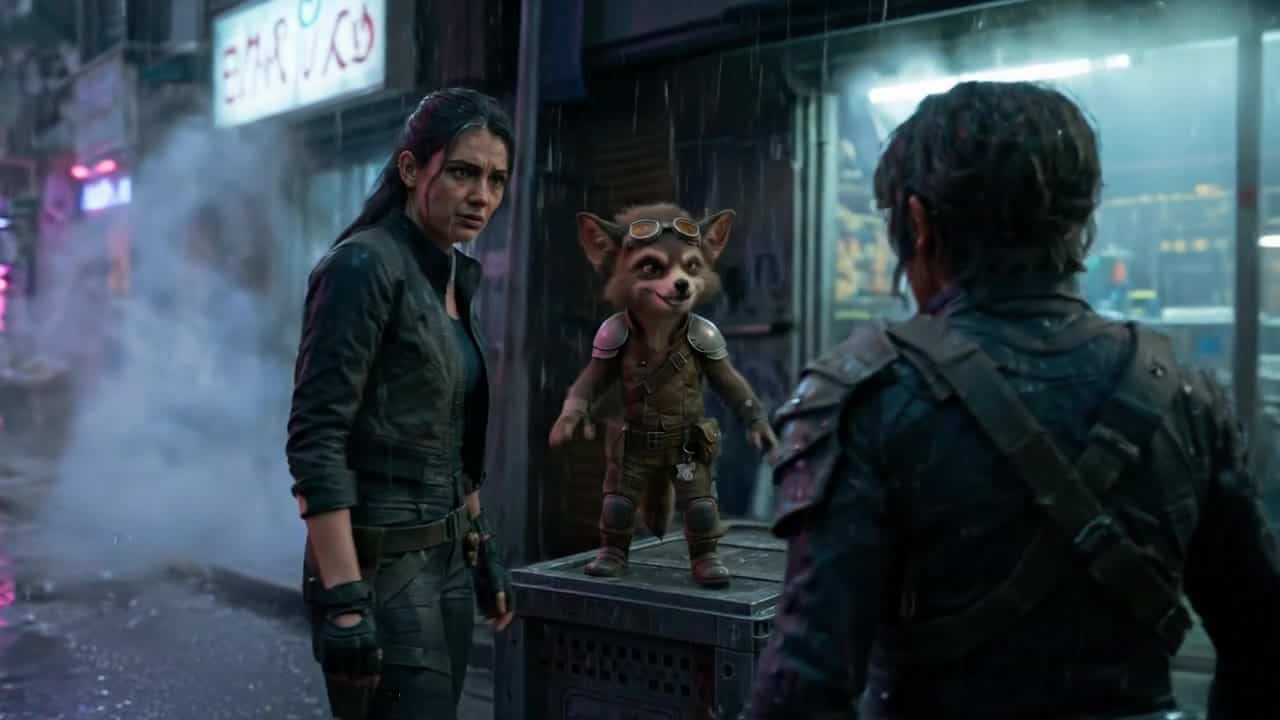
**Brief:** Cinematic cyberpunk encounter with dry, sarcastic humor. A tense but oddly funny exchange between a tough human and a small witty creature. Moody, stylish, slightly ironic tone. **Subject:** A tired female mercenary in a dark tactical outfit stands in a rainy neon-lit alley at night, facing a small anthropomorphic creature (fox-like, wearing worn armor and goggles) standing on a metal crate. The street is wet, reflections of neon signs shimmer on the ground, light fog drifting. **Camera:** Start on a medium-wide shot from behind the woman (start image framing), slowly dolly in and slightly arc to the side as she steps closer. Transition into an over-the-shoulder shot from behind the creature. End on a close two-shot at eye level (last frame framing), with subtle handheld motion for realism. **Action:** The woman approaches cautiously. The creature stays still, confident, slightly smug. They lock eyes. Small head tilts and micro-expressions only. **Dialogue:** Woman (dry, tired): "You're the contact?" Creature (smirking): "Depends. You the disappointment?" Woman (annoyed): "Great. I'm negotiating with a raccoon." Creature (offended): "Fox. Try to keep up, it’s embarrassing." **Lighting + color:** Cool blue and teal neon mixed with warm magenta highlights. Wet surfaces reflecting light. Soft volumetric fog. Subtle rim light outlining both characters. **Constraints:** Keep movement minimal and controlled. Focus on facial expressions and timing of dialogue. No extra characters entering frame. No fast cuts. Maintain cinematic realism and continuity between start and end frames.

Prompt patterns across Veo models

Veo examples usually improve when prompts specify shot objective first, then movement...

Strengths and limits by model

Veo is strong on controllable framing and consistent movement in short runs.

Pricing notes (varies by model)

Per-clip price changes with duration, resolution, and audio behavior.

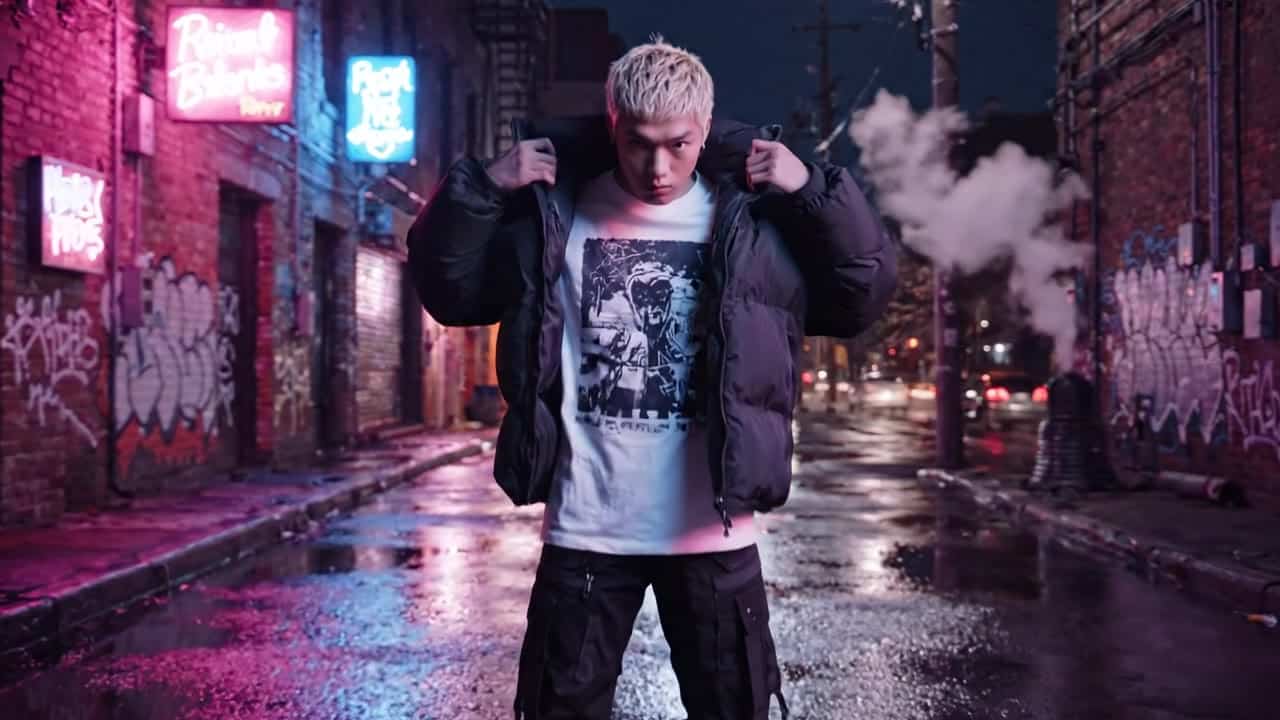
Google Veo 3.1 Lite AI video example: Medium shot of a streetwear model adjusting his oversized jacket in a neon-lit alley at night. Slow...Audio available on playback

Medium shot of a streetwear model adjusting his oversized jacket in a neon-lit alley at night. Slow push-in…

16:9 · 8s

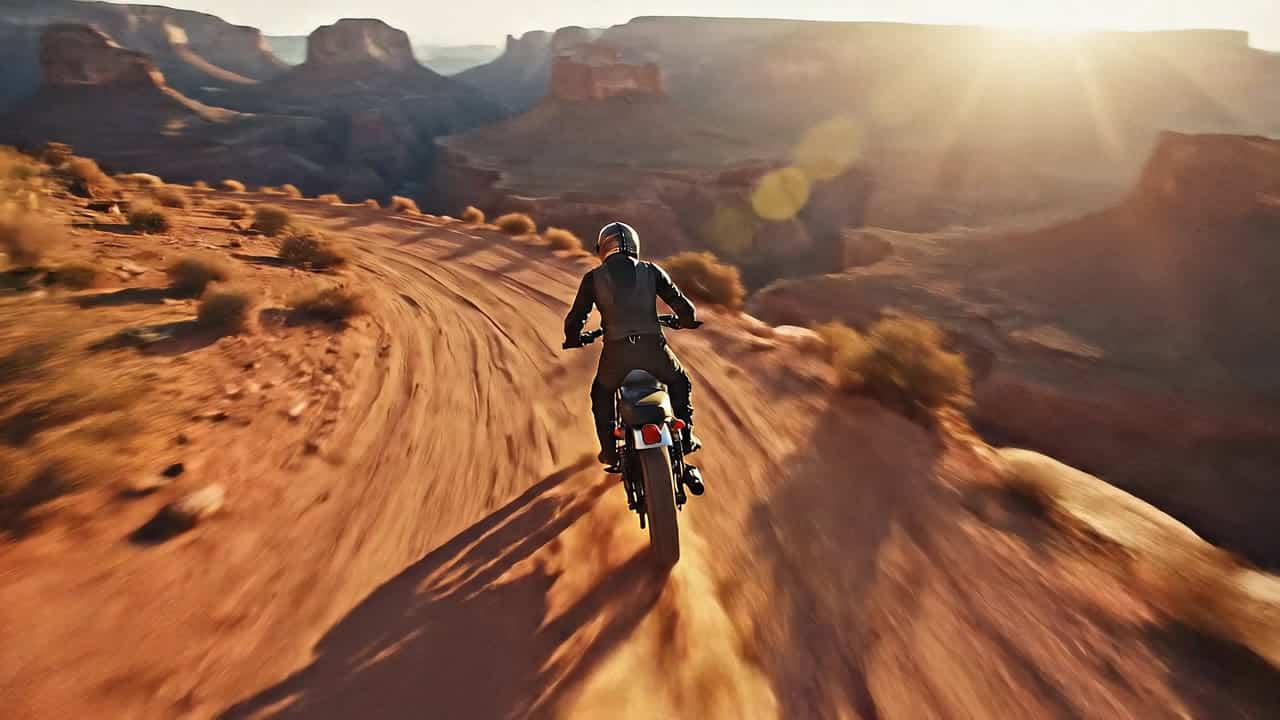
Google Veo 3.1 AI video example: A wide drone-style tracking shot over a canyon at golden hour. A lone rider on a vintage scrambler motor...Audio available on playback

A wide drone-style tracking shot over a canyon at golden hour. A lone rider on a vintage scrambler…

16:9 · 6s

Google Veo 3.1 AI video example: Vertical 9:16 TikTok-style UGC selfie video, handheld smartphone feel, natural indoor daylight near a wi...Audio available on playback

Vertical 9:16 TikTok-style UGC selfie video, handheld smartphone feel, natural indoor daylight near a window. A friendly creator…

9:16 · 8s

Google Veo 3.1 Fast AI video example: Cinematic 6-second TV commercial in 16:9 with sound. Wide static shot at eye level of an empty, bri...Audio available on playback

Cinematic 6-second TV commercial in 16:9 with sound. Wide static shot at eye level of an empty, bright…

16:9 · 6s

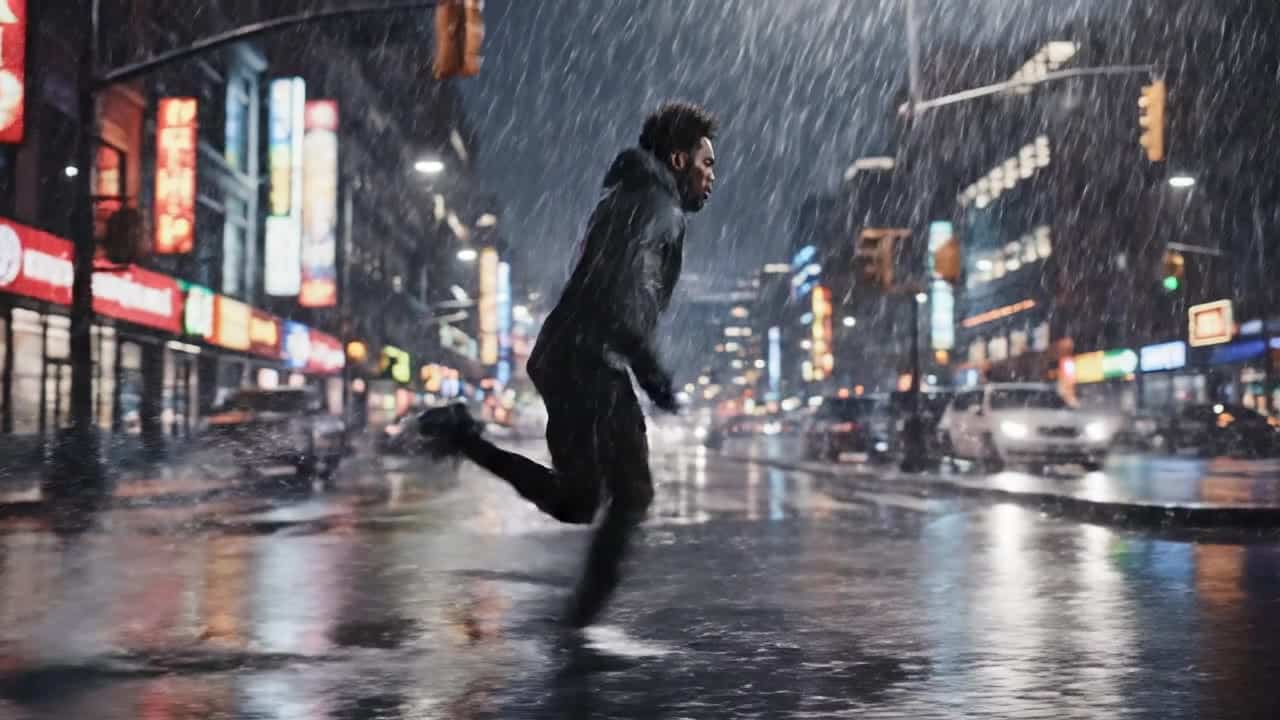
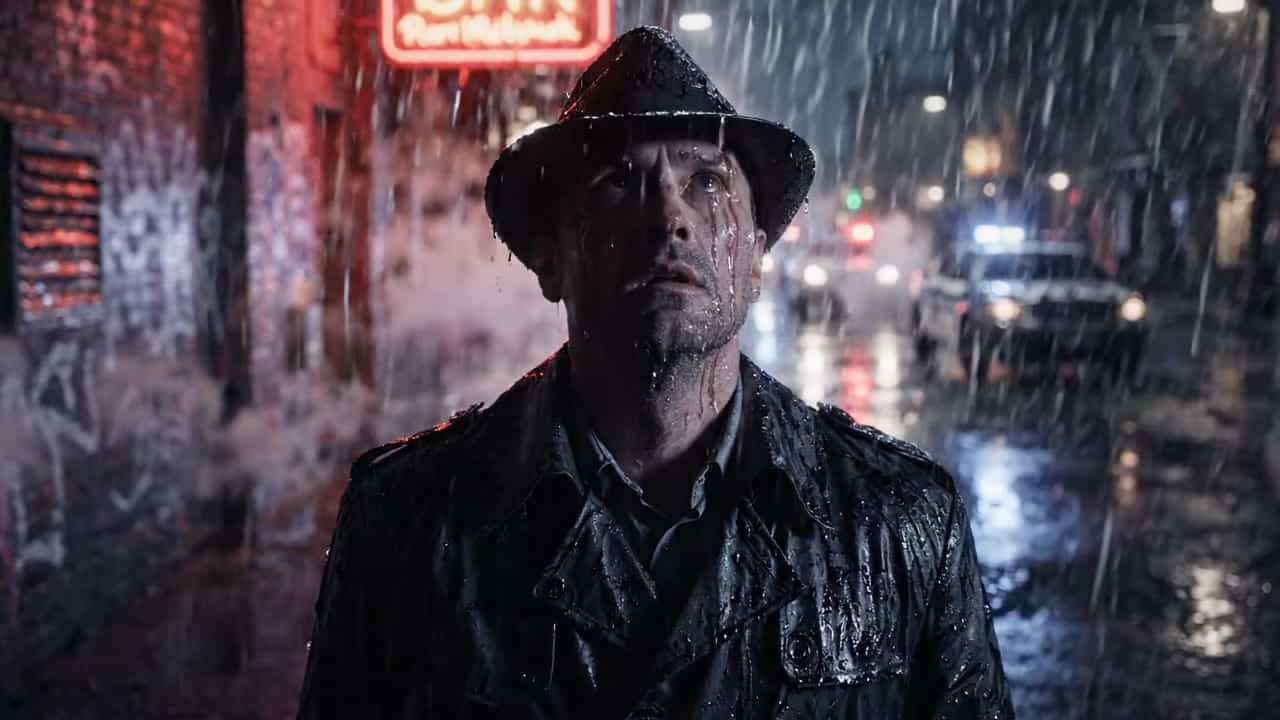
Google Veo 3.1 AI video example: Wide 16:9 cinematic action shot, a runner sprints through a rainy city street at night, water splashes r...

Wide 16:9 cinematic action shot, a runner sprints through a rainy city street at night, water splashes realistically…

16:9 · 8s

Google Veo 3.1 Fast AI video example: Cinematic 8-second TV commercial in 16:9 with sound. From a tiny FPV-style camera flying indoors, w...Audio available on playback

Cinematic 8-second TV commercial in 16:9 with sound. From a tiny FPV-style camera flying indoors, we explore a…

16:9 · 8s

Google Veo 3.1 AI video example: Shot 1 (0 - 3 s): macro close-up of one earbud rotating slowly on a wooden desk, shallow depth of field...Audio available on playback

Shot 1 (0–3 s): macro close-up of one earbud rotating slowly on a wooden desk, shallow depth of…

16:9 · 8s

Google Veo 3.1 Fast AI video example: Close-up interview shot. A middle-aged man sits in a minimal studio with soft diffused lighting. St...Audio available on playback

Close-up interview shot. A middle-aged man sits in a minimal studio with soft diffused lighting. Style: documentary realism.…

16:9 · 8s

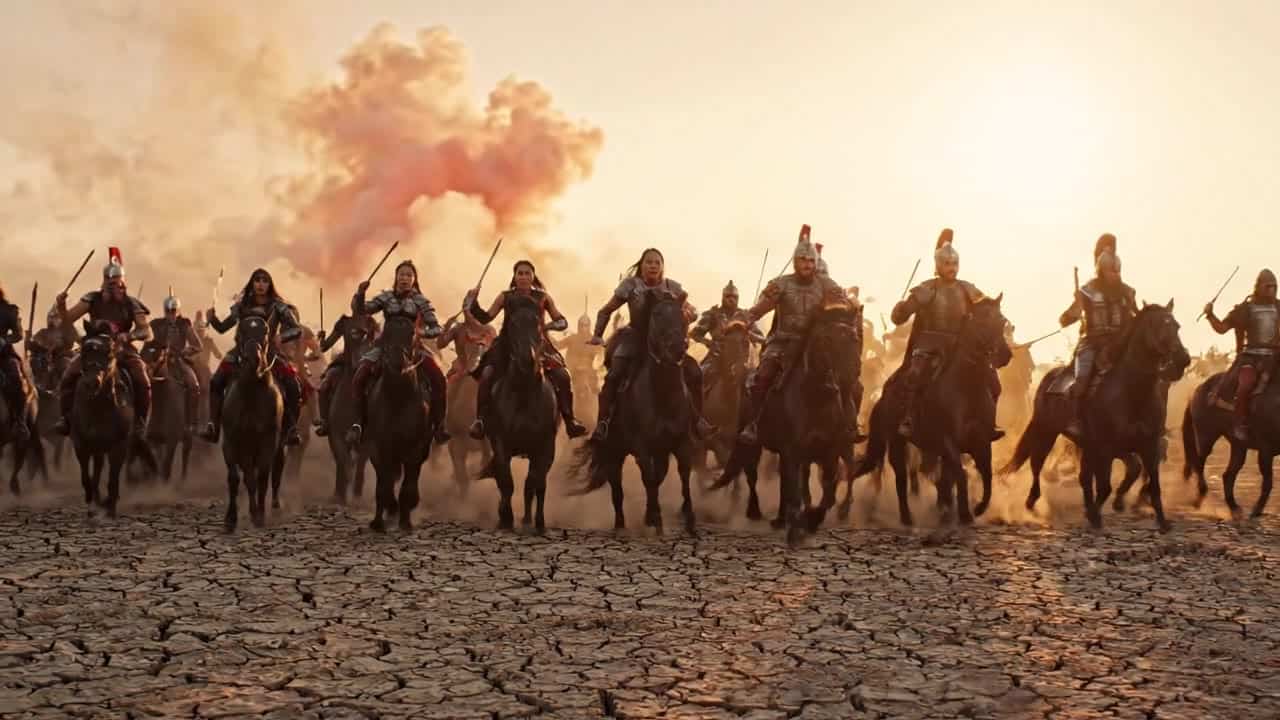
Google Veo 3.1 Lite AI video example: Wide cinematic shot of cavalry charging across a vast dusty battlefield, horses running toward came...Audio available on playback

Wide cinematic shot of cavalry charging across a vast dusty battlefield, horses running toward camera, dust clouds rising…

16:9 · 8s

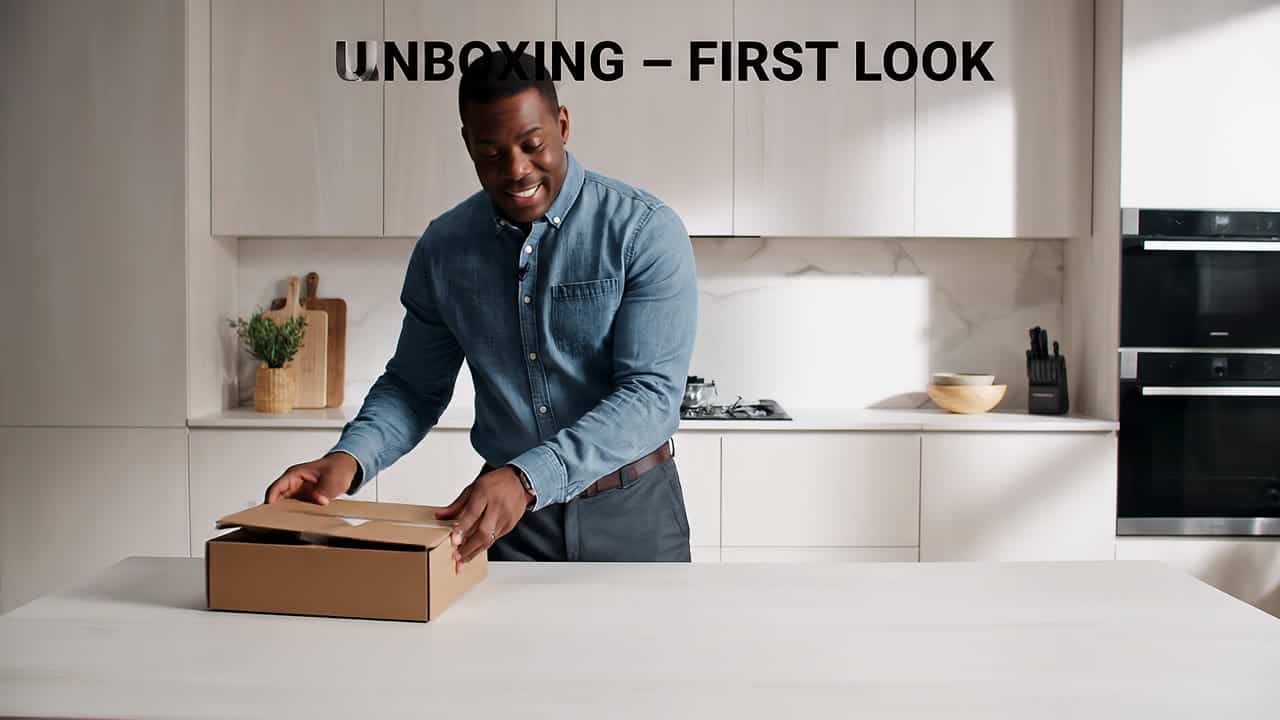
Google Veo 3.1 AI video example: Wide 16:9 full-body unboxing video in a clean studio/kitchen setting. A person is fully visible (head-to...Audio available on playback

Wide 16:9 full-body unboxing video in a clean studio/kitchen setting. A person is fully visible (head-to-toe or at…

16:9 · 8s

Google Veo 3.1 Fast AI video example: man smile and talk about hapinessAudio available on playback

man smile and talk about hapiness

16:9 · 4s

Google Veo 3.1 Fast AI video example: 6 second vertical loop of a young woman working late at a minimalist desk in front of a big window...Audio available on playback

6 second vertical loop of a young woman working late at a minimalist desk in front of a…

16:9 · 6s

This Veo examples page focuses on motion consistency, framing control, and practical prompt templates. It is built for teams that need predictable behavior across ad variations, branded shots, and short narrative sequences. Use these examples as operational baselines, not as one-off inspiration only.

This page includes Google Veo 3.1, Google Veo 3.1 Fast, and Google Veo 3.1 Lite. Review prompts, settings, and price per clip before running a new render.

Next steps

Veo models FAQ

Can I use these Veo examples for image-led workflows?

Yes. Many examples are designed for text-plus-reference usage and can be adapted to your source assets.

How do I keep Veo outputs consistent?

Reuse a stable prompt structure, keep camera language explicit, and iterate from one validated baseline.

Where can I compare Veo pricing quickly?

Open the pricing surface from this page and compare equivalent durations and resolutions side by side.