Kling AI Video Examples, Prompts & Settings

Kling AI video examples, prompts, reference workflows, image-to-video patterns, and model guidance for Kling 3.0 Omni, Kling 3, and supported older versions.

Browse Kling AI video examples, prompts, reusable settings, and workflow patterns for Kling 3.0 Omni Pro, Standard, and 4K, then compare them with Kling 3 start-frame routes and supported older Kling setups. Use this page to separate reference-guided O3 prompts from classic Kling 3 image-to-video prompts before opening the matching model page.

Preview
Audio onOpen watch page
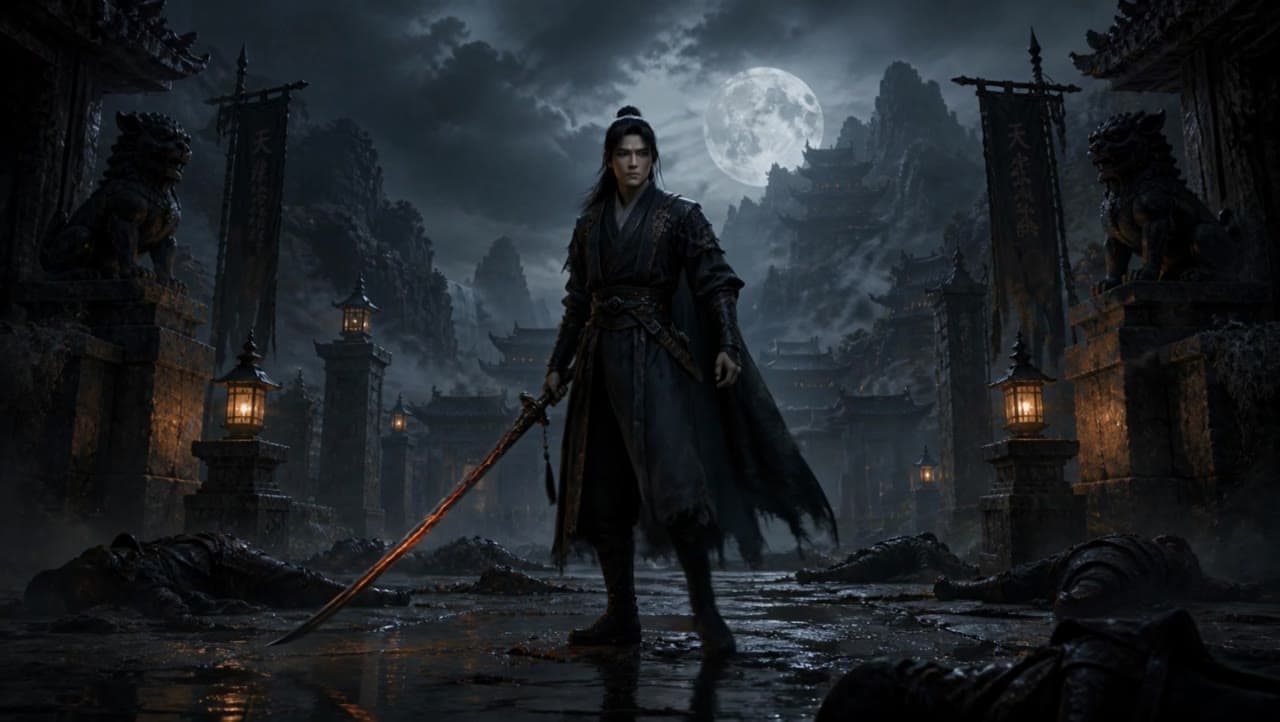
Kling 3 Pro16 / 9 · 15s

Kling AI video examples, prompts, reference workflows, image-to-video patterns, and model guidance for Kling...

Full prompt

Scene 1: handheld wide shot: the dark warrior stands still in the ruined temple courtyard, surrounded by fog and fallen bodies. Lanterns flicker softly in the background. | Scene 2: slow push-in: the warrior starts walking forward. His black cloak moves in the wind, the ember-red katana lowered beside him. | Scene 3: closeup on the katana: the red blade glows brighter, small sparks and smoke drifting from the edge. | Scene 4: low angle tracking shot: the warrior walks past the camera through shallow water and mist, moonlight behind him, fallen enemies blurred in the foreground. | Scene 5: hero final shot: the camera slowly pulls back as the warrior stops and raises his eyes toward camera. The red katana burns faintly, fog rolling behind him, ruined temple and full moon visible in the distance.

Supported older Kling modelsKling 2.6 ProKling 2.5 Turbo
Kling pricingCompare Kling 3.0 Omni Standard, Pro and 4K pricing with the supported Kling 3 start-frame routes.Compare pricing

Kling AI prompts to reuse

Start by deciding whether the uploaded media should be a reference or the visible...

Image-to-video prompt patterns

O3 is better when references guide style, identity, storyboard structure, or...

Settings and model fit

Keep duration, aspect ratio, audio, and resolution aligned when comparing Kling...

Watch Kling 3 Standard video example - Scene 1: wide shot inside an orbital space station: a dog in a small astronaut suit floats near… - 16:9 - 14s
Kling 3 Standard AI video example: Scene 1: wide shot inside an orbital space station: a dog in a small astronaut suit floats near the co...Audio available on playback

Scene 1: wide shot inside an orbital space station: a dog in a small astronaut suit floats near…

16:9 · 14s

Watch Kling 3 Pro video example - A cute fluffy cartoon bunny is carrying an enormous bouquet of colorful flowers. The bouquet is so huge… - 1:1 - 5s
Kling 3 Pro AI video example: A cute fluffy cartoon bunny is carrying an enormous bouquet of colorful flowers. The bouquet is so huge tha...Audio available on playback

A cute fluffy cartoon bunny is carrying an enormous bouquet of colorful flowers. The bouquet is so huge…

1:1 · 5s

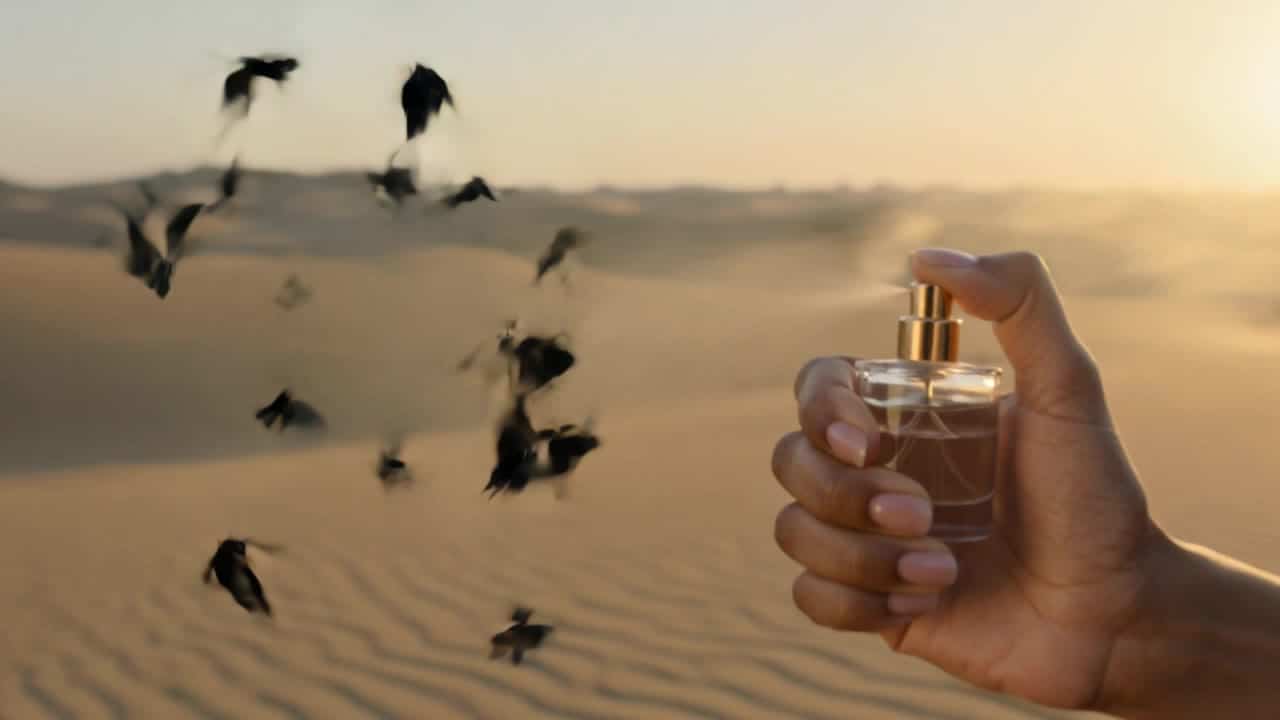
Watch Kling 3 Standard video example - A premium 12-second luxury perfume commercial. Character: A mysterious woman in a black silk dress, standing in the… - 16:9 - 12s
Kling 3 Standard AI video example: A premium 12-second luxury perfume commercial. Character: A mysterious woman in a black silk dress, st...Audio available on playback

A premium 12-second luxury perfume commercial. Character: A mysterious woman in a black silk dress, standing in the…

16:9 · 12s

Watch Kling 3 Pro video example - Kling 3 Pro • Text-to-Video • 15s • 16:9 • Audio: on • shot_type: customize Scene anchors: High-end… - 16:9 - 15s
Kling 3 Pro AI video example: Kling 3 Pro • Text-to-Video • 15s • 16:9 • Audio: on • shot_type: customize Scene anchors: High-end futuris...Audio available on playback

Kling 3 Pro • Text-to-Video • 15s • 16:9 • Audio: on • shot_type: customize Scene anchors: High-end…

16:9 · 15s

Watch Kling 3.0 Omni Standard video example - Use the reference storyboard to make a full animation movie. No text - 16:9 - 12s
Kling 3.0 Omni Standard AI video example: Use the reference storyboard to make a full animation movie. No textAudio available on playback

Use the reference storyboard to make a full animation movie. No text

16:9 · 12s

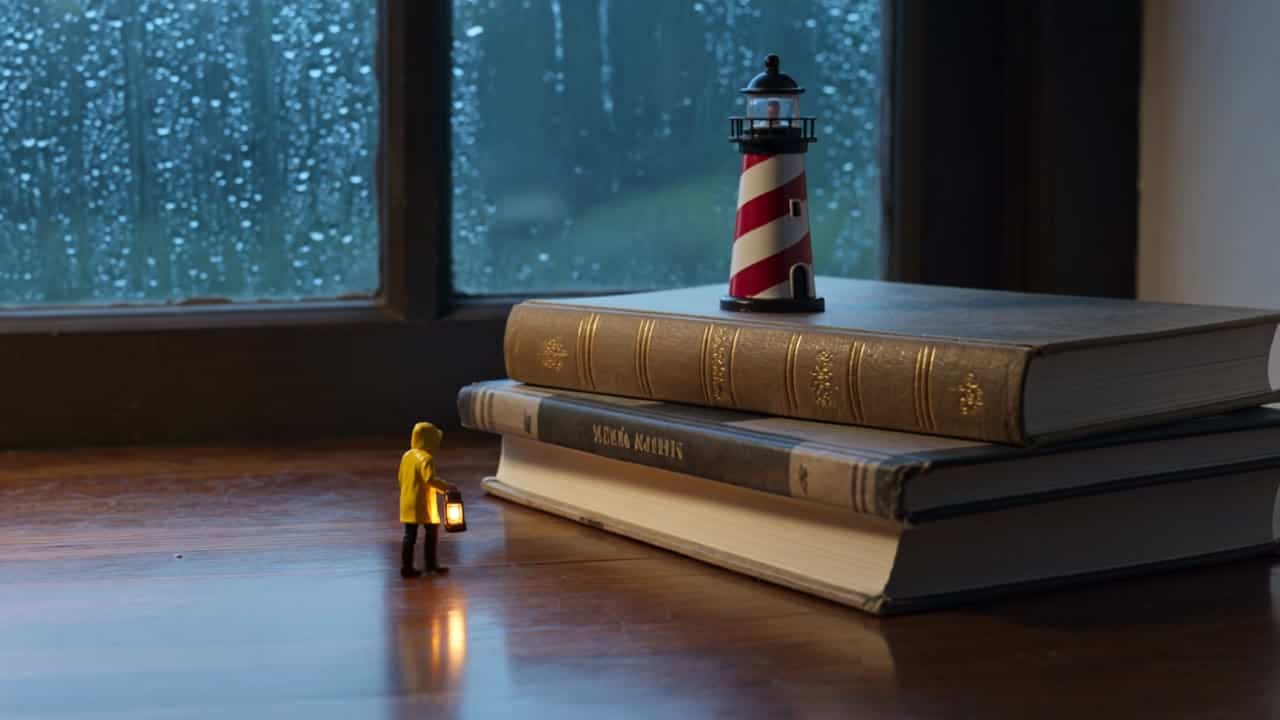
Watch Kling 3.0 Omni Pro video example - Subject: A tiny lighthouse keeper no taller than a coffee cup, wearing a yellow raincoat and carrying a… - 16:9 - 8s
Kling 3.0 Omni Pro AI video example: Subject: A tiny lighthouse keeper no taller than a coffee cup, wearing a yellow raincoat and carryin...Audio available on playback

Subject: A tiny lighthouse keeper no taller than a coffee cup, wearing a yellow raincoat and carrying a…

16:9 · 8s

Watch Kling 3.0 Omni 4K video example - Subject: A handmade mechanical moon, brass and porcelain, floating above an old clockmaker’s workbench. Action: Tiny gears begin… - 16:9 - 8s
Kling 3.0 Omni 4K AI video example: Subject: A handmade mechanical moon, brass and porcelain, floating above an old clockmaker’s workbenc...

Subject: A handmade mechanical moon, brass and porcelain, floating above an old clockmaker’s workbench. Action: Tiny gears begin…

16:9 · 8s

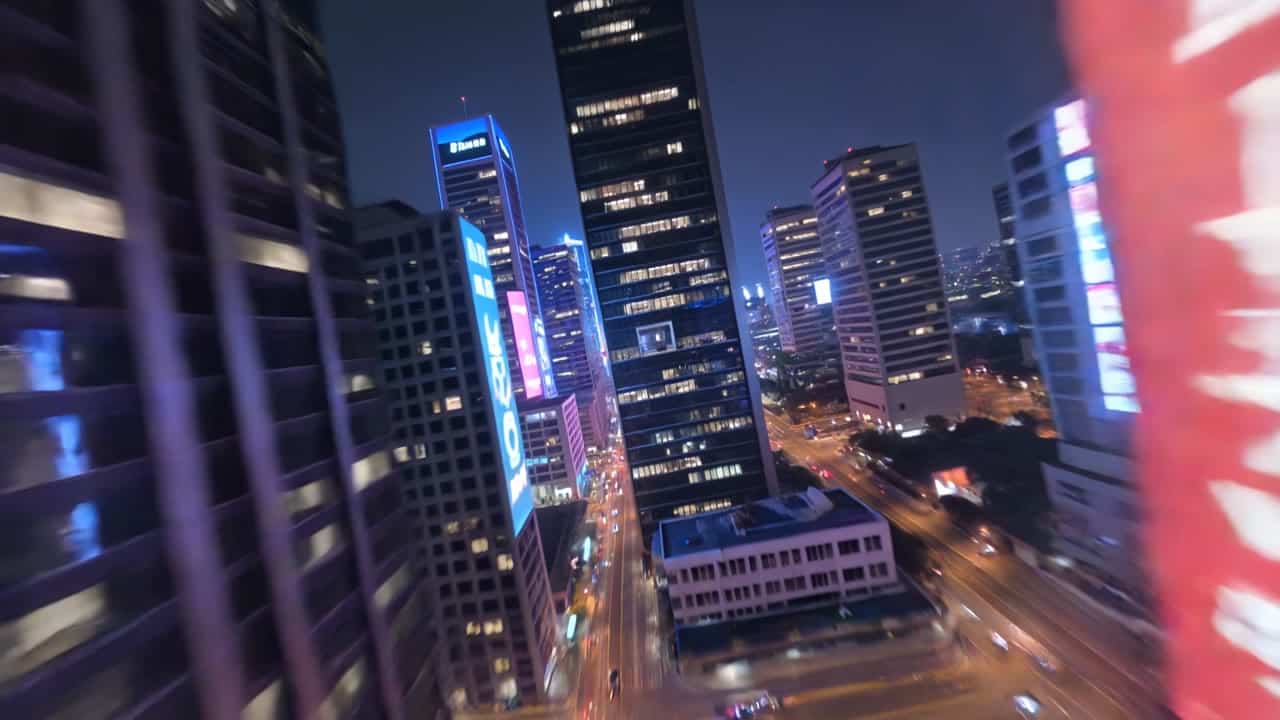
Watch Kling 3 Pro video example - cinematic drone shot flying through a futuristic city, smooth continuous motion, camera dives into a window seamlessly transitioning… - 16:9 - 15s
Kling 3 Pro AI video example: cinematic drone shot flying through a futuristic city, smooth continuous motion, camera dives into a window...

cinematic drone shot flying through a futuristic city, smooth continuous motion, camera dives into a window seamlessly transitioning…

16:9 · 15s

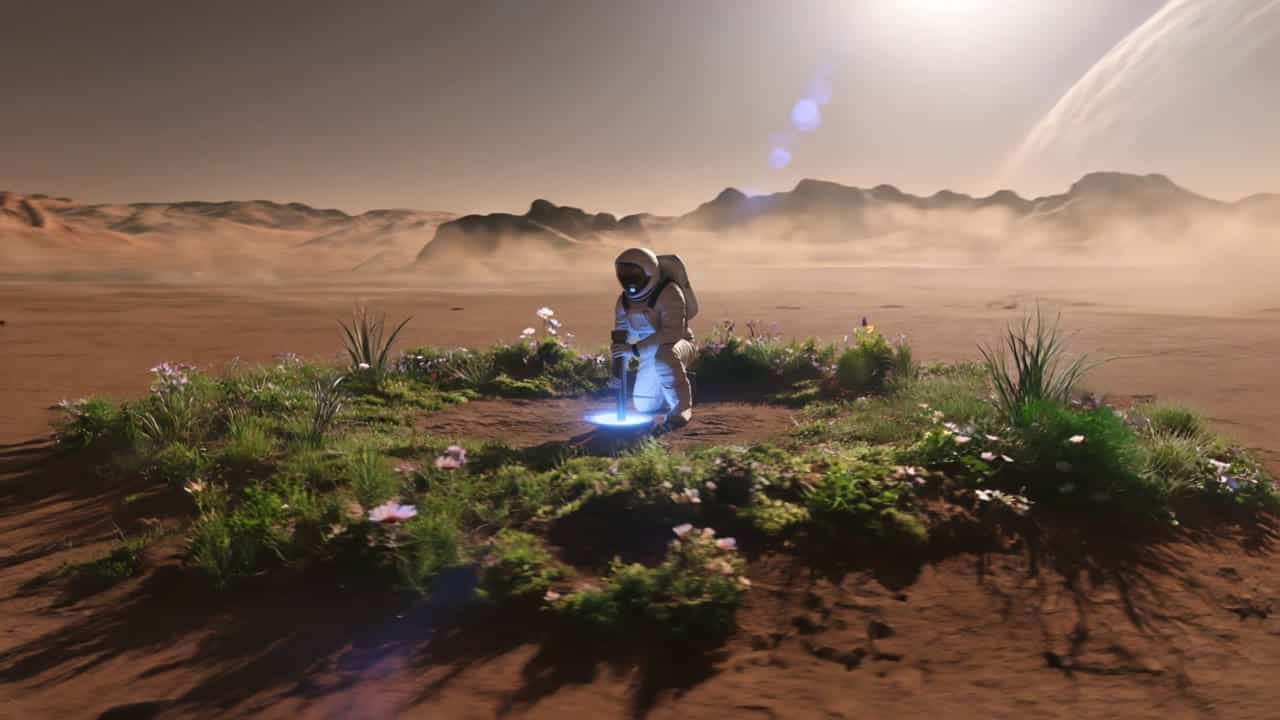
Watch Kling 3 Pro video example - A cinematic ultra-realistic sci-fi shot on Mars, wide establishing shot. A lone astronaut in a detailed white exploration… - 16:9 - 12s
Kling 3 Pro AI video example: A cinematic ultra-realistic sci-fi shot on Mars, wide establishing shot. A lone astronaut in a detailed whi...Audio available on playback

A cinematic ultra-realistic sci-fi shot on Mars, wide establishing shot. A lone astronaut in a detailed white exploration…

16:9 · 12s

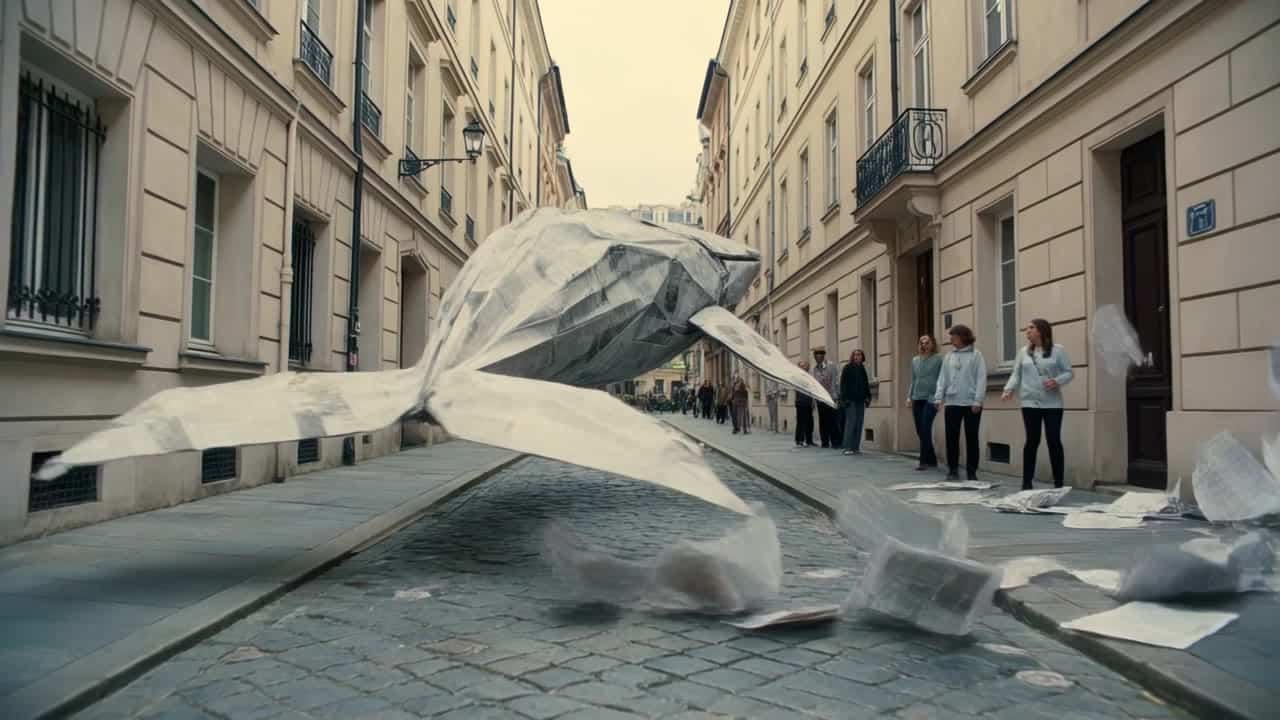
Watch Kling 3.0 Omni Standard video example - Subject: A giant origami whale made of folded newspaper, gliding through a dry European street like it is… - 16:9 - 8s
Kling 3.0 Omni Standard AI video example: Subject: A giant origami whale made of folded newspaper, gliding through a dry European street...Audio available on playback

Subject: A giant origami whale made of folded newspaper, gliding through a dry European street like it is…

16:9 · 8s

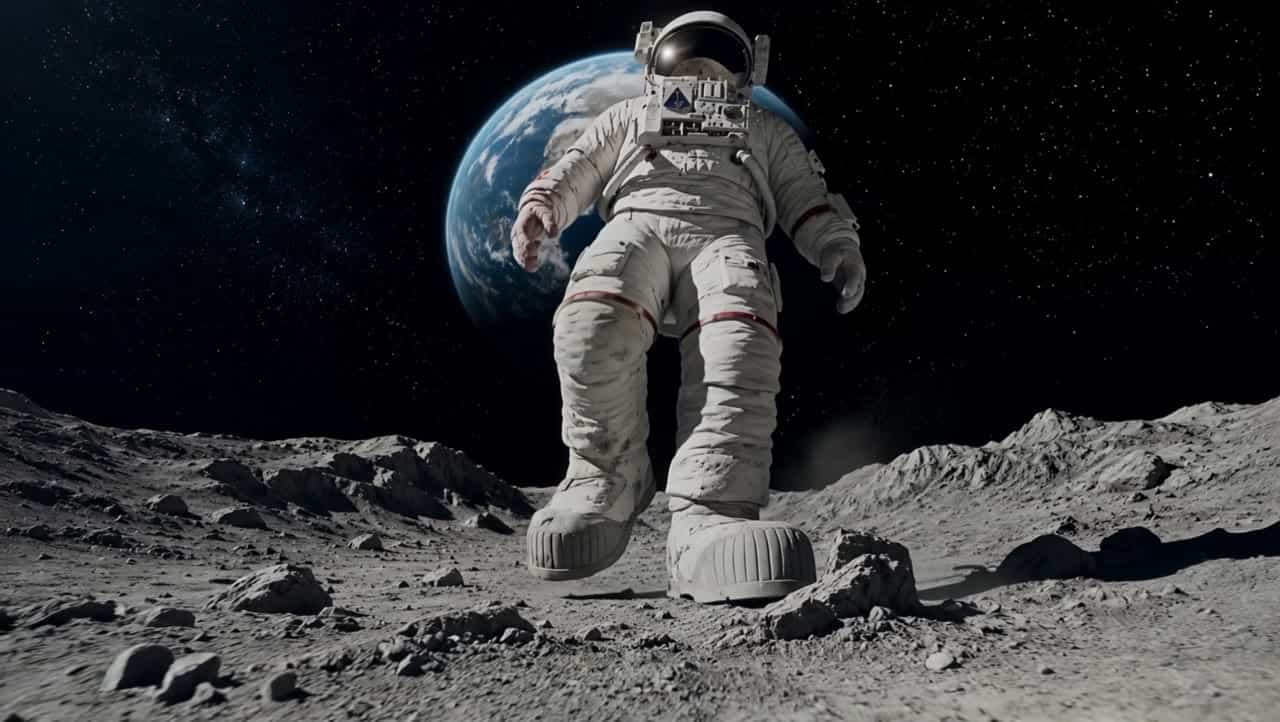
Watch Kling 3 Pro video example - The astronaut walks slowly forward on the lunar surface with heavy, realistic steps. The camera performs a smooth… - 16:9 - 5s
Kling 3 Pro AI video example: The astronaut walks slowly forward on the lunar surface with heavy, realistic steps. The camera performs a...

The astronaut walks slowly forward on the lunar surface with heavy, realistic steps. The camera performs a smooth…

16:9 · 5s

Kling 3.0 Omni Pro and Standard are the current routes for reference images, storyboard inputs, and source-video V2V. Kling 3 Pro and Standard remain the start-frame image-to-video routes, while Kling 3.0 Omni 4K is the native 4K reference-guided delivery route.

Next steps

Kling models FAQ

How long can Kling AI videos be?

Kling 3.0 Omni Standard and Pro support 1080p reference-guided renders up to 15 seconds, including source-video V2V on Standard and Pro. The O3 4K route is for native 4K reference-guided delivery, while Kling 3 remains the start-frame image-to-video route.

How long does Kling AI take to make a video?

Render time depends on the Kling model, duration, media inputs, audio, resolution, and queue load. Shorter Standard tests are usually the fastest way to validate a prompt, while O3 V2V, audio-on, and native 4K renders take longer.

Which Kling AI model should I use for prompts and examples?

Use Kling 3.0 Omni Standard or Pro when references, storyboard images, or @Video1 should guide the render without becoming the opening frame. Use Kling 3 Standard or Pro when the uploaded image should be the visible start frame.

How should I use Kling AI for image-to-video prompt testing?

For O3, describe each reference role with @Image1, @Image2, or @Video1. For Kling 3, start from one clear source image, one motion instruction, and one camera goal because the image is expected to open the clip.

How should I adapt Kling AI prompts for Kling 3 Pro vs Kling 3 Standard?

Keep the same subject, action, camera direction, and duration when comparing tiers. Change only the route intent: O3 for reference/storyboard/V2V guidance, Kling 3 for start-frame animation, and 4K only for approved delivery renders.

Kling AI Video Examples: Prompts, Motion & Product Shots