Entry draft
$0.16
5s · 480p
SUPPORTED SEEDANCE LEGACY PRO ROUTE
Camera-fixed shots, seeded variants and start/end frame control for supported older Seedance workflows.
Use Seedance 1.5 Pro when you need the older supported Seedance route: repeatable short clips, optional audio, seed control, camera-fixed setups and image-to-video landings. Use Seedance 2.0 for current 2.0 production work.
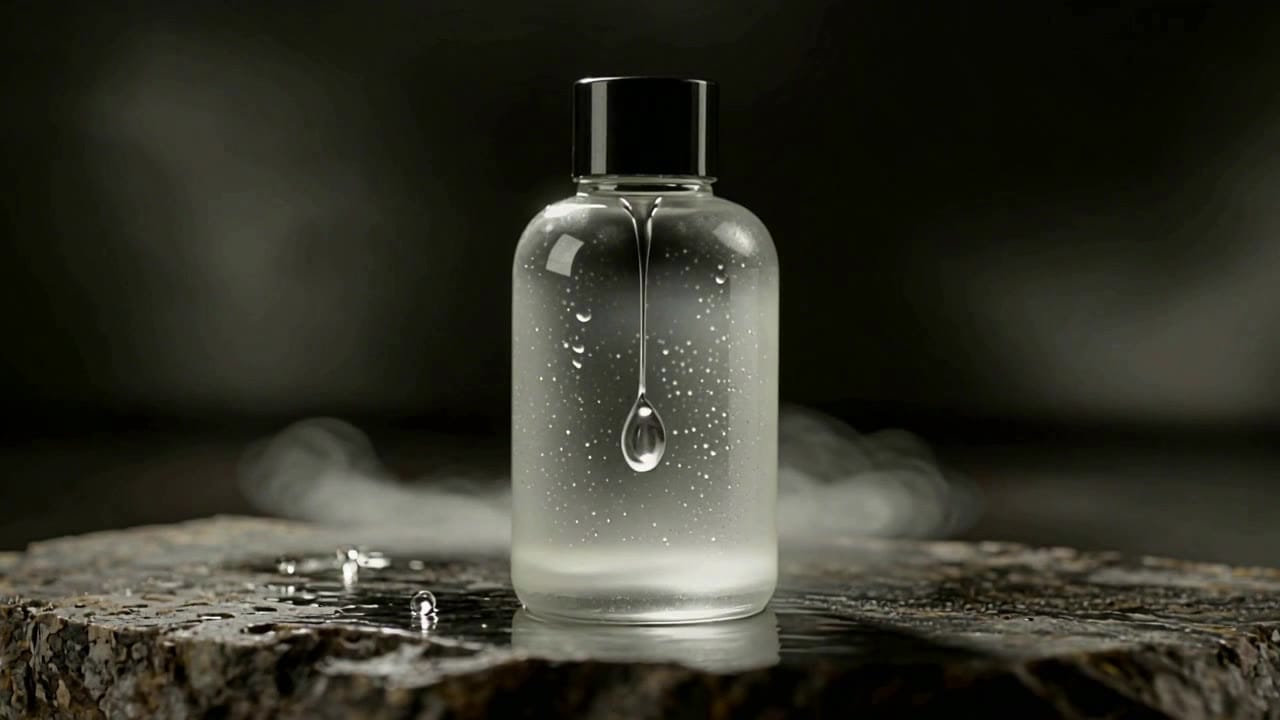
Seedance 1.5 Pro example
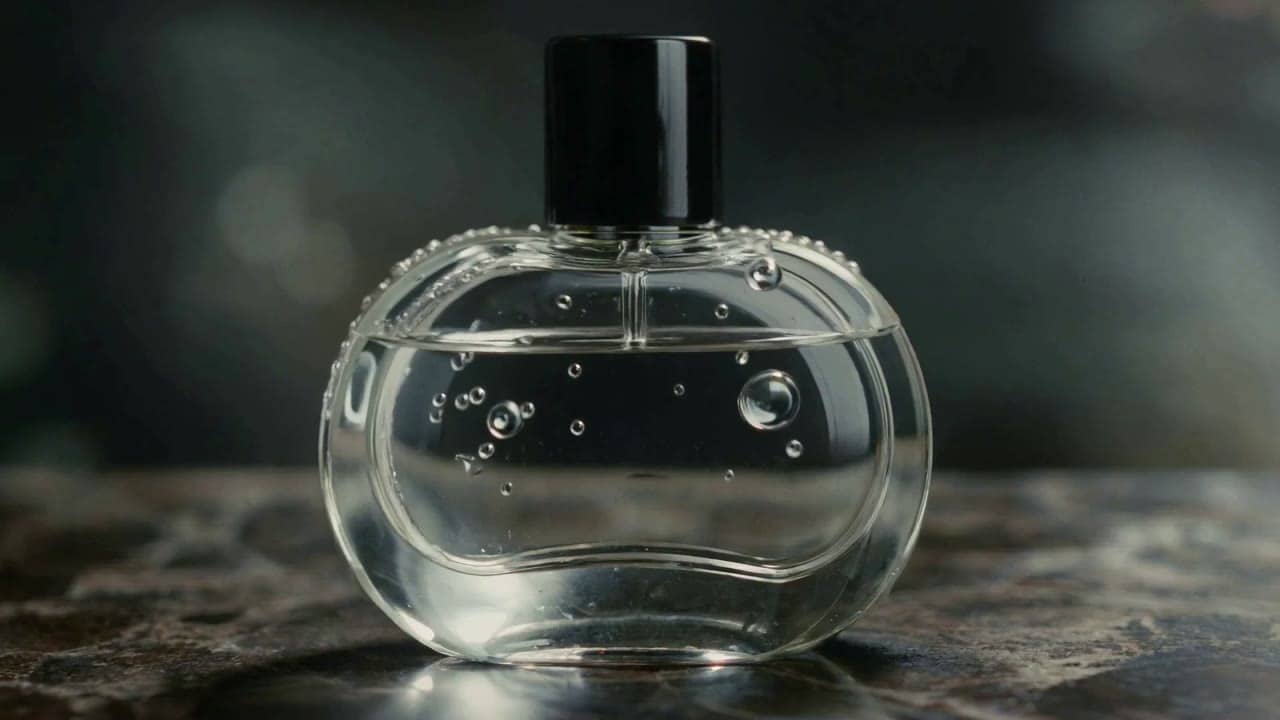
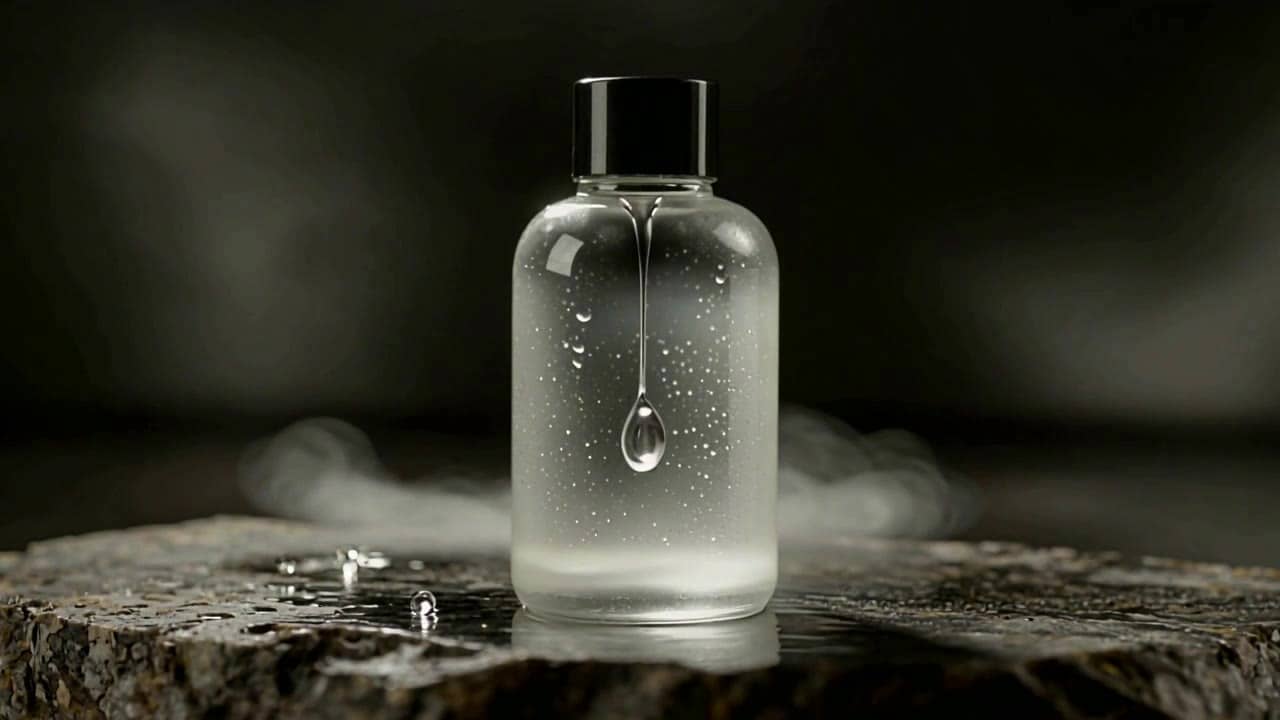
Camera-fixed cinematic render
Camera fixed
Lock the shot when steadier motion matters more than dynamic camera moves.
Seed control
Reuse a seed for repeatable variants and A/B creative passes.
Start/end frames
Guide image-to-video landings with an optional final frame.
Audio on/off
Generate with native sound, or switch audio off for lower-cost silent drafts.
1080p on I2V
Use 1080p on image-to-video checks; text-to-video stays on 480p or 720p presets.
Pay-as-you-go
See exact live price before you generate.
Preset audio-on totals - see the exact live price in the app before you generate.
$0.16
5s · 480p
$0.54
8s · 720p
$1.53
Most popularImage-to-video route
12s
1080p on I2V only
All prices are MaxVideoAI display prices in USD credits for preset scenarios. Audio-off routes may quote lower in the app.
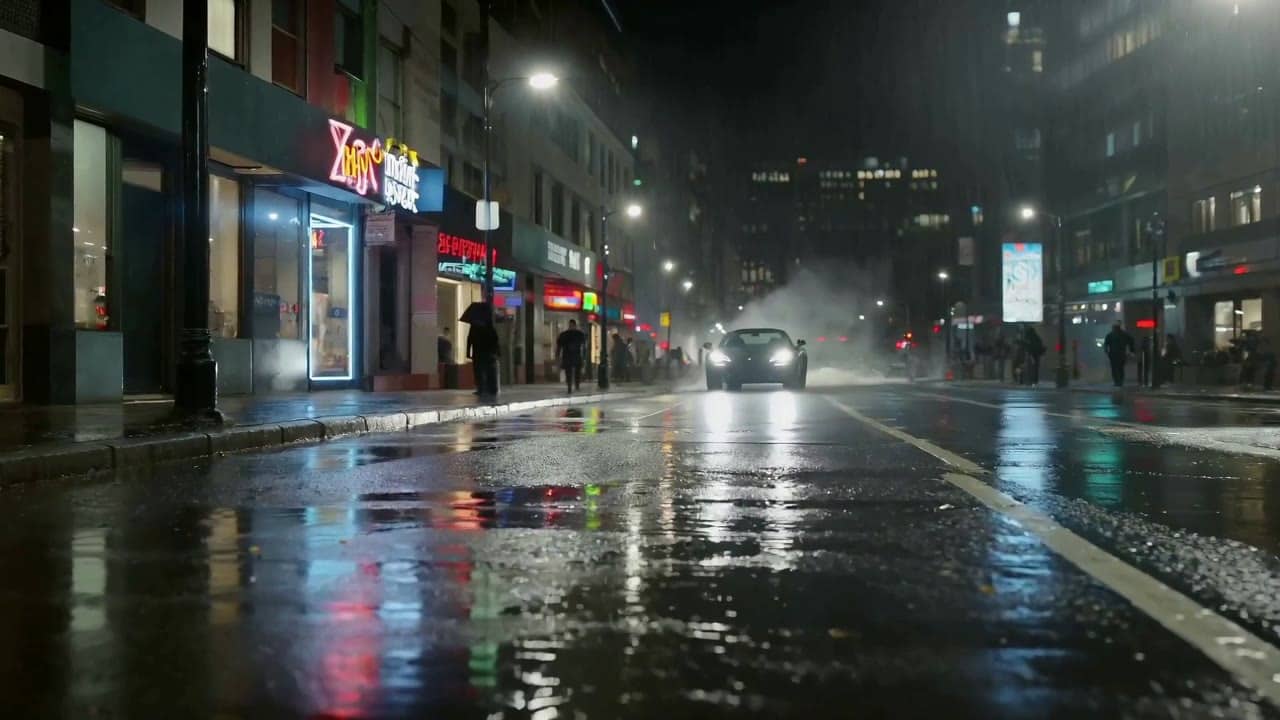
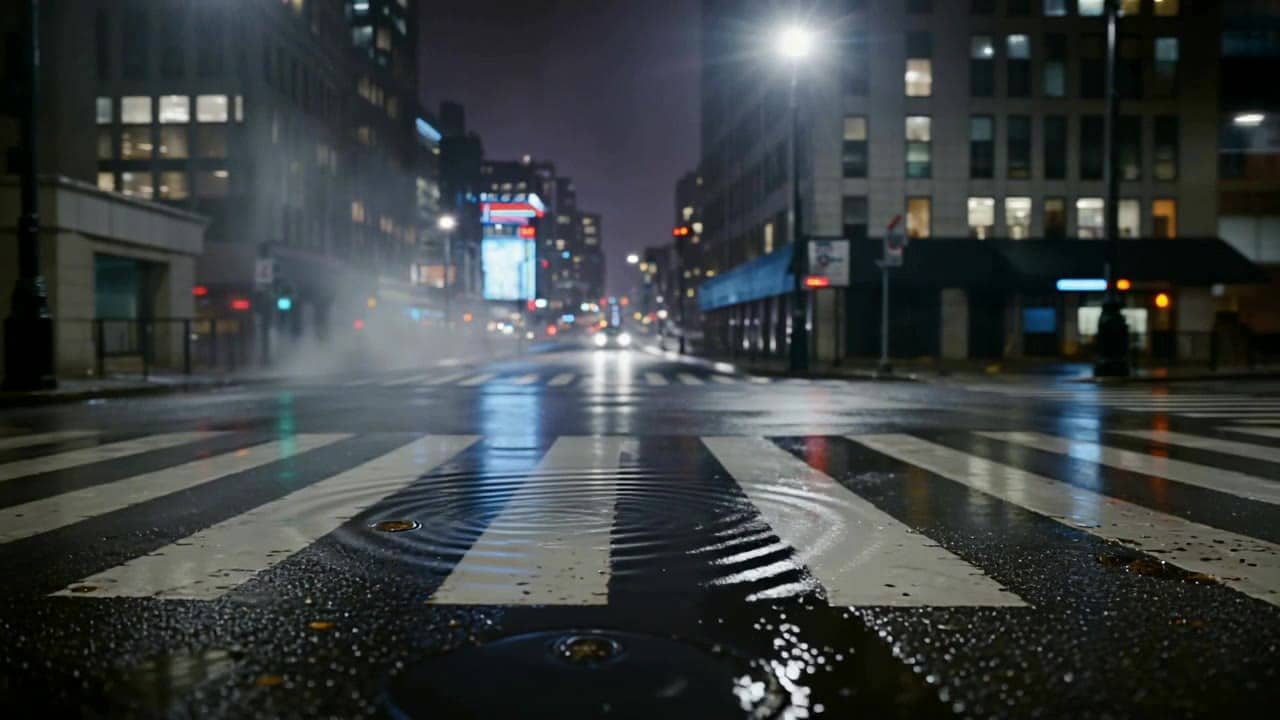
Recent Seedance 1.5 Pro renders using camera_fixed, seed control, and end frames.
See locked-camera shots possible with Seedance 1.5 Pro — supported older Seedance model for short cinematic clips.
Open the app with the same seed, ratio and camera setting.
Keep native audio or switch it off for a lower quote.
Use a start image and optional end frame in I2V.
Useful for repeatable Seedance 1.5 tests before moving to 2.0.
Use 1.5 Pro for legacy-compatible camera-fixed and seeded tests. Use Seedance 2.0 for the current native-audio production workflow.
Keep one prompt structure, reuse seed control, then change only the action, timing or audio cue you are testing.
Move current campaign finals to Seedance 2.0 when multi-shot continuity and broader references matter more.
Seedance 1.5 Pro performs best with clear subject/action, controlled camera direction (often camera-fixed), and concise audio notes when audio is enabled.
Source: Seedance 1.5 Pro API Docs
Write one subject, one action, lighting, style and an optional audio cue.
Use camera_fixed for locked-off product, city or storyboard shots.
Start from one image, then add an end frame when the landing pose matters.
Reuse the same seed to compare small prompt changes without changing the whole look.
Use Seedance 2.0 when the project needs the current 2.0 workflow.
Use 1–2 sentences when you want variations.
[Subject] [one clear action] in [setting], [framing], [lighting/style].
Audio (optional): [ambience + 1 key SFX OR one short line].
Negative: no text, no logos, no subtitles/overlays.
[Subject] [one clear action] in [setting], [framing], [lighting/style]. Audio (optional): [ambience + 1 key SFX OR one short line]. Negative: no text, no logos, no subtitles/overlays.
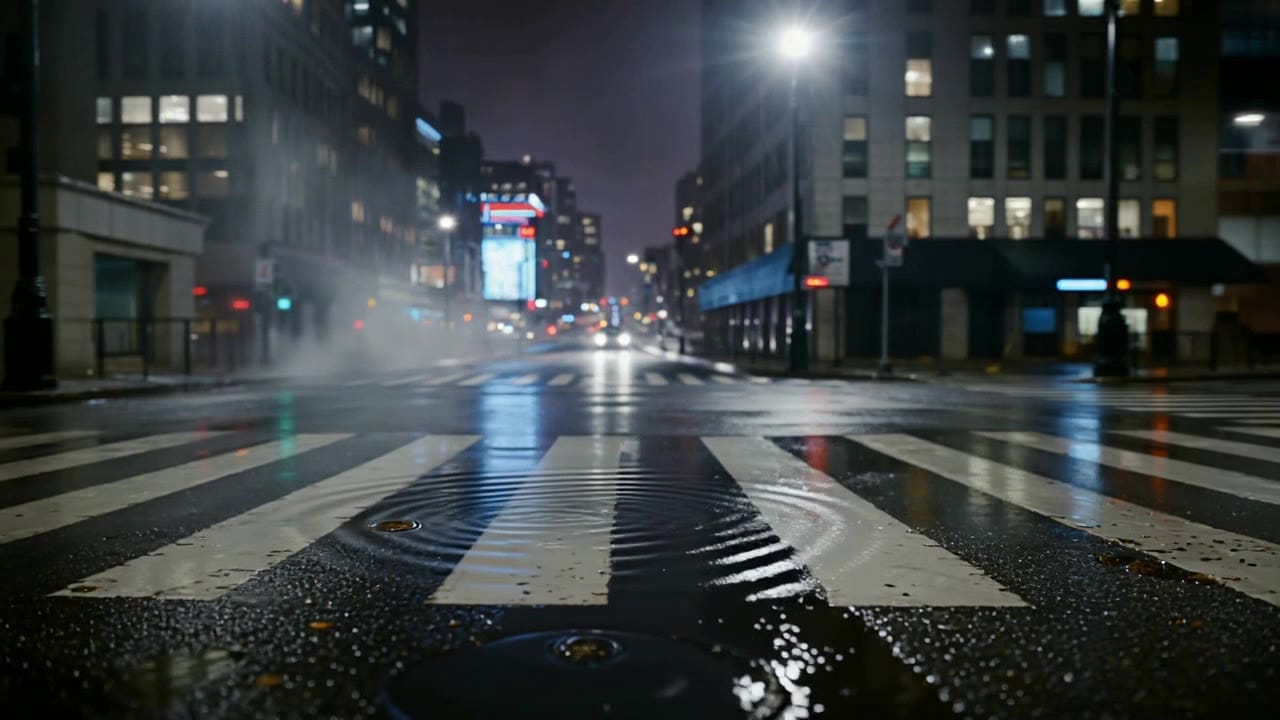
Subject: Motorcycle rider on a wet street • Action: Motorcycle approaches and slows inside the frame
Camera: Low camera_fixed shot, slight push-in • Style: Night cinematic look, wet street reflections
Audio: Short engine cue, light rain, no dialogue
10s Seedance 1.5 Pro clip in 16:9, audio on.
A motorcycle rider crosses a wet street at night and slows inside the frame.
camera_fixed enabled: low locked shot, slight push-in, one readable motion beat.
Night cinematic look, wet street reflections, simple background, no added text.
Audio: short engine cue, light rain, street ambience, no dialogue.
Seed: reuse the same seed when comparing only lighting, timing or audio intensity.
Best practices, common fixes, and important limitations to help you get the strongest results with Seedance 1.5 Pro.
Two routes, one series. Pick the right one for your stage.
View Kling 3 Standard details →These side-by-side comparisons break down price, resolution, audio, speed, and motion style so you can pick the right engine fast.
Each page includes real outputs and practical best-use cases.
Seedance 2.0 by ByteDance: cinematic AI video with native audio, realistic physics, director-level camera control, 480p/720p/1080p/4K output, and text, image, and reference workflows.
Compare Seedance 1.5 Pro vs Seedance 2.0 →Direct Kling 3 Pro renders with multi-prompt sequencing, start-frame image-to-video, Kling Elements, and native audio. Generate cinematic 3-15s clips in 1080p.
Compare Seedance 1.5 Pro vs Kling 3 Pro →Create rich AI-generated videos from text or image prompts using Sora 2. Native voice-over, ambient effects, and motion sync via MaxVideoAI.
Compare Seedance 1.5 Pro vs OpenAI Sora 2 →The limits that shape your renders.
camera_fixed locks the shot for steadier motion in short-form clips.
Seed control and end frames help you iterate and land transitions cleanly.
Built-in safeguards and best practices for responsible creation with Seedance 1.5 Pro.
It locks the camera for steadier motion and stronger continuity between frames.
Yes. Audio is on by default but you can toggle it off for lower cost.
Use -1 for random exploration, then reuse a fixed seed when you want to compare small prompt, camera_fixed, timing or audio changes without changing the whole look.
Yes for image-to-video: use one start image and an optional end frame when the final pose, product position or transition landing matters.
T2V supports 480p and 720p. I2V supports 480p, 720p, and 1080p.
Seedance 1.5 Pro is the supported older Seedance Pro workflow on MaxVideoAI, but Seedance 2.0 is now the main current Seedance model for broader production work.