

Reference-first workflows
How to build reusable character references, start frames, and still assets before moving into edits or video.
Workflow Journal
Reference-first workflows, tool guides, model notes, and production lessons for teams building images and video inside MaxVideoAI.
Recent postsHow to build reusable character references, start frames, and still assets before moving into edits or video.
Practical breakdowns for Character Builder, Angle, and the workflows that turn one approved image into more usable outputs.
When to use Nano Banana, Veo, Kling, Sora, and the rest of the model hub once the reference or frame is ready.
Featured story
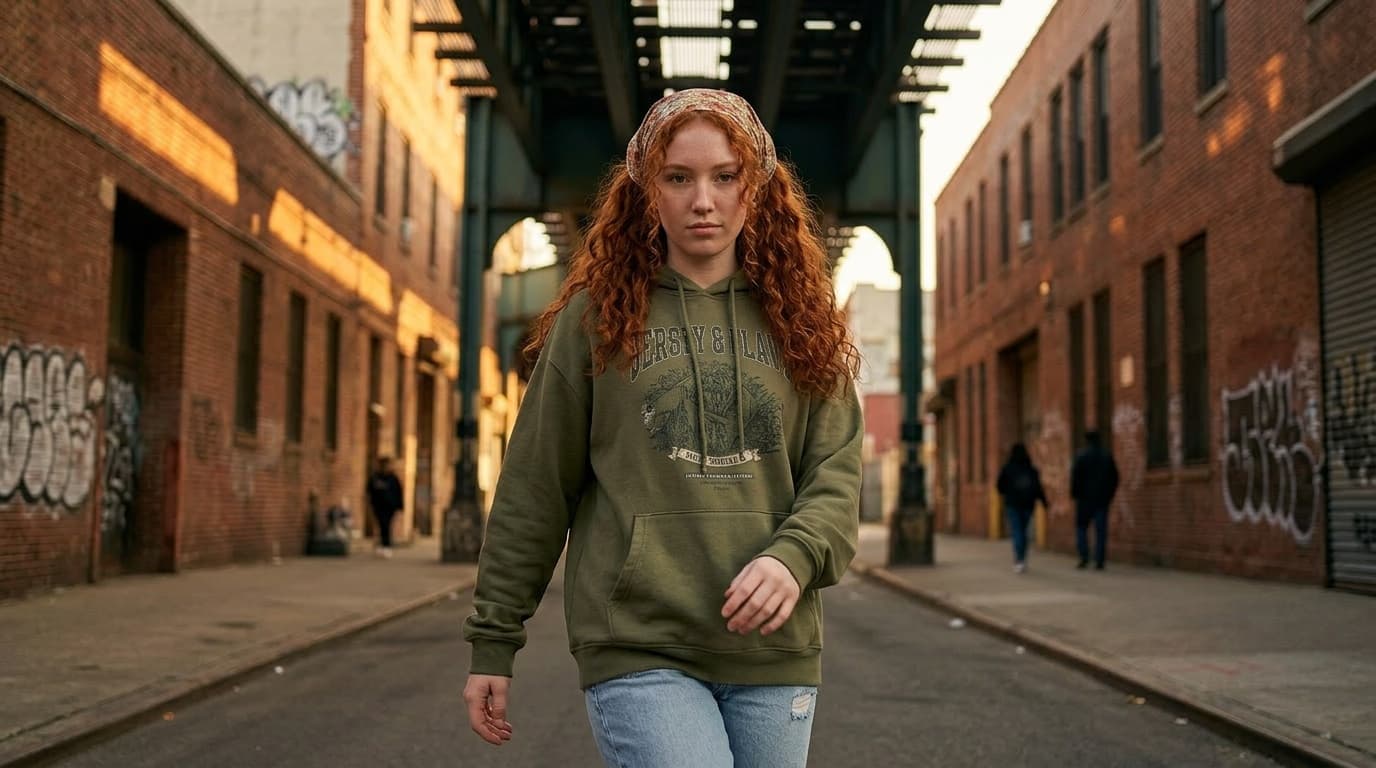
A practical workflow for building one reusable character reference before you move into prompts, scene variations, edits, and still-reference video.
Recent posts

Learn when to fix a viewpoint with AI instead of regenerating the whole image, and how to turn that better angle into a stronger still for video.
Read more
Learn what makes an 8-panel AI character sheet reusable, when to choose it over a portrait anchor, and how to judge whether a sheet is strong enough to carry full-body continuity.
Read more
A practical guide to exploring several viable viewpoints from one working still for storyboards, product shots, ads, and first-frame planning.
Read more
A complete guide to understanding the strengths of Sora, Veo, and Pika — and how to test them side by side with MaxVideoAI.
Read more
Explore Sora 2’s capabilities and learn how to access it via MaxVideoAI’s API integration.
Read more
Learn how to write sequenced Sora 2 and Sora 2 Pro prompts with sound and branding. Step-by-step timeline examples, prompt templates and workflows using MaxVideoAI.
Read more
Direct Veo 3 shots like a filmmaker thanks to framing presets, motion cues, and Dolby Vision previews in MaxVideoAI.
Read moreFAQ
Need more detail? Email press [at] maxvideo.ai with your request and we’ll route it to the right producer.