
AI video examples you can clone.
Hover to loop, click to expand. Each clip previews the motion and style you can route in MaxVideo AI.
Open any example to inspect its prompt, settings and recorded render cost, then recreate it in your workspace.
 Audio available on playback
Scene 1: handheld wide shot: the dark warrior stands still in the ruined temple courtyard, surrounded by fog…
16:9 · 15s
 Audio available on playback
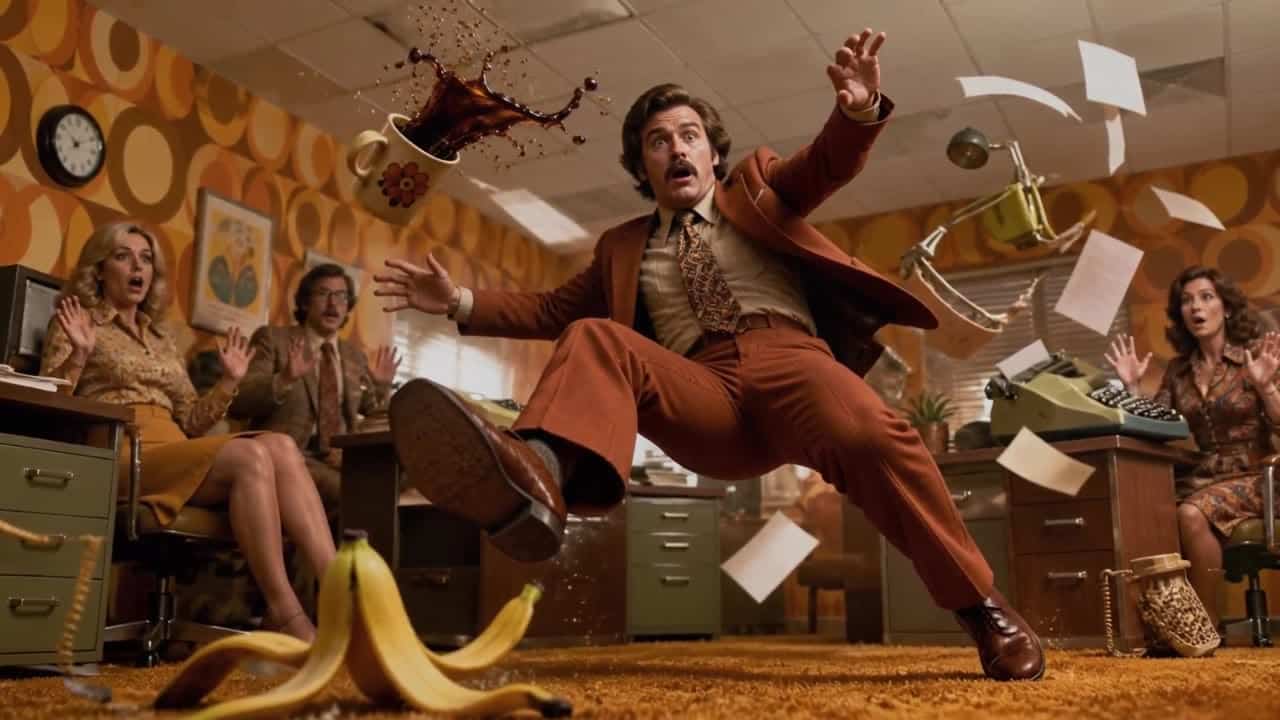
Use the provided image as the exact first frame and preserve the original composition, framing, character positions, lens…
16:9 · 8s
 Audio available on playback
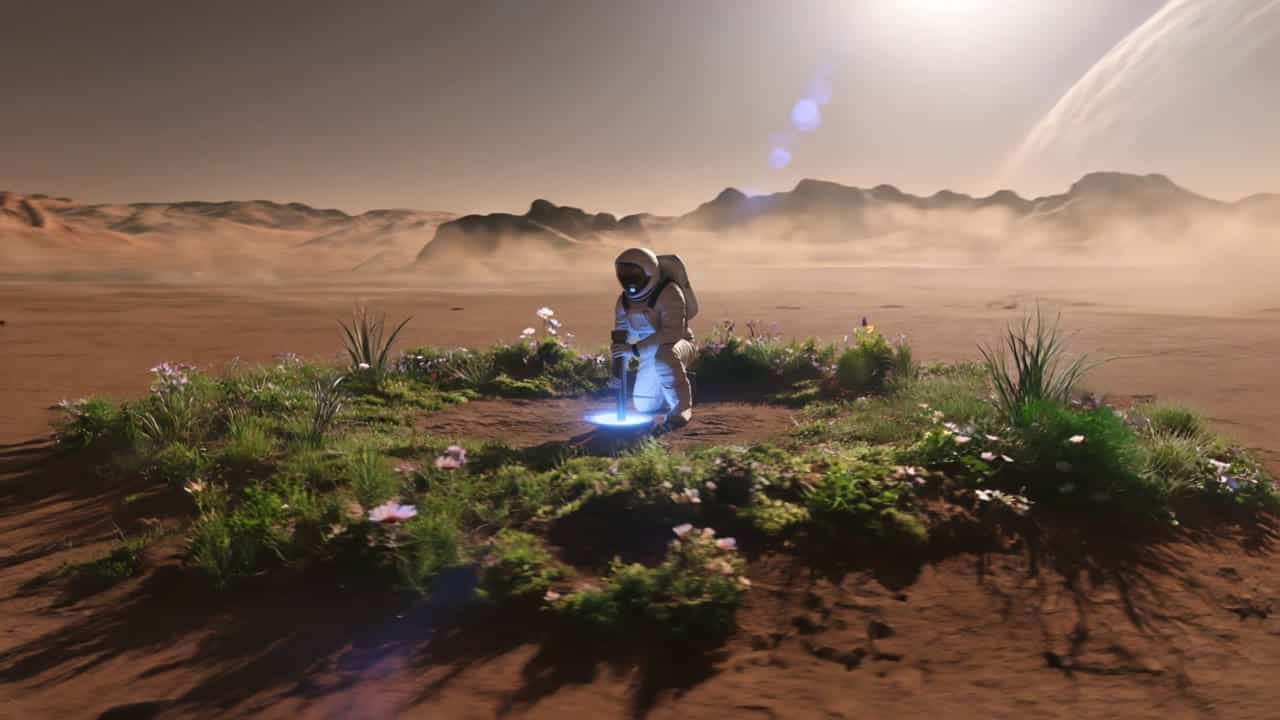
A cinematic ultra-realistic sci-fi shot on Mars, wide establishing shot. A lone astronaut in a detailed white exploration…
16:9 · 12s
![Seedance 2.0 AI video example: Use @[storyboard ref] as the authoritative director-approved storyboard blueprint for the sequence. Treat...](/_next/image?url=https%3A%2F%2Fmedia.maxvideoai.com%2Frenders%2F301cc489-d689-477f-94c4-0b051deda0bc%2Fce63c6cb-9df2-4374-8a5c-a8509b7d01cb.jpg&w=3840&q=52) Audio available on playback
Audio available on playbackUse @[storyboard ref] as the authoritative director-approved storyboard blueprint for the sequence. Treat every storyboard panel as a…
16:9 · 15s
 Audio available on playback
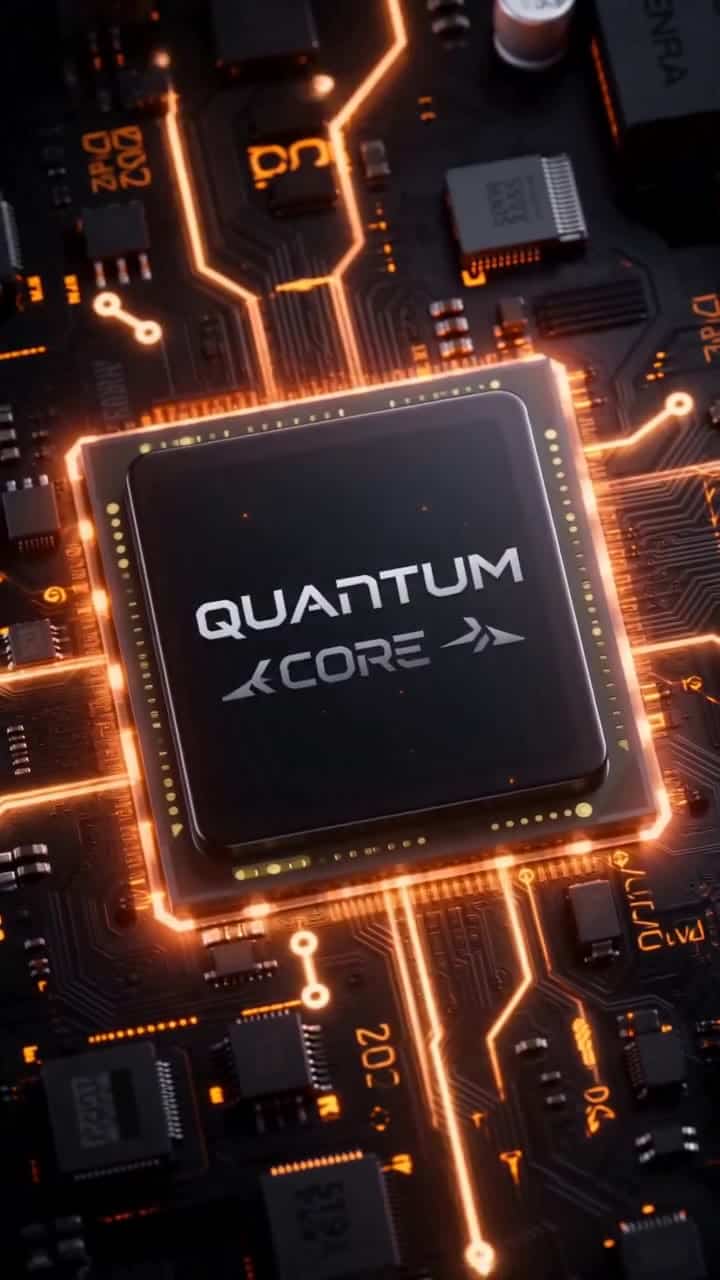
Use the reference storyboard to create a 10-second premium tech commercial for the NEXORA X1 smartphone using the…
9:16 · 10s
 Audio available on playback
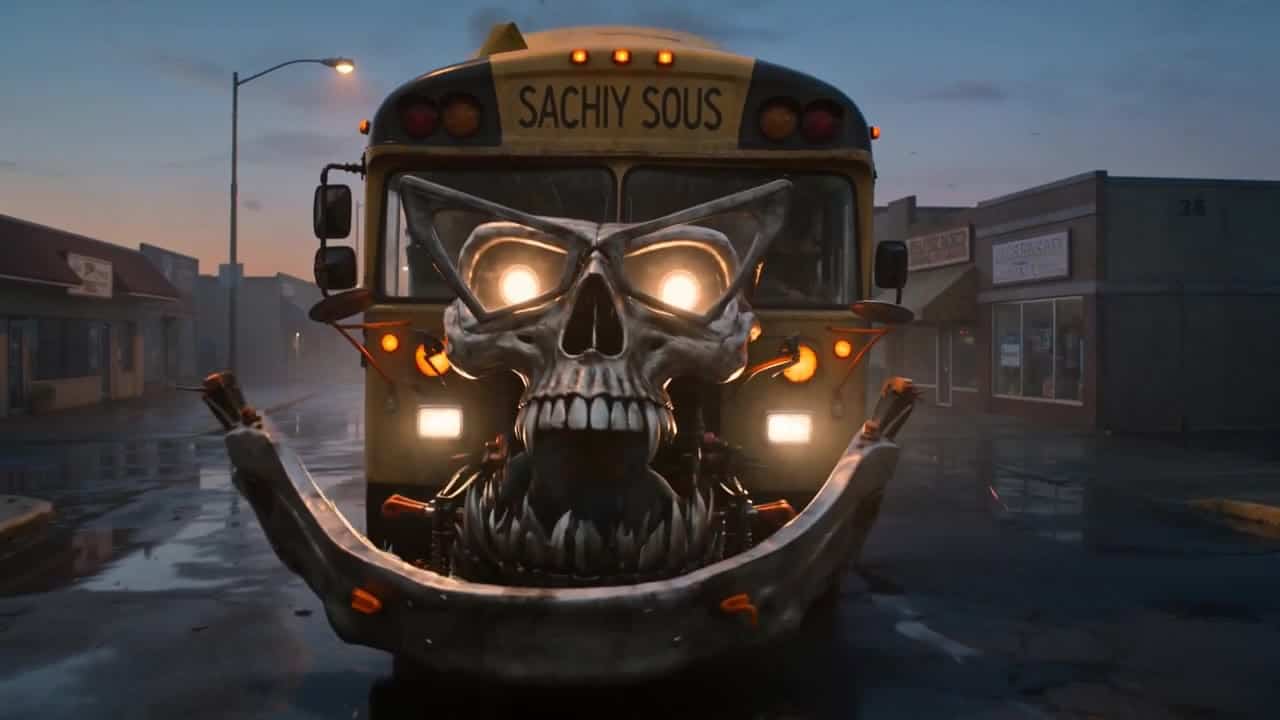
**Brief:** A dark cinematic transformation with grounded American realism, blending horror and absurd humor. A school bus mutates…
16:9 · 12s
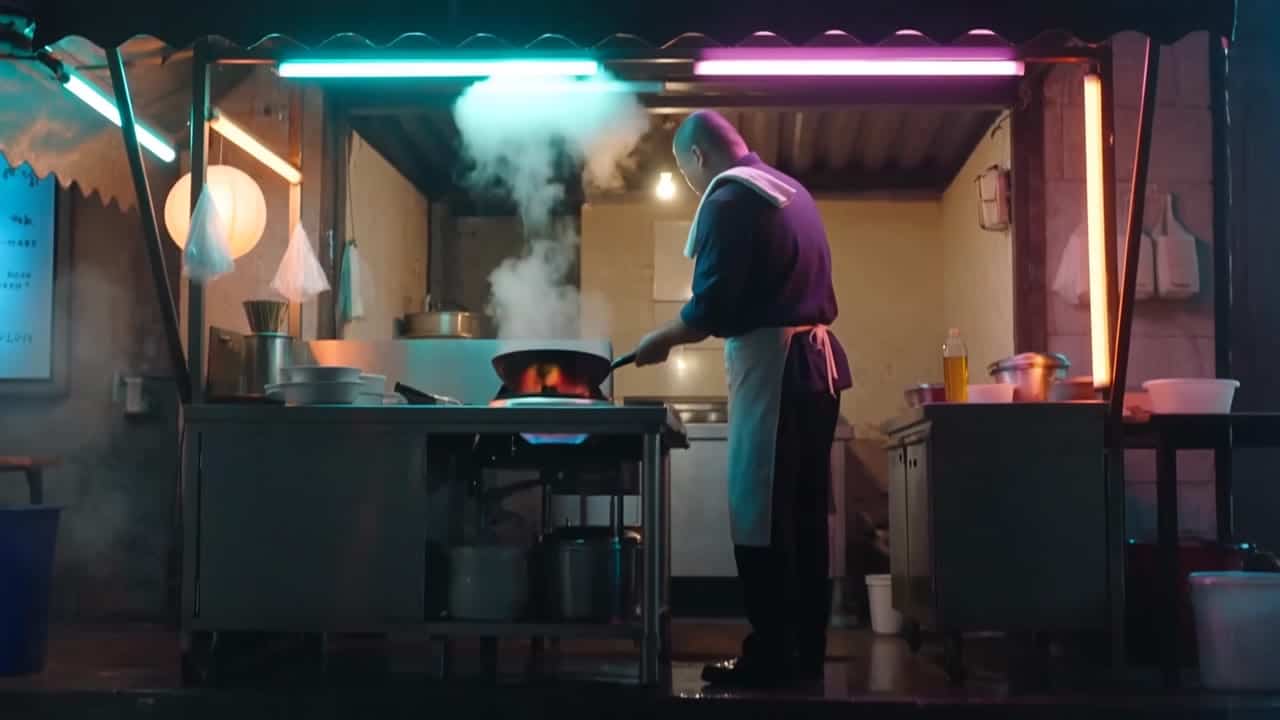 Audio available on playback
Four-shot energetic studio food-film sequence in a small night market noodle stall after rain. Shot 1: neon reflections…
16:9 · 10s
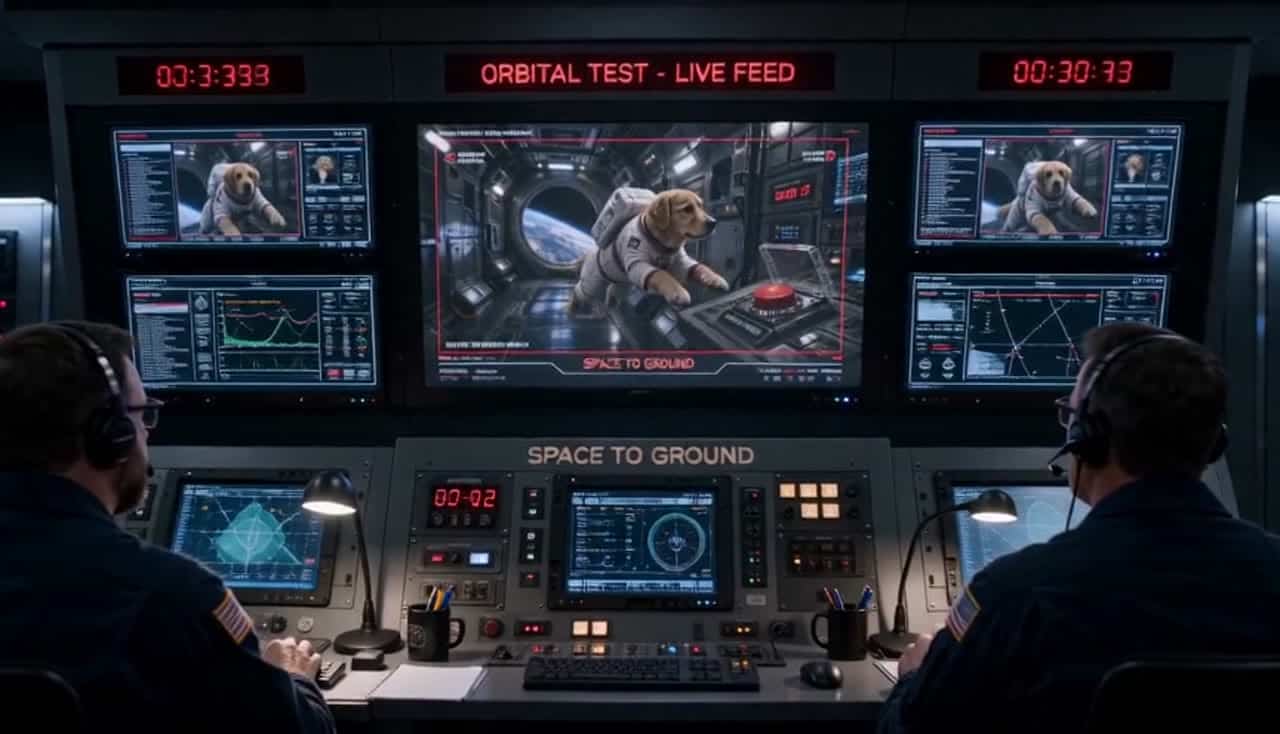 Audio available on playback
Scene 1: wide shot inside an orbital space station: a dog in a small astronaut suit floats near…
16:9 · 14s
Browse AI video examples by model. Open any example to inspect its prompt, settings, duration, and recorded render cost, then recreate it in your workspace.
Next steps
Examples FAQ
Can I clone these examples directly?
Yes. Open an example and reuse its prompt and settings as a starting point in your workspace.
Do examples cover text-to-video AI, image-to-video AI, and video-to-video AI workflows?
Yes. The gallery covers text-to-video AI, image-to-video AI, and selected video-to-video AI workflows when the underlying models support them.
Is pricing shown for each example?
Open an example to see its recorded render cost and settings before recreating it.
Why can two runs differ with the same prompt?
Model behavior can vary by mode, settings, and queue context, even with the same prompt.
Where can I compare model specs and limits?
Use the models pages for specs/limits and the engine hub for use-case decision workflows.
How do I pick the right engine for this shot?
Start from example quality and cost, then validate with a short test run on your target format.