Entry draft
$0.46
5s · 1080p
SUPPORTED KLING SILENT DRAFT ROUTE
Silent 1080p drafts for text or image starts, camera look-dev, and negative prompt control.
Use Kling 2.5 Turbo when you need a supported older Kling route for silent short drafts, single-image motion tests, camera-first look-dev, and lower-cost prompt cleanup before moving approved shots into Kling 3.
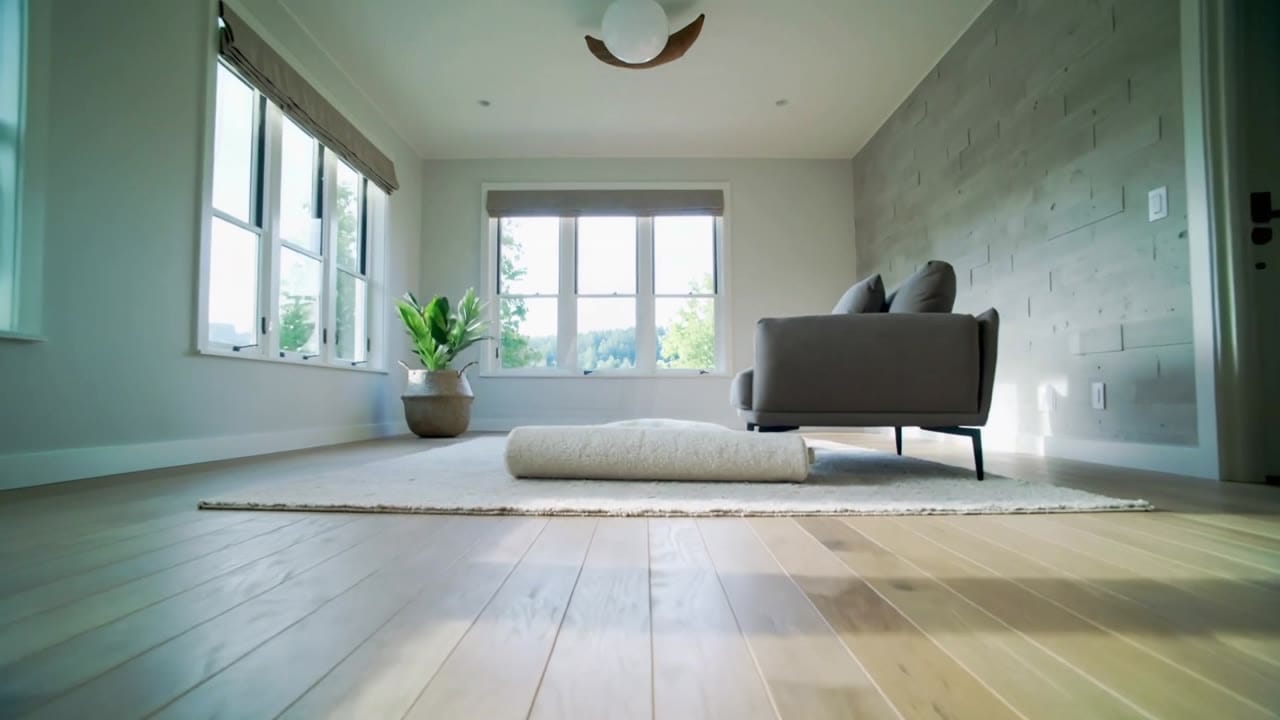
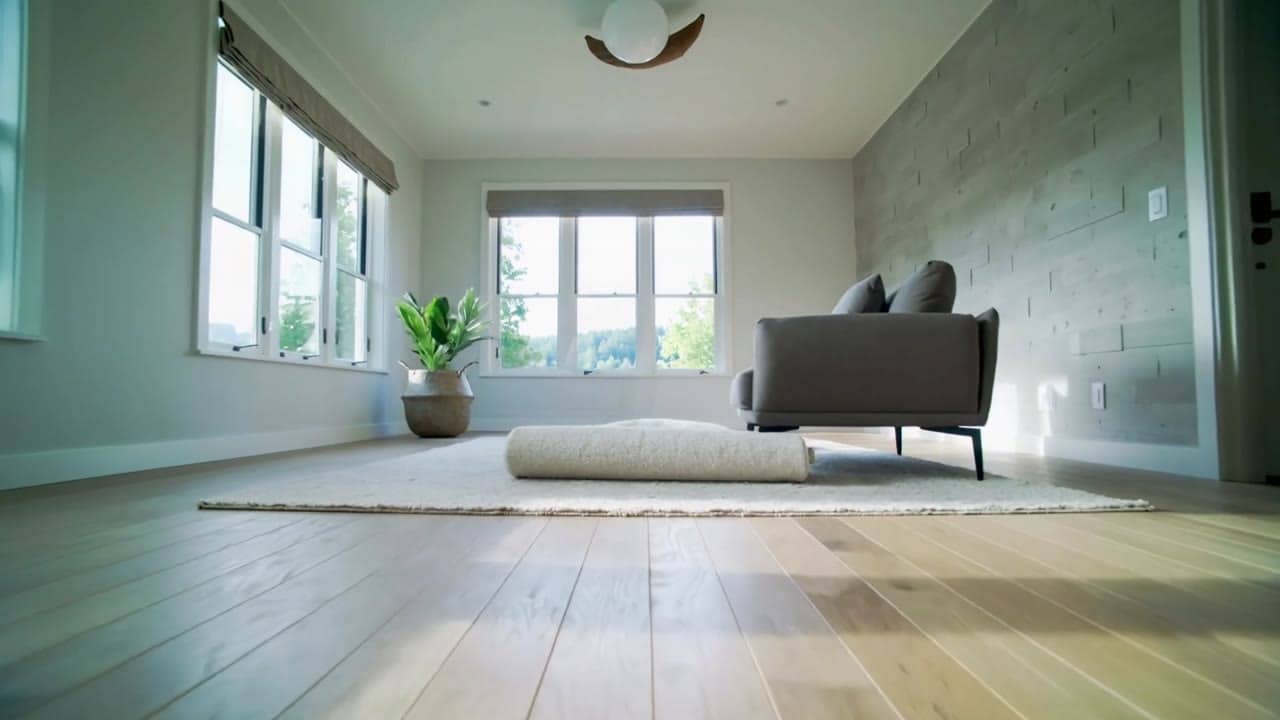
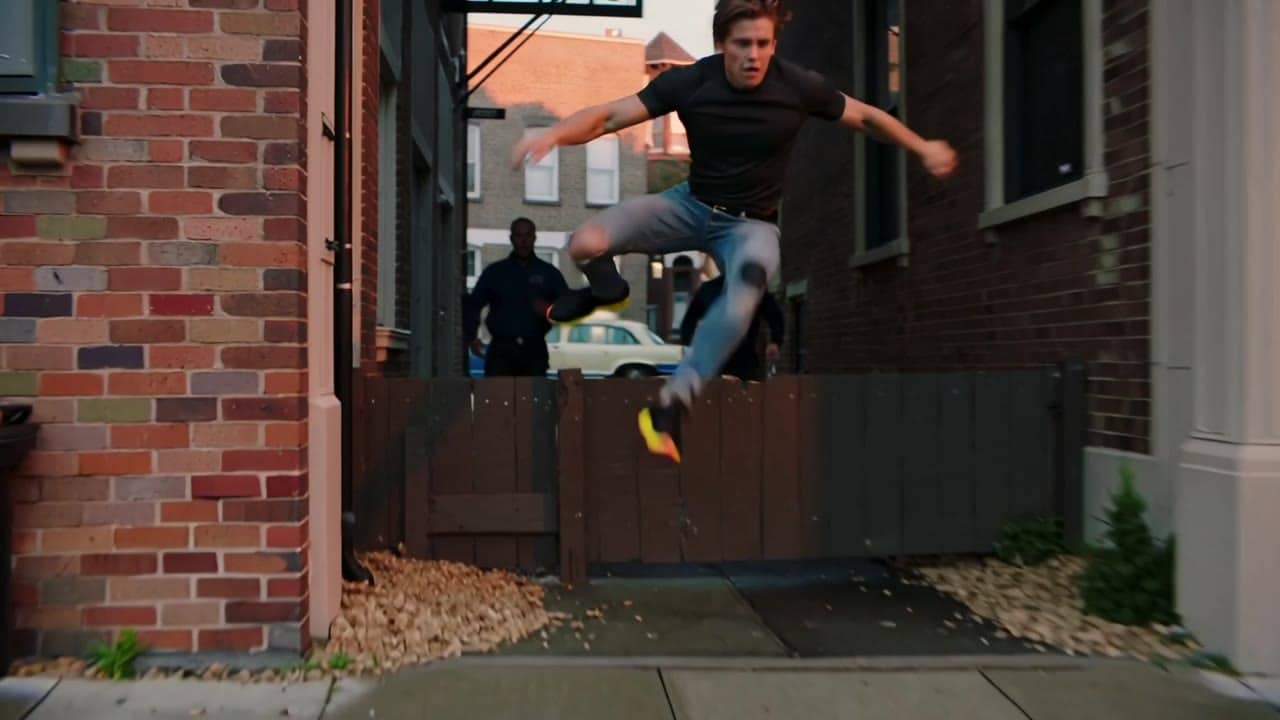
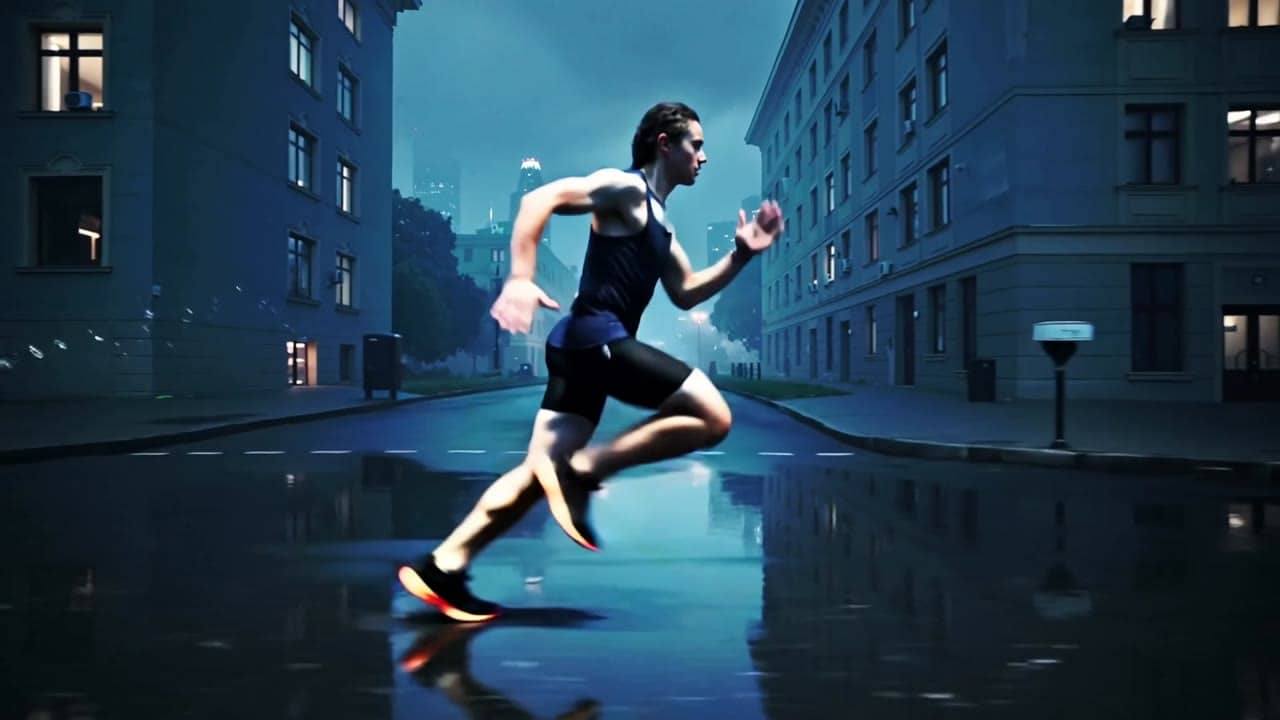
Kling 2.5 Turbo example
Silent short draft for look-dev
Silent drafts
Generate video-only clips that are easy to score or edit later.
Text or image
Start from a prompt or one reference still for short motion tests.
Camera look-dev
Try tracking, dolly, handheld or product moves before the final route.
Negative prompt
Block extra people, text, logos and visual artifacts with cleanup copy.
Max 10s
Keep one scene and one action inside the exposed short duration.
Pay-as-you-go
See exact live price before you generate.
Preset silent draft totals - see the exact live price in the app before you generate.
$0.46
5s · 1080p
$0.91
Most popular10s · 1080p
10s
Up to 1080p
All prices are MaxVideoAI display prices in USD credits for preset scenarios.
Actual runs from the current Kling route in MaxVideoAI.
See what's possible with Kling 2.5 Turbo — supported older Kling model for fast silent drafts.
Jump into the app with one click and reuse the setup.
Dialogue, ambience and SFX generated in sync.
Keep characters, style and scene consistency across sequences.
Built-in guardrails and safety filters for responsible review.
Use it for silent look-dev, camera tests and inexpensive Kling drafts. Use Kling 3 routes when the shot needs the current workflow.
Move approved recipes into Kling 3 Pro when the render needs stronger current-model fidelity or sound context.
Use one action, one camera move and a strong negative prompt before trying more expensive routes.
Kling Turbo responds best to short, concrete prompts and one clear camera move.
Source: Kling by Kuaishou
Write a tight shot brief: subject, action, setting, camera move and style.
Use one still when subject shape, product framing or composition should anchor the clip.
List what to avoid: text, logos, extra characters, distortion or low-quality motion.
Adjust adherence carefully when the shot needs less drift or more creative freedom.
Send the best silent recipe to Kling 3 Standard or Pro when it is ready for review.
Use 1–2 sentences when you want variations.
Prompt: [Subject + action] in [setting], [camera move], [lighting/style].
Negative: [text, logos, extra limbs, blur]
Prompt: [Subject + action] in [setting], [camera move], [lighting/style]. Negative: [text, logos, extra limbs, blur]
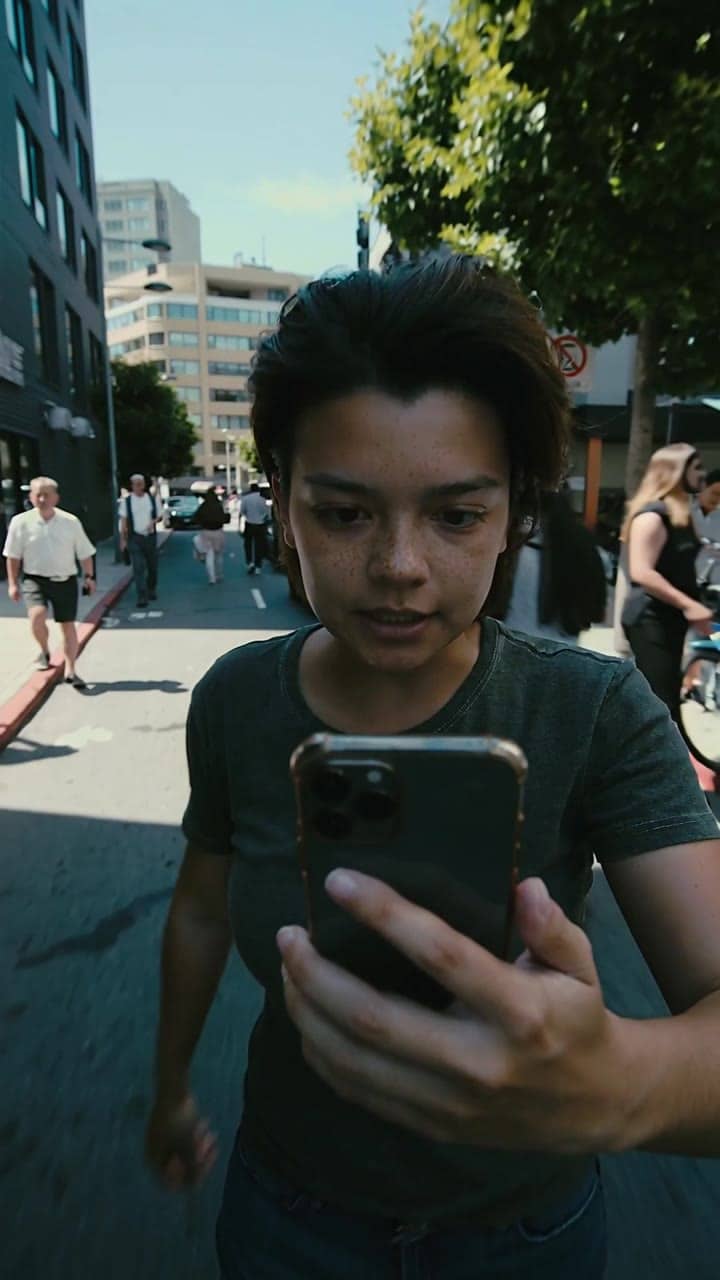
Subject: Startup founder by a window • Action: Holds a vertical portrait moment
Camera: Slow handheld drift from chest-up to closer on the face • Style: Golden-hour light, blurred city background, founder portrait
Audio: Soft ambience, no dialogue
5s vertical 9:16 clip of a startup founder by a window at golden hour. Camera: slow handheld drift from chest-up to closer on the face, shallow depth. City lights blurred in the background, realistic skin and fabric, gentle flares. No text, no logos, no extra people.
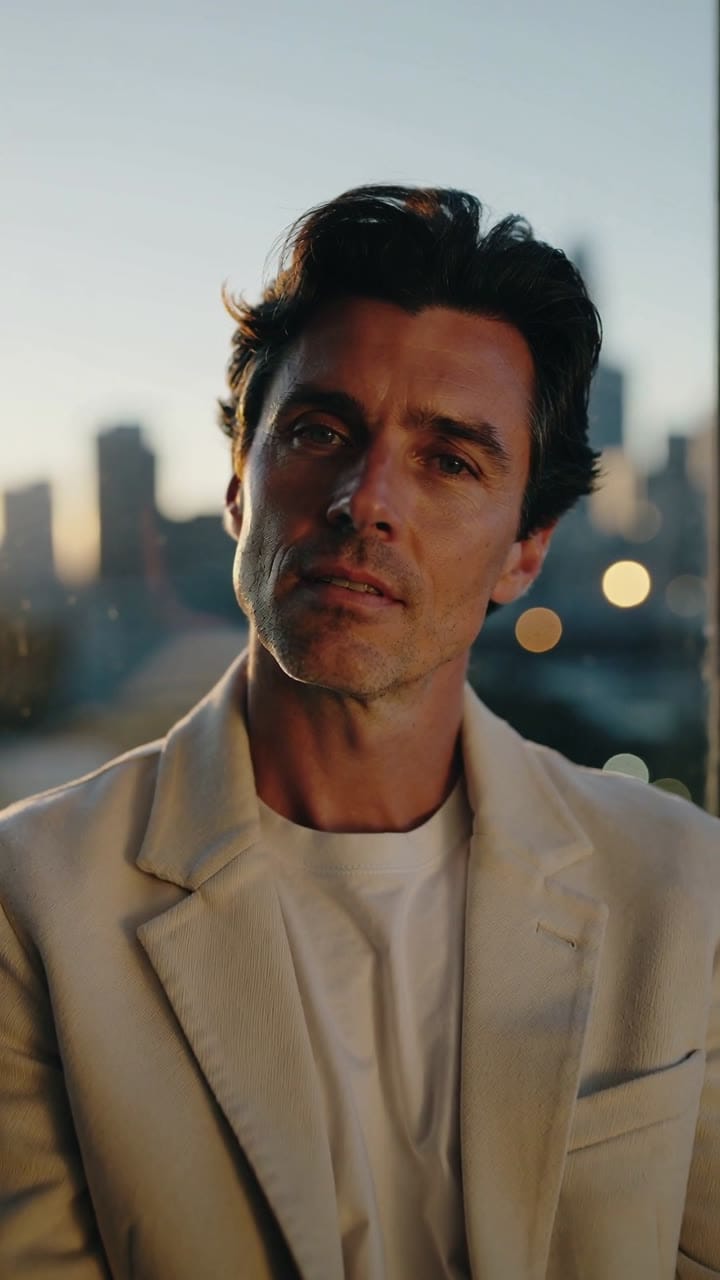
Kling 2.5 Turbo is easiest to steer when you write for motion: one subject, one clear action, one camera move — and explicit weight/inertia.
Two routes, one series. Pick the right one for your stage.
View Kling 2.6 Pro details →These side-by-side comparisons break down price, resolution, audio, speed, and motion style so you can pick the right engine fast.
Each page includes real outputs and practical best-use cases.
Generate cinematic AI videos with Kling 2.6 Pro. Text and image to video with fluid motion, rich details, and native audio, ideal for social content, ads, and storytelling.
Compare Kling 2.5 Turbo vs Kling 2.6 Pro →Generate native 4K Kling 3 videos from text or images. Use Kling 3 4K for final delivery renders with 3-15s clips and native audio.
Compare Kling 2.5 Turbo vs Kling 3 4K →Direct Kling 3 Pro renders with multi-prompt sequencing, start-frame image-to-video, Kling Elements, and native audio. Generate cinematic 3-15s clips in 1080p.
Compare Kling 2.5 Turbo vs Kling 3 Pro →The limits that shape your renders.
Strong on kinetic motion and believable physics. Best for camera-forward action beats.
Outputs are silent by design, making post-sound easy. A good fit for B-roll loops and cutaways.
Built-in safeguards and best practices for responsible creation with Kling 2.5 Turbo.
No. It is video-only and produces silent 1080p clips; add sound in your editor or pair with audio-capable engines.
5 or 10 seconds in 16:9, 9:16 or 1:1 for both text and image runs.
No. One image per render. Combine references into one board if needed and describe the camera path clearly.
Per 5s/10s shown in-app. Pro tiers ~ $0.35 / $0.70; Standard image cheaper. Confirm live price in the chip before rendering.
Use Sora/Veo/Wan for native audio or multi-beat stories; use Pika for stylized animation or pixel looks.