
Kling 2.5 Turbo camera movement example: city tracking
This Kling 2.5 Turbo text to video example shows city tracking. It highlights camera motion control with 10-second timing · 9:16 output.
Prompt
Cinematic one-take action sequence in a collapsing futuristic city. The camera follows a single protagonist in a continuous, fluid motion, starting with a wide aerial shot gliding between skyscrapers as shockwaves rippl…
Show full promptHide full prompt
Cinematic one-take action sequence in a collapsing futuristic city. The camera follows a single protagonist in a continuous, fluid motion, starting with a wide aerial shot gliding between skyscrapers as shockwaves ripple through the buildings. The camera dives rapidly toward street level, swirling around falling debris and fire bursts with realistic smoke, sparks, and heat distortion. The protagonist sprints through the chaos. Kling-style physics: glass shards scattering, car alarms flashing, vehicles lifted momentarily by explosions, dust clouds reacting to the character’s movement. Lighting is dramatic, with warm explosion glows contrasting with cold blue ambient shadows from tall buildings. The camera orbits dynamically, switching between over-the-shoulder, side-tracking, and low-angle hero shots without cuts. The protagonist performs a slow-motion leap over a collapsing walkway while huge concrete slabs fall behind them. Particles (dust, embers, ashes) follow realistic turbulence. As the character reaches an intersection, a massive structure collapses in the distance, sending a rolling shockwave that bends trees, bends metal panels, and pushes dust forward. The camera pulls back to a wide shot, revealing the scale of destruction, then pushes in again for a close-up on the protagonist’s determined face, covered in sweat and grime, cinematic depth of field and perfect lighting. No dialogue, no sound cues — purely visual storytelling. High-budget blockbuster aesthetic.
Render details
Workflow
Text-to-video workflow
10-second render in 9:16
Tracking camera move
Drone or flythrough move
Close-up framing
Engine
Kling 2.5 Turbo
Kling 2.5 Turbo lives in one card with Pro text, Pro image, and Standard image-to-video modes for cinematic shots or budget loops.
Specs
Engine
Kling 2.5 Turbo
Mode
Text to video
Duration
10s
Aspect ratio
9:16
Audio
Off
Render cost
$0.91
Created
2025-11-16
Related examples

Same example family
Kling 2.5 Turbo camera movement example: living room commercial
This Kling 2.5 Turbo text to video example shows living room commercial. It highlights camera motion control with 5-second timing · 16:9 output.
Same example family
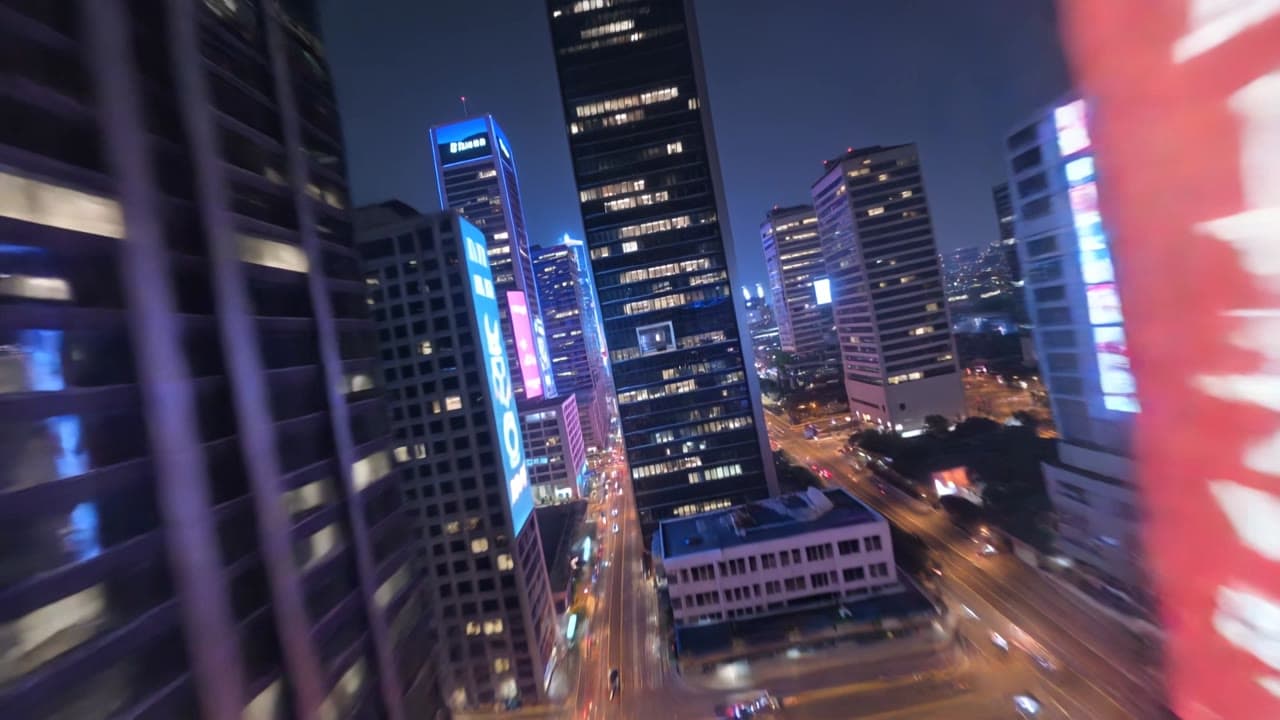
Kling 3 Pro camera movement example: futuristic city flythrough
This Kling 3 Pro text to video example shows futuristic city flythrough. It highlights camera motion control with 15-second timing · 16:9 · 1080p output.
Same watch-page intent
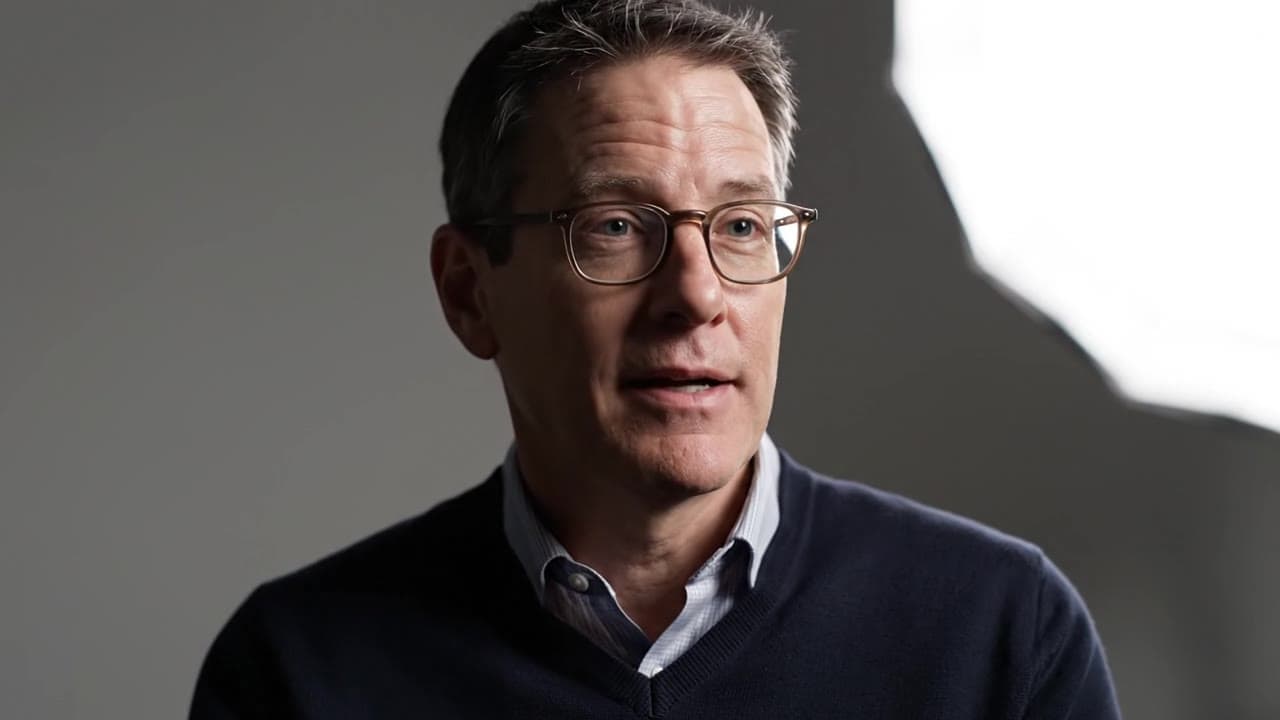
Google Veo 3.1 Fast camera movement example: studio interview push-in
This Google Veo 3.1 Fast text to video example shows studio interview push-in. It highlights audio-enabled output and camera motion control with 8-second timing · 16:9 output.
Same watch-page intent
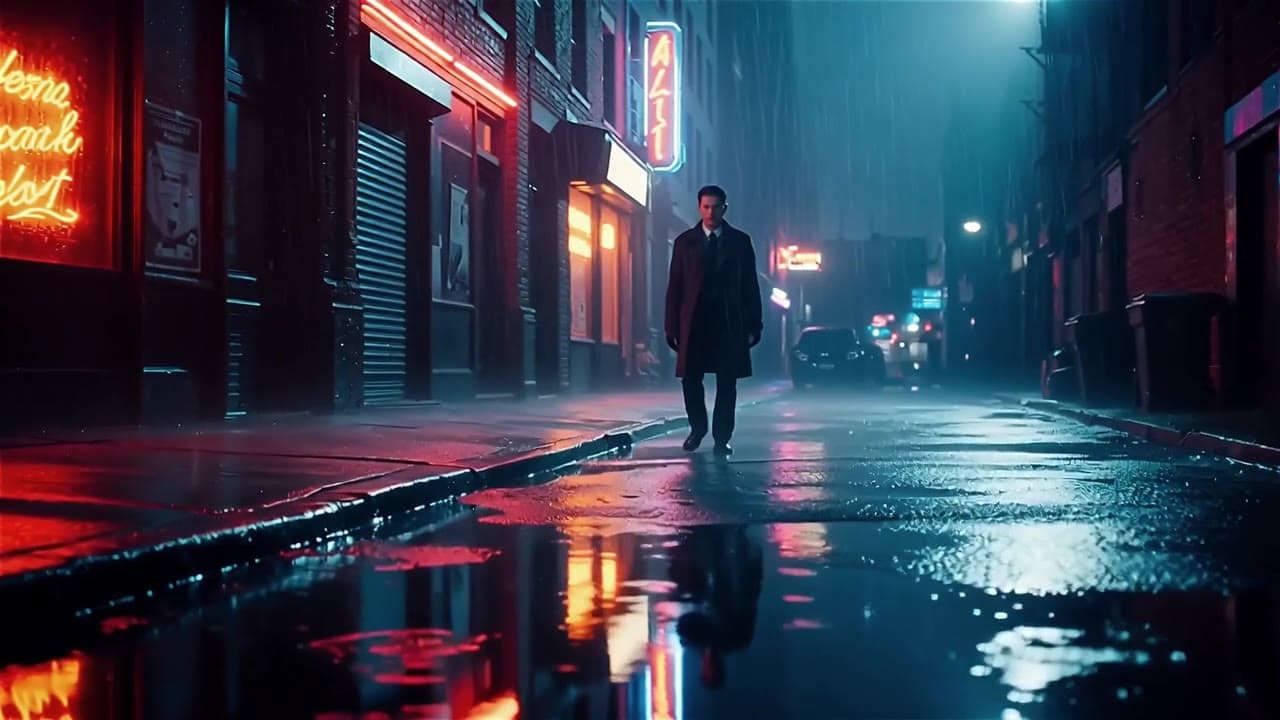
Wan 2.6 Text & Image to Video camera movement example: Global look elegant thriller…
This Wan 2.6 Text & Image to Video text to video example shows Global look elegant thriller rainy night. It highlights audio-enabled output and camera motion control with 15-second timing · 16:9 · 720p output.
Recreate
Load this render in the workspace
Start from the same prompt and settings, then remix duration, aspect ratio, references, or audio.