
Google Veo 3.1 Fast camera movement example: living room commercial
This Google Veo 3.1 Fast text to video example shows living room commercial. It highlights audio-enabled output and camera motion control with 6-second timing · 16:9 output.
Prompt
Cinematic 6-second TV commercial in 16:9 with sound. Wide static shot at eye level of an empty, bright modern American living room. Warm painted walls, premium hardwood floor, large windows with soft daylight, but no fu…
Show full promptHide full prompt
Cinematic 6-second TV commercial in 16:9 with sound. Wide static shot at eye level of an empty, bright modern American living room. Warm painted walls, premium hardwood floor, large windows with soft daylight, but no furniture yet. Exactly in the center of the room sits a plain brown cardboard box on the floor, completely neutral with no logo, no text, no branding. The camera is a clean, wide commercial framing with a very subtle, smooth push-in toward the box, no shake, no rotation, no fast movement. After a brief calm moment, the box begins to gently tremble, the tape peels back, and it suddenly bursts open in a controlled, magical way. From this single box, furniture and decor rapidly appear and assemble themselves throughout the room: a modern family sofa builds itself, a rug unfurls across the floor, a coffee table slides into place, a TV stand and wall-mounted TV appear, bookshelves and side tables fill with objects, lamps pop on with warm light, plants appear in the corners, framed pictures snap onto the walls, and small decor pieces settle into place. The transformation happens fast but clearly readable, turning the once empty interior into a fully furnished, cozy, modern American living room that feels high-end yet lived-in. The camera always keeps the box area and main seating area clearly in view, ending on a polished wide shot of the finished living room with soft daylight and warm interior lighting. Audio: no music. Only clean, realistic sound design — soft room tone, cardboard crackles, tape peeling, subtle whooshes as furniture appears, gentle thumps as pieces land and settle — all tightly synchronized with the visual action. No people, no text, no UI, no logos or brand names.
Render details
Workflow
Text-to-video workflow
6-second render in 16:9
Audio-enabled output
Push-in camera move
Cinematic styling
Engine
Google Veo 3.1 Fast
Veo 3.1 Fast now handles quick prompts, image-to-video, first/last transitions, and extend runs with optional audio.
Specs
Engine
Google Veo 3.1 Fast
Mode
Text to video
Duration
6s
Aspect ratio
16:9
Audio
Enabled
Render cost
$1.17
Created
2025-12-10
Related examples
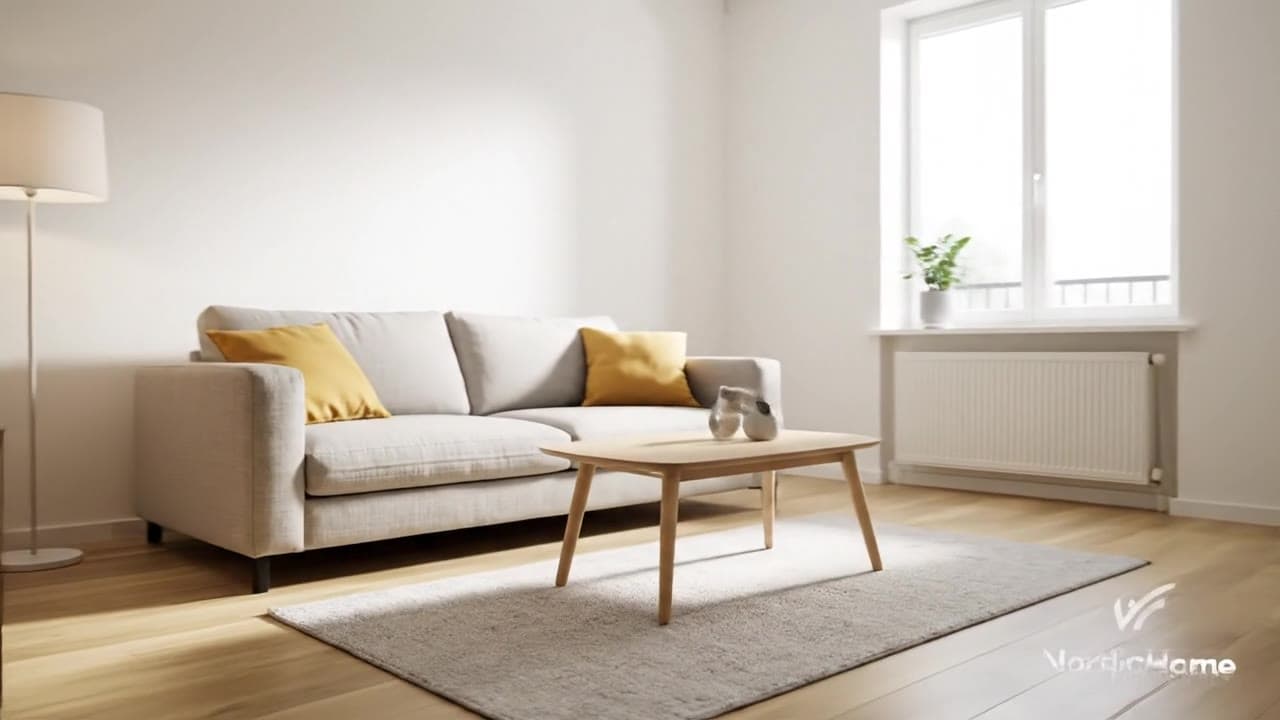
Same example family
Google Veo 3.1 Fast camera movement example: living room commercial
This Google Veo 3.1 Fast text to video example shows living room commercial. It highlights audio-enabled output and camera motion control with 8-second timing · 16:9 output.

Same example family
Google Veo 3.1 Fast camera movement example: studio interview push-in
This Google Veo 3.1 Fast text to video example shows studio interview push-in. It highlights audio-enabled output and camera motion control with 8-second timing · 16:9 output.
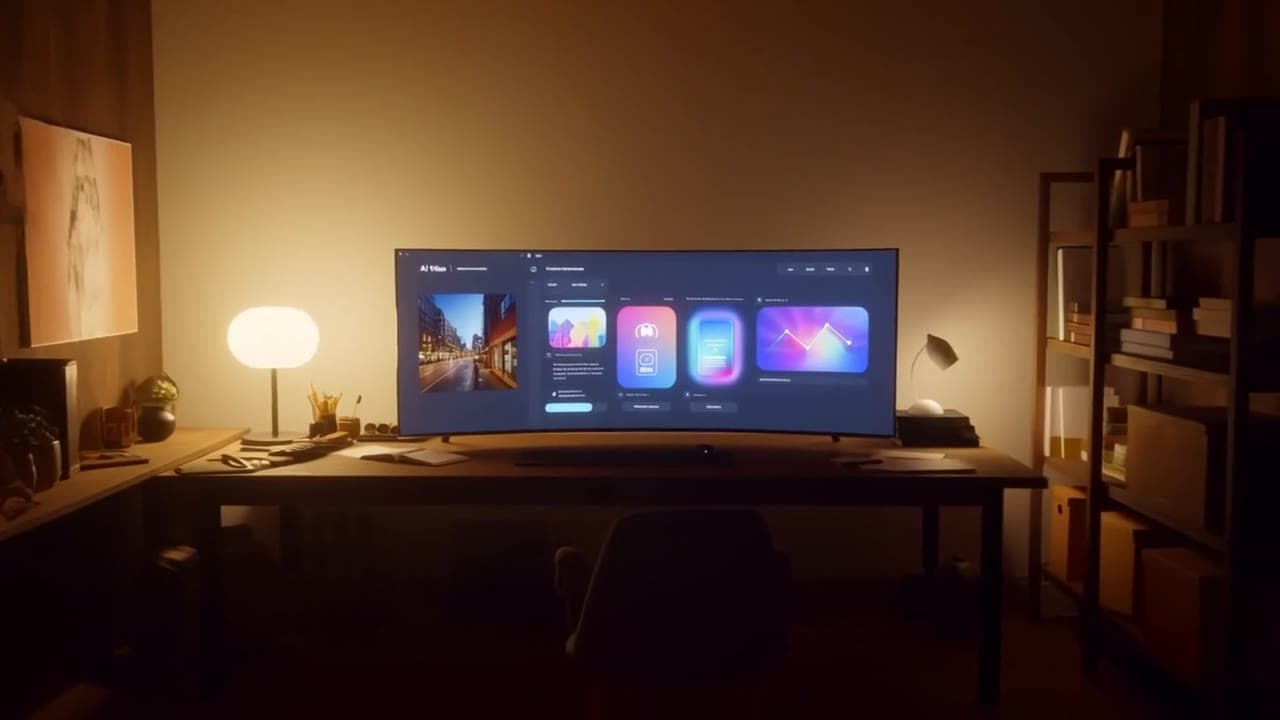
Same watch-page intent
MiniMax Hailuo 02 Standard camera movement example: studio camera move
This MiniMax Hailuo 02 Standard text to video example shows studio camera move. It highlights camera motion control with 10-second timing · 16:9 output.
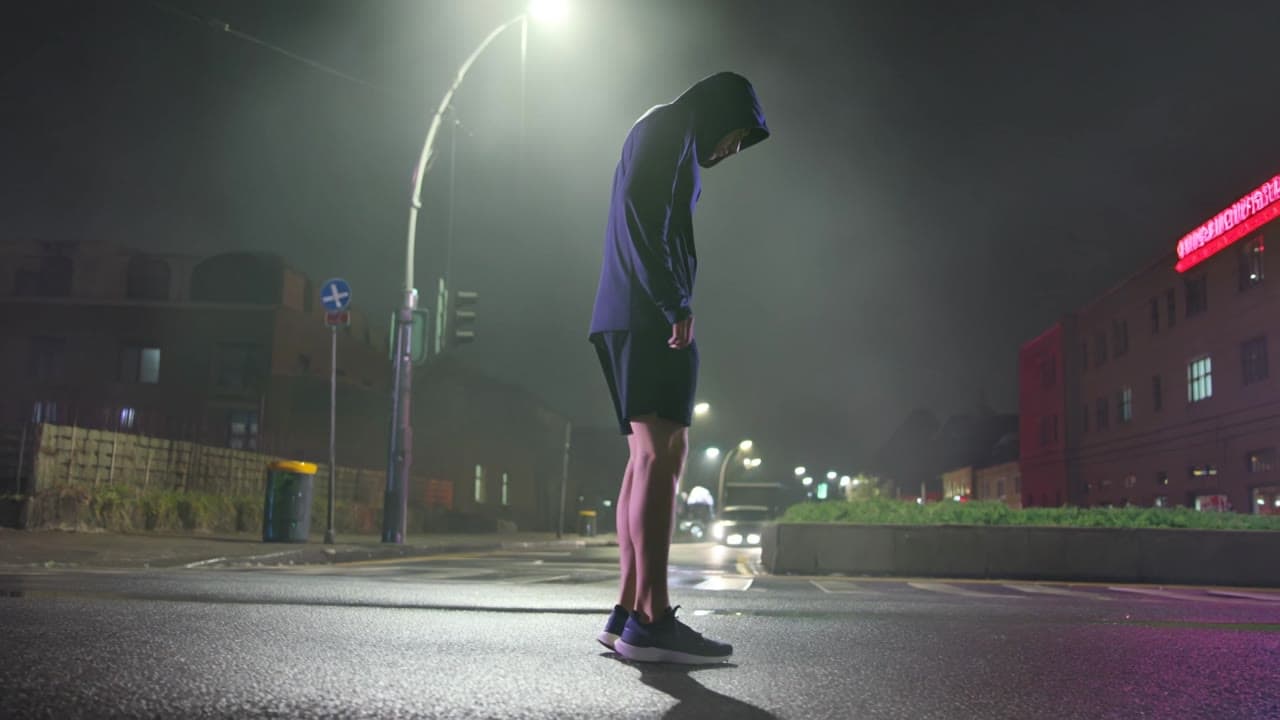
Same watch-page intent
Kling 3 Pro camera movement example: night city push-in
This Kling 3 Pro text to video example shows night city push-in. It highlights audio-enabled output and camera motion control with 15-second timing · 16:9 · 1080p output.
Recreate
Load this render in the workspace
Start from the same prompt and settings, then remix duration, aspect ratio, references, or audio.