
Hailuo 02 city-to-studio flythrough video example
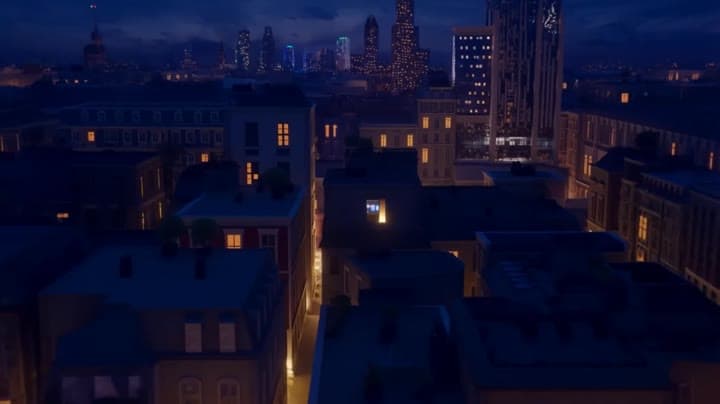
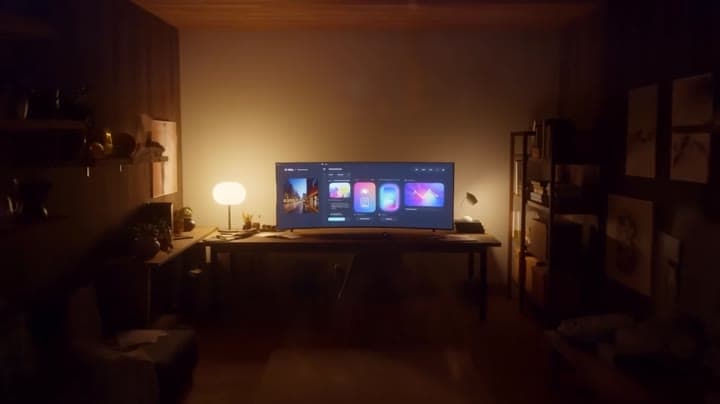
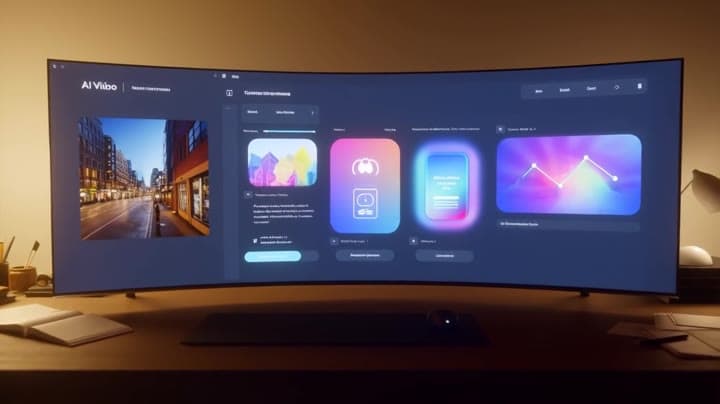
This Hailuo 02 watch page shows a night city flythrough that moves into an AI studio, highlighting camera travel and scene continuity.
Prompt breakdown
Prompt used to generate this render.
A cinematic 10-second shot in 16:9. At night, the camera flies smoothly through a modern city full of soft neon lights and warm windows, then glides towards a single bright window high on a building. Without cutting, th…Show full promptHide full prompt
A cinematic 10-second shot in 16:9. At night, the camera flies smoothly through a modern city full of soft neon lights and warm windows, then glides towards a single bright window high on a building. Without cutting, the camera passes through the glass into a cozy creator studio with a large desk and an ultra-wide monitor glowing in the dark. The room is lit by the screen and a warm desk lamp. The camera continues to push in until the monitor fills most of the frame. On the screen there is a clean AI video workspace UI (generic, no real logos) showing four small video previews playing at the same time: one realistic city street shot, one colourful animation, one product hero shot and one abstract motion-graphics scene. The overall style is cinematic, with smooth camera motion, gentle depth of field and rich contrast.
Workflow
Text to video
Camera
Push In
Output
10s · 16:9
Recorded render cost
$0.65
Audio
Off
Constraints
Text To Video, Camera Move, Push In
Prompt improvement notes
Note 1
Keep the subject, camera move, lighting, duration, aspect ratio and audio requirement grouped so the render has one clear production brief.
Note 2
Change one variable at a time when cloning this prompt: model, duration, camera motion or reference input. That makes quality and price differences easier to compare.
Note 3
Add a short negative prompt if you need to block text overlays, logos, distorted hands, face warping or unwanted camera shake.
Compare this model
Review this example beside nearby engines before choosing a render path.
Why MiniMax Hailuo 02 Standard fits this shot
Hailuo 02 Standard handles stylized text prompts or animated reference stills with prompt optimiser support.
Prompt optimiser
Image input
6–10s silent
Key frames
Related examples
View all examples Kling 3 Pro
Kling 3 Pro Mars terraforming sci-fi video example
This Kling 3 Pro watch page shows a 16:9 text-to-video sci-fi terraforming scene on Mars, using a dolly-in, slow orbit and dramatic red-to-green landscape transformation.
 Seedance 2.0
Seedance 2.0 miniature bedroom skateboard chase video example
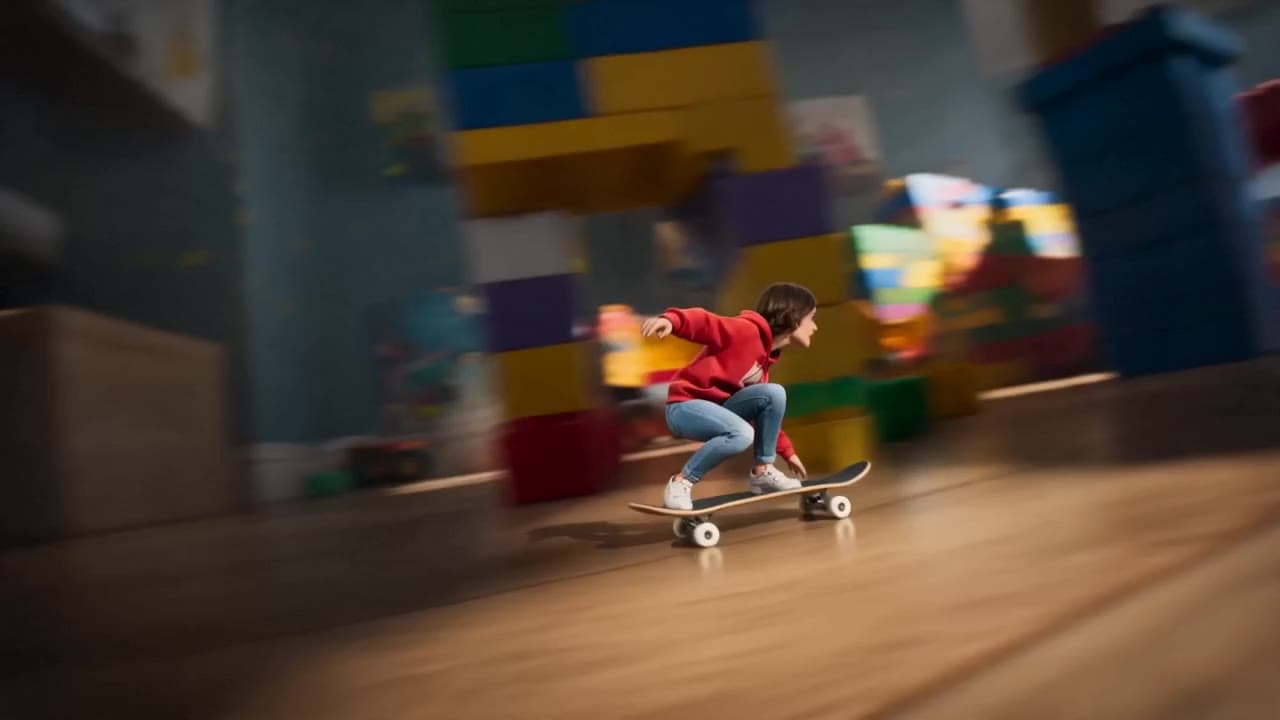
This Seedance 2.0 text-to-video with audio example turns a children’s bedroom into a cinematic macro-scale chase sequence. A tiny skateboard rider races through oversized toy blocks, books, furniture, a rolling toy ball and a closing toy box, while the camera stays low to the floor in a fast continuous tracking shot. Use it as a reference for AI text-to-video camera movement, miniature world prompts, toy-scale action scenes and whimsical cinematic chase videos.
 Kling 3 Pro
Kling 3 Pro neon street multi-shot example
This Kling 3 Pro example demonstrates a multi-shot neon street sequence with rain reflections, native audio and structured scene anchors.
 Google Veo 3.1 Fast
Veo 3.1 Fast studio interview push-in example
This Veo 3.1 Fast watch page shows a studio interview prompt with a controlled push-in camera move, native audio and documentary-style staging.