
Create a reusable character reference for consistent AI images and video
Upload one identity photo, add optional outfit inspiration, or start from scratch. Generate a reusable portrait anchor or 8-panel character sheet you can reuse across scenes, edits, and reference-based video workflows.

01
Choose your input
Use one identity photo, add optional outfit inspiration, or start from scratch.
02
Generate the asset
Create a portrait anchor or one coherent 8-panel character sheet.
03
Reuse it everywhere
Bring the same reference into prompts, edits, Nano Banana, and still-reference video workflows.
Why people need it
Why AI Characters Drift
Prompts can preserve the general idea of a character, but identity details still slip once you start generating multiple scenes.
What this tool creates
Character Builder creates the reference first
Generate either a portrait anchor or an 8-panel character sheet, then bring that same reference back into prompts, edits, and still-reference video workflows.
Portrait input
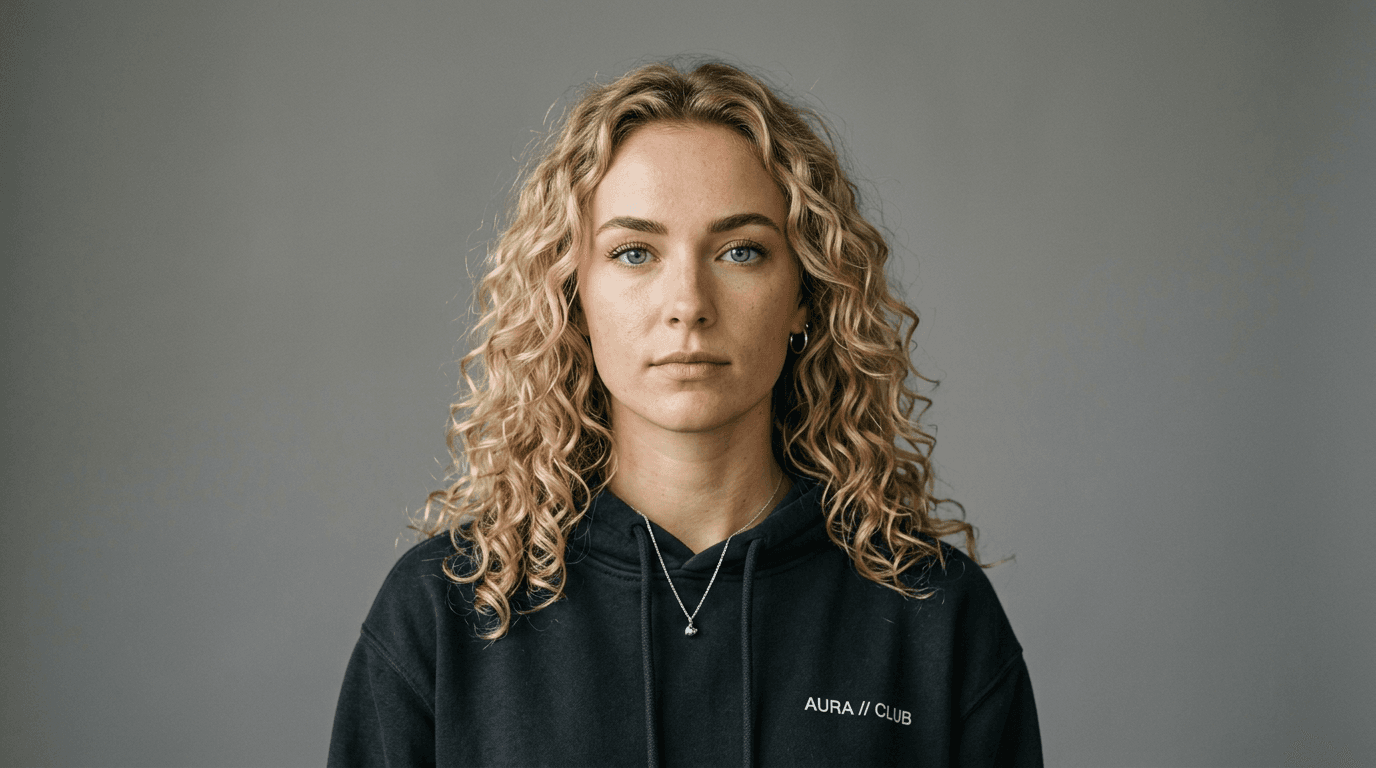
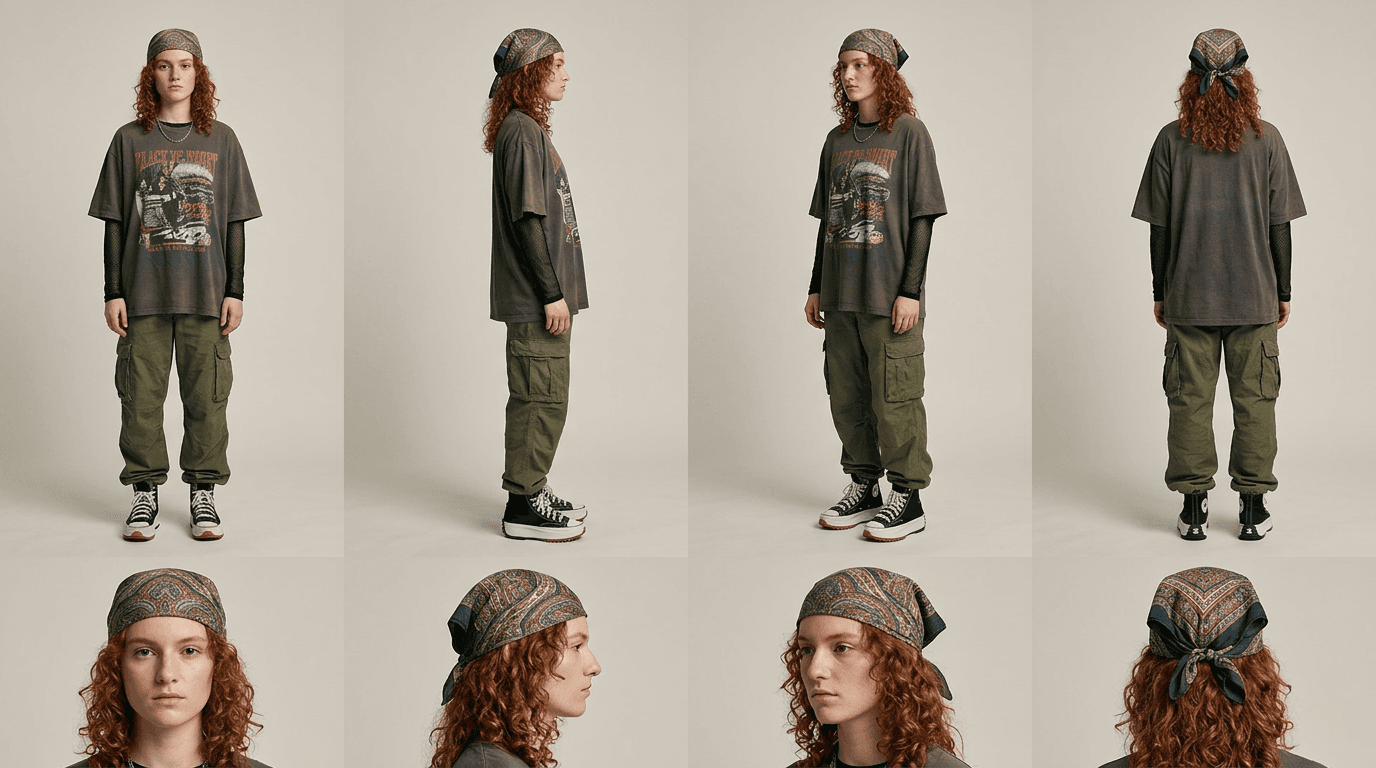
Reusable 8-panel sheet
Create the reference, then carry it forward
Start with a face, an outfit cue, or a scratch-built concept. Generate the output, then bring it back into stills, edits, and video prep.
Start with
Start with a face, outfit cue, or scratch concept
Use one identity photo, add optional style direction, or start without a source image.
Generate
Generate a portrait anchor or 8-panel sheet
Create a tighter face reference or one coherent sheet with four body angles and four close-ups.
Reuse in
Reuse it in stills, edits, and video prep
Bring the same reference into prompts, Nano Banana, and still-reference video tools.
Why it works
The reference does the continuity work before you start changing scenes.
Every new scene has to rebuild the character
One reference keeps the character grounded
Choose the output, then move into stills and video
Pick the output that fits the job, then carry it into Nano Banana or still-reference video workflows.

Portrait anchor
Reusable portrait anchor
Best for close-ups, prompts, and recurring character work.

Character sheet generator
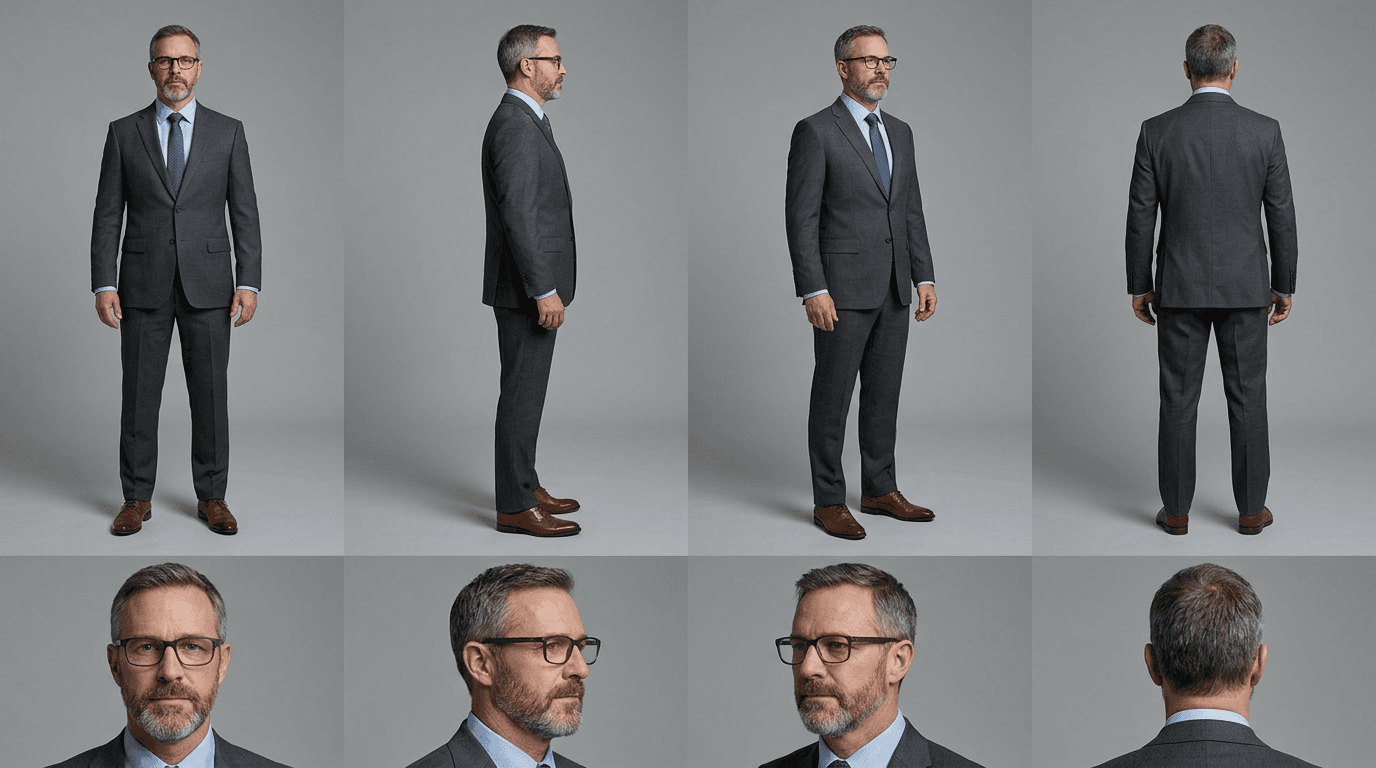
8-panel character sheet
Best when one multi-angle reference has to travel across scenes, boards, edits, and video prep.

Video prep still
Cleaner still for motion prep
Best when the reference needs one cleaner still before motion starts.
Reference workflow
Character Builder -> Nano Banana -> Video
Sheet -> Still -> Video
01 · Character sheet
Lock the character before motion starts.
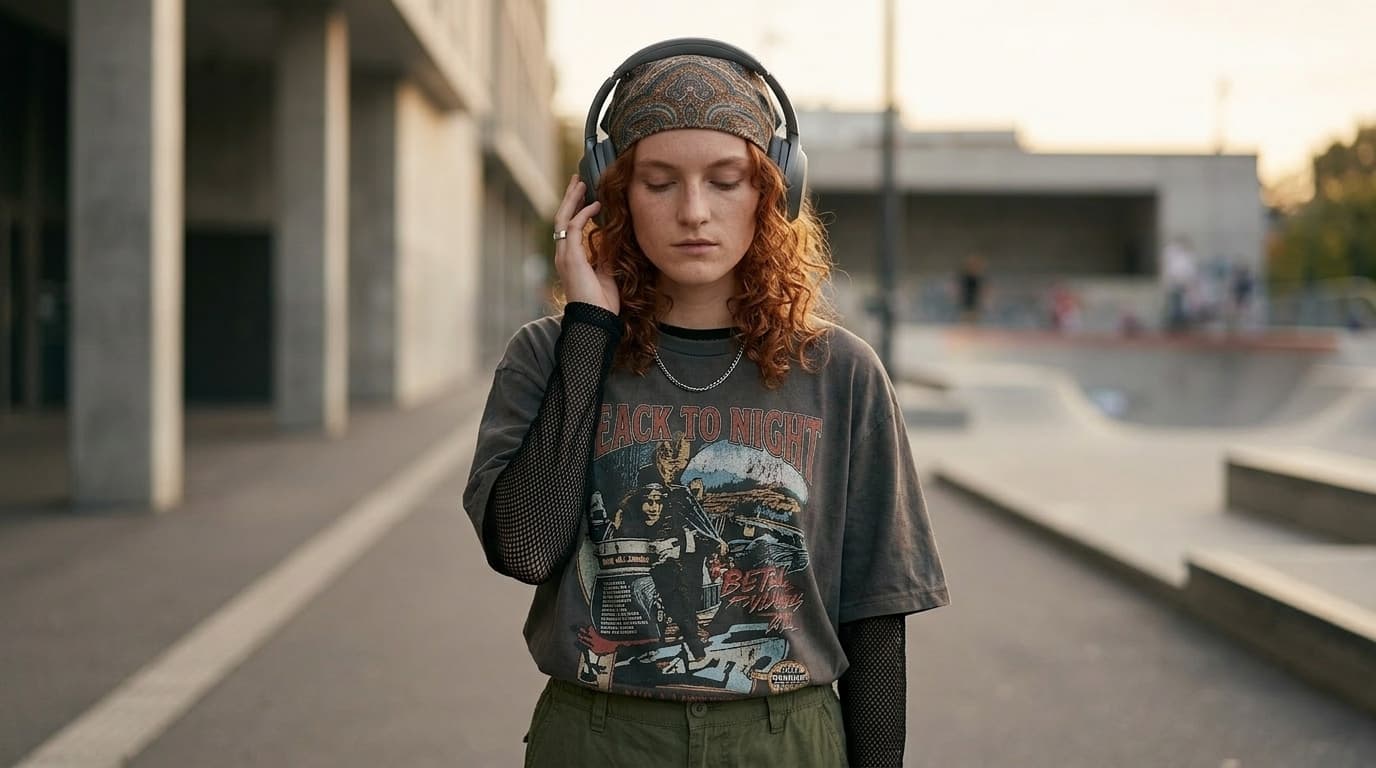
02 · Nano Banana still
Refine the same character into a cleaner still.
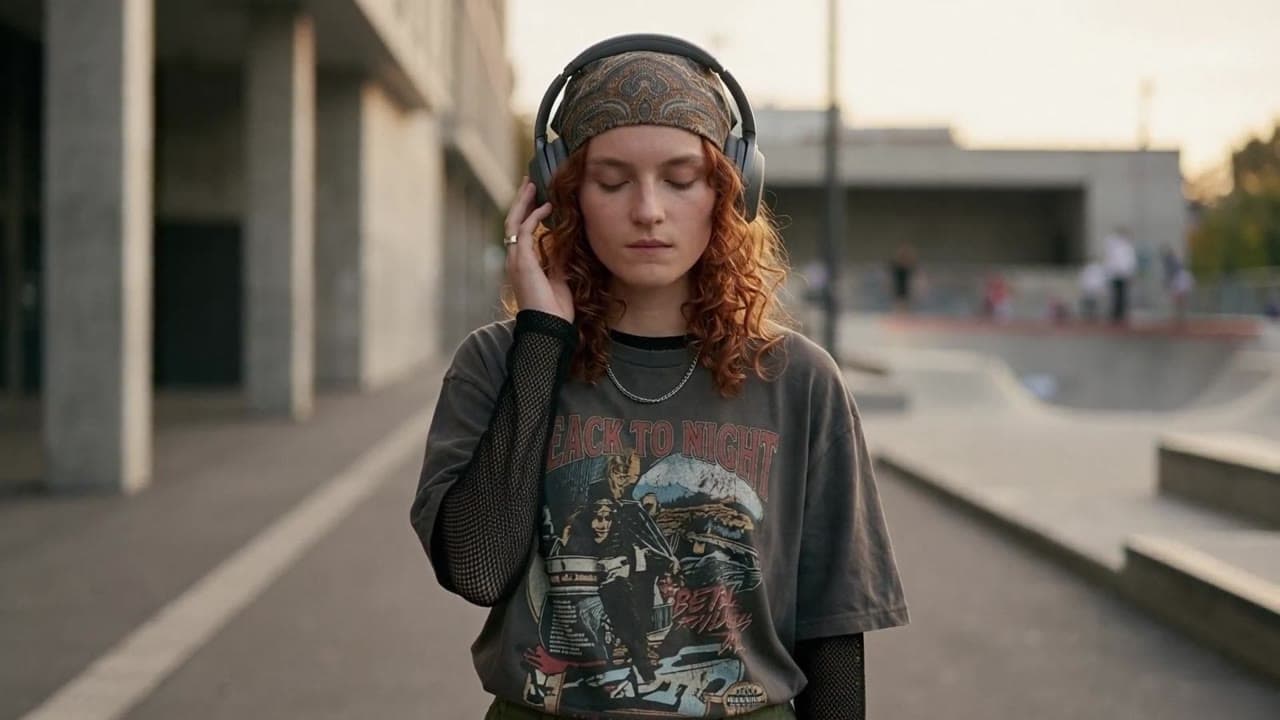
03 · Video result
The same grounded identity carried into motion.
Where Reusable Character Consistency Matters
One character can support creator, commercial, and planning workflows without losing continuity across multiple stills or shots.
Short films and story scenes
Keep the lead recognizable across boards, scene variations, and first-frame planning before motion starts.
Recurring ad talent
Reuse one spokesperson across campaign stills, alternate concepts, and reference-based video variants.
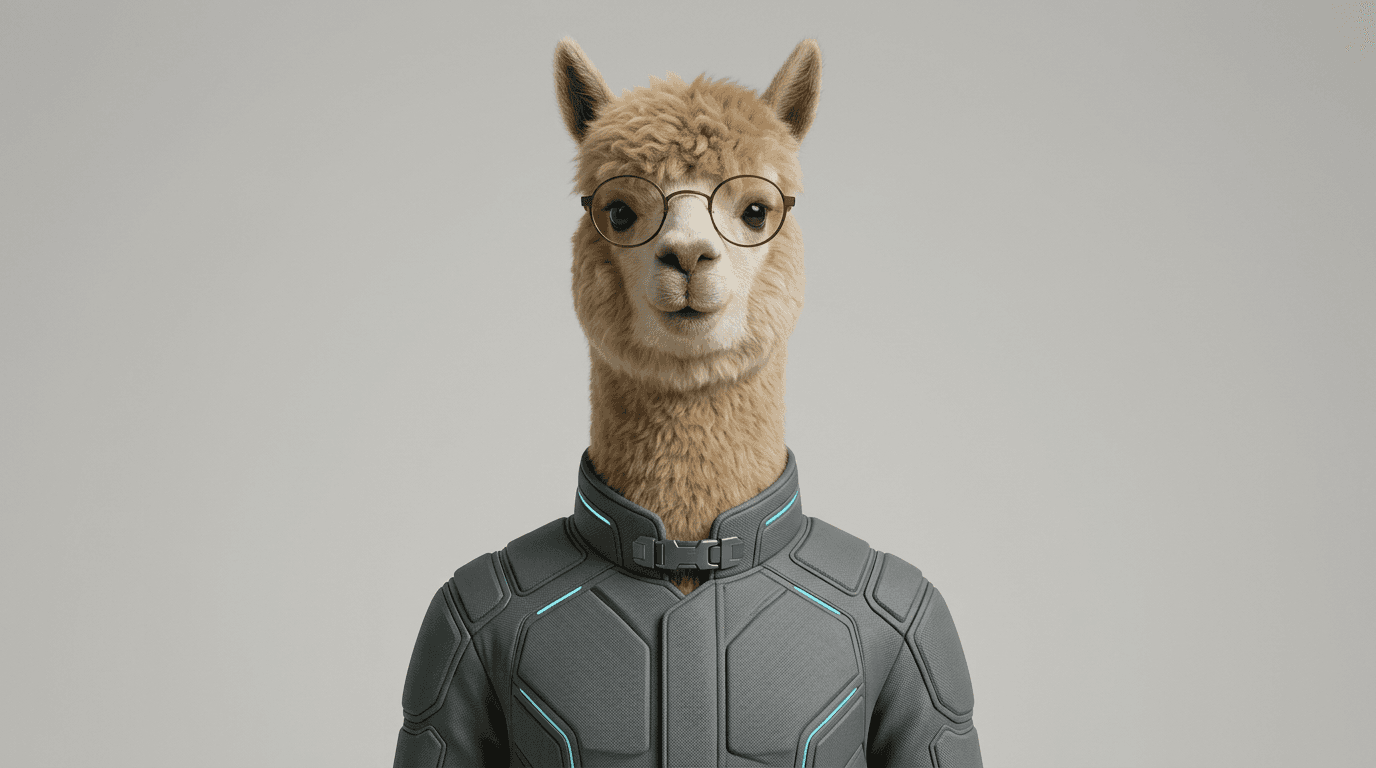
Brand mascots
Keep one mascot stable across launches, promos, stills, and motion tests instead of rebuilding it each time.

Creator series
Reuse the same host, avatar, or character every episode without losing face, outfit, or silhouette consistency.
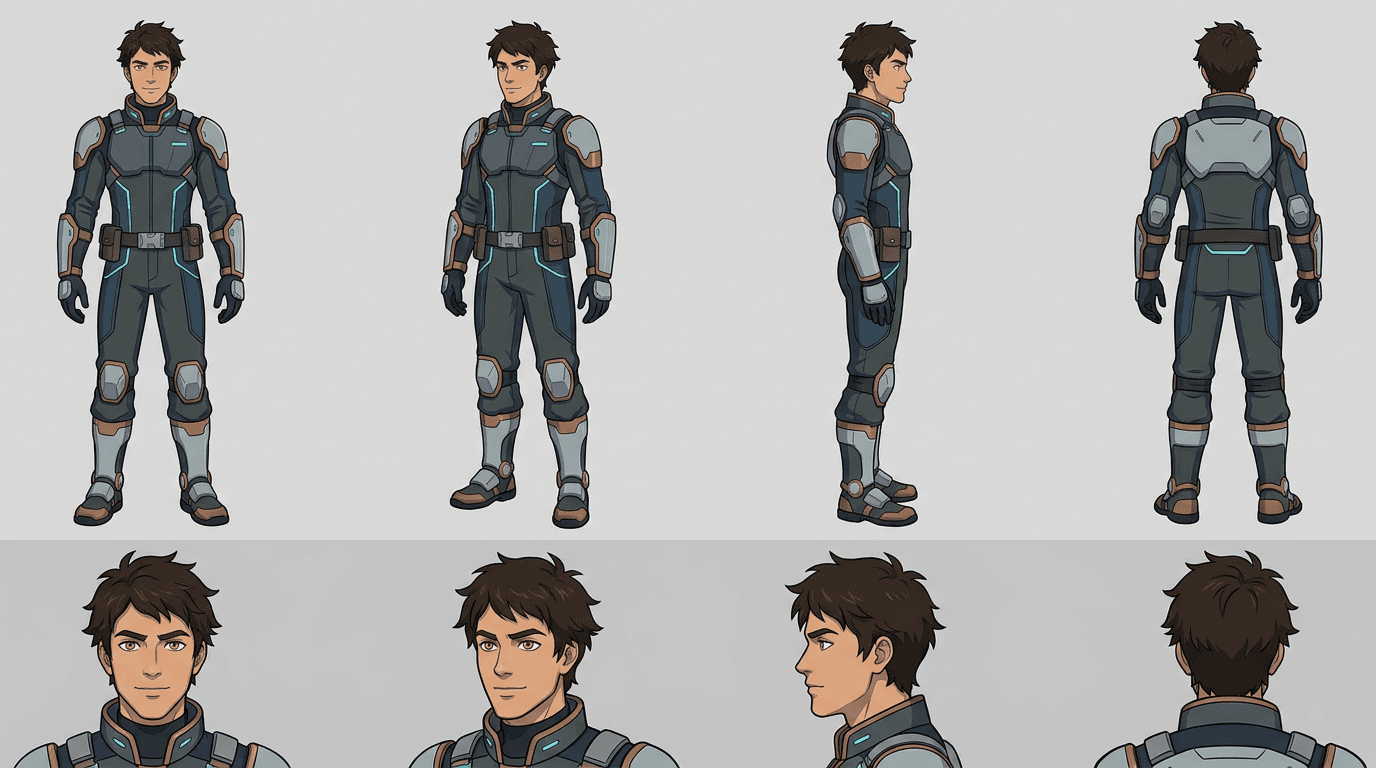
Comics and animation previz
Build one reusable character sheet for boards, panels, turnarounds, and previsualization work before animation.
Use the reference across the rest of the workflow
Once the character is locked, move into Image, Nano Banana, or video models without rebuilding identity again.
Create the reference first
Keep the Same Character Across Scenes, Stills, and Video
Generate a portrait anchor or 8-panel sheet, then reuse that same reference in prompts, edits, and still-reference video workflows.
Consistent Character AI FAQ
Short answers before you build the reference.
What is consistent character AI?
It means building one stable character reference so the same face, outfit, and silhouette hold up better later on.
Can I create a character sheet from one image?
Yes. You can start from one image and generate an 8-panel sheet with four full-body angles and four matching close-ups.
Can I use one face reference and one outfit reference?
Yes. You can pair one identity reference with a second image for wardrobe or outfit direction.
Can I start from scratch?
Yes. You can build a portrait anchor or character sheet from a scratch-built concept when you do not have a source image.
Can I reuse this in image-to-video workflows?
Yes. You can reuse it in prompts, Nano Banana start-frame prep, and video engines that support still references.