


Generate image
Create the still first
Start the frame in Image before you branch into edits, references, or motion.
Open ImageThese tools are built for the step before generation: lock the character, fix the angle, then carry stronger visual inputs into image creation, image-to-video, and the MaxVideoAI model hub.
Generate image
Start the frame in Image before you branch into edits, references, or motion.
Open Image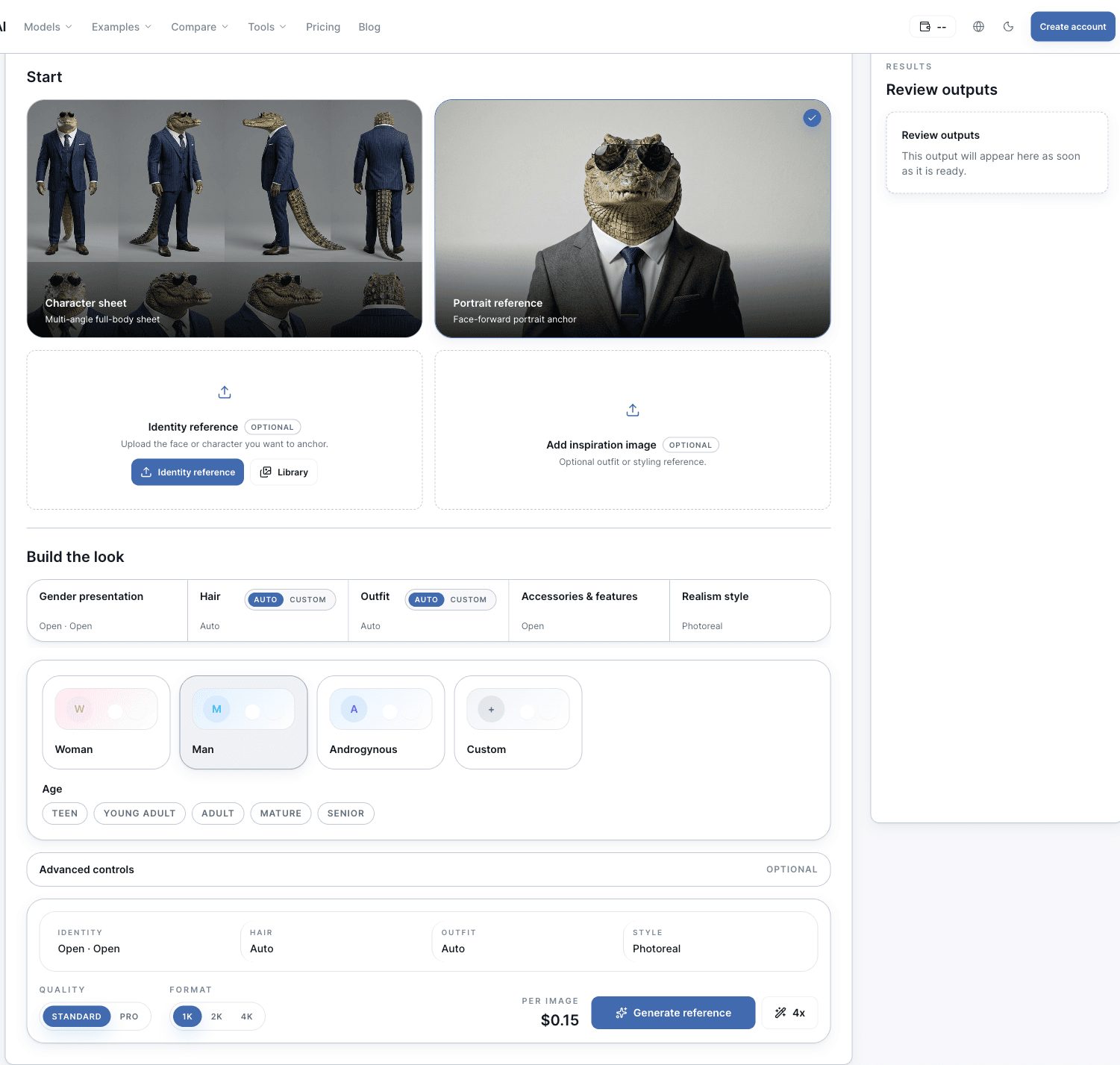
Character consistency
Turn one image into an 8-panel character sheet with 4 full-body angles and 4 close-ups, or create a portrait anchor before you branch into scenes, prompts, and motion.
Explore Tool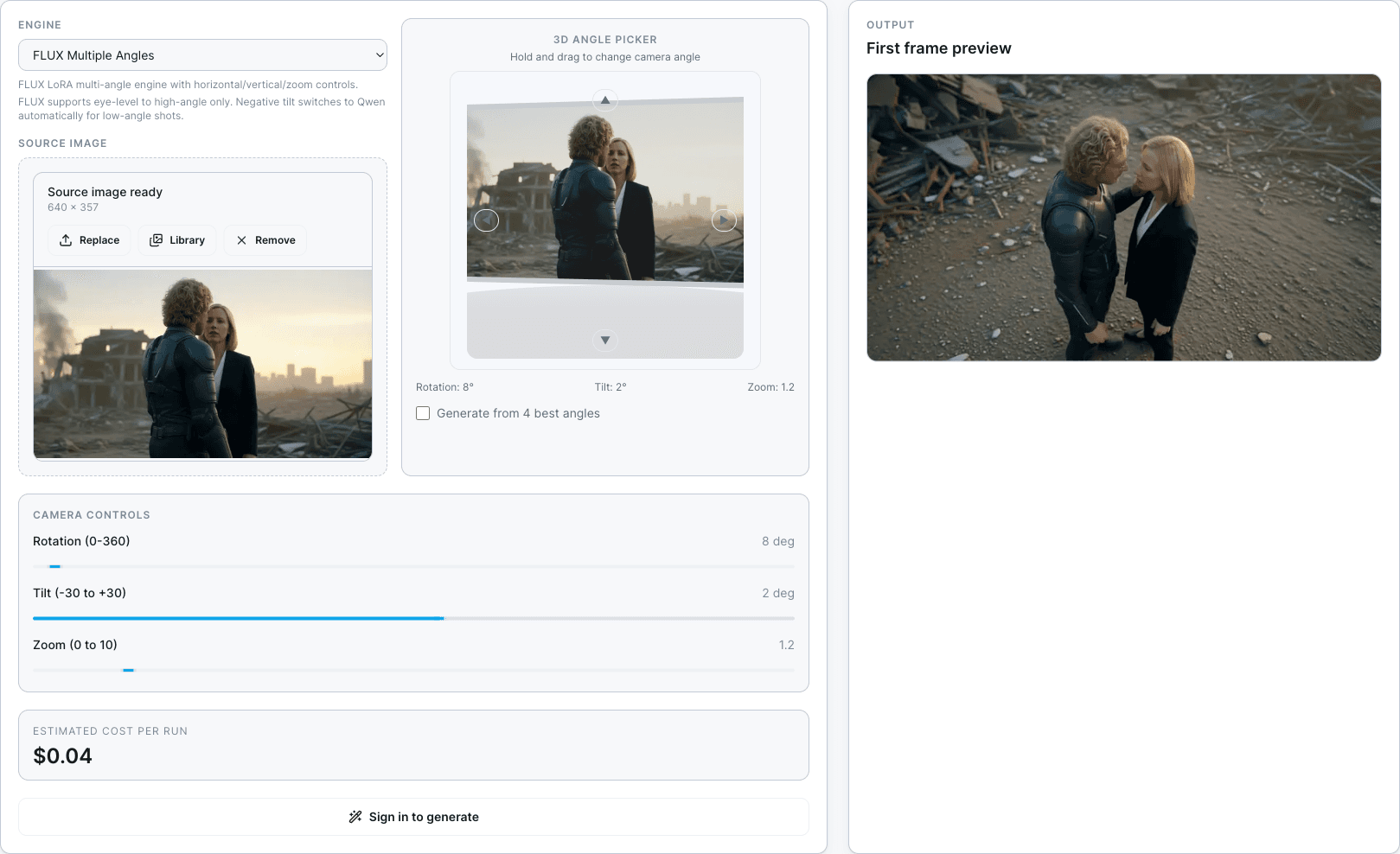
Perspective control
Choose a new camera angle from one image for product shots, storyboards, ad creative, or a stronger image-to-video first frame.
Explore ToolAI upscale
Upscale images or short videos with SeedVR2, Topaz, FlashVSR, and Recraft, then reuse the sharper asset in Image, Video, or Library.
Explore Tool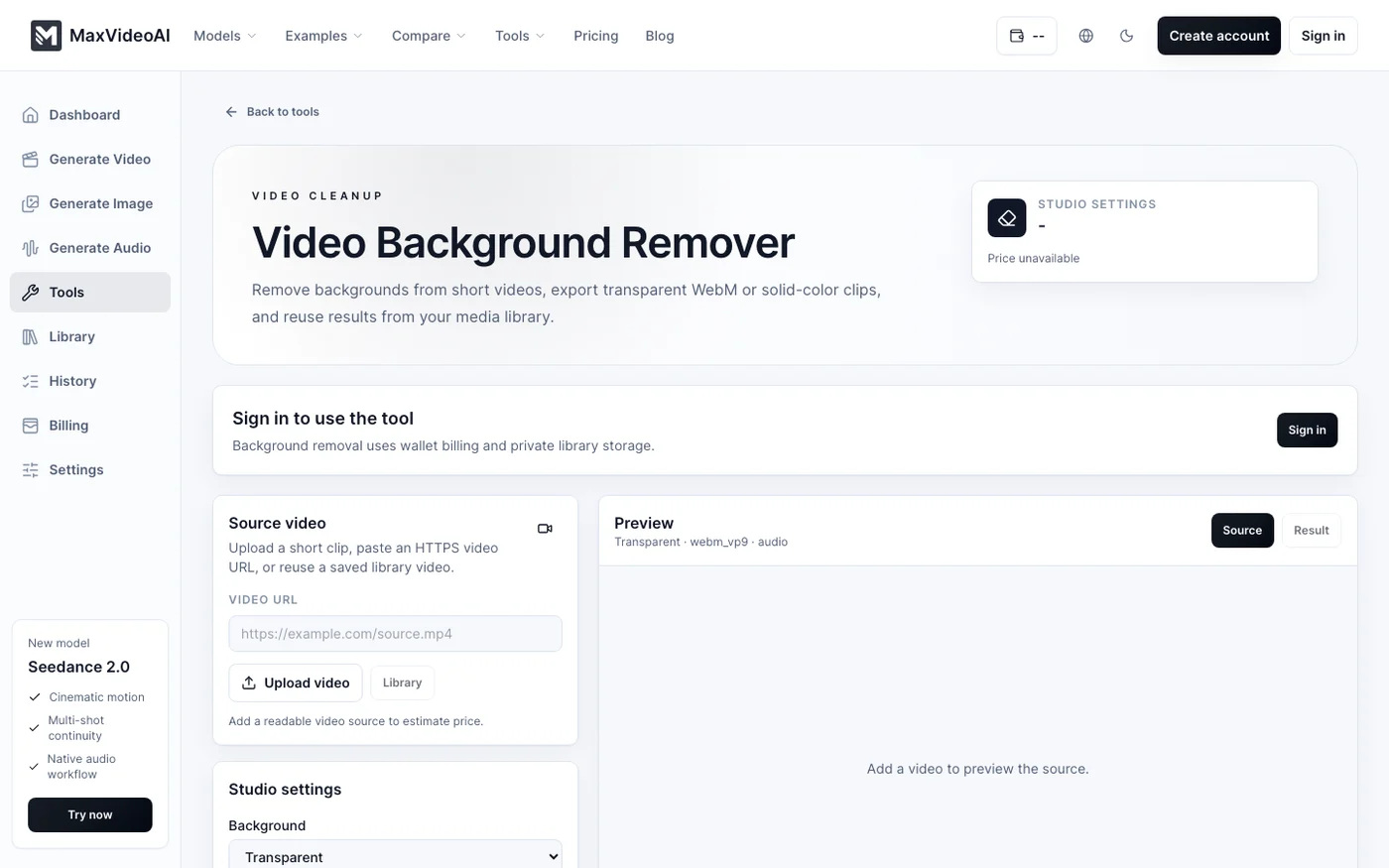
Video cleanup
Cut out people or products from short clips, replace green-screen work, export alpha video, and download Premiere-ready MOV files.
Explore ToolBest starting points
Use these entry points when you need a source still, a reusable character reference, or a better camera angle before video.
Image
Create the base frame first, then carry it into Character Builder, Angle, or motion.
Open ImageCharacter Builder
Lock the face, outfit, and silhouette before you branch into scenes or video prep.
Open Character BuilderAngle
Keep the frame you already trust and generate the viewpoint that fits the next step.
Open AngleUpscale
Clean up a still or short clip before it becomes a reference, prompt asset, or final deliverable.
Open UpscaleBackground Remover
Remove the background from a short video, save the transparent result, and reuse it in ads, product clips, and education assets.
Open Video Background Remover