
Google Veo 3.1 Fast camera movement example: living room commercial
This Google Veo 3.1 Fast text to video example shows living room commercial. It highlights audio-enabled output and camera motion control with 8-second timing · 16:9 output.
Prompt
Cinematic 8-second TV commercial in 16:9 with sound. From a tiny FPV-style camera flying indoors, we explore a bright, modern apartment. At the beginning, the living room is almost completely empty: just bare wooden flo…
Show full promptHide full prompt
Cinematic 8-second TV commercial in 16:9 with sound. From a tiny FPV-style camera flying indoors, we explore a bright, modern apartment. At the beginning, the living room is almost completely empty: just bare wooden floor, white walls and a large window with soft daylight. The camera flies in low through the doorway, hugging the floor, then rises and curves around the room in one continuous move. As the camera sweeps through the space, the apartment magically “assembles” itself in sync with the motion and the music: a rug rolls out under the camera, a sofa slides into place, cushions appear, a coffee table drops in, a floor lamp pops up and turns on, plants fade in beside the window. Furniture arrives with smooth, physical motion, not particle effects, as if an invisible crew was working at super speed. By the end of the 8 seconds, the camera eases into a perfectly composed wide shot of the finished living room: warm, cozy, Nordic-inspired, with soft morning light streaming in. The logo of a modern home brand appears subtly in the bottom corner for the last second, with no other text. Audio: a clean, upbeat indie-electronic track that builds as the room assembles, with light whooshes and soft “thump” sounds as each piece of furniture lands in place. No voiceover.
Render details
Workflow
Text-to-video workflow
8-second render in 16:9
Audio-enabled output
Drone or flythrough move
Cinematic styling
Engine
Google Veo 3.1 Fast
Veo 3.1 Fast now handles quick prompts, image-to-video, first/last transitions, and extend runs with optional audio.
Specs
Engine
Google Veo 3.1 Fast
Mode
Text to video
Duration
8s
Aspect ratio
16:9
Audio
Enabled
Render cost
$1.04
Created
2025-11-15
Related examples
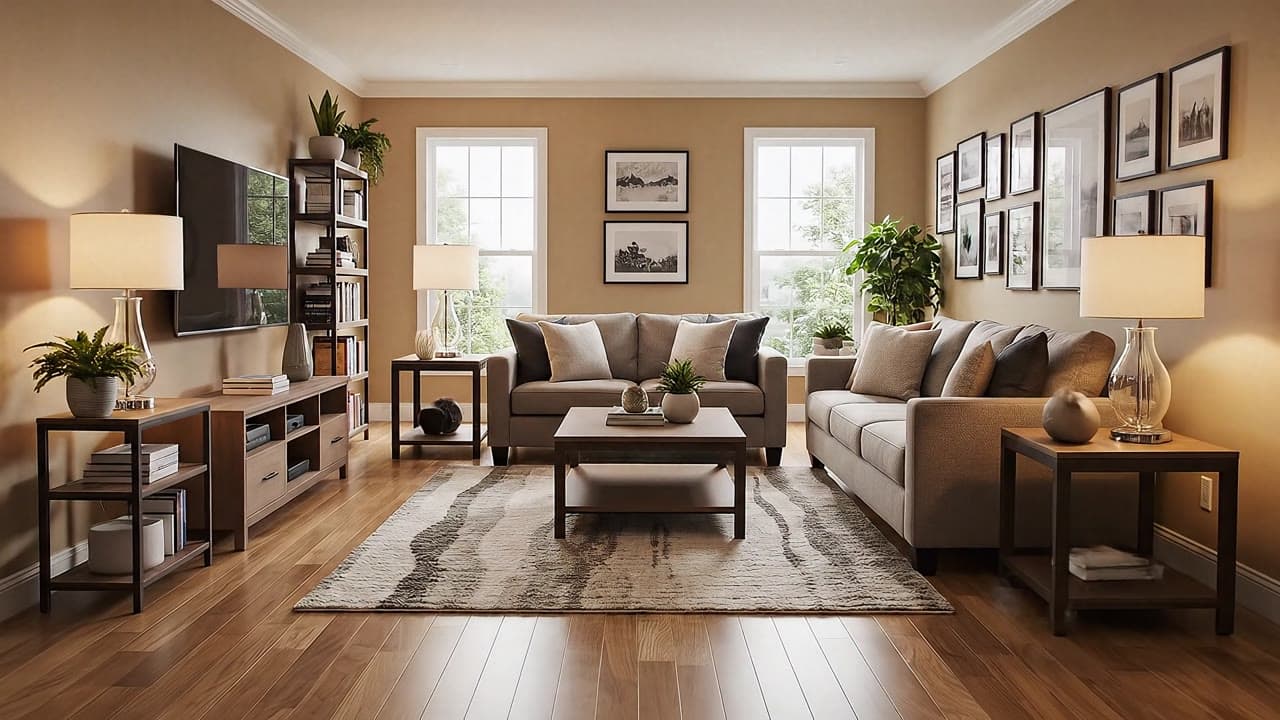
Same example family
Google Veo 3.1 Fast camera movement example: living room commercial
This Google Veo 3.1 Fast text to video example shows living room commercial. It highlights audio-enabled output and camera motion control with 6-second timing · 16:9 output.
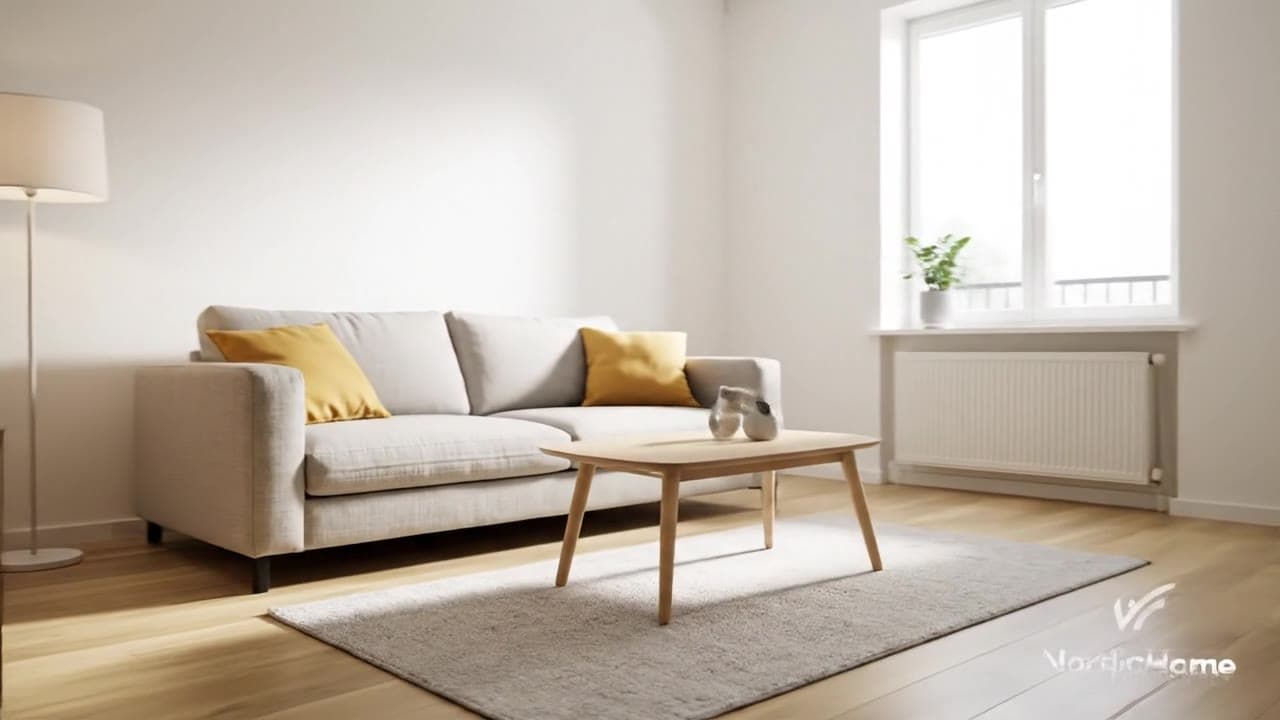
Same example family
Google Veo 3.1 Fast camera movement example: living room commercial
This Google Veo 3.1 Fast text to video example shows living room commercial. It highlights audio-enabled output and camera motion control with 8-second timing · 16:9 output.
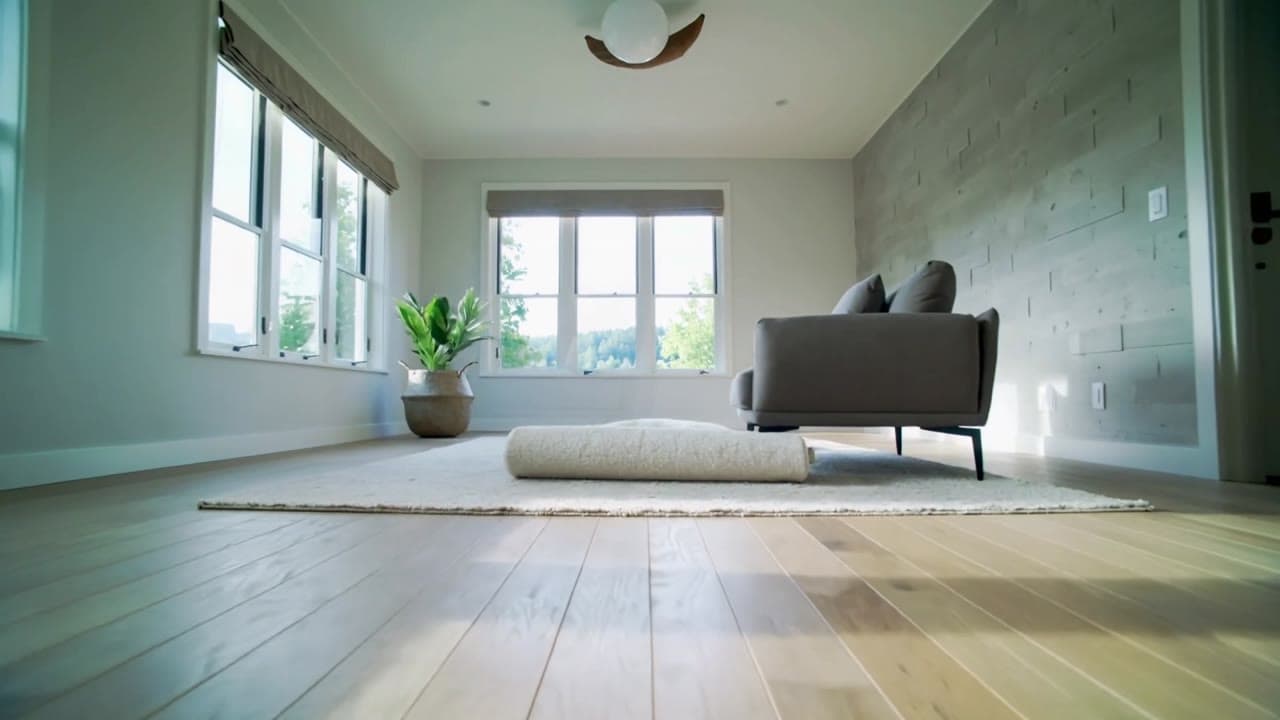
Same watch-page intent
Kling 2.5 Turbo camera movement example: living room commercial
This Kling 2.5 Turbo text to video example shows living room commercial. It highlights camera motion control with 5-second timing · 16:9 output.
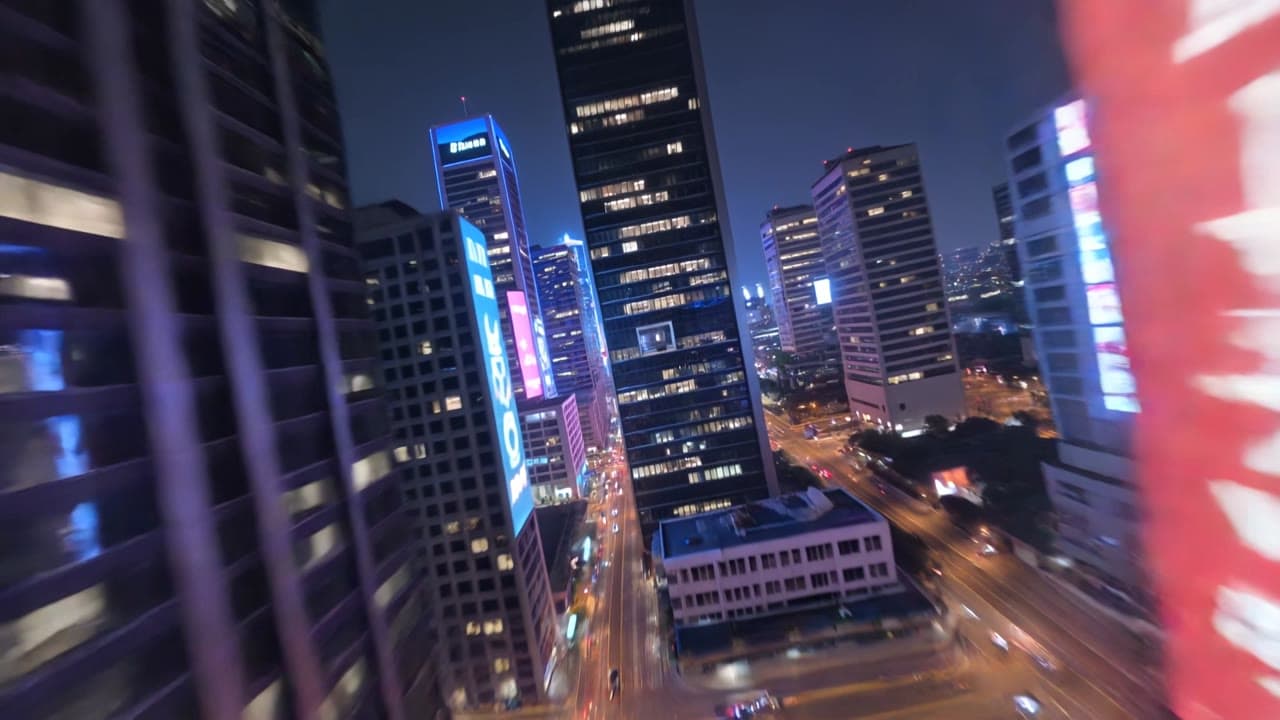
Same watch-page intent
Kling 3 Pro camera movement example: futuristic city flythrough
This Kling 3 Pro text to video example shows futuristic city flythrough. It highlights camera motion control with 15-second timing · 16:9 · 1080p output.
Recreate
Load this render in the workspace
Start from the same prompt and settings, then remix duration, aspect ratio, references, or audio.