
LTX 2.3 Pro image-to-video example: street push-in
This LTX 2.3 Pro image to video example shows street push-in. It highlights audio-enabled output and camera motion control with 6-second timing · 9:16 · 1080p output.
Prompt
Cinematic medium shot of the same character from the start image dancing hip-hop in a Brooklyn-style street. Keep the exact same character identity, face, hairstyle, bandana, outfit, and proportions. No changes. Maintai…
Show full promptHide full prompt
Cinematic medium shot of the same character from the start image dancing hip-hop in a Brooklyn-style street. Keep the exact same character identity, face, hairstyle, bandana, outfit, and proportions. No changes. Maintain the same framing and camera angle: frontal medium shot, character centered in the street with brick buildings behind. Action: The character performs a smooth hip-hop groove sequence. Movement style: - grounded hip-hop steps - subtle footwork (side step, weight shift) - natural bounce in the knees - relaxed but controlled arm movement - slight shoulder groove The dance should feel effortless, rhythmic, and confident — not exaggerated, not acrobatic. Expression: Cool, focused, confident. Slight attitude in the eyes, natural charisma. Face remains readable and engaged with the camera. Environment: Brooklyn street with brick buildings, parked cars, and soft urban life. A few people in the background, slightly blurred, walking or standing. Subtle street details (light tags, textures), not overwhelming. Camera: Very slow forward tracking shot or subtle push-in toward the character. Stable cinematic framing. Lighting: Golden hour sunlight hitting the brick buildings. Warm tones, soft shadows, natural highlights on the face. Depth of field: Shallow depth of field, background softly blurred but recognizable. Motion details: - slight motion blur on arms and feet - subtle wind moving hair and hoodie - gentle camera micro-movement for realism Style: High-end streetwear / music video aesthetic (Nike, Aime Leon Dore, NYC vibe). Ultra-realistic, cinematic color grading. Mood: Cool, confident, urban energy, effortless style. Important: - preserve exact identity - keep movements realistic and grounded - no exaggerated tricks or flips - no scene change - smooth continuous single shot
Render details
Workflow
Image-to-video workflow
6-second render in 9:16
Audio-enabled output
Single reference image
Push-in camera move
Controls
Reference image
Provided
Engine
LTX 2.3 Pro
Use LTX 2.3 Pro on MaxVideoAI for text-to-video, image-to-video, audio-to-video, extend-video and retake-video workflows with Fal’s official 1080p/1440p/4K and 24/25/48/50 fps options.
Specs
Engine
LTX 2.3 Pro
Mode
Image to video
Duration
6s
Aspect ratio
9:16
Resolution
1080p
FPS
25
Audio
Enabled
Render cost
$0.47
Created
2026-03-23
Related examples
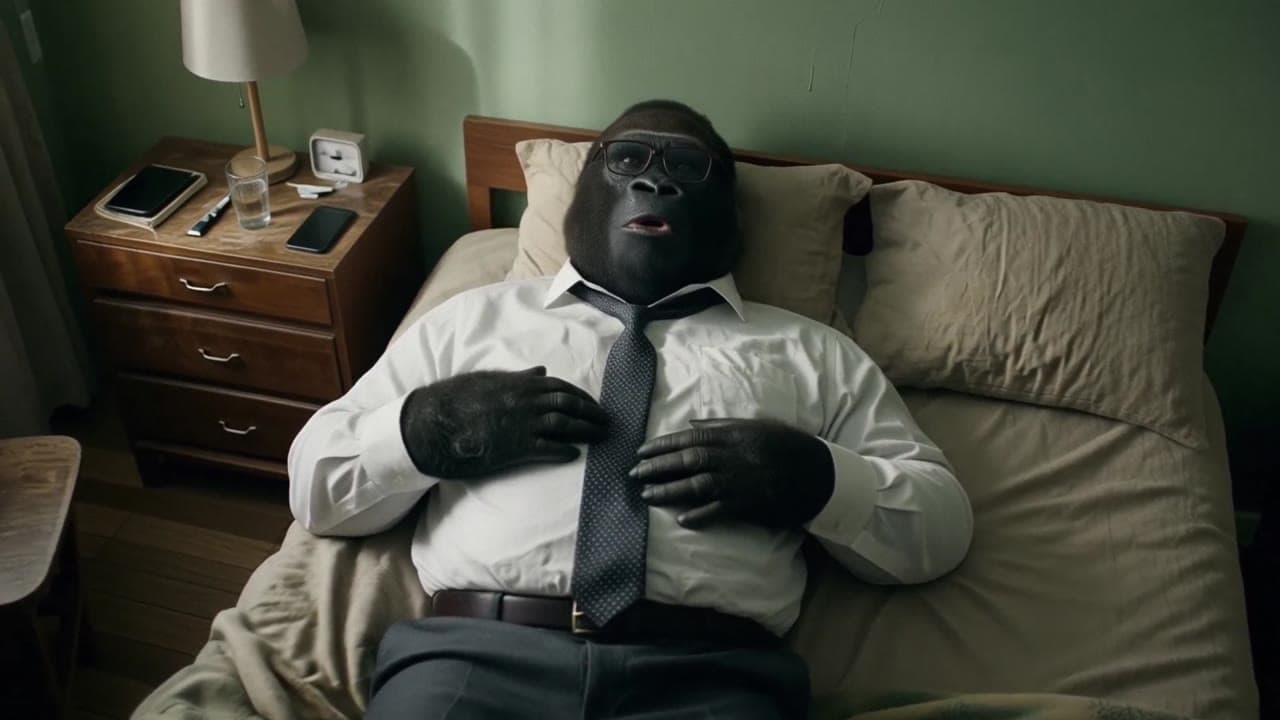
Same example family
LTX 2.3 Pro image-to-video example: city camera move
This LTX 2.3 Pro image to video example shows city camera move. It highlights audio-enabled output and camera motion control with 10-second timing · 16:9 · 1080p output.
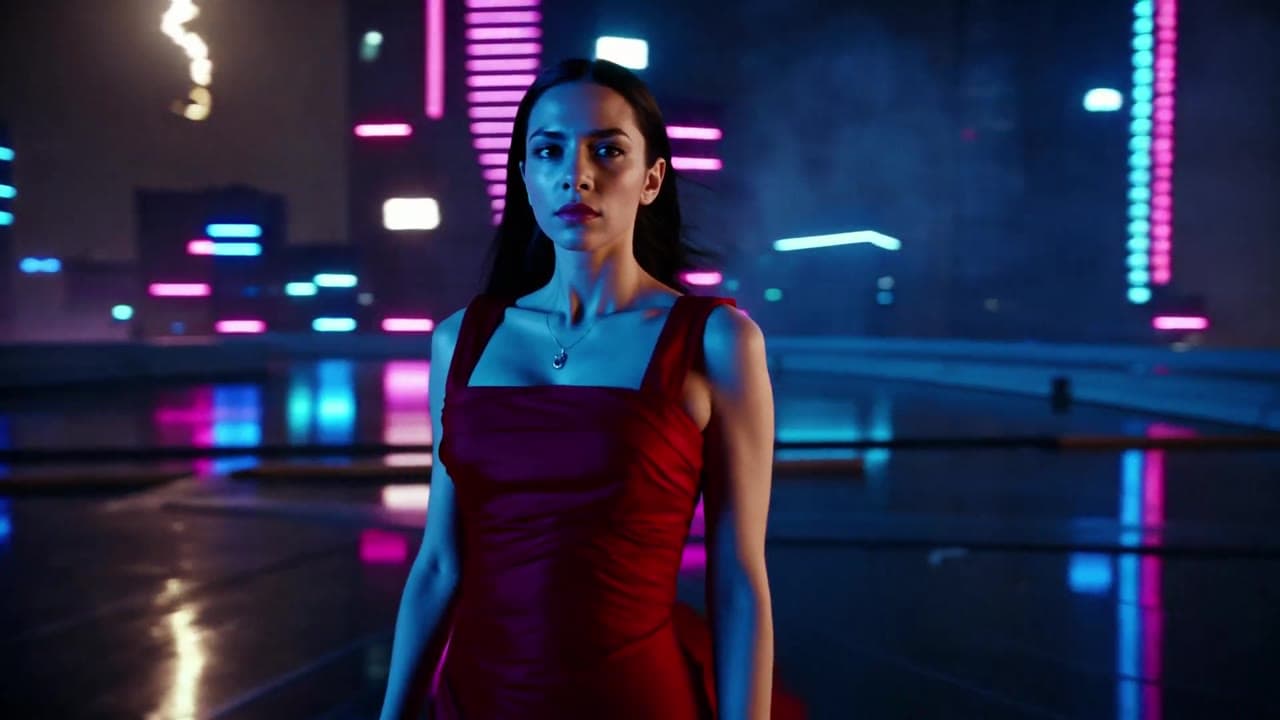
Same example family
LTX 2.3 Pro audio-enabled video example: city close-up
This LTX 2.3 Pro text to video example shows city close-up. It highlights audio-enabled output with 10-second timing · 16:9 · 1080p output.
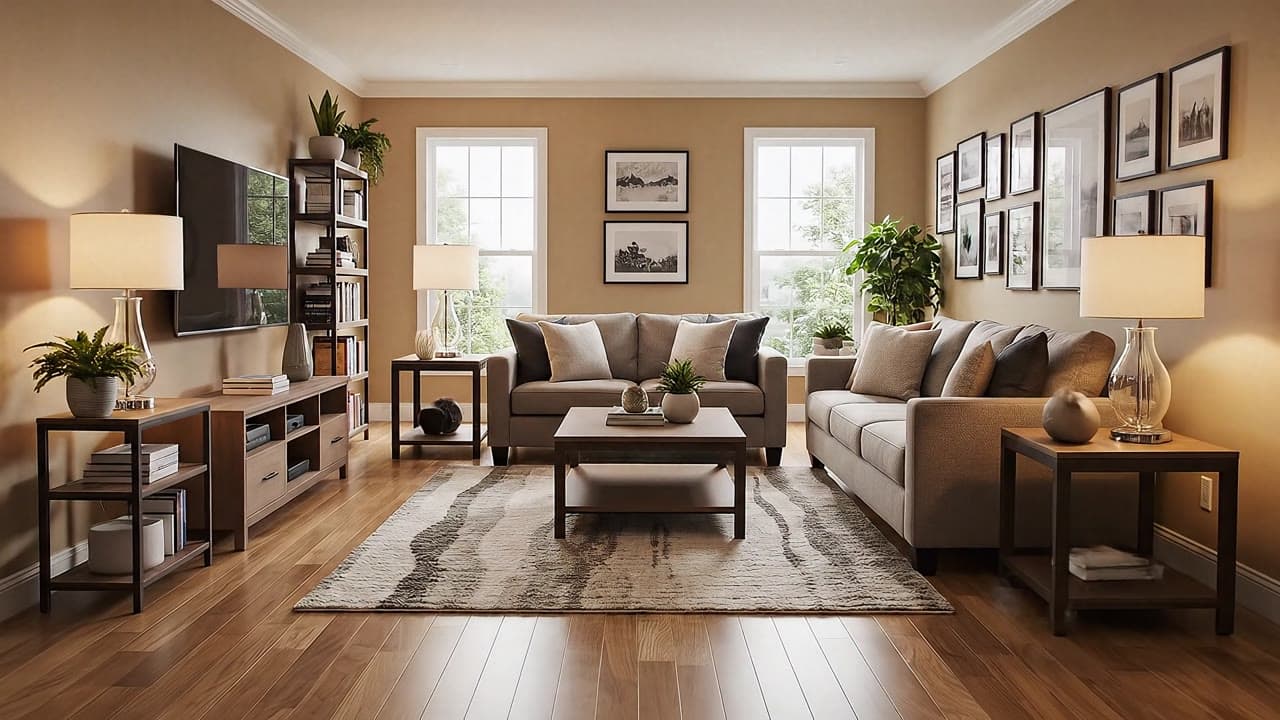
Shared capability
Google Veo 3.1 Fast camera movement example: living room commercial
This Google Veo 3.1 Fast text to video example shows living room commercial. It highlights audio-enabled output and camera motion control with 6-second timing · 16:9 output.
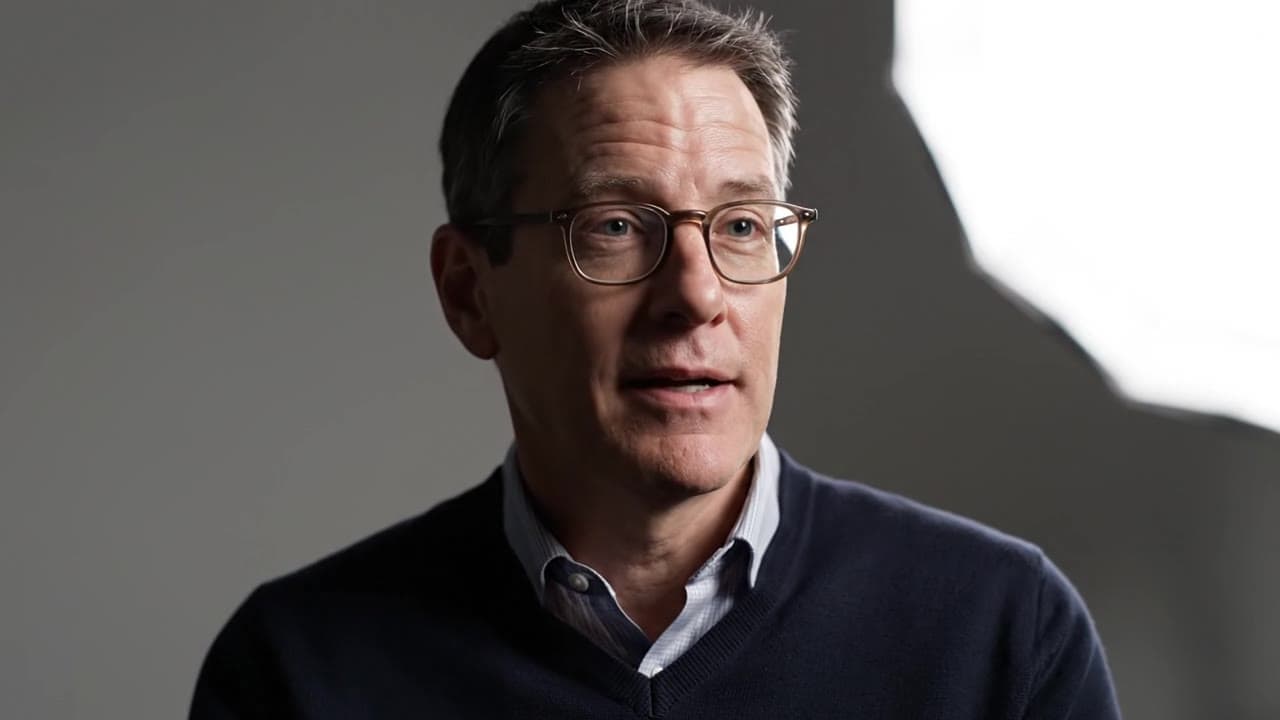
Shared capability
Google Veo 3.1 Fast camera movement example: studio interview push-in
This Google Veo 3.1 Fast text to video example shows studio interview push-in. It highlights audio-enabled output and camera motion control with 8-second timing · 16:9 output.
Recreate
Load this render in the workspace
Start from the same prompt and settings, then remix duration, aspect ratio, references, or audio.