
Kling 3 Pro image-to-video example: city push-in
This Kling 3 Pro image to video example shows city push-in. It highlights audio-enabled output and camera motion control with 15-second timing · 16:9 · 1080p output.
Prompt
Use the uploaded storyboard grid as the main visual reference and preserve its live-action cinematic realism, character identity, costume, rainy rooftop setting, city scale, and grounded sci-fi tone. Create a tense futu…
Show full promptHide full prompt
Use the uploaded storyboard grid as the main visual reference and preserve its live-action cinematic realism, character identity, costume, rainy rooftop setting, city scale, and grounded sci-fi tone. Create a tense futuristic action sequence in a rain-soaked megacity at night. The same male operative moves through the sequence with strong continuity: standing alone on the rooftop, running across wet concrete, jumping between buildings, being pursued by surveillance drones, landing hard in shallow water, sliding behind rooftop machinery as an explosion erupts, aiming at approaching armed enemies, then ending on a final heroic rooftop silhouette at dawn. Style: photorealistic live-action sci-fi thriller, grounded blockbuster realism, realistic skin, real fabric, real rain, practical lighting, cinematic contrast, believable smoke, debris and reflections, anamorphic lens feel, natural motion blur, shallow depth of field. Camera direction: begin with a slow cinematic push-in on the rooftop, transition into a smooth tracking run, then a dynamic side view during the jump, then a low action angle for the landing, then handheld urgency during the slide for cover, then an over-the-shoulder combat framing, then a dramatic wide shot for the explosion, ending with a slow still heroic final frame. Motion direction: realistic body mechanics, heavy foot impact on wet surfaces, water splashes, wind, drifting smoke, drone searchlights scanning through rain, explosion shockwave, subtle camera shake only during impact moments. Important: preserve the grounded film look from the reference. Keep the sequence realistic and cinematic, not stylized. Negative prompt: no illustration, no digital painting, no anime, no comic-book style, no glossy concept art, no fake superhero posing, no plastic skin, no game cutscene look, no overdesigned sci-fi armor, no exaggerated neon overload.
Render details
Workflow
Image-to-video workflow
15-second render in 16:9
Audio-enabled output
Single reference image
Push-in camera move
Controls
Shot type
customize
Reference image
Provided
Engine
Kling 3 Pro
Kling 3 Pro adds multi-prompt sequencing, element references, and voice controls for long-form cinematic shots.
Specs
Engine
Kling 3 Pro
Mode
Image to video
Duration
15s
Aspect ratio
16:9
Resolution
1080p
Audio
Enabled
Render cost
$6.55
Created
2026-03-24
Related examples
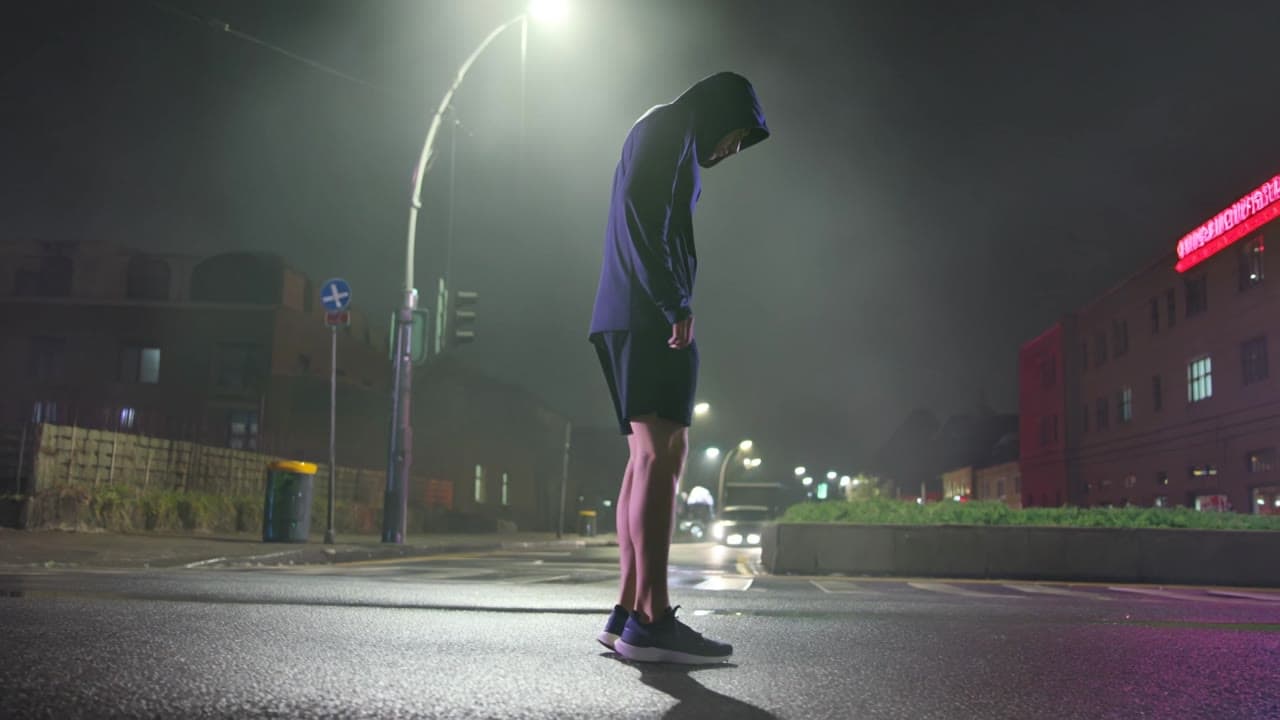
Same example family
Kling 3 Pro camera movement example: night city push-in
This Kling 3 Pro text to video example shows night city push-in. It highlights audio-enabled output and camera motion control with 15-second timing · 16:9 · 1080p output.
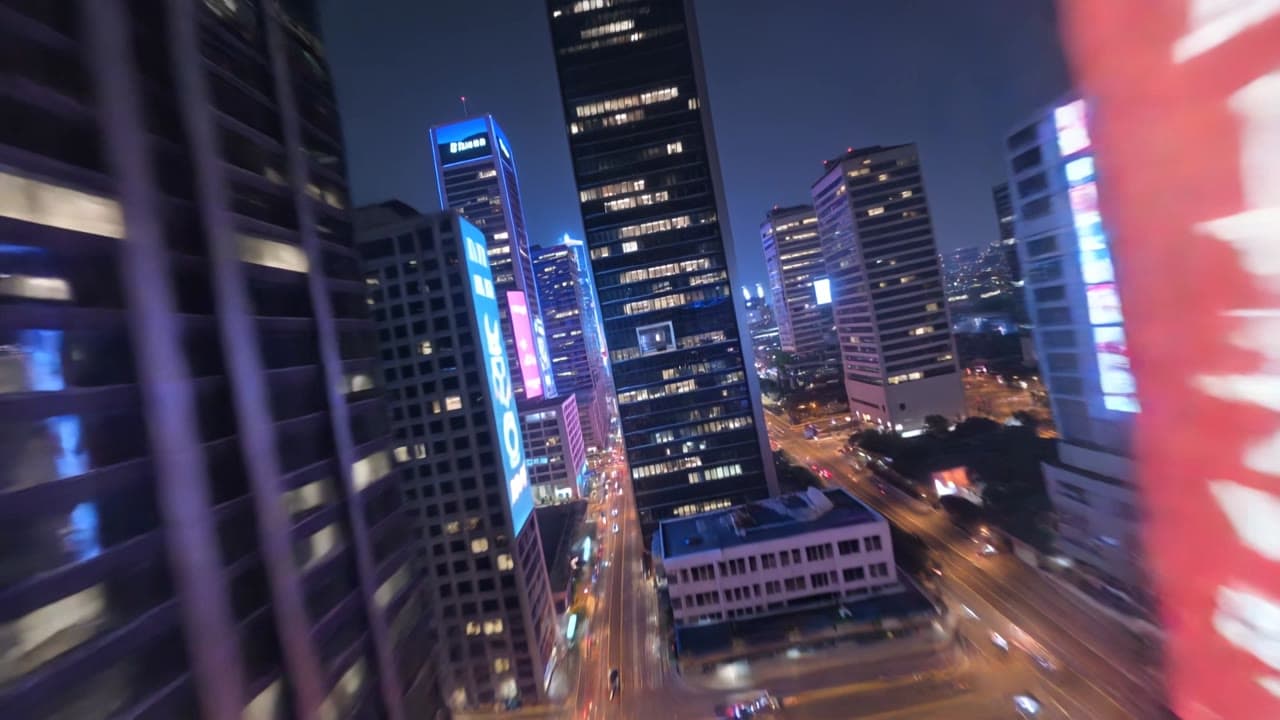
Same example family
Kling 3 Pro camera movement example: futuristic city flythrough
This Kling 3 Pro text to video example shows futuristic city flythrough. It highlights camera motion control with 15-second timing · 16:9 · 1080p output.
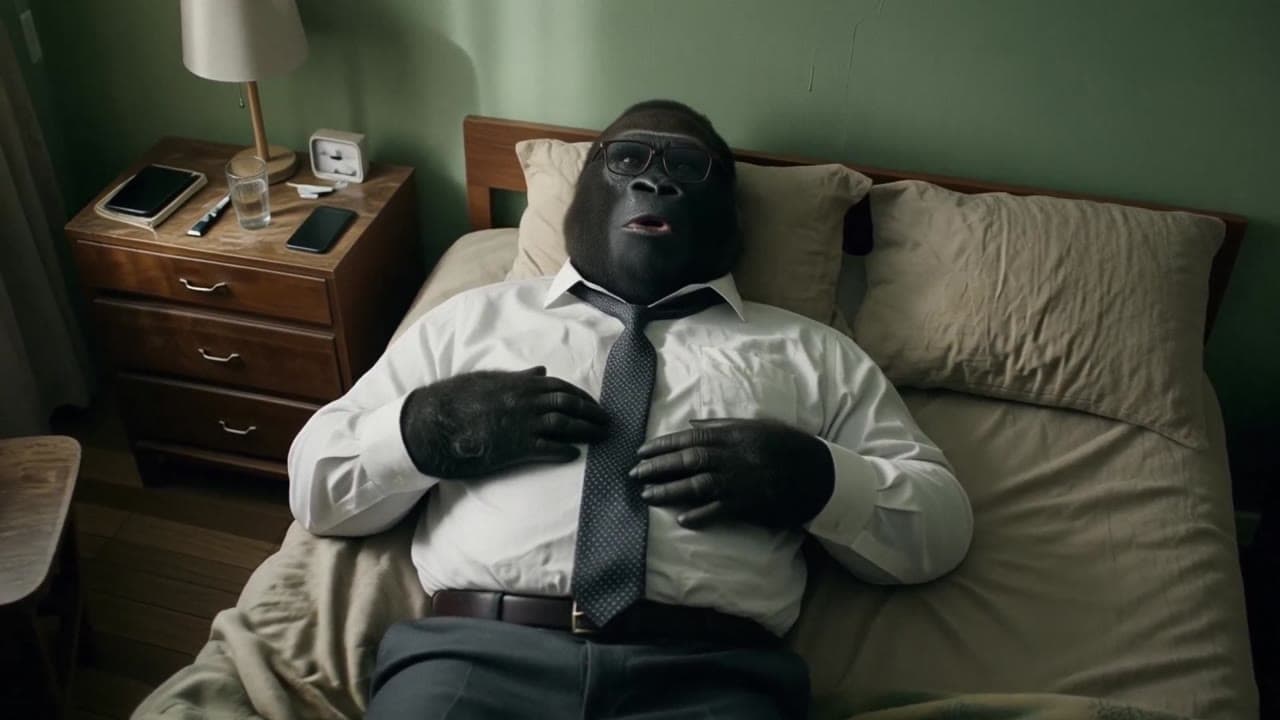
Same watch-page intent
LTX 2.3 Pro image-to-video example: city camera move
This LTX 2.3 Pro image to video example shows city camera move. It highlights audio-enabled output and camera motion control with 10-second timing · 16:9 · 1080p output.
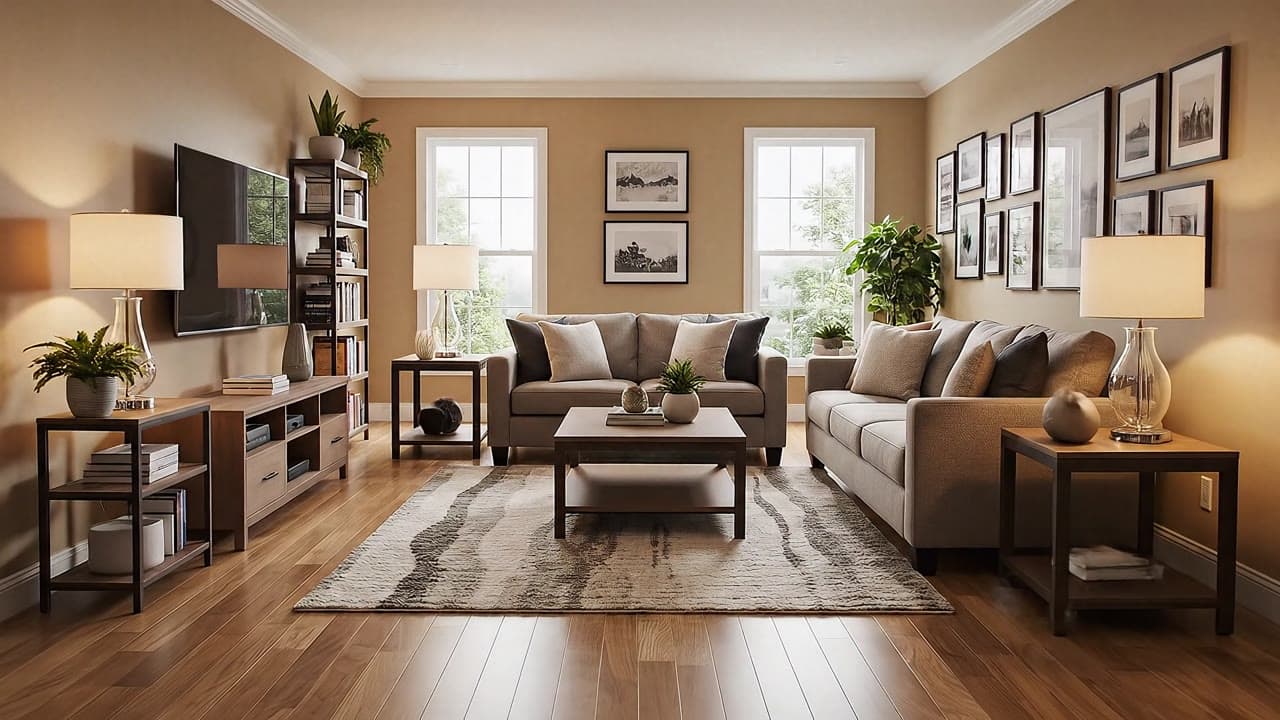
Shared capability
Google Veo 3.1 Fast camera movement example: living room commercial
This Google Veo 3.1 Fast text to video example shows living room commercial. It highlights audio-enabled output and camera motion control with 6-second timing · 16:9 output.
Recreate
Load this render in the workspace
Start from the same prompt and settings, then remix duration, aspect ratio, references, or audio.