
Wan 2.6 rainy neon thriller sequence example
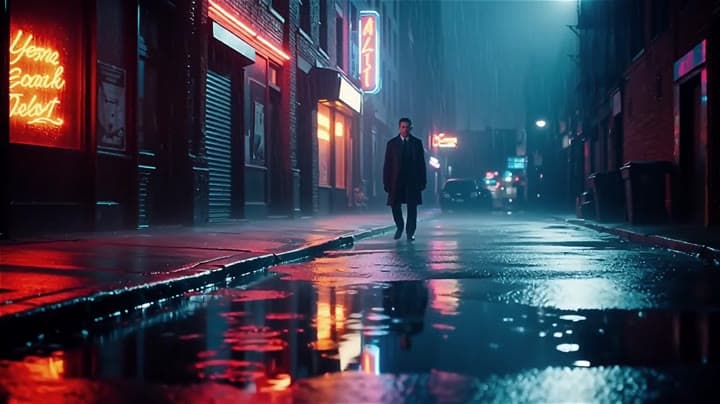
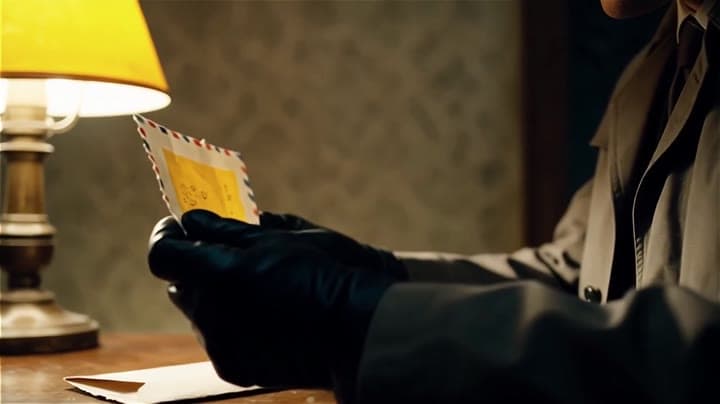
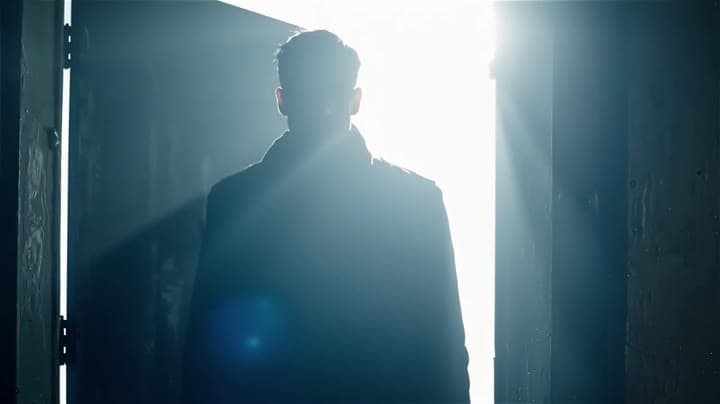
This Wan 2.6 page shows a rainy neon thriller prompt with multi-shot direction, smooth camera work and audio-enabled pacing.
Prompt breakdown
Prompt used to generate this render.
Global look: elegant thriller, rainy night, soft neon, 35mm, fine film grain, cinematic depth of field, smooth camera, blue/amber palette. Shot 1 [0–4s]: slow push-in through a wet alley, reflections on the ground, a si…Show full promptHide full prompt
Global look: elegant thriller, rainy night, soft neon, 35mm, fine film grain, cinematic depth of field, smooth camera, blue/amber palette. Shot 1 [0–4s]: slow push-in through a wet alley, reflections on the ground, a silhouette in the distance, hazy atmosphere. Shot 2 [4–10s]: cut to close-up of hands opening a sealed envelope on a wooden table, warm side light, very shallow focus. Shot 3 [10–15s]: a door opens into an overexposed white room, burst of light, fine dust in the beam, fade to black.
Workflow
Text to video
Camera
Push In, Close Up
Output
15s · 16:9 · 720p
Recorded render cost
$1.95
Audio
Enabled
Constraints
Text To Video, Audio Enabled, Push In
Prompt improvement notes
Note 1
Keep the subject, camera move, lighting, duration, aspect ratio and audio requirement grouped so the render has one clear production brief.
Note 2
Change one variable at a time when cloning this prompt: model, duration, camera motion or reference input. That makes quality and price differences easier to compare.
Note 3
Add a short negative prompt if you need to block text overlays, logos, distorted hands, face warping or unwanted camera shake.
Compare this model
Review this example beside nearby engines before choosing a render path.
Why Wan 2.6 Text & Image to Video fits this shot
Wan 2.6 merges text, image, and reference-to-video in one card with multi-shot prompting and 720p/1080p tiers.
Text prompts
Image input
Reference video
Key frames
Related examples
View all examples Kling 3 Pro
Kling 3 Pro neon street multi-shot example
This Kling 3 Pro example demonstrates a multi-shot neon street sequence with rain reflections, native audio and structured scene anchors.
 Kling 3 Standard
Kling 3 Standard rainy neon street multi-shot example
This Kling 3 Standard page shows a rainy neon street prompt with multi-shot structure, audio-enabled pacing and cinematic reflections.
 Wan 2.5 Text & Image to Video
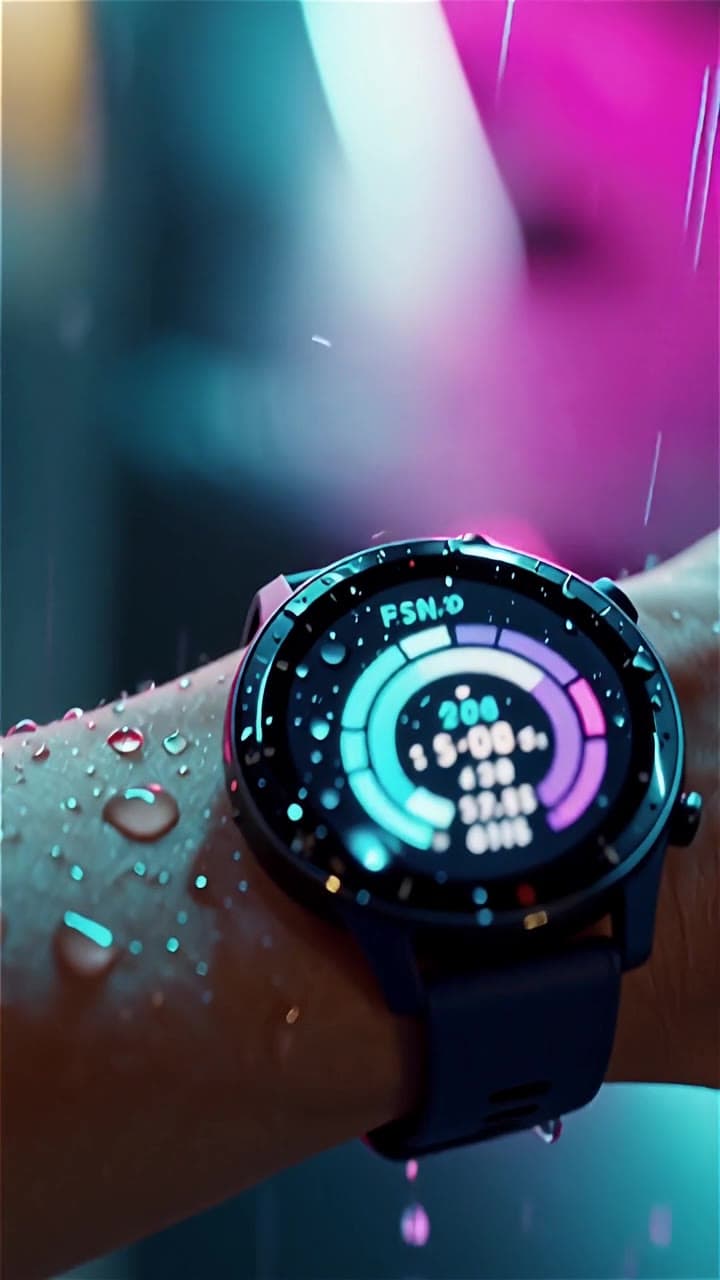
Wan 2.5 vertical smartwatch runner ad example
This Wan 2.5 example turns a smartwatch prompt into a vertical runner ad with beat-timed motion, rain details and audio-enabled pacing.
 Wan 2.5 Text & Image to Video
Wan 2.5 vertical spy-to-Zoom comedy video example
This Wan 2.5 watch page shows a vertical comedy prompt that opens like a spy action scene and ends with a Zoom-call reveal.