
Google Veo 3.1 Lite camera movement example: city push-in
This Google Veo 3.1 Lite text to video example shows city push-in. It highlights audio-enabled output and camera motion control with 8-second timing · 16:9 · 720p output.
Prompt
Medium shot of a streetwear model adjusting his oversized jacket in a neon-lit alley at night. Slow push-in camera. Wet pavement reflecting pink and blue lights. Modern cinematic look. Subtle city ambience and distant t…
Show full promptHide full prompt
Medium shot of a streetwear model adjusting his oversized jacket in a neon-lit alley at night. Slow push-in camera. Wet pavement reflecting pink and blue lights. Modern cinematic look. Subtle city ambience and distant traffic.
Render details
Workflow
Text-to-video workflow
8-second render in 16:9
Audio-enabled output
Push-in camera move
Cinematic styling
Engine
Google Veo 3.1 Lite
Veo 3.1 Lite keeps the same unified Veo flow for prompts, start-image animation, and first/last transitions at a lower cost with audio always on.
Specs
Engine
Google Veo 3.1 Lite
Mode
Text to video
Duration
8s
Aspect ratio
16:9
Resolution
720p
Audio
Enabled
Render cost
$0.52
Created
2026-04-02
Related examples
Same example family
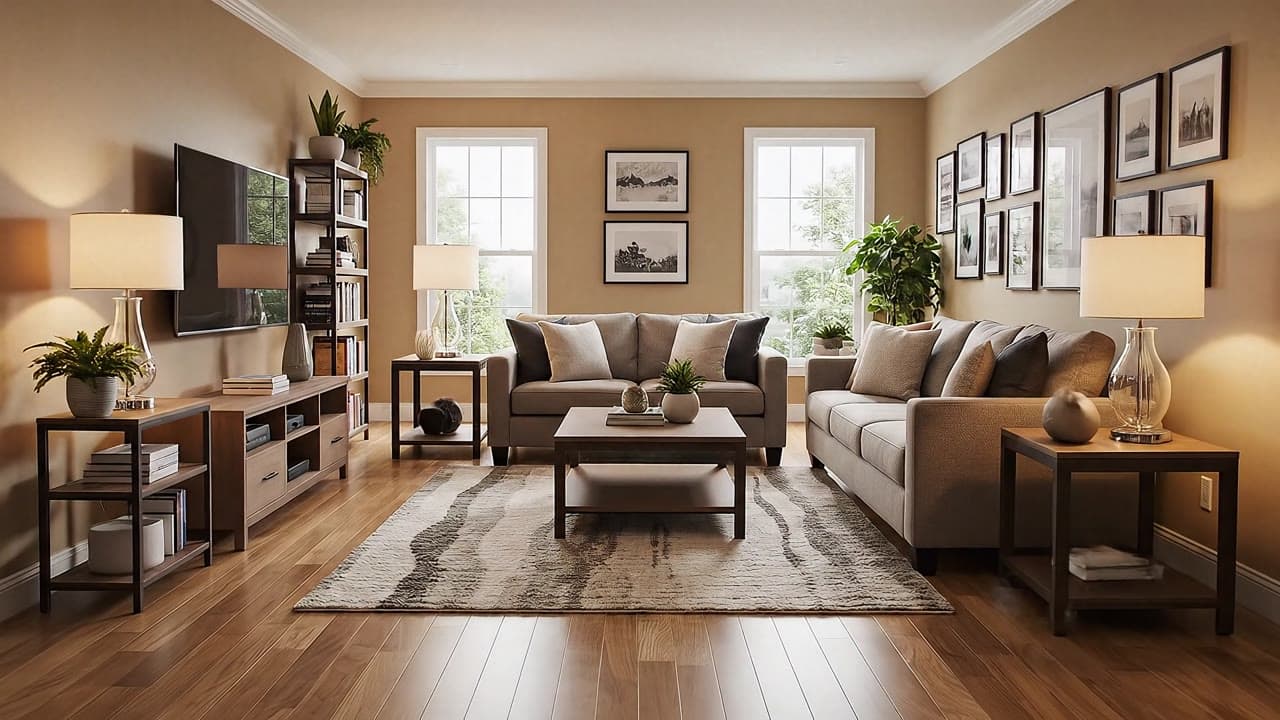
Google Veo 3.1 Fast camera movement example: living room commercial
This Google Veo 3.1 Fast text to video example shows living room commercial. It highlights audio-enabled output and camera motion control with 6-second timing · 16:9 output.
Same example family
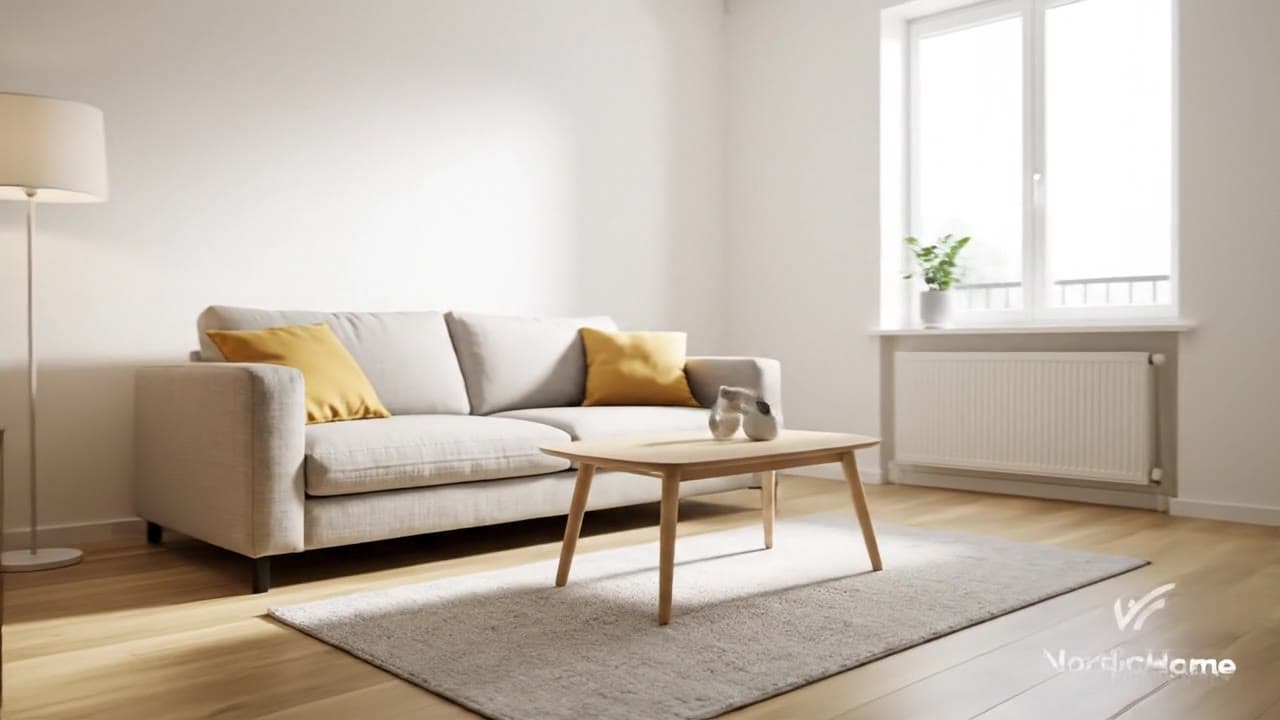
Google Veo 3.1 Fast camera movement example: living room commercial
This Google Veo 3.1 Fast text to video example shows living room commercial. It highlights audio-enabled output and camera motion control with 8-second timing · 16:9 output.
Same watch-page intent
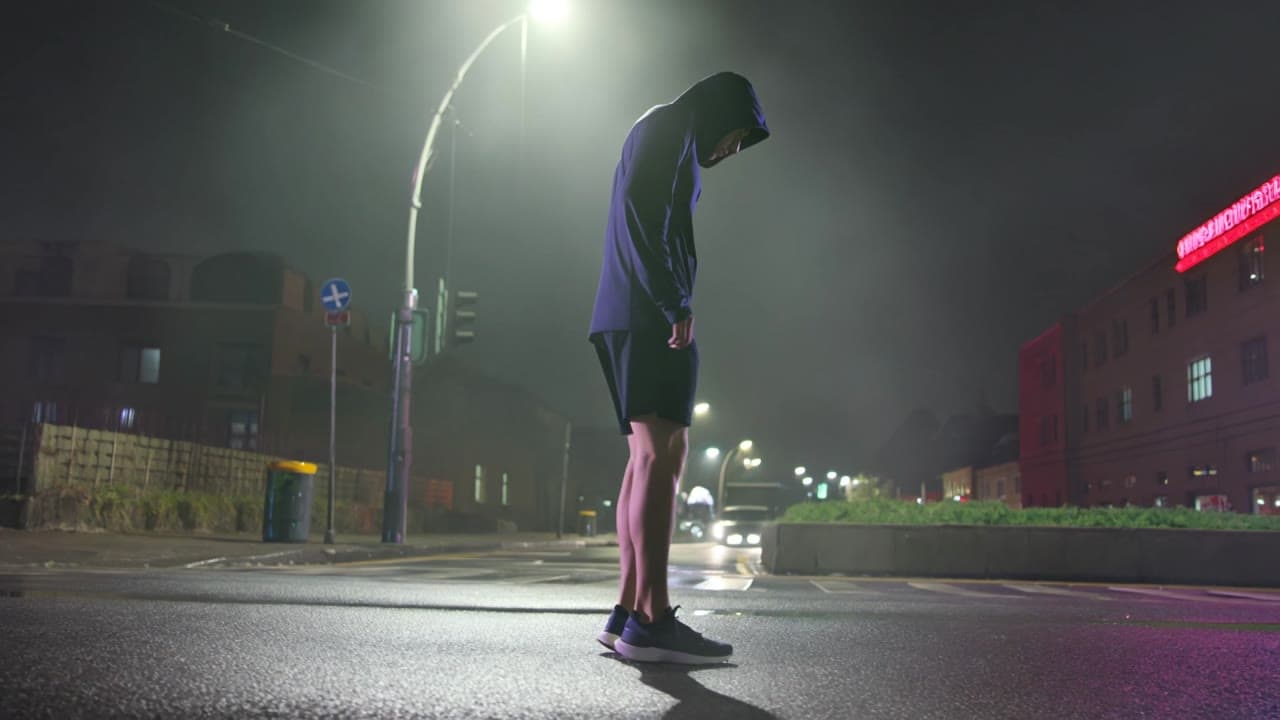
Kling 3 Pro camera movement example: night city push-in
This Kling 3 Pro text to video example shows night city push-in. It highlights audio-enabled output and camera motion control with 15-second timing · 16:9 · 1080p output.
Same watch-page intent
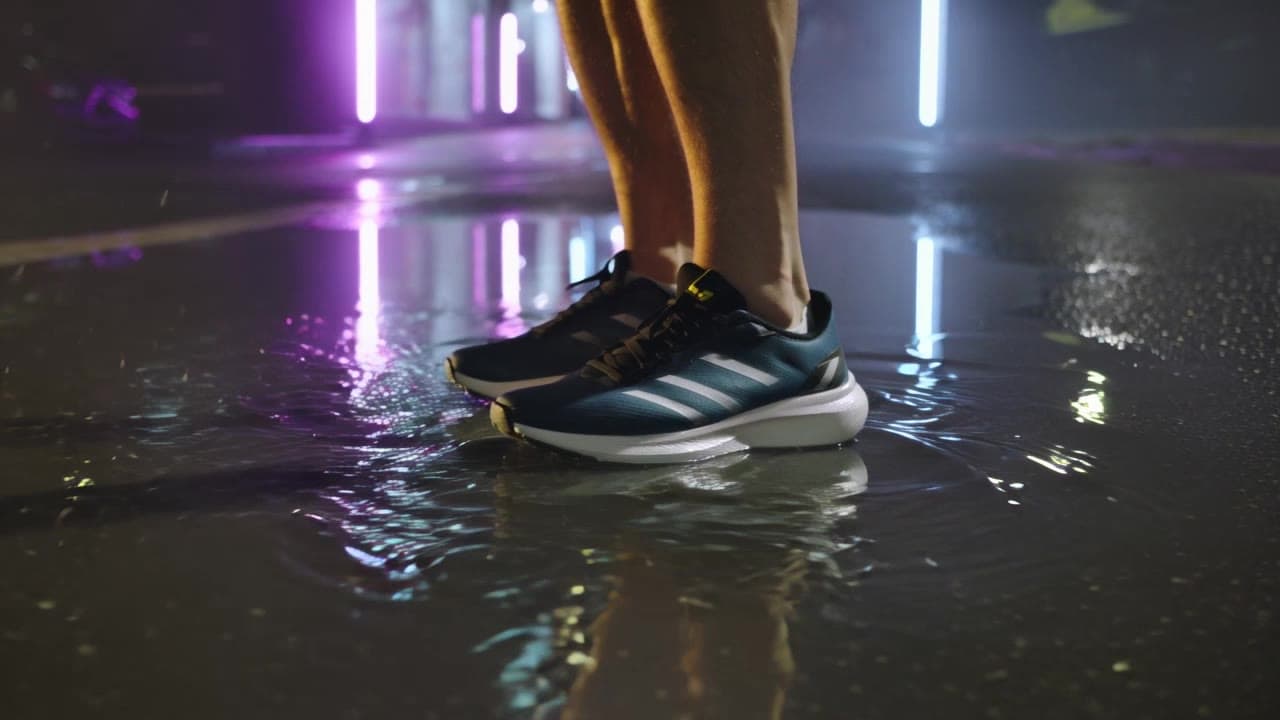
Kling 3 Standard camera movement example: night city push-in
This Kling 3 Standard text to video example shows night city push-in. It highlights audio-enabled output and camera motion control with 15-second timing · 16:9 · 1080p output.
Recreate
Load this render in the workspace
Start from the same prompt and settings, then remix duration, aspect ratio, references, or audio.