
MiniMax Hailuo 02 Standard video example: stylized product rotation with graphic…
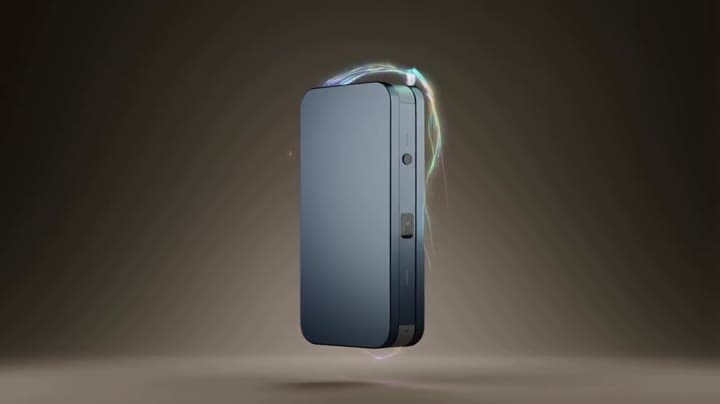
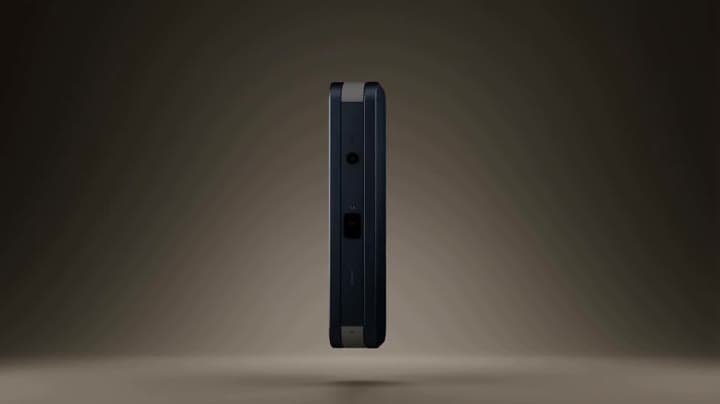
This MiniMax Hailuo 02 Standard text to video example shows stylized product rotation with graphic motion. It shows how MiniMax Hailuo 02 Standard handles this prompt with 6-second timing · 16:9 output.
Prompt breakdown
Text-to-video prompt used to generate this render.
Subject
stylized product rotation with graphic motion trails and abstract type flashes
Workflow
Text to video
Camera
Prompt Example
Output
6s · 16:9
Estimated price
$0.29
Audio
Off
Constraints
Text To Video
Show full promptHide full prompt
stylized product rotation with graphic motion trails and abstract type flashes
Prompt improvement notes
Note 1
Keep the subject, camera move, lighting, duration, aspect ratio and audio requirement grouped so the render has one clear production brief.
Note 2
Change one variable at a time when cloning this prompt: model, duration, camera motion or reference input. That makes quality and price differences easier to compare.
Note 3
Add a short negative prompt if you need to block text overlays, logos, distorted hands, face warping or unwanted camera shake.
Compare this model
Review this example beside nearby engines before choosing a render path.
Why MiniMax Hailuo 02 Standard fits this shot
Hailuo 02 Standard handles stylized text prompts or animated reference stills with prompt optimiser support.
Prompt optimiser
Image input
6–10s silent
Key frames

Related examples
View all examples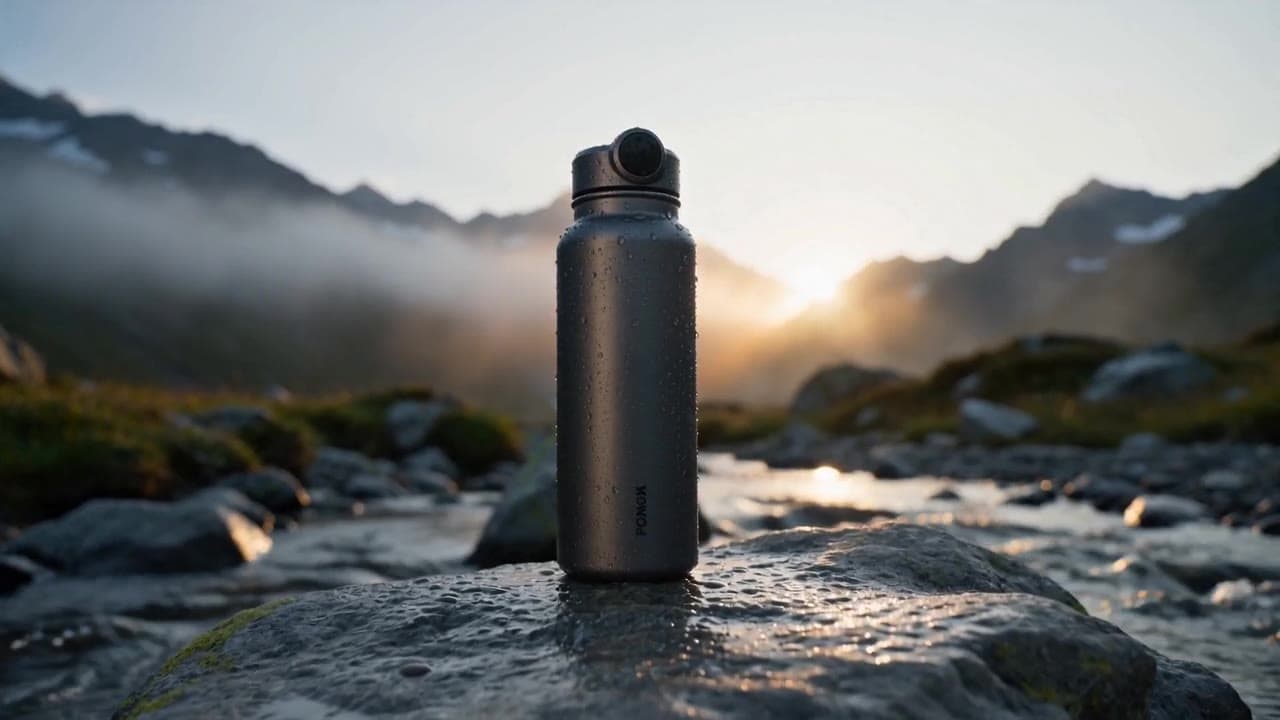 MiniMax Hailuo 02 Standard
Seedance 2.0 multi-shot insulated water bottle product ad example
This Seedance 2.0 text-to-video with audio example shows a cinematic multi-shot product ad for a premium insulated water bottle. The sequence uses an alpine outdoor setting, product hero framing, macro detail shots, water ambience and polished commercial pacing to demonstrate how Seedance can turn a structured product brief into a complete ad-style video.
 MiniMax Hailuo 02 Standard
Seedance 2.0 school bus transformation video example
This Seedance 2.0 watch page turns a deserted American city scene into a mechanical bus transformation, mixing horror, grounded realism, sparks and dark humor.
 MiniMax Hailuo 02 Standard
Sora 2 Pro CCTV cat in wet cement example
This Sora 2 Pro watch page shows a CCTV-style construction scene where a cat crosses wet cement, testing fixed framing and comic timing.
 MiniMax Hailuo 02 Standard
Google Veo 3.1 Fast product ad example: futuristic street dancer with glowing
Google Veo 3.1 Fast product-ad example (text-to-video + audio): futuristic street dancer with glowing neon, plus stable video/thumbnail and related Veo examples.