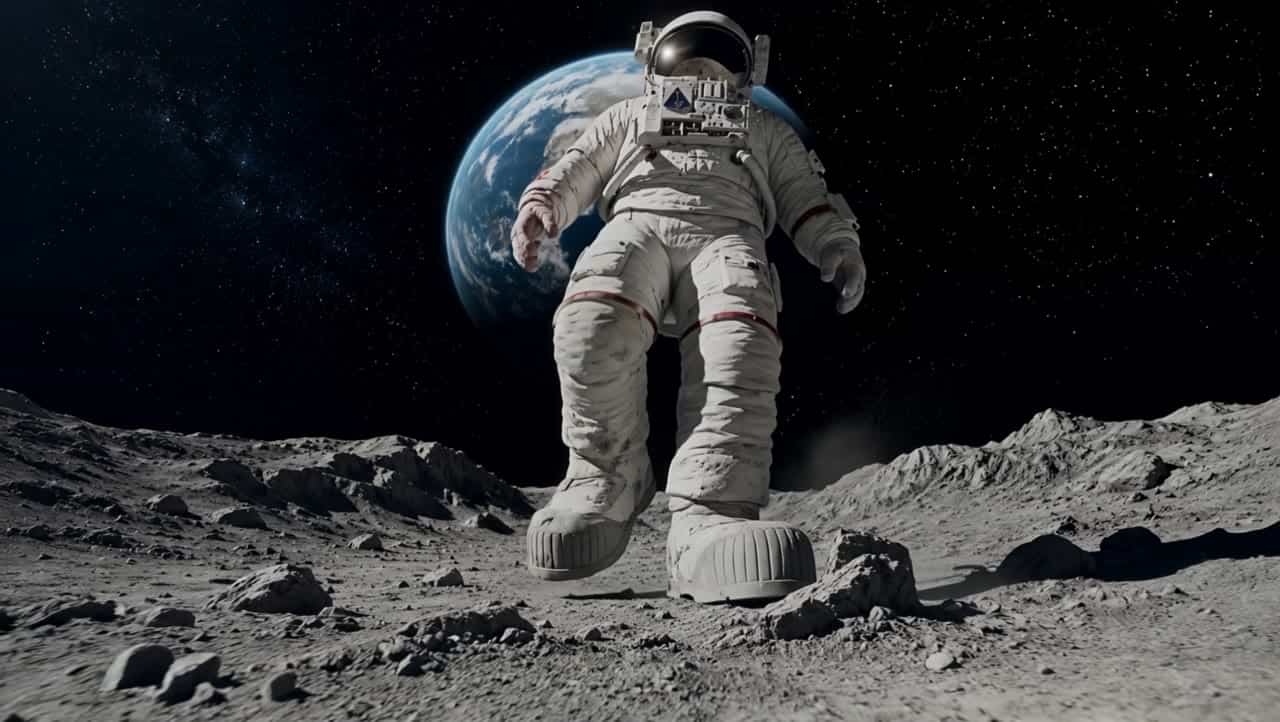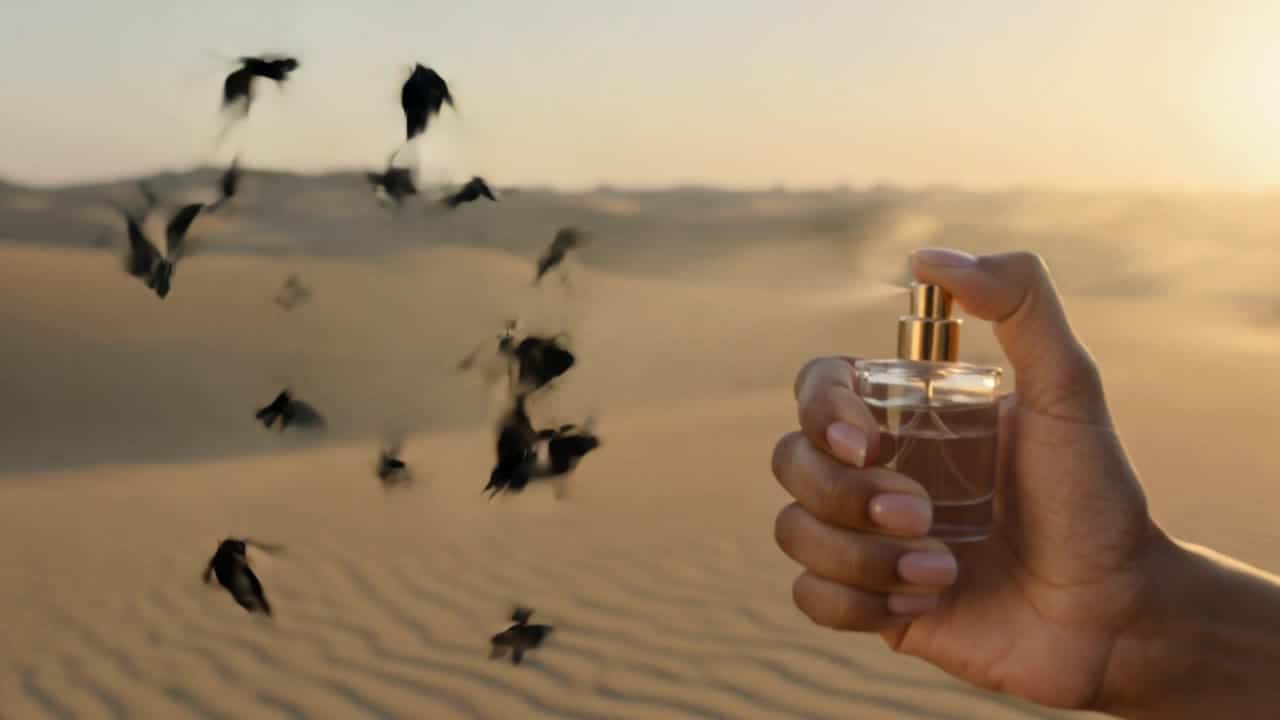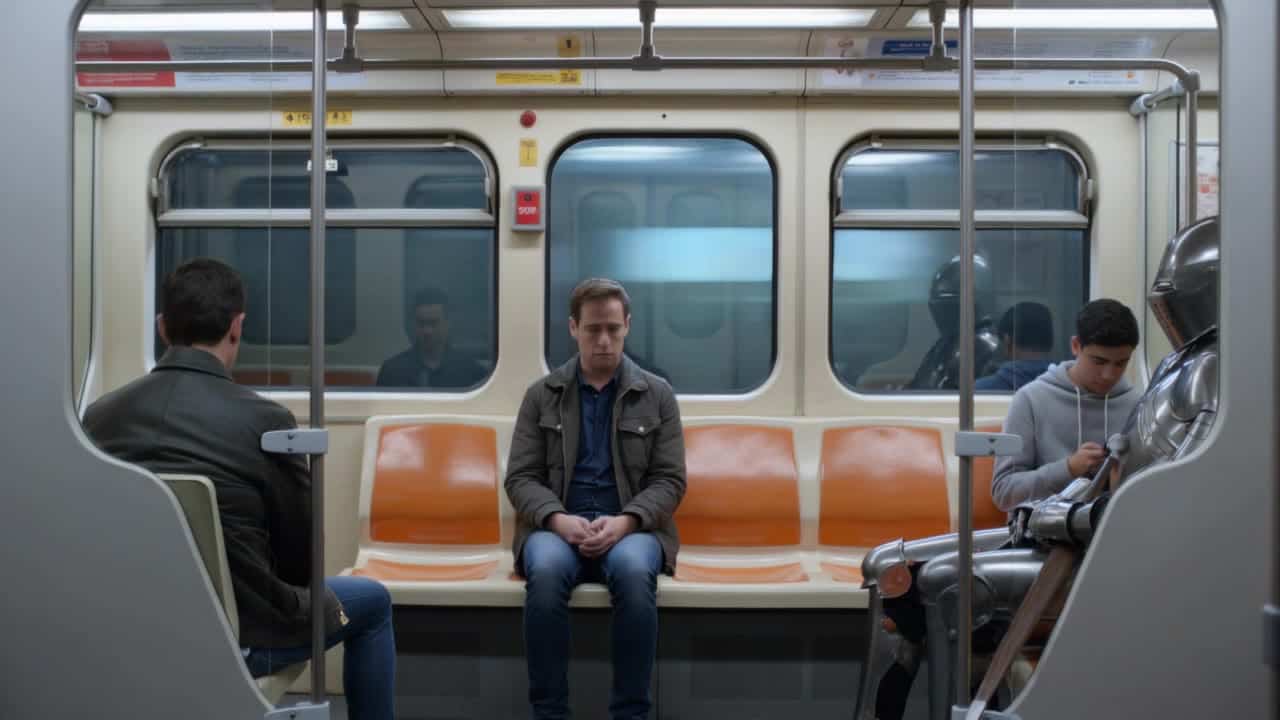
Kling 3 Pro
8.3/10Editorial score
Higher-rated areas: Creative control, Follows your prompt
Compare engines
See what each model can create. Compare quality, controls and price.
Compare Kling 3 Pro and Kling 3 Standard to choose the right current Kling AI model for multi-shot video, Kling image-to-video workflows, reusable Kling Elements, and native-audio output quality.
Higher-rated areas: Creative control, Follows your prompt
Higher-rated areas: Creative control, Audio & lip sync
Independent examples, with different prompts and settings.
These are MaxVideoAI editorial assessments, not same-prompt test results. The dates below record score updates. MaxVideoAI sells access to the models it covers.
Score records last updated: Kling 3 Pro · Kling 3 Standard
How we benchmark| Criterion · 0–10 | Kling 3 Pro | Kling 3 Standard |
|---|---|---|
| Follows your promptHow closely the result follows the prompt. | Kling 3 Pro8.6/10 | Kling 3 Standard8.1/10 |
| Visual qualityDetail, lighting and visible artifacts. | Kling 3 Pro8.4/10 | Kling 3 Standard7.9/10 |
| Natural movementHow naturally subjects and cameras move. | Kling 3 Pro8.4/10 | Kling 3 Standard8.1/10 |
| Human appearanceFaces, hands and body movement. | Kling 3 Pro8.1/10 | Kling 3 Standard7.7/10 |
| Audio & lip syncSpeech, sound and mouth movement in sync. | Kling 3 Pro8.6/10 | Kling 3 Standard8.2/10 |
| Creative controlHow much direction the model follows. | Kling 3 Pro8.7/10 | Kling 3 Standard8.3/10 |
| Criterion · 0–10 | Kling 3 Pro | Kling 3 Standard |
|---|---|---|
| Consistency over timeWhether details hold together over time. | Kling 3 Pro8.0/10 | Kling 3 Standard7.6/10 |
| Readable textHow readable generated text and interfaces are. | Kling 3 Pro6.8/10 | Kling 3 Standard6.6/10 |
| Multi-shot continuityContinuity between different shots. | Kling 3 Pro8.0/10 | Kling 3 Standard7.5/10 |
| Speed & reliabilityGeneration speed and reliability. | Kling 3 Pro6.6/10 | Kling 3 Standard6.9/10 |
Generate with
Generate with
Both renders share the same recorded prompt. Known settings are listed under each video.
Kling 3 Pro
Text → Video · 8 s · 16:9 · 1080p requested · Without audio
Generated on
Video and source detailsKling 3 Standard
Text → Video · 8 s · 16:9 · 1080p requested · Without audio
Generated on
Video and source detailsWide 16:9 cinematic action shot, a runner sprints through a rainy city street at night, water splashes realistically with each step, reflections on wet asphalt, handheld tracking camera following from the side. Dynamic motion with believable inertia and physics, no rubbery limbs, no wobbling background, stable scene geometry, minimal temporal flicker, sharp details despite fast movement, realistic motion blur.
Kling 3 Pro
Text → Video · 8 s · 16:9 · 1080p requested · With audio
Generated on
Video and source detailsKling 3 Standard
Text → Video · 8 s · 16:9 · 1080p requested · With audio
Generated on
Video and source detailsWide 16:9 full-body unboxing video in a clean studio/kitchen setting. A person is fully visible (head-to-toe or at least head-to-knees) standing behind a minimalist tabletop. They unbox a small generic gadget from a plain matte cardboard box: peel the seal, open the lid, remove the inner tray, take out the device and accessories, and lay everything neatly on the table. The person occasionally lifts the item toward the camera for a closer look, then places it back down. Realism requirements: natural body proportions, stable identity, realistic skin and clothing fabric, no face warping, no unnatural limb bending. Hands must be highly realistic: correct finger count, natural grip, believable pressure/contact with the box and device, consistent shadows, no extra fingers, no “floating” objects. Keep object geometry stable, no wobbling background, minimal temporal flicker. Camera: single continuous shot, tripod-stable, slight cinematic push-in (very slow), eye-level or slightly above table height. Natural soft daylight, clean shadows, realistic materials and textures. No logos, no brand names, no watermarks. No subtitles. Optional on-screen title at the top (perfectly readable and stable, no jitter): "UNBOXING — FIRST LOOK"
Kling 3 Pro
Text → Video · 6 s · 9:16 · 1080p requested · With audio
Generated on
Video and source detailsKling 3 Standard
Text → Video · 8 s · 9:16 · 1080p requested · With audio
Generated on
Video and source detailsVertical 9:16 TikTok-style UGC selfie video, handheld smartphone feel, natural indoor daylight near a window. A friendly creator speaks directly to camera with natural blinking, subtle head nods, and a warm smile. Add small human imperfections: a tiny hesitation, a soft breath, a quick smile mid-sentence, and a micro-pause before the last line. Realistic skin texture, stable identity, no face warping, minimal flicker, clean audio with natural room tone. No subtitles. No on-screen text. No logos. No watermarks. The creator says (exactly, with the same pacing and hesitations): “Okay, so… um… quick thing. If you’re feeling stuck, just do the tiniest first step… like, set a two-minute timer and start. (smiles) That’s it. You’ll be surprised how fast it gets easier.”
Compare prices by resolution. The final quote depends on your duration, mode and settings.
Your settings. Your quote. Before you generate.
USD estimate · snapshot generated
Check duration, resolution, supported inputs and controls. Open each model’s guide for its full feature set.
| Key spec | Kling 3 Pro | Kling 3 Standard |
|---|---|---|
| Pricing (MaxVideoAI) | 1080p: $0.22/s | 1080p: $0.164/s |
| Text-to-Video | Supported | Supported |
| Image-to-Video | Supported | Supported |
| Video-to-Video | Not supported (no video input on this MaxVideoAI route) | Not supported (no video input on this MaxVideoAI route) |
| First/Last frame | Supported | Supported |
| Reference image / style reference | Image-to-video: 1 source image; optional end frame; Kling Elements in prompt | Image-to-video: 1 source image; optional end frame; Kling Elements in prompt |
| Reference video | Not supported (no video input on this MaxVideoAI route) | Not supported (no video input on this MaxVideoAI route) |
| Max resolution | 1080p | 1080p |
| New clip · maximum | 15 sText to video, Image to video: 3–15 s | 15 sText to video, Image to video: 3–15 s |
| Aspect ratios | 16:9 / 9:16 / 1:1 | 16:9 / 9:16 / 1:1 |
| FPS options | 24 | 24 |
| Output format | MP4 | MP4 |
| Audio output | Supported | Supported |
| Native audio generation | Supported | Supported |
| Lip sync | Supported | Supported |
| Camera / motion controls | Basic | Basic |
| Watermark | No (MaxVideoAI) | No (MaxVideoAI) |
Duration choices depend on mode and resolution; check the creation settings.
Capabilities available in MaxVideoAI. Provider sources below; their verification dates are not recorded here.
Kling 3 Pro: fal.ai (1) · fal.ai (2) · fal.ai (3) · fal.ai (4)
Kling 3 Standard: fal.ai (1) · fal.ai (2) · fal.ai (3) · fal.ai (4)
Short answers to help you choose between the current Kling Pro and Standard tiers.
Open a question to read the answer. One answer at a time.
Kling 3 Standard is better for lower-cost prompt testing and repeatable image-to-video tests, while Kling 3 Pro is better when you need tighter scene control and higher-priority final outputs.
Yes. Both current Kling models support Kling Elements for character and prop continuity, but Kling 3 Pro is the stronger choice when the sequence is more demanding or continuity matters more.
Choose Kling 3 Pro when you need stronger scene control, more demanding multi-shot continuity, and higher-priority final output. Choose Kling 3 Standard when cost control and repeatable draft testing matter more.