
Wan 2.5 Text & Image to Video audio-enabled video example: Ultra-realistic handheld…
This Wan 2.5 Text & Image to Video text to video example shows Ultra-realistic handheld selfie filmed inside a. It highlights audio-enabled output with 10-second timing · 9:16 output.
Prompt breakdown
Prompt used to generate this render.
Ultra-realistic handheld selfie filmed inside a parked car at night. The person is sitting in the driver’s seat, illuminated softly by streetlights and reflections of rain droplets sliding down the windows. Camera held…Show full promptHide full prompt
Ultra-realistic handheld selfie filmed inside a parked car at night. The person is sitting in the driver’s seat, illuminated softly by streetlights and reflections of rain droplets sliding down the windows. Camera held close to the face, slight breathing motion, narrow depth of field, cinematic low-light grain. Realistic skin texture, natural eye reflections from passing headlights. The person speaks with a quiet, reflective tone. Lip-sync must match the line: "I didn’t expect tonight to end like this… but maybe it’s exactly what I needed." Audio: include soft rain hitting the windshield, distant traffic, the muffled hum of the car interior. Phone-mic quality with slight reverb from the cabin. Mood: introspective, raw, intimate. No beauty filters. No smoothing. Keep the moment grounded, honest, emotional.
Workflow
Text to video
Camera
Audio Enabled
Output
10s · 9:16
Estimated price
$0.65
Audio
Enabled
Constraints
Text To Video, Audio Enabled
Prompt improvement notes
Note 1
Keep the subject, camera move, lighting, duration, aspect ratio and audio requirement grouped so the render has one clear production brief.
Note 2
Change one variable at a time when cloning this prompt: model, duration, camera motion or reference input. That makes quality and price differences easier to compare.
Note 3
Add a short negative prompt if you need to block text overlays, logos, distorted hands, face warping or unwanted camera shake.
Compare this model
Review this example beside nearby engines before choosing a render path.
Why Wan 2.5 Text & Image to Video fits this shot
Wan 2.5 handles 5 or 10 second clips with optional background audio plus prompt expansion when you need extra detail.
Audio option
5s or 10s
480p–1080p
Key frames
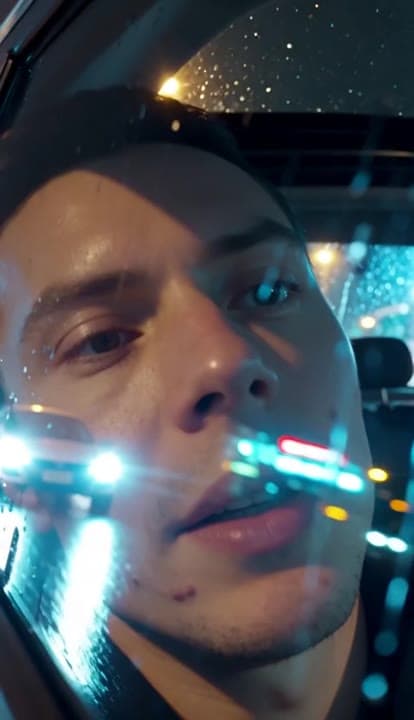
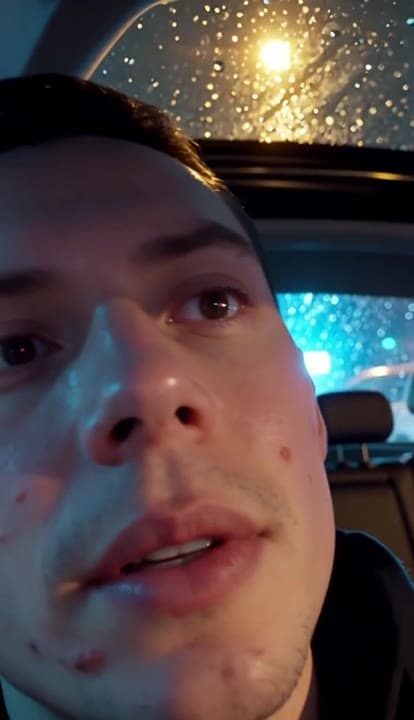
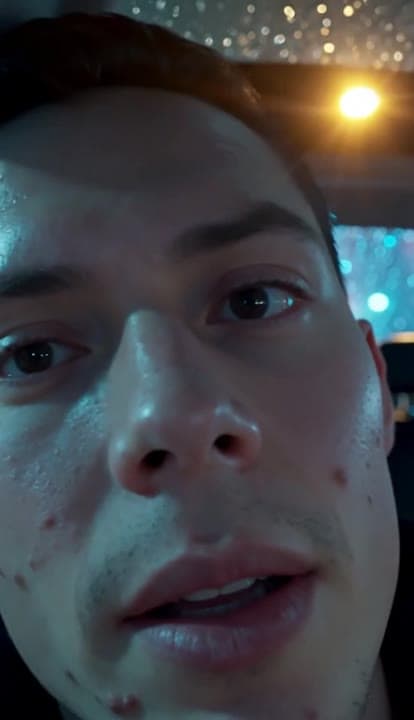
Related examples
View all examples Wan 2.5 Text & Image to Video
Wan 2.5 vertical spy-to-Zoom comedy video example
This Wan 2.5 watch page shows a vertical comedy prompt that opens like a spy action scene and ends with a Zoom-call reveal.
 Wan 2.5 Text & Image to Video
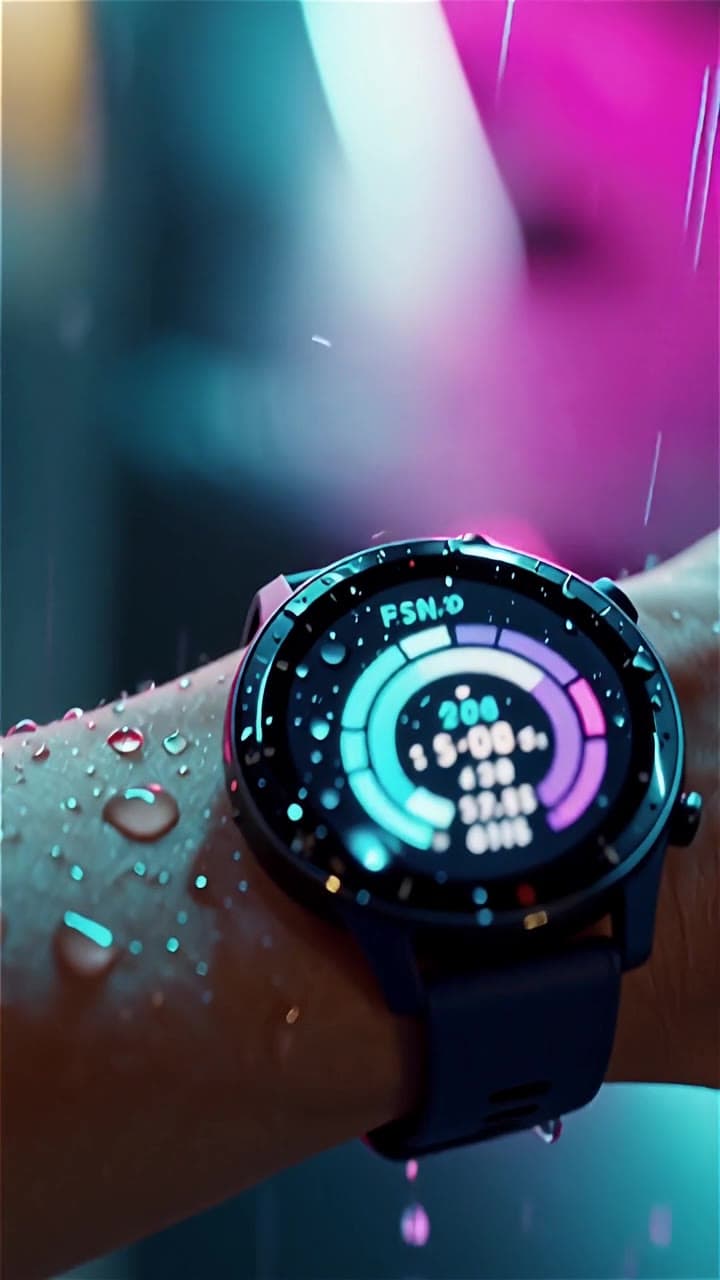
Wan 2.5 vertical smartwatch runner ad example
This Wan 2.5 example turns a smartwatch prompt into a vertical runner ad with beat-timed motion, rain details and audio-enabled pacing.
 LTX 2.3 Pro
LTX 2.3 Pro rooftop lightning fashion shot example
This LTX 2.3 Pro page shows a rooftop fashion prompt with storm lighting, neon city atmosphere and cinematic subject isolation.
 OpenAI Sora 2
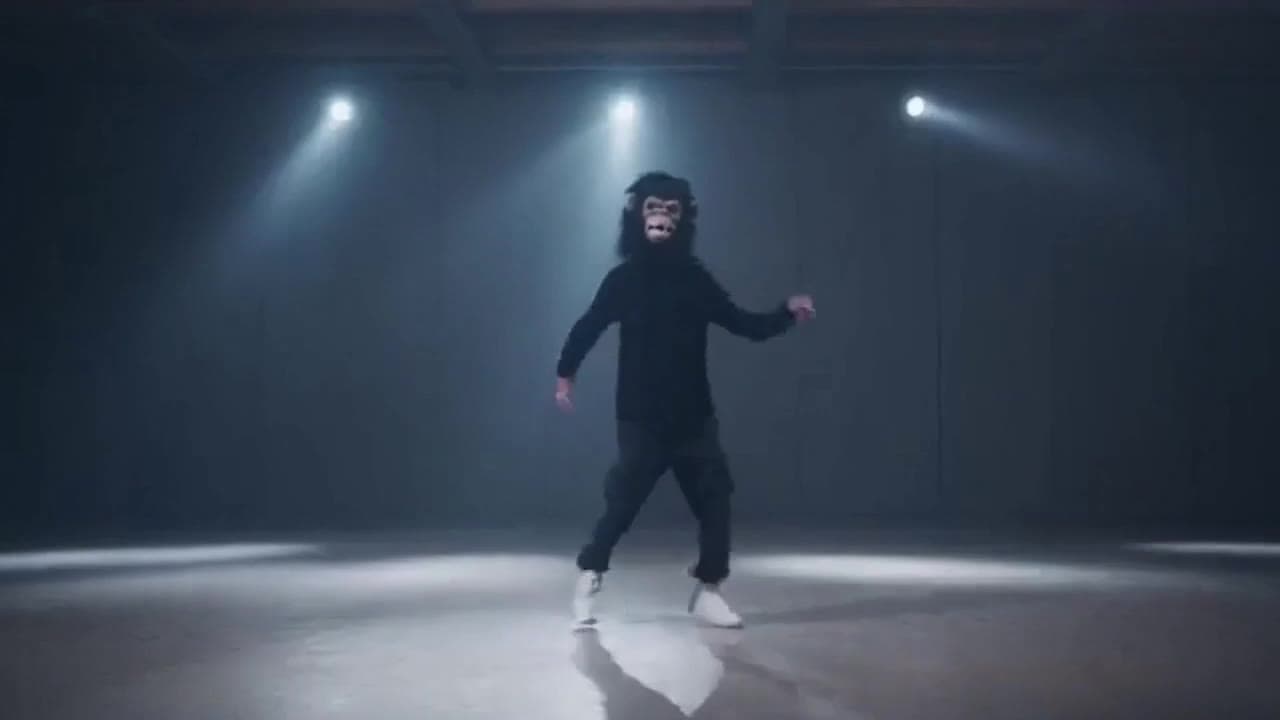
Sora 2 gorilla dance video example with strobe lighting
This Sora 2 watch page shows a gorilla-mask dance prompt rendered with strobe lighting, changing camera angles, native audio and a 16:9 output.