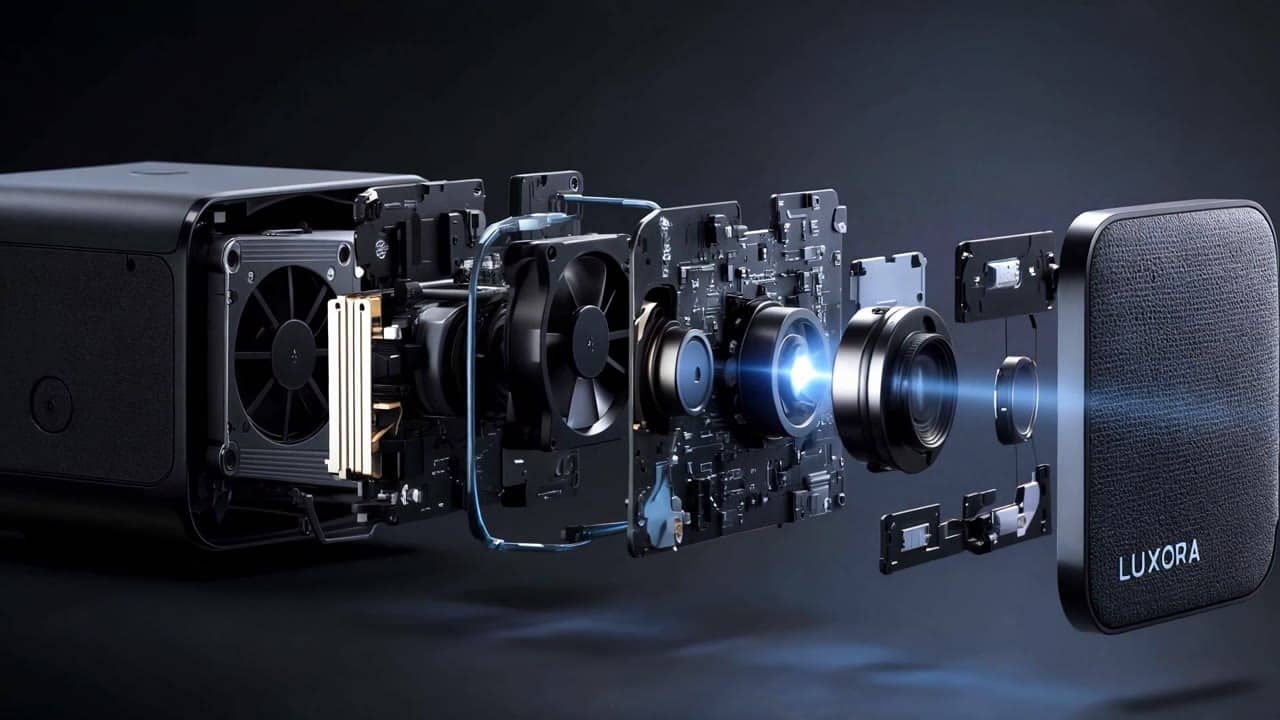
4K reference
$2.73
5s · 4k
KLING 3.0 OMNI 4K
Native 4K reference-guided Kling video for approved storyboard and visual-reference directions. This is not the source-video V2V route.
Use Kling 3.0 Omni 4K when reference images or storyboard frames should guide a native 4K final without being forced as the opening frame. Use O3 Pro or Standard when the workflow needs a source video or @Video1 V2V.
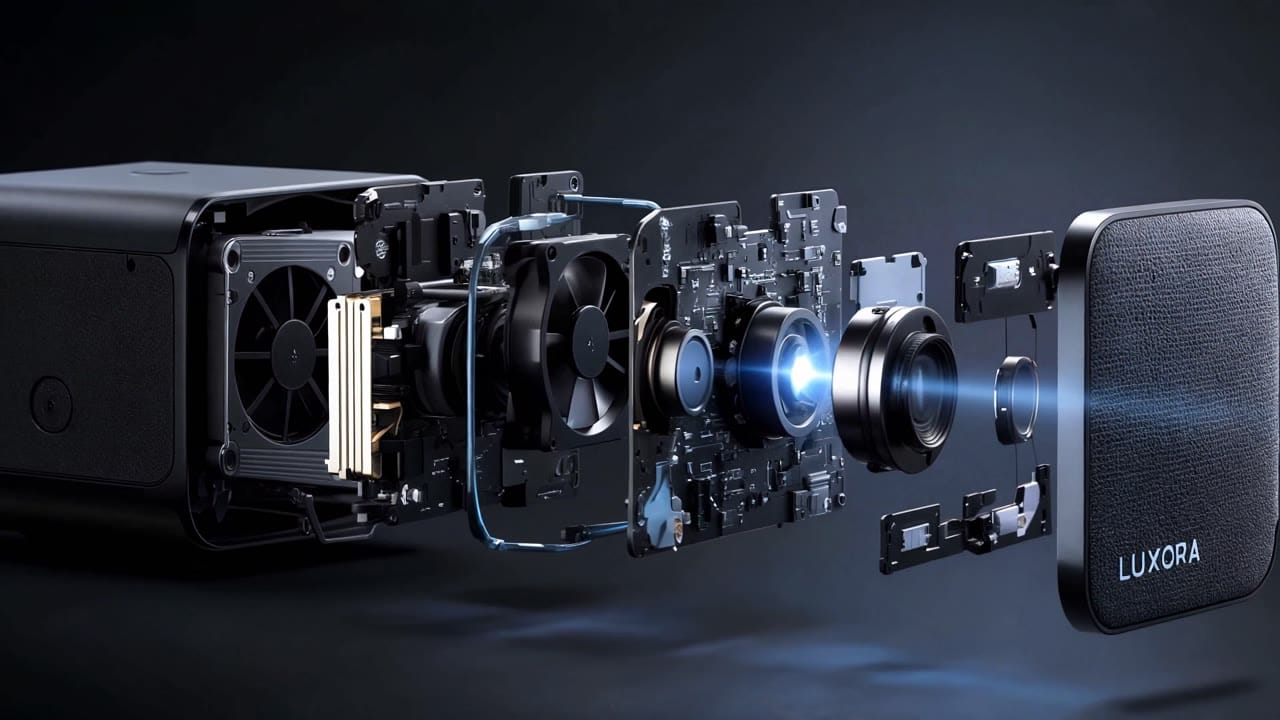
Kling 3.0 Omni 4K example
Native 4K storyboard delivery render
Native 4K
Use this route for final reference-guided 4K delivery renders.
Reference images
Use @Image anchors for style, subject, storyboard or visual continuity.
Storyboard delivery
Move approved storyboard direction into 4K after cheaper Pro or Standard tests.
Optional start/end frames
Use opening or ending frames when the native 4K render needs a stronger structure.
Not source-video V2V
Use O3 Pro or Standard when a source video and @Video1 are required.
Final quote
The app shows the exact 4K price before generation.
Native 4K preset totals for approved reference-guided delivery renders.
$2.73
5s · 4k
$5.46
Most popular10s · 4k
$8.19
15s · 4k
15s
Native 4K reference route
All prices are MaxVideoAI display prices in USD credits for preset scenarios.
Review native 4K O3 renders built from storyboard or reference images. Use these examples when the creative direction is already approved and the final output needs 4K delivery rather than source-video V2V.
See what's possible with Kling 3.0 Omni 4K reference-guided video for final delivery.
Jump into the app with one click and reuse the setup.
Dialogue, ambience and SFX generated in sync.
Keep characters, style and scene consistency across sequences.
Built-in guardrails and safety filters for responsible review.
Use O3 4K after the reference or storyboard direction is approved and the output needs native 4K delivery.
Do not use 4K for source-video V2V. Use O3 Pro or Standard when @Video1 should guide motion or camera continuity.
Draft the visual structure in Standard or Pro before paying for the native 4K delivery route.
Use @Image anchors for style, subject, product details or storyboard frames.
Add an opening or ending frame when the 4K render needs a defined boundary.
Keep the prompt explicit about camera, action, continuity and delivery intent.
Use O3 Pro or Standard if the workflow requires @Video1.
Reserve 4K for approved shots, client review, campaign masters or edit-ready inserts.
Use this for a native 4K final guided by text and references.
Subject:\n[Approved product / character / location]\n\nAction:\n[One short controlled movement]\n\nCamera:\n[Final move: push-in / subtle travel / static]\n\nStyle:\n[Lighting and 4K finish]\n\nAudio:\n[Generated ambience if enabled]\n\nExample:\nA premium product floats on a graphite plinth, slow push-in, clean reflections, crisp textures, native 4K final with no added text.
Subject:\n[Approved product / character / location]\n\nAction:\n[One short controlled movement]\n\nCamera:\n[Final move: push-in / subtle travel / static]\n\nStyle:\n[Lighting and 4K finish]\n\nAudio:\n[Generated ambience if enabled]\n\nExample:\nA premium product floats on a graphite plinth, slow push-in, clean reflections, crisp textures, native 4K final with no added text.
Subject: Handmade mechanical moon in brass and porcelain • Action: Opens like a pocket watch and releases glowing fireflies
Camera: Slow orbit, then upward tilt following the fireflies • Style: Cinematic workshop fantasy, candlelight, brass reflections
Audio: Selected render is silent; prompt includes ticking and shimmer cues
Subject:
A handmade mechanical moon, brass and porcelain, floating above an old clockmaker’s workbench.

Action:
Tiny gears begin turning inside the moon. It slowly opens like a pocket watch and releases a cloud of glowing fireflies that circle the room.

Camera:
Medium close-up with a slow orbit around the floating moon, then a gentle upward tilt following the fireflies.

Style:
Cinematic workshop fantasy, warm candlelight, brass reflections, dust in the air, rich brown and gold palette, handcrafted textures, elegant and mysterious.

Audio:
Soft ticking gears, delicate metallic clicks, magical shimmer, quiet room tone.

Best practices, common fixes, and important limitations to help you get the strongest results with Kling 3.0 Omni 4K reference-guided video for final delivery.
These side-by-side comparisons break down price, resolution, audio, speed, and motion style so you can pick the right engine fast.
Each page includes real outputs and practical best-use cases.
Use Pro when the same storyboard needs source-video V2V, native audio, or more flexible reference testing before final 4K output.
Open Kling 3.0 Omni Pro ->Use Kling 3 4K when a specific uploaded image should become the start frame for a 4K animation.
Open Kling 3 4K ->Compare against Veo when premium short-form realism and audio-native output are more important than Kling reference-image control.
Compare with Veo 3.1 ->The limits that shape your renders.
Built-in safeguards and best practices for responsible creation with Kling 3.0 Omni 4K reference-guided video for final delivery.
Use it after the reference workflow is approved and you need native 4K output. Use Kling 3.0 Omni Standard or Pro for cheaper iteration.
No. The current 4K route is for reference-guided native 4K generation, not source-video V2V. Use Kling 3.0 Omni Standard or Pro when the prompt must reference @Video1 or preserve source audio with keep_audio.