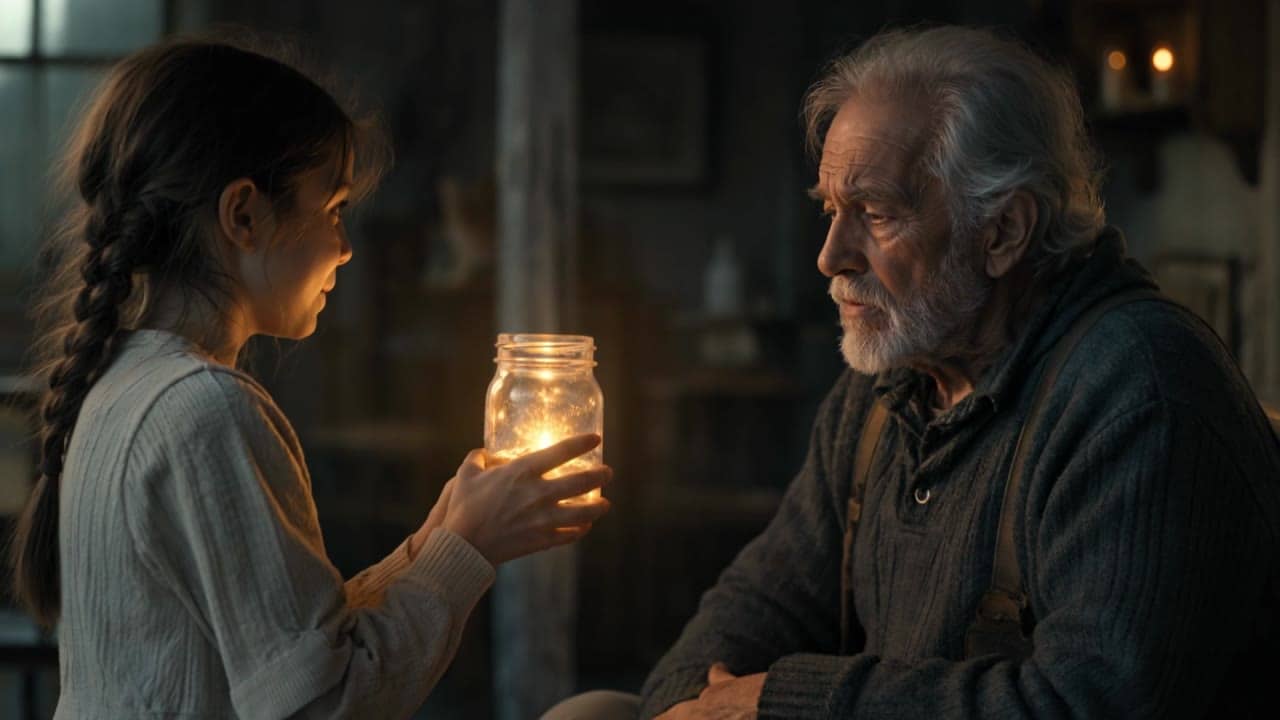
Storyboard pass
$1.10
5s · 1080p · audio on
KLING 3.0 OMNI PRO
Reference-to-video, storyboard guidance and source-video V2V for Kling shots where uploaded media should guide the render instead of forcing the first frame.
Use Kling 3.0 Omni Pro when reference images, storyboard frames or a source video should steer style, character continuity, motion or camera language. Use Kling 3 Pro instead when the uploaded image must visibly open the clip as the start frame.
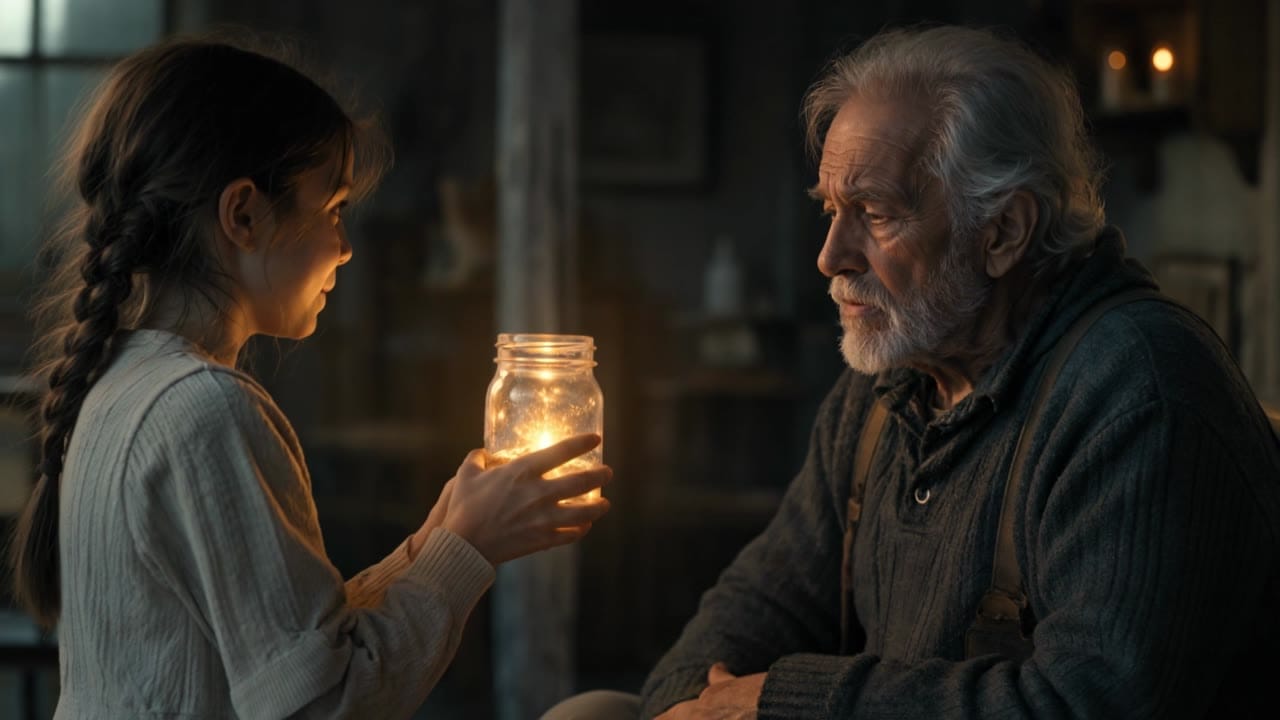
Kling 3.0 Omni Pro example
Storyboard-guided production render
Reference images
Use @Image anchors for style, subject, storyboard or scene continuity without forcing the first image to open.
Source-video V2V
Attach a source video and refer to @Video1 when motion, pacing or camera language should guide the shot.
Optional start/end frames
Combine references with opening or ending frames when the shot needs stronger structure.
Native audio route
Generate with audio when the selected O3 route exposes audio controls.
Up to 15s
Use Pro for longer reference-guided clips before moving final 4K work to the 4K route.
Live quote
The app shows the exact price before generation.
Preset totals for reference-guided and video-to-video scenarios. Check the live quote before generating.
$1.10
5s · 1080p · audio on
$2.19
Most popular10s · 1080p · audio on
$3.28
15s · 1080p · audio on
15s
Up to 1080p
All prices are MaxVideoAI display prices in USD credits for preset scenarios.
Review Pro examples for reference images, storyboard inputs, source-video V2V, and native audio. Use these clips to compare O3 reference guidance against Kling 3 start-frame workflows before choosing a production route.
See what's possible with Kling 3.0 Omni Pro reference and video-to-video for storyboard-guided AI video.
Jump into the app with one click and reuse the setup.
Dialogue, ambience and SFX generated in sync.
Keep characters, style and scene consistency across sequences.
Built-in guardrails and safety filters for responsible review.
Choose O3 Pro when images are references or storyboard inputs. Choose Kling 3 Pro when an uploaded image should be the visible start frame.
Use O3 Pro or Standard for source-video V2V. Prompt with @Video1 when the source clip should control motion or camera continuity.
Use O3 4K after the reference direction is approved. Stay on Pro while testing source-video V2V and storyboard structure.
Use text when no visual anchor is needed and O3 should generate from the scene brief.
Use @Image1, @Image2 and more for character, object, style or storyboard guidance.
Add optional opening or ending frames when the first or last pose must be controlled.
Use @Video1 for video-to-video motion, pacing, composition or camera continuity.
Combine source video and reference images when motion and visual identity both matter.
Use this when no uploaded asset should guide the scene.
Subject:
[Character / product / place + 2 visual traits]

Action:
[One readable action or 2-3 short beats]

Camera:
[Camera move + framing + continuity]

Style:
[Lighting, texture, palette, cinematic look]

Audio:
[Native ambience, short SFX, brief dialogue if useful]
A designer crosses a night studio holding a glowing prototype. Camera: low tracking shot into a slight push-in. Style: blue reflections, brushed metal, premium finish. Audio: studio ambience, subtle electric hum, no subtitles.
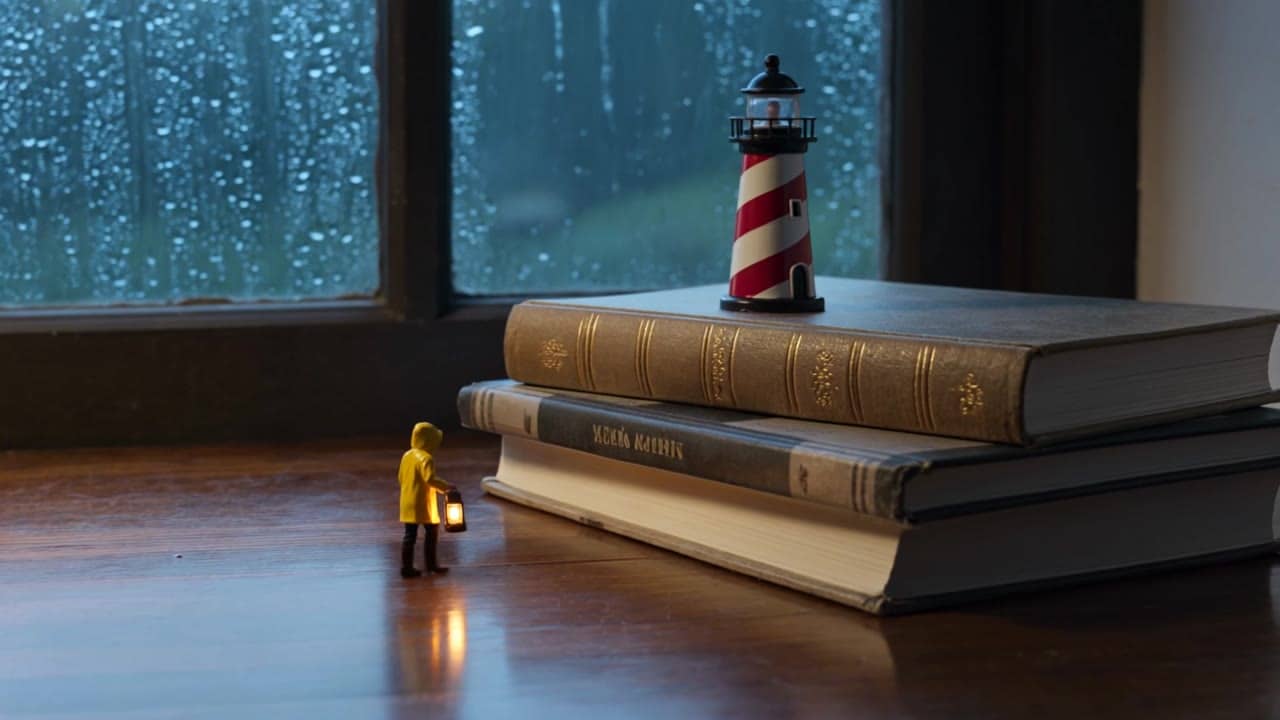
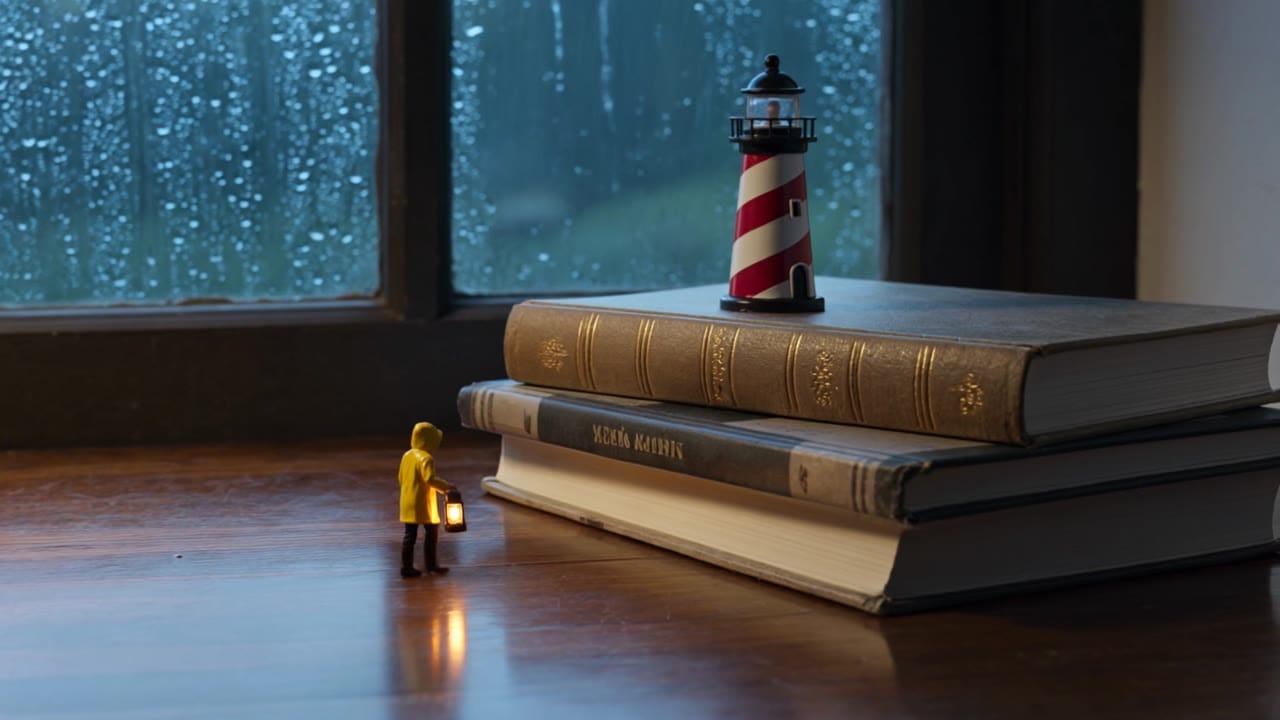
Subject: Tiny lighthouse keeper in a yellow raincoat • Action: Crosses a kitchen table, climbs books, and lights a toy lighthouse
Camera: Macro table-height tracking with a slight final push-in • Style: Warm cinematic macro realism, cozy storm, golden lantern light
Audio: Rain on glass, tiny footsteps, lantern hum, distant thunder
Subject:
A tiny lighthouse keeper no taller than a coffee cup, wearing a yellow raincoat and carrying a glowing lantern.

Action:
He walks across a kitchen table during a storm, climbs a stack of books, and raises his lantern toward a toy lighthouse as the light begins to glow.

Camera:
Macro close tracking shot at table height, following his small steps. End with a slight push-in on the lantern and lighthouse.

Style:
Warm cinematic macro realism, cozy indoor storm atmosphere, shallow depth of field, raindrops on the window, golden lantern light against cool blue shadows.

Audio:
Rain tapping on glass, tiny footsteps on wood, soft lantern hum, distant thunder.
Best practices, common fixes, and important limitations to help you get the strongest results with Kling 3.0 Omni Pro reference and video-to-video for storyboard-guided AI video.
These side-by-side comparisons break down price, resolution, audio, speed, and motion style so you can pick the right engine fast.
Each page includes real outputs and practical best-use cases.
Use Standard for cheaper O3 drafts when you want to test reference images, storyboard direction, or source-video V2V before a Pro pass.
Compare Pro vs Standard ->Use Kling 3 Pro when the uploaded image should be the opening frame and the prompt should animate from that specific start image.
Open Kling 3 Pro ->Compare against Seedance when the choice is storyboard-to-video continuity, native audio, dialogue, and multi-prompt scene structure.
Compare with Seedance 2.0 ->The limits that shape your renders.
Built-in safeguards and best practices for responsible creation with Kling 3.0 Omni Pro reference and video-to-video for storyboard-guided AI video.
Kling 3 image-to-video treats the uploaded image as the start frame. Kling 3.0 Omni reference-to-video can use uploaded images as visual references or storyboard inputs without forcing them to be the first frame.
Use Reference mode and mention the images as @Image1, @Image2, and so on in the prompt.
Yes. Pro supports source-video V2V with one 3-10 s source clip referenced as @Video1, optional @Image references, and keep_audio for preserving the source soundtrack.