
Kling 3.0 Omni 4K exploded product ad video example
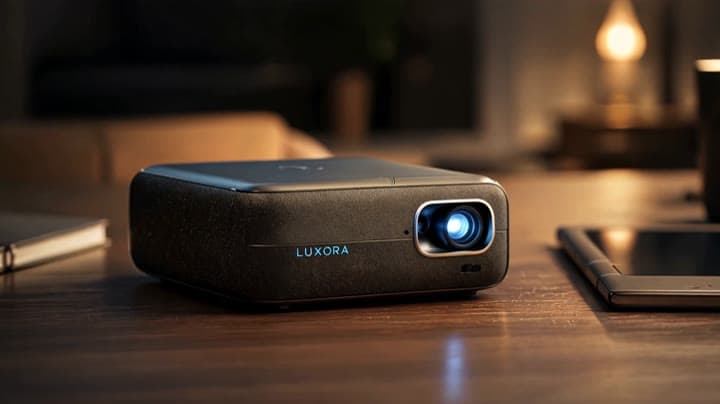
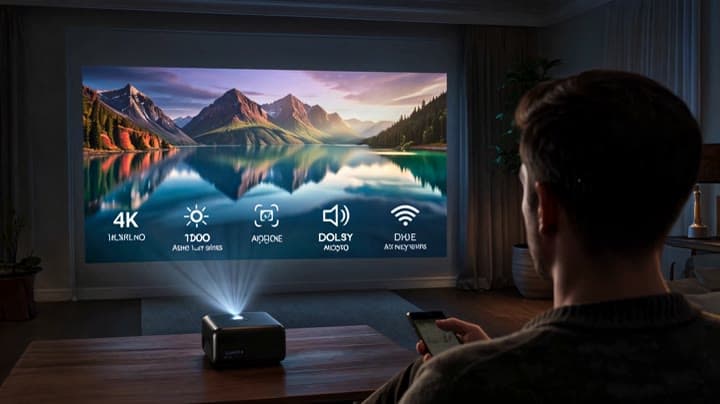
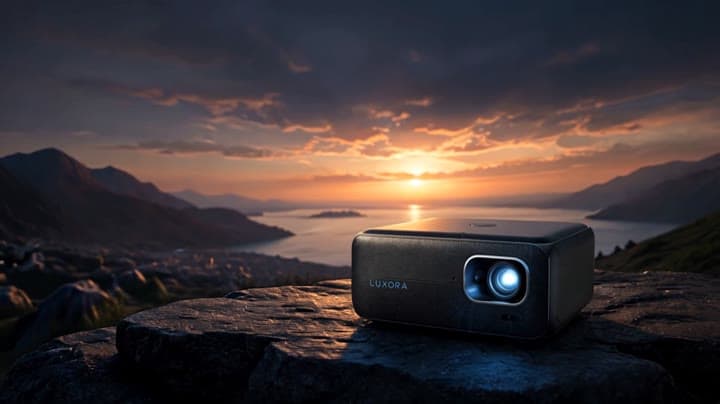
This Kling 3.0 Omni 4K storyboard-to-video example shows a premium tech product ad with a cinematic exploded-view product moment. The sequence uses visual reference frames to control the product reveal, internal component separation, camera motion and final hero shot. Use it as a reference for AI product ads, tech commercials, product teardown visuals and storyboard-driven video workflows that need more structure than a single text prompt.
Storyboard inputs
Visual workflow context
Editorial notes for the source images and visual reference workflow.
Workflow
Reference to video
Camera
Product Ad
Output
10s · 16:9 · 4k
Estimated price
$5.46
Audio
Off
Constraints
Reference To Video, Reference Images
Shot type
customize
Reference images
1
Show raw job promptHide raw job prompt
Use the reference storyboard to make a full animation movie. No text
Prompt improvement notes
Note 1
Keep the subject, camera move, lighting, duration, aspect ratio and audio requirement grouped so the render has one clear production brief.
Note 2
Change one variable at a time when cloning this prompt: model, duration, camera motion or reference input. That makes quality and price differences easier to compare.
Note 3
Add a short negative prompt if you need to block text overlays, logos, distorted hands, face warping or unwanted camera shake.
Note 4
For product shots, keep the product name generic, describe materials and lighting, and avoid adding too many scene changes in one clip.
Compare this model
Review this example beside nearby engines before choosing a render path.
Why Kling 3.0 Omni 4K fits this shot
Kling 3.0 Omni 4K brings reference-guided Kling generation to native 4K delivery renders, without source-video V2V in the current route.
Reference mode
Native 4K
No V2V
Key frames
Related examples
View all examples Kling 3.0 Omni 4K
Kling 3.0 Omni 4K exploded product ad video example
This Kling 3.0 Omni 4K storyboard-to-video example shows a premium tech product ad with a cinematic exploded-view product moment. The sequence uses visual reference frames to control the product reveal, internal component separation, camera motion and final hero shot. Use it as a reference for AI product ads, tech commercials, product teardown visuals and storyboard-driven video workflows that need more structure than a single text prompt.
 Kling 3.0 Omni 4K
Seedance 2.0 Fast MaxVideoAI ice logo reveal example
This Seedance 2.0 Fast watch page shows a reference-image brand reveal using the MaxVideoAI logo, black-ice reflections, glowing carve lines, 16:9 framing and audio cues.
 Kling 3.0 Omni 4K
Seedance 2.0 Fast storyboard-to-video vertical tech ad example
This Seedance 2.0 Fast storyboard-to-video example uses a visual reference storyboard to generate a vertical premium tech commercial with multiple scenes, fast visual pacing, native audio and SFX. Use it as a reference for AI video workflows where the storyboard defines the composition, product reveal, camera rhythm and commercial structure before the model turns it into a polished 9:16 ad-style video.
 Kling 3.0 Omni 4K
Kling 3 Pro cartoon bunny character video example
This Kling 3 Pro text-to-video with audio example shows a fluffy cartoon bunny carrying an oversized bouquet of colorful flowers through a bright, whimsical scene. Use it as a reference for AI cartoon character prompts, cute animated greeting videos, soft fantasy visuals and short family-friendly character animation examples.