
OpenAI Sora 2 product ad example: 8 second cinematic commercial featuring a
This OpenAI Sora 2 text to video example shows 8 second cinematic commercial featuring a. It highlights audio-enabled output with 8-second timing · 16:9 output.
Prompt breakdown
Prompt used to generate this render.
8 second cinematic commercial featuring a young woman in her early 30s enjoying a morning coffee at home. Shot 1 (2 s): close-up of her hand placing a minimalist white coffee cup onto a marble counter, warm morning ligh…Show full promptHide full prompt
8 second cinematic commercial featuring a young woman in her early 30s enjoying a morning coffee at home. Shot 1 (2 s): close-up of her hand placing a minimalist white coffee cup onto a marble counter, warm morning light filtering through the window. Shot 2 (4 s): medium shot, she lifts the cup, takes a slow sip, eyes close briefly, steam curls up beautifully; natural sunlight flares in the lens. Shot 3 (2 s): she looks toward camera with a subtle smile, placing the cup down. Lighting: soft natural backlight, golden tone. Audio: gentle background ambience, soft piano note at the end, real sip sound. Camera: handheld realism, 35 mm lens, shallow depth of field, cinematic color grade. Negative: no brand logos, no text, no voiceover.
Workflow
Text to video
Camera
Close Up
Output
8s · 16:9
Estimated price
$0.99
Audio
Enabled
Constraints
Text To Video, Audio Enabled, Close Up
Prompt improvement notes
Note 1
Keep the subject, camera move, lighting, duration, aspect ratio and audio requirement grouped so the render has one clear production brief.
Note 2
Change one variable at a time when cloning this prompt: model, duration, camera motion or reference input. That makes quality and price differences easier to compare.
Note 3
Add a short negative prompt if you need to block text overlays, logos, distorted hands, face warping or unwanted camera shake.
Note 4
For product shots, keep the product name generic, describe materials and lighting, and avoid adding too many scene changes in one clip.
Compare this model
Review this example beside nearby engines before choosing a render path.
Why OpenAI Sora 2 fits this shot
OpenAI Sora 2 handles cinematic narratives with lip-sync and audio - ideal for hero renders.
Audio native
Cinematic
Remix
Key frames
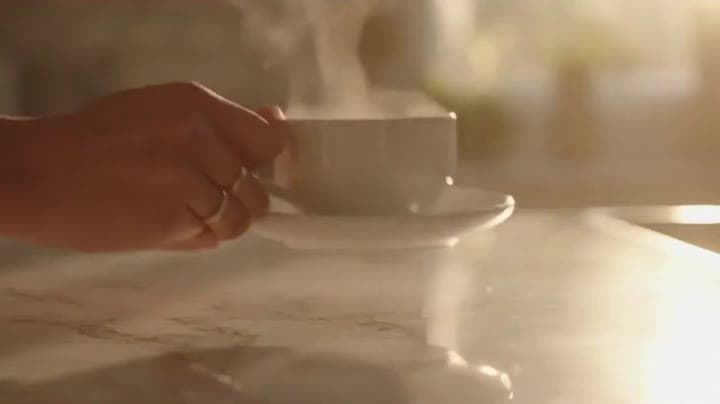
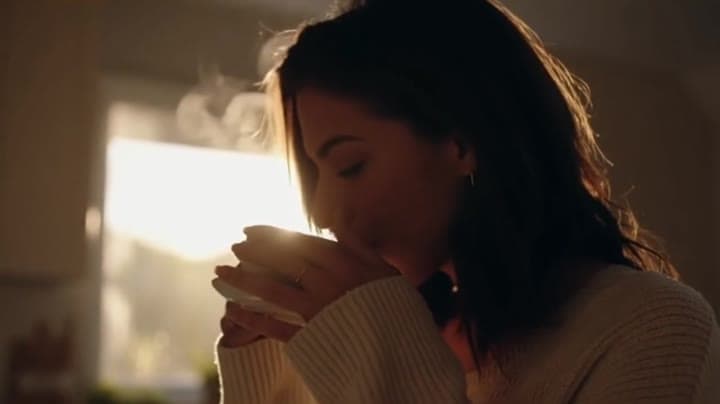
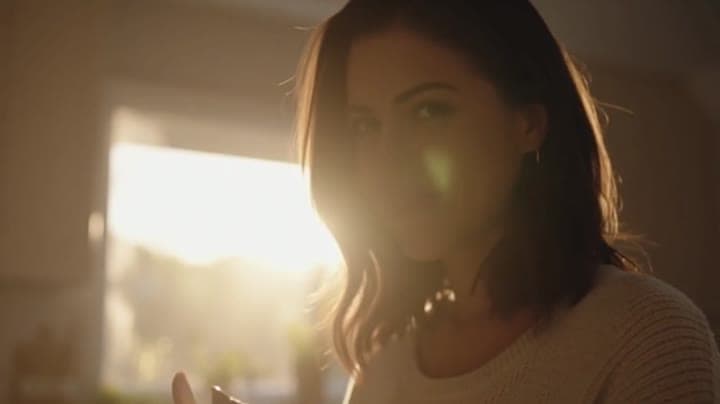
Related examples
View all examples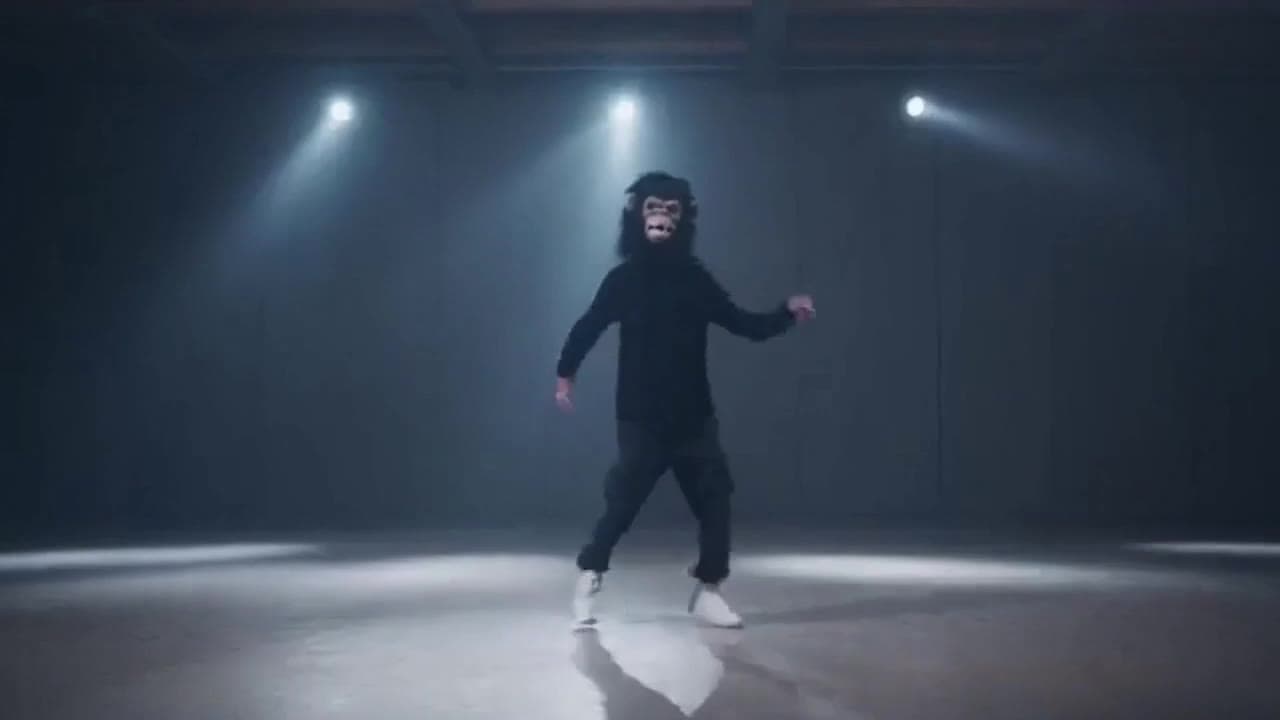 OpenAI Sora 2
Sora 2 gorilla dance video example with strobe lighting
This Sora 2 watch page shows a gorilla-mask dance prompt rendered with strobe lighting, changing camera angles, native audio and a 16:9 output.
 OpenAI Sora 2
Sora 2 mouse hallway escape video example
This Sora 2 page showcases a mouse-style hallway escape prompt with audio, obstacle timing and a compact narrative sequence.
 LTX 2.3 Fast
LTX 2.3 Fast neon racer reveal example
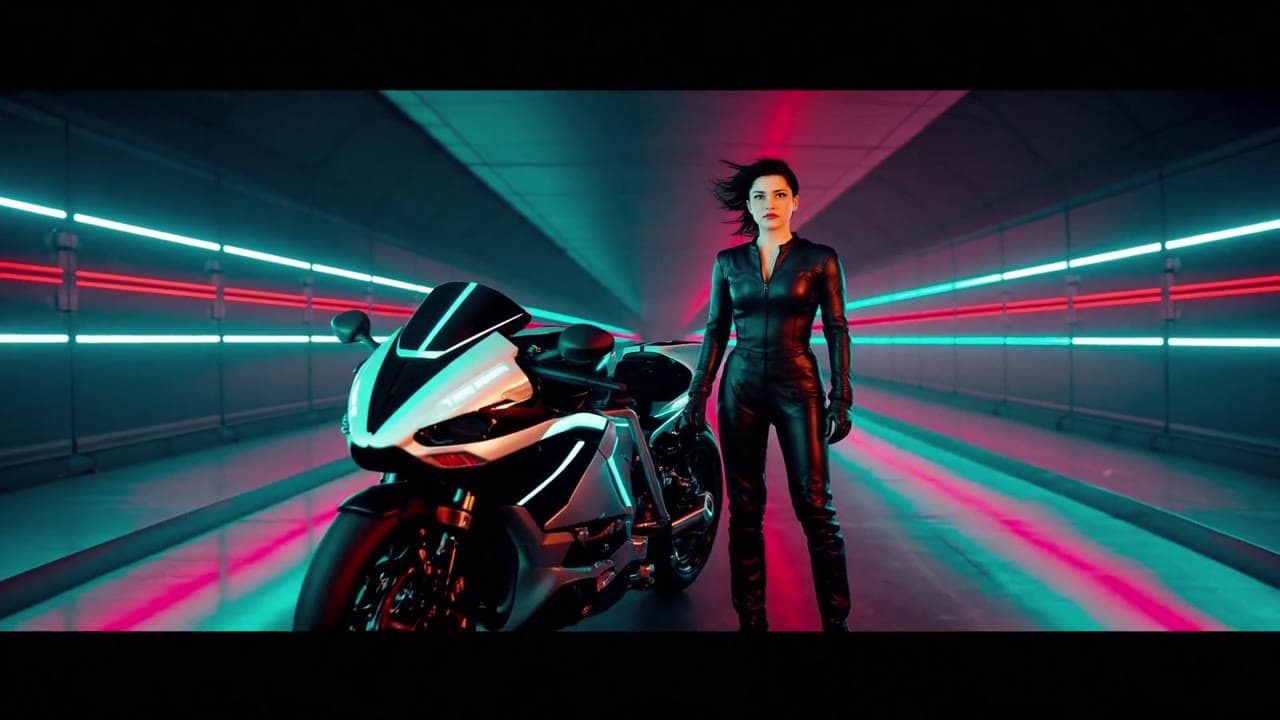
This LTX 2.3 Fast example shows a neon racer reveal beside a futuristic motorcycle, testing character motion and product-ad framing.
 Seedance 2.0
Seedance 2.0 AI SaaS product ad video example
This Seedance 2.0 text-to-video with audio example shows how an AI SaaS or enterprise software product ad can use cinematic control room visuals, glowing monitor walls, polished lighting, and confident pacing to create a premium commercial look. Use it as a reference for startup launch videos, AI platform ads, software promos, and B2B product commercials that need more atmosphere than a basic product demo.