
Entry draft
$0.34
audio incl.
BYTEDANCE VALUE BATCH ROUTE
Lower-cost Seedance batches for 480p/720p variants, ecommerce/UGC tests, native audio/lip-sync, and reference-guided video editing or extension.
Use Seedance 2.0 Mini when cost-performance matters more than top-end resolution: batch ecommerce and marketing variants, UGC hooks, multimodal references, native audio/lip-sync, video editing, and extension in 4-15 second 480p or 720p runs.

Seedance 2.0 Mini example
Value batch variant for campaign review
Lower-cost batches
Create more ecommerce, marketing and UGC variants before choosing finalists.
480p/720p output
Use 480p for volume checks or 720p when review detail matters.
4-15 seconds
Run short hooks, product loops and extension checks across the Mini duration range.
Multimodal references
Guide identity, product framing, pacing and audio mood with supported references.
Video editing and extension
Use source videos for edit or extension passes when the job is batch iteration.
Native audio and lip-sync
Generate synchronized audio, short dialogue and lip-sync when the prompt needs sound.
Preset Mini totals for 480p/720p 4-15s runs - see the exact live price in the app before you generate.
$0.34
audio incl.
$0.68
audio incl.
$1.51
Most popularaudio incl.
$2.84
Up to 720p
15s
Up to 720p
All prices are MaxVideoAI display prices in USD credits for preset Mini scenarios.
Review lower-cost ecommerce, marketing, UGC, reference-guided, video editing, and extension patterns for Mini.

portrait
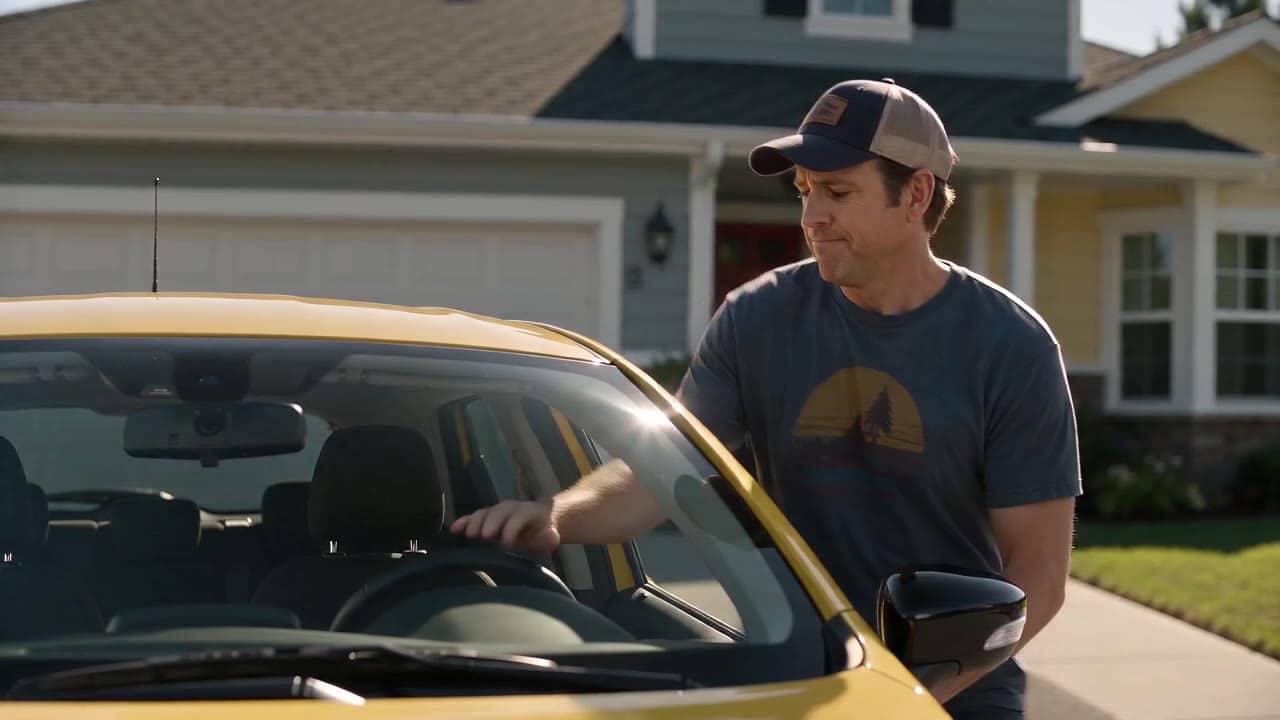
drone
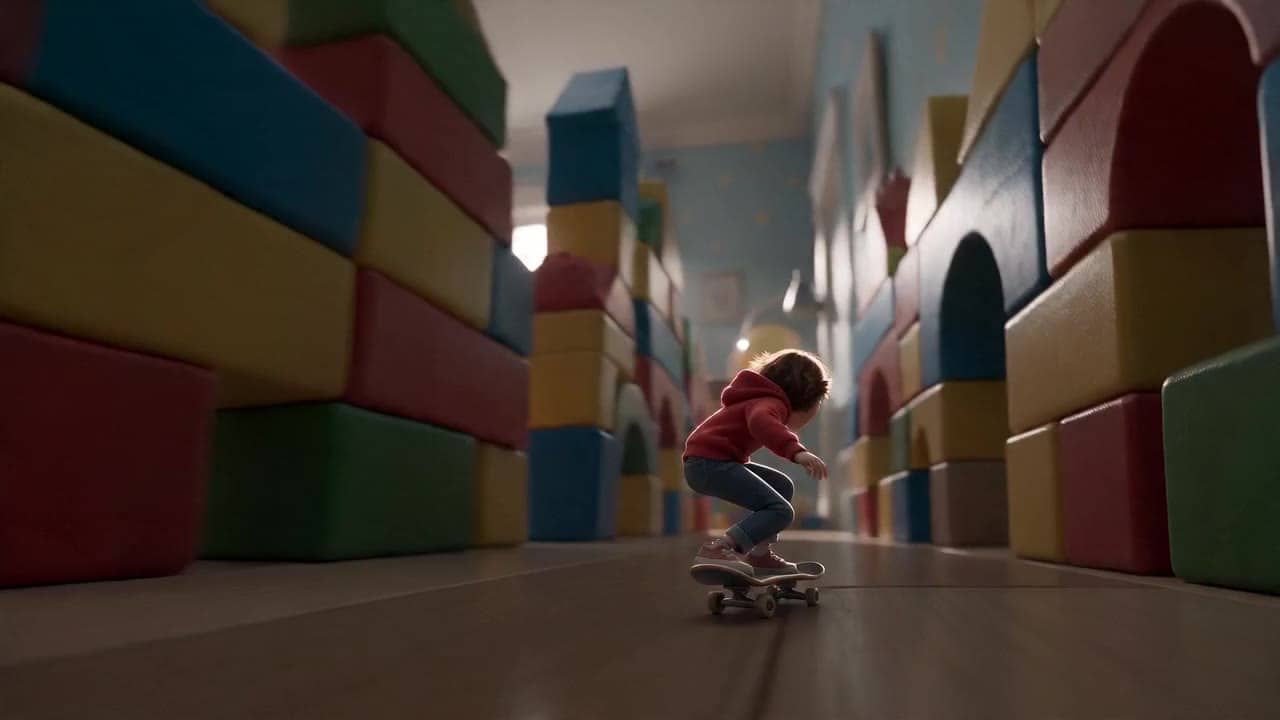
cinematic

cinematic
See what's possible with Dreamina Seedance 2.0 Mini — lower-cost route for batch video variants.
Jump into the app with one click and reuse the setup.
Dialogue, ambience and SFX generated in sync.
Keep characters, style and scene consistency across sequences.
Built-in guardrails and safety filters for responsible review.
Use Mini for lower-cost batch/value exploration. Move approved hero shots to Seedance 2.0 when the final needs more polish, higher-resolution delivery and the higher Seedance ceiling.
Use Fast when speed is the draft priority. Use Mini when repeatable cost-performance across many variants matters more.
Start with batch hooks, ecommerce product loops, reference-guided video editing and extension prompts.
Seedance 2.0 Mini works best with prompts where each run answers one batch question: product angle, hook, reference behavior, video editing pass, or extension.
Source: Seedance 2.0 Mini workflow notes
Write one compact product or UGC hook, then vary camera, setting, ratio and duration.
Use images to keep product shape, wardrobe, packaging or brand details stable.
Use a source video when you need a lower-cost edit pass before committing to a final route.
Extend short source clips for reviewable hooks, alternate endings or product motion tests.
Use generated audio, short dialogue, lip-sync and optional audio references when sound matters.
Use this when you want a lower-cost read on framing, motion, hook, or audio direction from language alone.
Batch question:
[What this run should prove: hook, camera, product angle, motion, or sound]

Subject and action:
[One readable subject + one visible action]

Camera:
[One move only: push-in / tracking / static / handheld]

Style:
[Lighting, weather, palette, realism level]

Audio setting:
[Audio on for native ambience/dialogue, or audio off for visual-only review]

Rule:
Do not test more than one major variable in the same Mini run.
Rule: Do not test more than one major variable in the same Mini run.
Subject: Father and child in a golden-hour city crosswalk • Action: A wave of motion crosses the scene as a bus passes behind them
Camera: Documentary push-in, then an emotional close medium shot • Style: Warm light between buildings, moving silhouettes, cinematic realism
Audio: Selected render is audio off; enable native audio for new sound tests
8 second 720p 16:9 cinematic golden-hour city crosswalk scene. A father and his small daughter move through the crowd as a bus passes behind them and the street suddenly fills with upward motion.
Shot 1: medium-wide street-level view, normal city life around them, documentary push forward, warm rim light and long shadows.
Shot 2: smooth slow-motion push-in as the background reacts naturally; keep the father and child as the emotional focus, hands connected and faces realistic.
Shot 3: close medium on the child looking up with quiet awe, then the father smiles with relief. Warm sunlight flickers across the final frame.
Audio setting for this curated render: off. For new Mini renders, enable native audio if you want traffic ambience, footsteps, pass-by sound, or short dialogue. Constraints: no readable text, no logos, no subtitles, no UI.

Best practices, common fixes, and important limitations to help you get the strongest results with Dreamina Seedance 2.0 Mini.
These side-by-side comparisons break down price, resolution, audio, speed, and motion style so you can pick the right engine fast.
Each page includes real outputs and practical best-use cases.
Move approved Mini variants into Seedance 2.0 when final polish, higher-resolution delivery, and the highest Seedance route matter.
See standard Seedance 2.0 ->Use Fast when the priority is speed-first draft iteration rather than lower-cost batch value.
See Seedance 2.0 Fast ->The limits that shape your renders.
Dreamina Seedance 2.0 Mini runs on MaxVideoAI with the API model id dreamina-seedance-2-0-mini-260615.
Mini is a batch/value route for supported Seedance 2 workflows.
Built-in safeguards and best practices for responsible creation with Dreamina Seedance 2.0 Mini.
Seedance 2.0 Mini is best for lower-cost batch/value work such as ecommerce variants, marketing tests, UGC hooks, video editing, extension, and reference-guided 480p/720p motion checks.
The MaxVideoAI Mini route exposes 480p or 720p output, 4-15 second durations, and 24fps.
Yes. Mini supports native synchronized audio and lip-sync, and audio references can guide rhythm or mood.
Use Seedance 2.0 when you need the final, polished, higher-ceiling Seedance route with higher-resolution delivery and stronger production quality. Use Mini for batch/value exploration before that step.