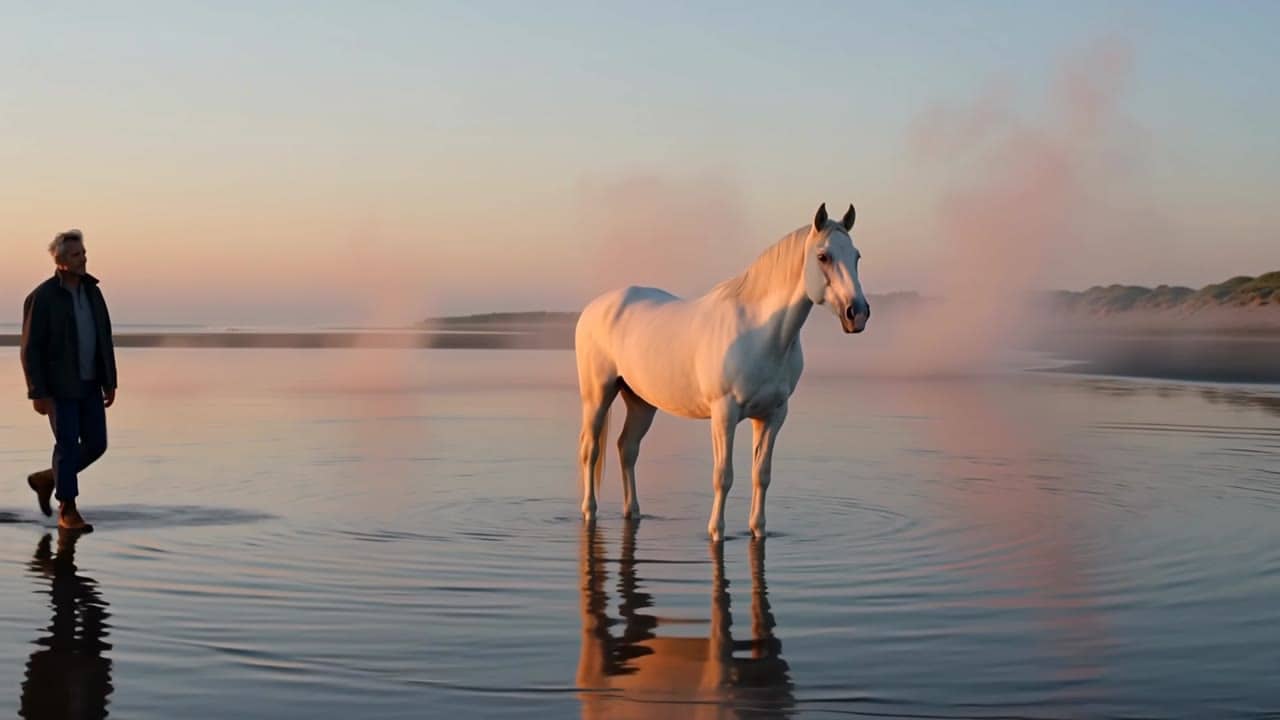
Native-audio workflow
$0.91
5s · 720p
CURRENT ALIBABA VIDEO MODEL
Native audio, lip-sync, image-to-video and reference-to-video in one current Alibaba route.
Use Happy Horse 1.1 when a shot needs synchronized speech or sound from text, a starting image, or up to nine reference images. Keep Happy Horse 1.0 for legacy video-edit jobs.
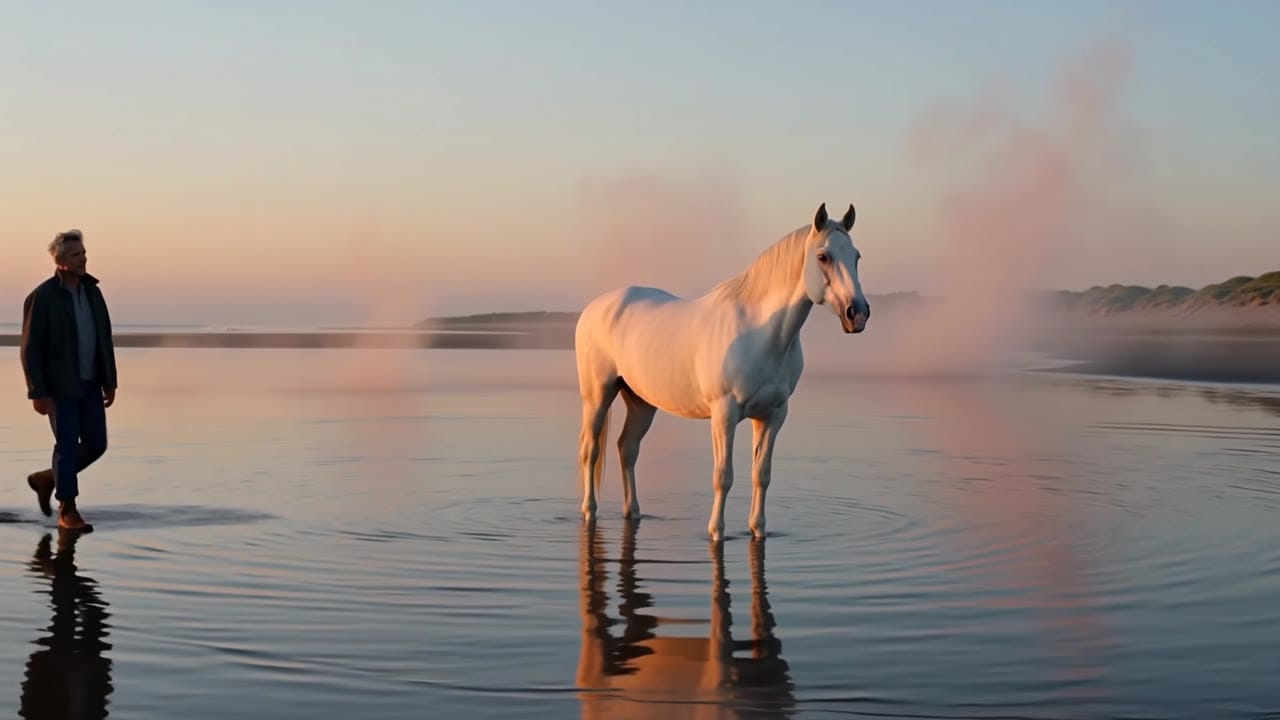
Happy Horse 1.1 example
Native-audio text, image and reference video route
Native audio
Generate dialogue, ambience and SFX with the render when the route supports it.
Text or image
Start from a scene brief or a still image to lock subject and composition.
Reference images
Use up to nine references with character1 through character9 prompt anchors.
Expanded ratios
Use landscape, vertical, square, classic, wide, tall, 5:4 or 4:5 composition.
720p or 1080p
Choose the exposed MaxVideoAI resolution before generation.
Lower 1080p provider rate
Happy Horse 1.1 uses the current 1080p provider rate before MaxVideoAI margin.
Preset native-audio totals - see the exact live price in the app before you generate.
$0.91
5s · 720p
$1.82
10s · 720p
$3.51
Most popular15s · 1080p
15s
Up to 1080p
All prices are MaxVideoAI display prices in USD credits for preset scenarios.
Review the model page clips for native audio, lip-sync, and reference-to-video behavior. Comparison pages intentionally stay text/spec focused for this launch.
See what's possible with Happy Horse 1.1.
Jump into the app with one click and reuse the setup.
Dialogue, ambience and SFX generated in sync.
Keep characters, style and scene consistency across sequences.
Built-in guardrails and safety filters for responsible review.
Use Happy Horse 1.1 for Alibaba native-audio text, image and reference generation. Use Seedance 2.0 when multimodal references, longer production continuity and current Seedance behavior are the priority.
Use Happy Horse 1.0 only when you specifically need the legacy video-edit endpoint. New text, image and reference jobs should start on 1.1.
Assign each file one job: identity, wardrobe, movement, environment or audio mood.
Write the subject, action, camera, style and audio beats in a compact brief.
Use a still image to anchor subject, product, wardrobe or composition.
Name each reference as character1, character2 and onward to keep roles clear.
Switch to Happy Horse 1.0 only when a source video must be edited rather than regenerated.
Keep dialogue short and tie SFX to visible actions for cleaner synchronized output.
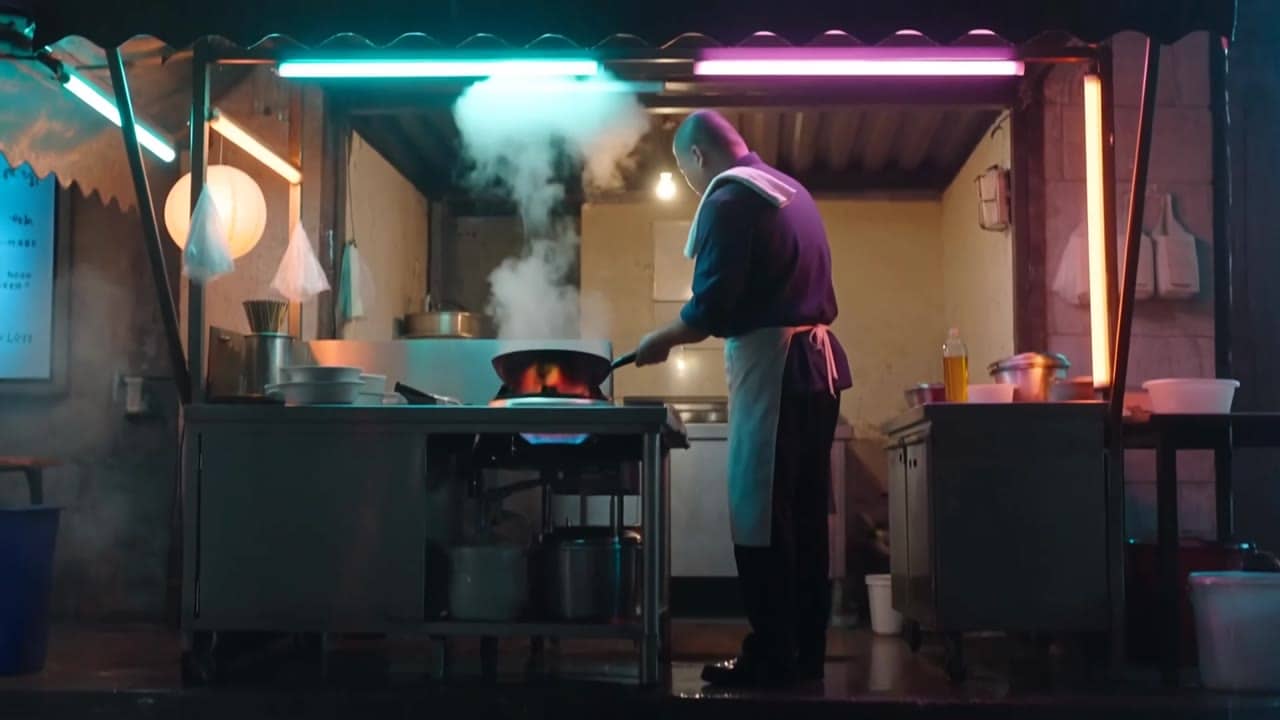
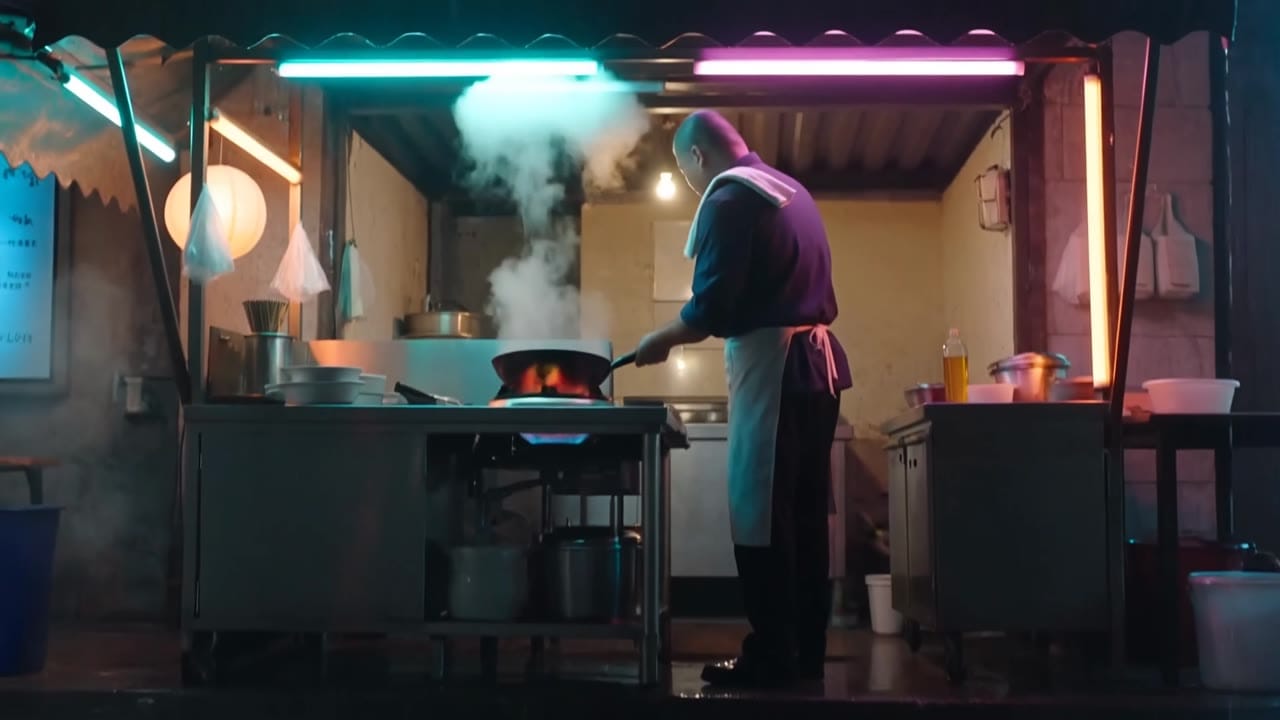
Subject: Night market noodle stall chef • Action: Flips noodles in a wok and plates the bowl after rain
Camera: Neon wide shot, macro wok, side plate-up, slow push-in • Style: Cinematic food film, wet street reflections, steam and lantern bokeh
Audio: Wok sizzle, oil whoosh, rain on the awning, no dialogue
Four-shot energetic studio food-film sequence in a small night market noodle stall after rain. Shot 1: neon reflections on wet pavement, a chef silhouette places a black wok over a blue gas flame, steam already rising. Shot 2: macro close-up of noodles flipping in the wok with orange sparks, camera locked, sizzling oil and quick whoosh. Shot 3: medium side shot as the chef slides the noodles into a ceramic bowl, steam curls across the lens, background lanterns soft and out of focus, no signs or readable text. Shot 4: slow push-in on the finished bowl on a stainless counter while rain taps the awning and steam fades into the neon light, no dialogue, no logos.
Before you generate
Lock the character, fix the viewpoint, or build the source still before you spend credits on motion.
Best practices, common fixes, and important limitations to help you get the strongest results with Happy Horse 1.1.
These side-by-side comparisons break down price, resolution, audio, speed, and motion style so you can pick the right engine fast.
Each page includes real outputs and practical best-use cases.
Compare against Seedance when the decision is multimodal reference control, native audio behavior, and stronger production continuity.
Compare Happy Horse 1.1 vs Seedance 2.0 ->Compare against Veo when premium cinematic realism and audio-native output are the main criteria.
Compare Happy Horse 1.1 vs Veo 3.1 ->The limits that shape your renders.
Built-in safeguards and best practices for responsible creation with Happy Horse 1.1.
MaxVideoAI exposes Happy Horse 1.1 as one current model with text-to-video, image-to-video, and reference-to-video workflows.
Yes. Happy Horse 1.1 is treated as a native-audio model with synchronized speech and lip-sync integrated into the generation flow.
No. Video edit remains available through the legacy Happy Horse 1.0 route.