
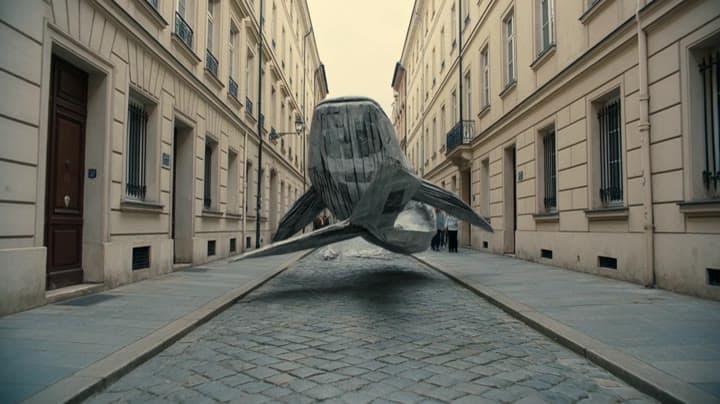
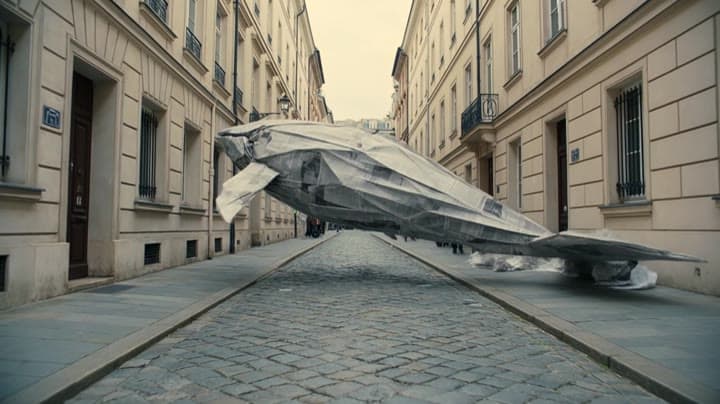
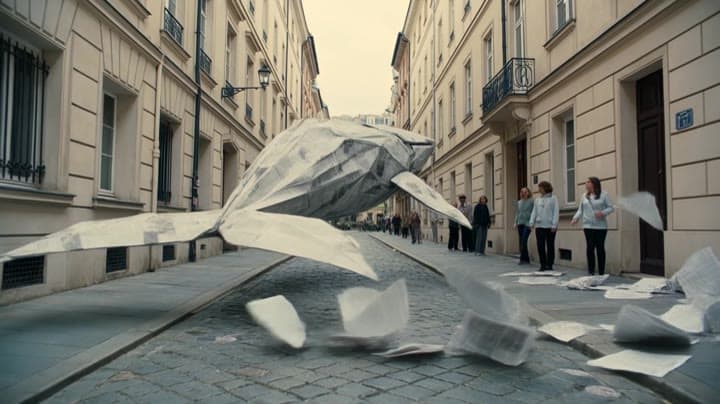
Kling 3.0 Omni Standard camera movement example: city tracking
This Kling 3.0 Omni Standard text to video example shows city tracking. It highlights audio-enabled output and camera motion control with 8-second timing · 16:9 · 1080p output.
Prompt breakdown
Prompt used to generate this render.
Subject
Subject: A giant origami whale made of folded newspaper, gliding through a dry European street like it is swimming underwater. Action: The paper whale passes between buildings, creating a wave of loose paper. People ste…
Workflow
Text to video
Camera
Tracking
Output
8s · 16:9 · 1080p
Estimated price
$1.32
Audio
Enabled
Constraints
Text To Video, Audio Enabled, Tracking
Shot type
customize
Show full promptHide full prompt
Subject: A giant origami whale made of folded newspaper, gliding through a dry European street like it is swimming underwater. Action: The paper whale passes between buildings, creating a wave of loose paper. People step back in surprise as the whale’s tail gently sweeps newspapers into the air. Camera: Low wide tracking shot moving alongside the whale, keeping the full body readable. Smooth forward motion, no sudden cuts. Style: Cinematic magical realism, soft afternoon light, paper textures, muted beige and blue-gray palette, elegant surreal mood, realistic city with a poetic fantasy element. Audio: Soft paper rustling, distant city ambience, deep whale-like paper creak, gentle wind swell.
Prompt improvement notes
Note 1
Keep the subject, camera move, lighting, duration, aspect ratio and audio requirement grouped so the render has one clear production brief.
Note 2
Change one variable at a time when cloning this prompt: model, duration, camera motion or reference input. That makes quality and price differences easier to compare.
Note 3
Add a short negative prompt if you need to block text overlays, logos, distorted hands, face warping or unwanted camera shake.
Compare this model
Review this example beside nearby engines before choosing a render path.
Why Kling 3.0 Omni Standard fits this shot
Kling 3.0 Omni Standard uses reference images, storyboard inputs, and source-video V2V without forcing the first upload to become the opening frame.
Reference mode
V2V
Audio native
Key frames
Related examples
View all examples Kling 3.0 Omni Standard
Kling 3 Pro Mars terraforming sci-fi video example
This Kling 3 Pro watch page shows a 16:9 text-to-video sci-fi terraforming scene on Mars, using a dolly-in, slow orbit and dramatic red-to-green landscape transformation.
 Kling 3.0 Omni Standard
Kling 3 Pro neon street multi-shot example
This Kling 3 Pro example demonstrates a multi-shot neon street sequence with rain reflections, native audio and structured scene anchors.
 Kling 3.0 Omni Standard
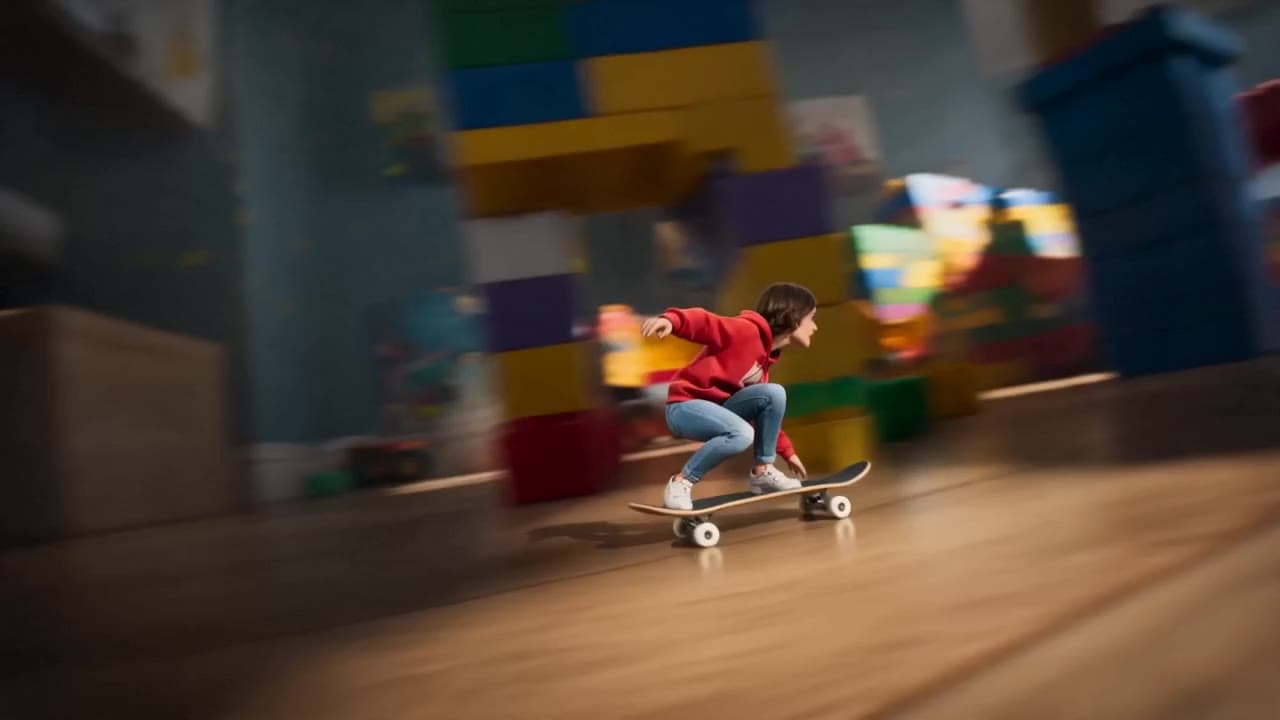
Seedance 2.0 miniature bedroom skateboard chase video example
This Seedance 2.0 text-to-video with audio example turns a children’s bedroom into a cinematic macro-scale chase sequence. A tiny skateboard rider races through oversized toy blocks, books, furniture, a rolling toy ball and a closing toy box, while the camera stays low to the floor in a fast continuous tracking shot. Use it as a reference for AI text-to-video camera movement, miniature world prompts, toy-scale action scenes and whimsical cinematic chase videos.
 Kling 3.0 Omni Standard
Veo 3.1 Fast FPV apartment commercial example
This Veo 3.1 Fast example uses an FPV-style camera move to reveal a staged apartment commercial with sound and polished lighting.