
OpenAI Sora 2 camera movement example: office push-in
This OpenAI Sora 2 text to video example shows office push-in. It highlights audio-enabled output and camera motion control with 12-second timing · 16:9 output.
Prompt breakdown
Prompt used to generate this render.
Horizontal 16:9, exactly 12.0 seconds. Live-action photorealism. Comedic tone. Multi-shot with precise timing. No brand names or logos. STYLE: high-contrast office lighting with practicals, shallow depth of field, physi…Show full promptHide full prompt
Horizontal 16:9, exactly 12.0 seconds. Live-action photorealism. Comedic tone. Multi-shot with precise timing. No brand names or logos. STYLE: high-contrast office lighting with practicals, shallow depth of field, physically accurate particles, crisp foley sync. SHOT 1 — “Jam Alert” (0.0–2.2s) CAMERA: slow dolly-in macro on a printer display with a blinking “Paper Jam” icon. ACTION: paper edges twitch; a tiny puff of toner “smoke” curls out. AUDIO: UI beeps at 0.4s and 0.9s; quiet electric hum; faint paper rustle. FX: floating dust motes; tiny toner specks. SHOT 2 — “Tiny Knight Appears” (2.2–5.2s) CAMERA: whip-pan to a palm-sized medieval knight stepping from a desk drawer; settle into a medium close-up. ACTION: he raises a stapler like a sword and points at the printer like it’s a dragon. AUDIO: miniature armor **clinks**; cheeky orchestral **stinger**. DIALOGUE at 3.5s (quick, amused): “Paper dragon again?” SHOT 3 — “Charge & Clash” (5.2–9.0s) CAMERA: low tracking move; small push-in as the knight leaps and taps the printer side with the stapler. ACTION: the printer erupts a **burst of pages** like a dragon cough; light camera shake on burst. AUDIO: heroic **whoosh**; metallic **tink!** on contact; comical **paper ROAR**; stapler rattle; faint crowd “ooh” gag. FX: flying page confetti; toner sparkles in rim light; subtle lens dust. SHOT 4 — “Victory Stack” (9.0–12.0s) CAMERA: tilt down to a perfectly collated stack sliding out, then tilt back up to the knight posing toward lens. ACTION: he plants the stapler; capelet flick; a sticky note **pops** behind him at 10.8s. AUDIO: satisfying **printer chime**; soft **paper thump**; short triumphant **brass hit** at 10.8s. DIALOGUE at 10.5s (to camera, smug): “You’re welcome.” END: hold on his grin; hard cut at 12.0s.
Workflow
Text to video
Camera
Push In, Tracking, Close Up
Output
12s · 16:9
Recorded render cost
$1.42
Audio
Enabled
Constraints
Text To Video, Audio Enabled, Push In
Prompt improvement notes
Note 1
Keep the subject, camera move, lighting, duration, aspect ratio and audio requirement grouped so the render has one clear production brief.
Note 2
Change one variable at a time when cloning this prompt: model, duration, camera motion or reference input. That makes quality and price differences easier to compare.
Note 3
Add a short negative prompt if you need to block text overlays, logos, distorted hands, face warping or unwanted camera shake.
Compare this model
Review this example beside nearby engines before choosing a render path.
Why OpenAI Sora 2 fits this shot
OpenAI Sora 2 handles cinematic narratives with lip-sync and audio - ideal for hero renders.
Audio native
Cinematic
Remix
Key frames
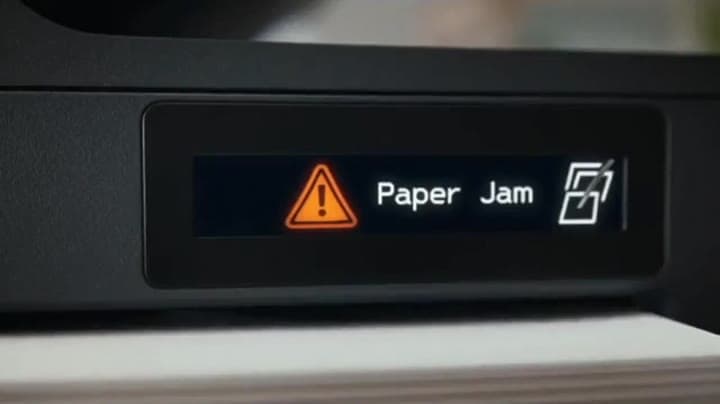
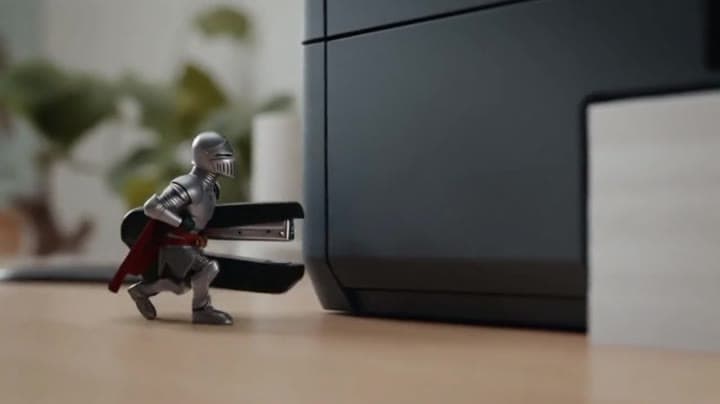
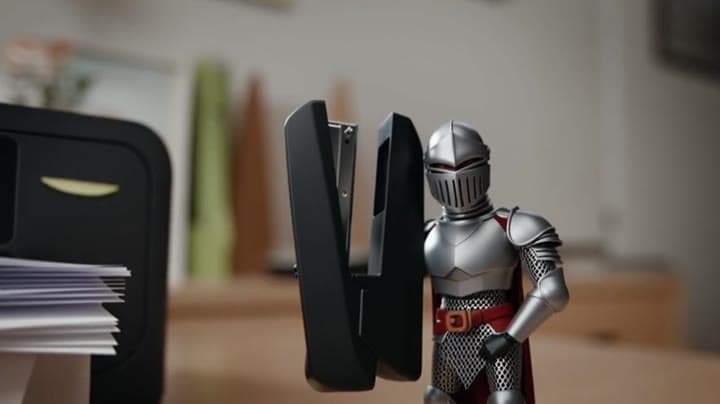
Related examples
View all examples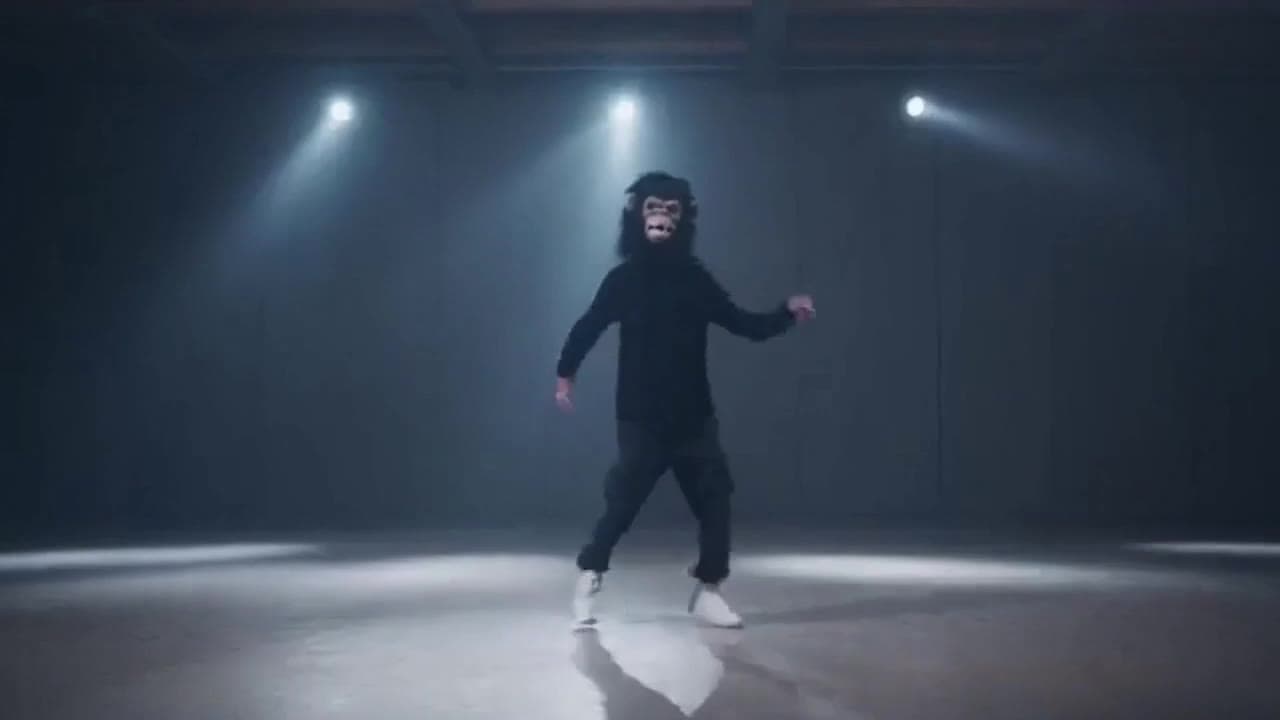 OpenAI Sora 2
Sora 2 gorilla dance video example with strobe lighting
This Sora 2 watch page shows a gorilla-mask dance prompt rendered with strobe lighting, changing camera angles, native audio and a 16:9 output.
 OpenAI Sora 2
Sora 2 mouse hallway escape video example
This Sora 2 page showcases a mouse-style hallway escape prompt with audio, obstacle timing and a compact narrative sequence.
 Google Veo 3.1 Fast
Veo 3.1 Fast studio interview push-in example
This Veo 3.1 Fast watch page shows a studio interview prompt with a controlled push-in camera move, native audio and documentary-style staging.
 Kling 3 Pro
Kling 3 Pro Mars terraforming sci-fi video example
This Kling 3 Pro watch page shows a 16:9 text-to-video sci-fi terraforming scene on Mars, using a dolly-in, slow orbit and dramatic red-to-green landscape transformation.