
Seedance 2.0 Fast action product ad video example
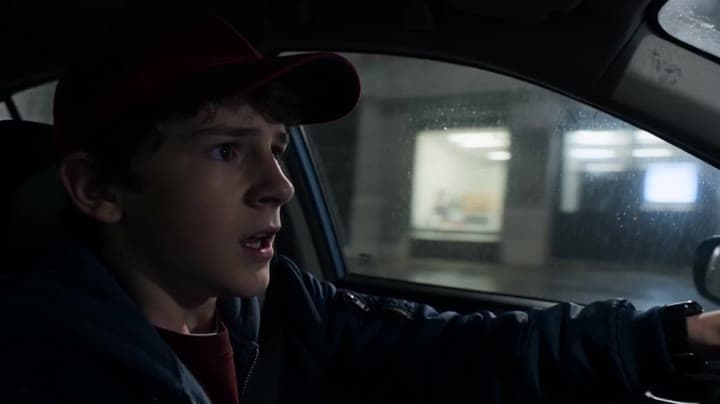
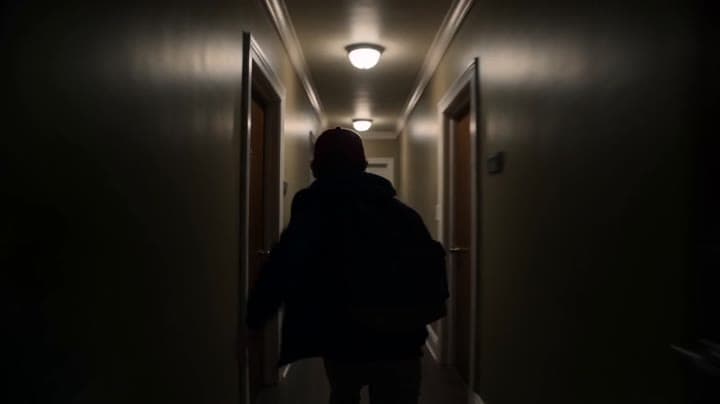
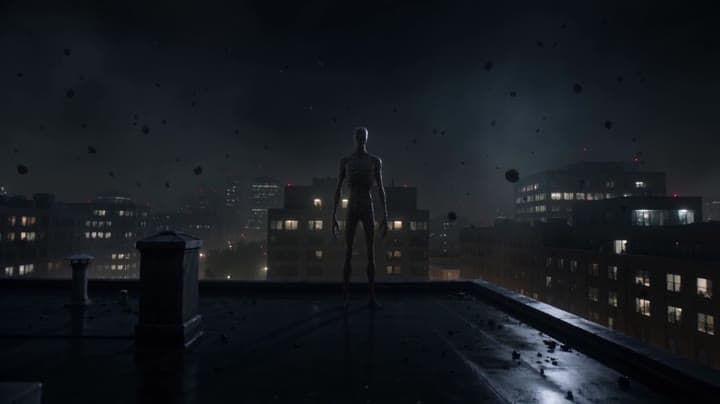
This Seedance 2.0 Fast text-to-video with audio example shows how an action-style product ad can use cinematic camera motion, dramatic lighting, fast pacing, and high-impact visuals to create a polished commercial sequence. Use it as a reference for automotive ads, sports promos, game trailers, launch videos, and brand campaigns that need speed, tension, spectacle, and a more cinematic feel than a basic product shot.
Prompt breakdown
Prompt used to generate this render.
A hyper dynamic cinematic action sequence in a dark modern city at night, wet asphalt, rain reflections, light fog. A young man in his late teens wearing a red cap, dark blue jacket and backpack is driving fast through…Show full promptHide full prompt
A hyper dynamic cinematic action sequence in a dark modern city at night, wet asphalt, rain reflections, light fog. A young man in his late teens wearing a red cap, dark blue jacket and backpack is driving fast through empty streets, tense and focused. Handheld camera inside the car, very close to his face, subtle shake, breathing heavy. A violent impact hits the roof, the camera jerks hard. A massive flying creature shadow passes over the windshield. The camera whips outside into a fast low tracking shot chasing the car at high speed. Above, a large winged creature dives aggressively, wings cutting through the air. Fire blasts hit the road behind the vehicle, lighting up the wet street. The car suddenly loses control and skids. The camera swings with the motion as the young man bursts out of the car. The camera follows tightly behind him in a fast handheld run. Heavy footsteps shake the ground. A massive brute creature crashes into frame behind him, smashing a car and throwing debris. The camera shakes violently, staying low and close to the action. He sprints toward a building and slams into the door. The camera rushes forward with him into a narrow corridor, lights flickering. A shadow-like creature briefly appears on the walls and ceiling, distorted and unstable. The man crashes through an apartment door. The camera becomes more chaotic, tighter movements. A small fast creature moves rapidly across surfaces, barely visible, extremely aggressive. The man runs toward a large window. A powerful impact from behind shatters the glass. Brief slow motion: glass fragments flying as he jumps through. He lands outside on a rooftop. Everything becomes suddenly still. The camera slowly pushes in. Behind him, a tall humanoid creature appears, motionless, controlling the environment. Small debris lifts subtly into the air. Cut to black. Style: ultra realistic, cinematic lighting, handheld camera, aggressive motion, fast transitions, grounded physics, strong contrast, dramatic shadows.
Workflow
Text to video
Camera
Tracking
Output
12s · 16:9 · 720p
Recorded render cost
$3.78
Audio
Enabled
Constraints
Text To Video, Audio Enabled, Tracking
Prompt improvement notes
Note 1
Keep the subject, camera move, lighting, duration, aspect ratio and audio requirement grouped so the render has one clear production brief.
Note 2
Change one variable at a time when cloning this prompt: model, duration, camera motion or reference input. That makes quality and price differences easier to compare.
Note 3
Add a short negative prompt if you need to block text overlays, logos, distorted hands, face warping or unwanted camera shake.
Note 4
For product shots, keep the product name generic, describe materials and lighting, and avoid adding too many scene changes in one clip.
Compare this model
Review this example beside nearby engines before choosing a render path.
Why Seedance 2.0 Fast fits this shot
Seedance 2.0 Fast is the draft-speed Seedance 2 tier on MaxVideoAI for faster iteration, shorter feedback loops, 480p/720p output, and quick text, image, and reference-based comparisons.
Image input
Audio option
Motion controls
Key frames
Related examples
View all examples Seedance 2.0
Seedance 2.0 AI SaaS product ad video example
This Seedance 2.0 text-to-video with audio example shows how an AI SaaS or enterprise software product ad can use cinematic control room visuals, glowing monitor walls, polished lighting, and confident pacing to create a premium commercial look. Use it as a reference for startup launch videos, AI platform ads, software promos, and B2B product commercials that need more atmosphere than a basic product demo.
 Seedance 2.0 Fast
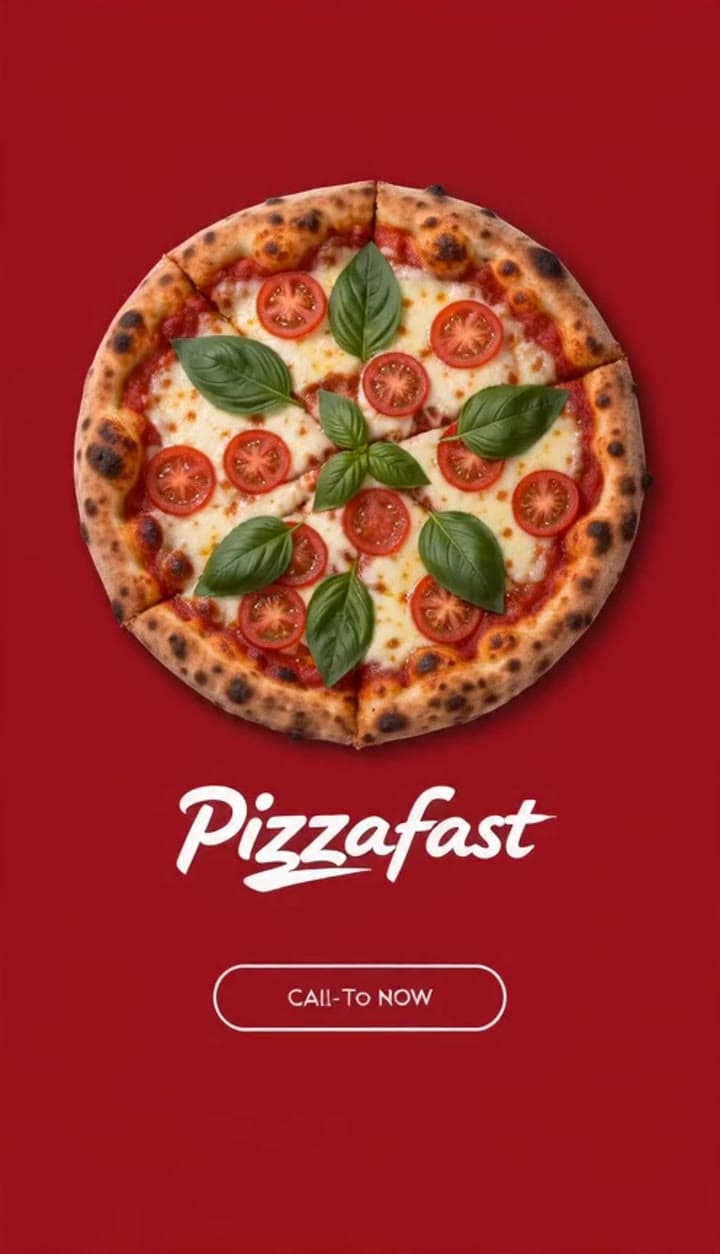
Seedance 2.0 Fast pizza ad example in vertical multi-shot format
This Seedance 2.0 Fast text-to-video with audio example shows how a pizza or restaurant brand can create a vertical multi-shot product ad for social platforms. The sequence uses food-focused visuals, quick commercial pacing, 9:16 framing, and a polished ad structure that works well for restaurant promos, delivery campaigns, food brands, short-form ads, and social media product commercials.
 Google Veo 3.1 Fast
Veo 3.1 Fast living room TV commercial example
This Veo 3.1 Fast watch page shows a bright living-room TV commercial prompt with native audio, controlled staging and a 16:9 ad format.
 Google Veo 3.1 Fast
Google Veo 3.1 Fast product ad example: futuristic street dancer with glowing
Google Veo 3.1 Fast product-ad example (text-to-video + audio): futuristic street dancer with glowing neon, plus stable video/thumbnail and related Veo examples.