
google Veo 3.1 Lite image to video example: cyberpunk encounter with dry,
Draft watch-page candidate from the next SEO shortlist. Model: Google Veo 3.1 Lite. Workflow: First/last-frame + audio. Intent: image-to-video. Visual review is required before approval.
Prompt breakdown
Prompt used to generate this render.
**Brief:** Cinematic cyberpunk encounter with dry, sarcastic humor. A tense but oddly funny exchange between a tough human and a small witty creature. Moody, stylish, slightly ironic tone. **Subject:** A tired female me…Show full promptHide full prompt
**Brief:** Cinematic cyberpunk encounter with dry, sarcastic humor. A tense but oddly funny exchange between a tough human and a small witty creature. Moody, stylish, slightly ironic tone. **Subject:** A tired female mercenary in a dark tactical outfit stands in a rainy neon-lit alley at night, facing a small anthropomorphic creature (fox-like, wearing worn armor and goggles) standing on a metal crate. The street is wet, reflections of neon signs shimmer on the ground, light fog drifting. **Camera:** Start on a medium-wide shot from behind the woman (start image framing), slowly dolly in and slightly arc to the side as she steps closer. Transition into an over-the-shoulder shot from behind the creature. End on a close two-shot at eye level (last frame framing), with subtle handheld motion for realism. **Action:** The woman approaches cautiously. The creature stays still, confident, slightly smug. They lock eyes. Small head tilts and micro-expressions only. **Dialogue:** Woman (dry, tired): "You're the contact?" Creature (smirking): "Depends. You the disappointment?" Woman (annoyed): "Great. I'm negotiating with a raccoon." Creature (offended): "Fox. Try to keep up, it’s embarrassing." **Lighting + color:** Cool blue and teal neon mixed with warm magenta highlights. Wet surfaces reflecting light. Soft volumetric fog. Subtle rim light outlining both characters. **Constraints:** Keep movement minimal and controlled. Focus on facial expressions and timing of dialogue. No extra characters entering frame. No fast cuts. Maintain cinematic realism and continuity between start and end frames.
Workflow
First/last frame to video
Camera
Transition
Output
8s · 16:9 · 720p
Recorded render cost
$0.52
Audio
Enabled
Constraints
First Last Frame, Audio Enabled, Reference Image
Reference image
Provided
First frame
Provided
Last frame
Provided
Prompt improvement notes
Note 1
Keep the subject, camera move, lighting, duration, aspect ratio and audio requirement grouped so the render has one clear production brief.
Note 2
Change one variable at a time when cloning this prompt: model, duration, camera motion or reference input. That makes quality and price differences easier to compare.
Note 3
Add a short negative prompt if you need to block text overlays, logos, distorted hands, face warping or unwanted camera shake.
Why Google Veo 3.1 Lite fits this shot
Open the engine page for specs, controls, and pricing.
Text-to-video workflow
8-second render in 16:9
First and last frame control
Audio-enabled output
Key frames
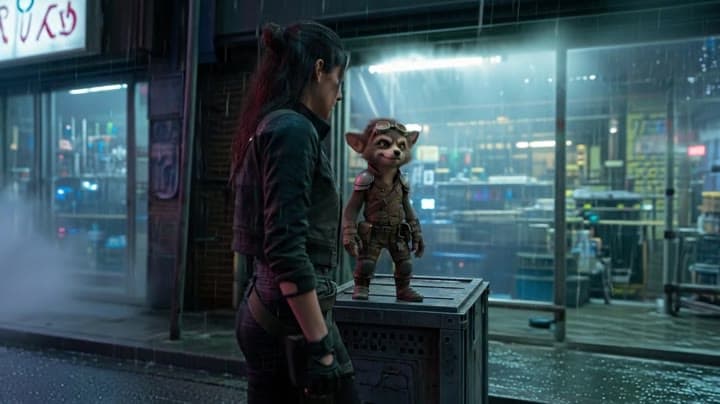
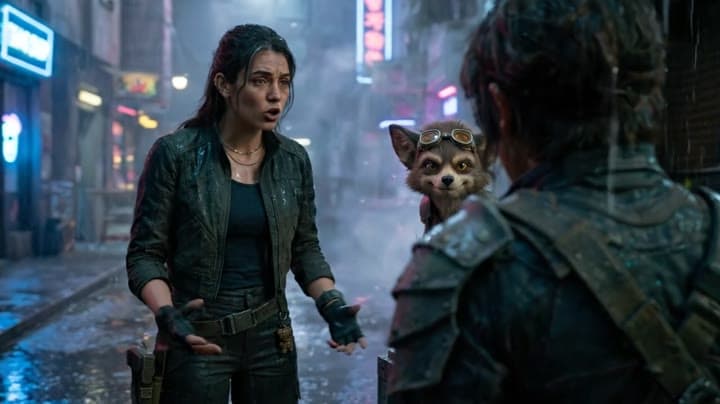
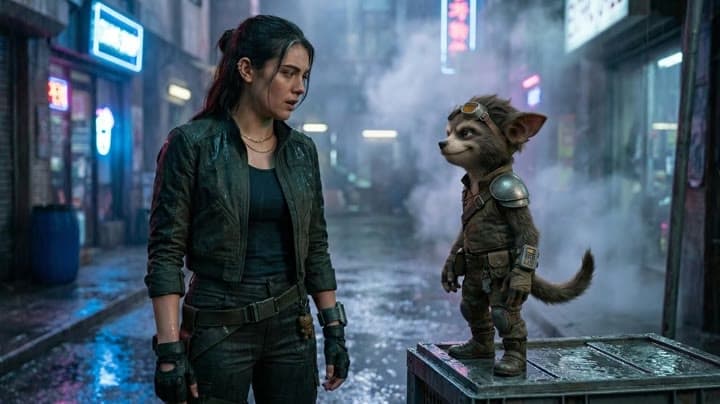
Related examples
View all examples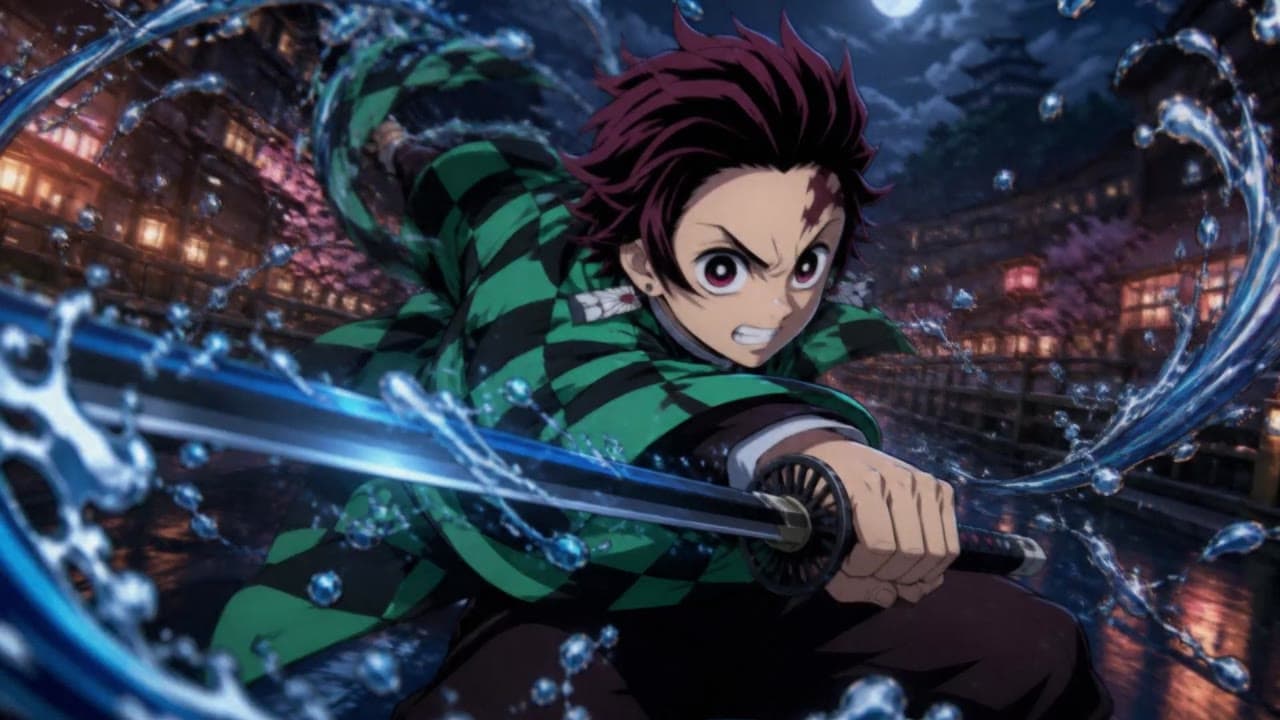 LTX 2.3 Pro
LTX 2.3 Pro anime sword attack image-to-video example
This LTX 2.3 Pro draft uses a first-frame image to animate an anime sword attack with water effects, forward camera motion, sharp character detail and 16:9 framing.
 LTX 2.3 Pro
LTX 2.3 Pro office image-to-video transition example
This LTX 2.3 Pro example uses image-to-video controls to preserve a scene across a directed office transition with strong frame continuity.
 Google Veo 3.1 Fast
Google Veo 3.1 Fast product ad example: futuristic street dancer with glowing
Google Veo 3.1 Fast product-ad example (text-to-video + audio): futuristic street dancer with glowing neon, plus stable video/thumbnail and related Veo examples.
 Google Veo 3.1 Fast
Veo 3.1 Fast FPV apartment commercial example
This Veo 3.1 Fast example uses an FPV-style camera move to reveal a staged apartment commercial with sound and polished lighting.