
Kling 3 4K product ad example: studio
This Kling 3 4K text to video example shows studio. It highlights audio-enabled output with 6-second timing · 16:9 output.
Prompt breakdown
Prompt used to generate this render.
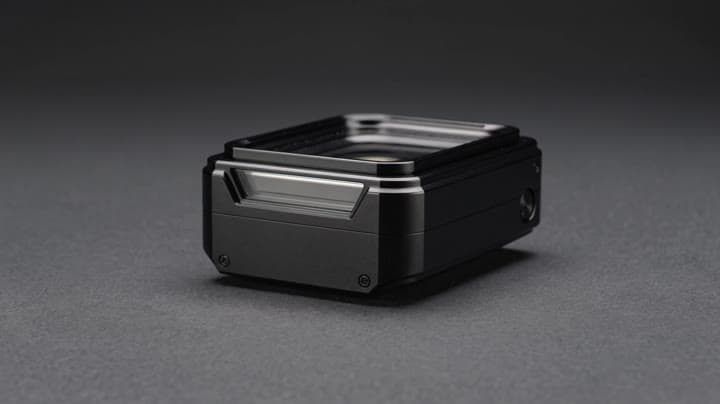
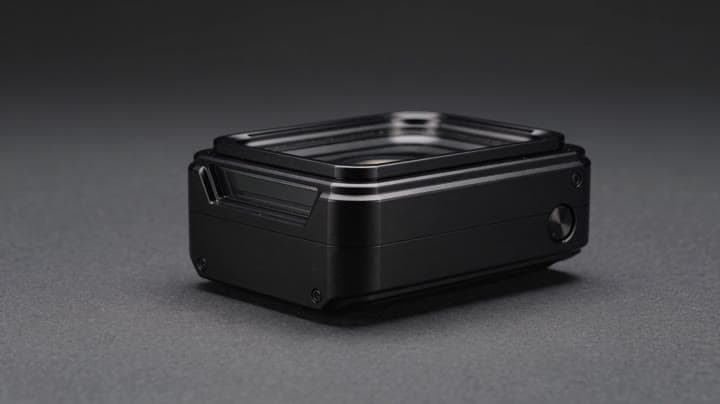
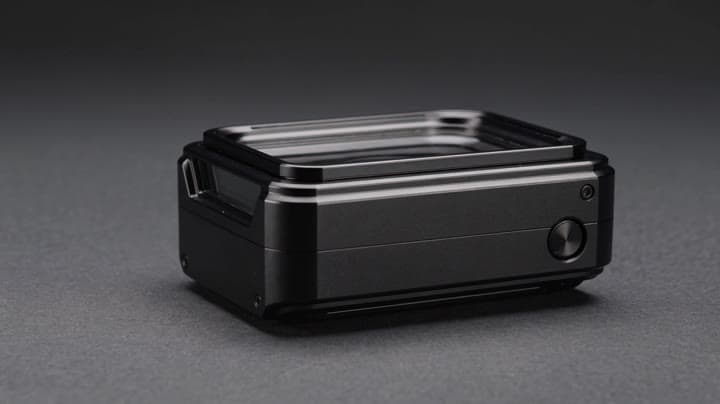
Native 4K cinematic product hero shot, 16:9. A premium black titanium camera device rests on a matte graphite surface in a controlled studio. Slow macro dolly push from left to right, crisp reflections across beveled ed…Show full promptHide full prompt
Native 4K cinematic product hero shot, 16:9. A premium black titanium camera device rests on a matte graphite surface in a controlled studio. Slow macro dolly push from left to right, crisp reflections across beveled edges, fine glass detail, subtle rim light, soft practical highlights, realistic depth of field, stable geometry, no logo, no text, no watermark. Delivery-grade commercial finish, sharp details, elegant motion, refined luxury technology campaign.
Workflow
Text to video
Camera
Product Ad
Output
6s · 16:9
Recorded render cost
$3.30
Audio
Enabled
Constraints
Text To Video, Audio Enabled
Prompt improvement notes
Note 1
Keep the subject, camera move, lighting, duration, aspect ratio and audio requirement grouped so the render has one clear production brief.
Note 2
Change one variable at a time when cloning this prompt: model, duration, camera motion or reference input. That makes quality and price differences easier to compare.
Note 3
Add a short negative prompt if you need to block text overlays, logos, distorted hands, face warping or unwanted camera shake.
Note 4
For product shots, keep the product name generic, describe materials and lighting, and avoid adding too many scene changes in one clip.
Compare this model
Review this example beside nearby engines before choosing a render path.
Why Kling 3 4K fits this shot
Generate native 4K Kling 3 videos from text or images. Use Kling 3 4K for final delivery renders with 3-15s clips and native audio.
Image input
Audio option
15s max
Key frames
Related examples
View all examples Kling 3 Pro
Kling 3 Pro Mars terraforming sci-fi video example
This Kling 3 Pro watch page shows a 16:9 text-to-video sci-fi terraforming scene on Mars, using a dolly-in, slow orbit and dramatic red-to-green landscape transformation.
 Kling 3 Pro
Kling 3 Pro neon street multi-shot example
This Kling 3 Pro example demonstrates a multi-shot neon street sequence with rain reflections, native audio and structured scene anchors.
 Seedance 2.0
Seedance 2.0 AI SaaS product ad video example
This Seedance 2.0 text-to-video with audio example shows how an AI SaaS or enterprise software product ad can use cinematic control room visuals, glowing monitor walls, polished lighting, and confident pacing to create a premium commercial look. Use it as a reference for startup launch videos, AI platform ads, software promos, and B2B product commercials that need more atmosphere than a basic product demo.
 Seedance 2.0 Fast
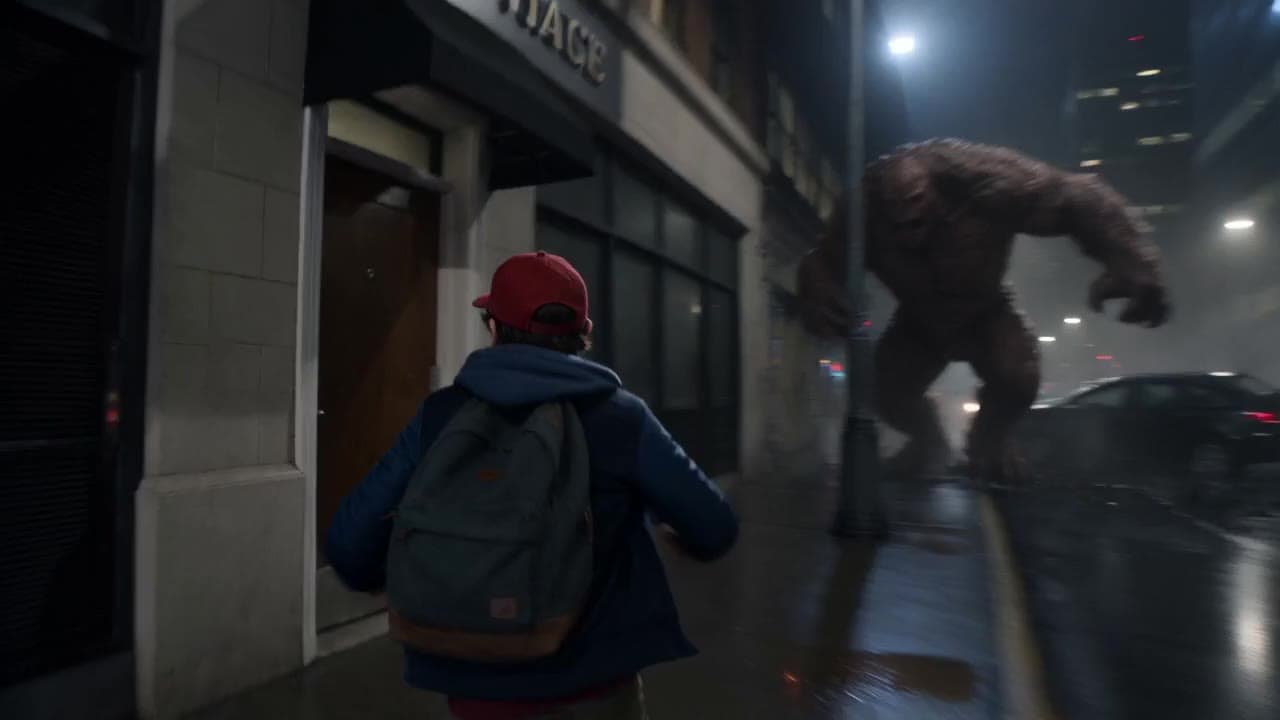
Seedance 2.0 Fast action product ad video example
This Seedance 2.0 Fast text-to-video with audio example shows how an action-style product ad can use cinematic camera motion, dramatic lighting, fast pacing, and high-impact visuals to create a polished commercial sequence. Use it as a reference for automotive ads, sports promos, game trailers, launch videos, and brand campaigns that need speed, tension, spectacle, and a more cinematic feel than a basic product shot.