Entry draft
$0.32
6s · 1080p
SUPPORTED LTX 2 FAST ROUTE
Fast 16:9 drafts up to 20s for text or image starts, audio-ready review passes, and 1080p to 4K checks.
Use LTX 2 Fast for the supported older fast LTX route when you need low-cost 16:9 drafts, longer 20s timing checks, image starts and high-res review options. Use LTX 2.3 Fast for the current fast LTX workflow.
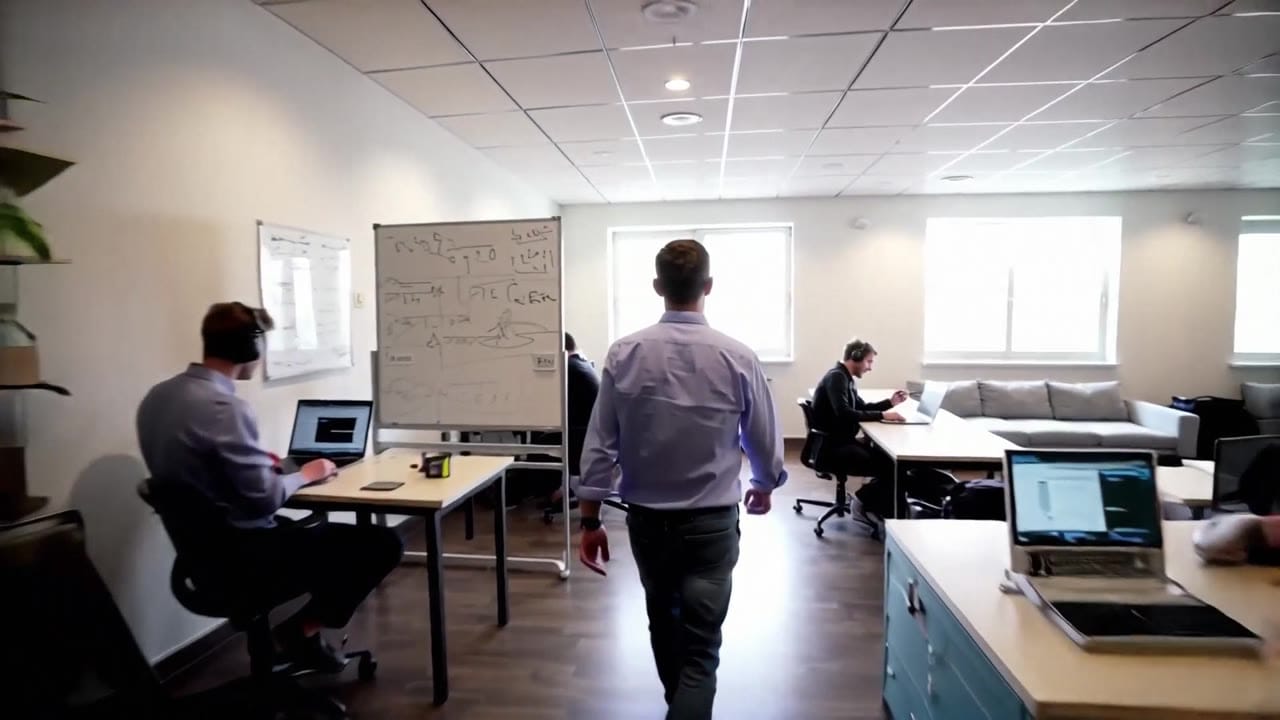
LTX 2 Fast example
Fast 16:9 draft loop
Fast 16:9 drafts
Move quickly through older LTX timing and composition checks.
Text or image start
Use a prompt or one still to test product, subject or scene setup.
Up to 20s
Use longer 1080p/25 fps loops when pacing matters more than polish.
1080p to 4K
Shorter checks can still use high-res review settings.
Audio-ready
Use the audio-enabled route for timing and review passes.
Pay-as-you-go
See exact live price before you generate.
Preset draft totals - see the exact live price in the app before you generate.
$0.32
6s · 1080p
$0.52
10s · 1080p
$1.04
Most popular20s · 1080p
$2.08
10s · 4k
20s
20s at 1080p / 25 fps
All prices are MaxVideoAI display prices in USD credits for preset scenarios.
Recent LTX 2 Fast renders with audio on/off for social clips and quick iterations.
See what's possible with LTX 2 Fast — supported older LTX model for fast audio-ready drafts.
Jump into the app with one click and reuse the setup.
Dialogue, ambience and SFX generated in sync.
Keep characters, style and scene consistency across sequences.
Built-in guardrails and safety filters for responsible review.
Use LTX 2 Fast for supported older 16:9 draft loops. Use LTX 2.3 Fast for the current fast LTX route and broader format coverage.
Move approved draft directions into LTX 2 or LTX 2.3 Pro when the shot needs a more polished pass.
Compare LTX 2 Fast with Wan 2.5 when choosing between longer 16:9 LTX loops and lower-cost audio checks.
Use short draft prompts with one motion beat, one camera move and a clear review goal.
LTX 2 Fast prefers short prompts with one clear action and a single camera move.
Source: LTX
Keep one subject, one motion idea and one camera move so the fast route stays readable.
Use one still to lock the product, character or environment before testing motion.
Use 12-20s only for 1080p timing checks where pacing matters more than detail.
Use 1440p or 4K on shorter clips when you need to inspect detail.
Move winning directions into LTX 2.3 Fast or Pro depending on the current workflow needed.
Use 1–2 sentences when you want variations.
[Subject + action] in [setting], [camera move], [lighting/style], [optional sound cue].
Negative: [text, logos, extra people, blur]
[Subject + action] in [setting], [camera move], [lighting/style], [optional sound cue]. Negative: [text, logos, extra people, blur]
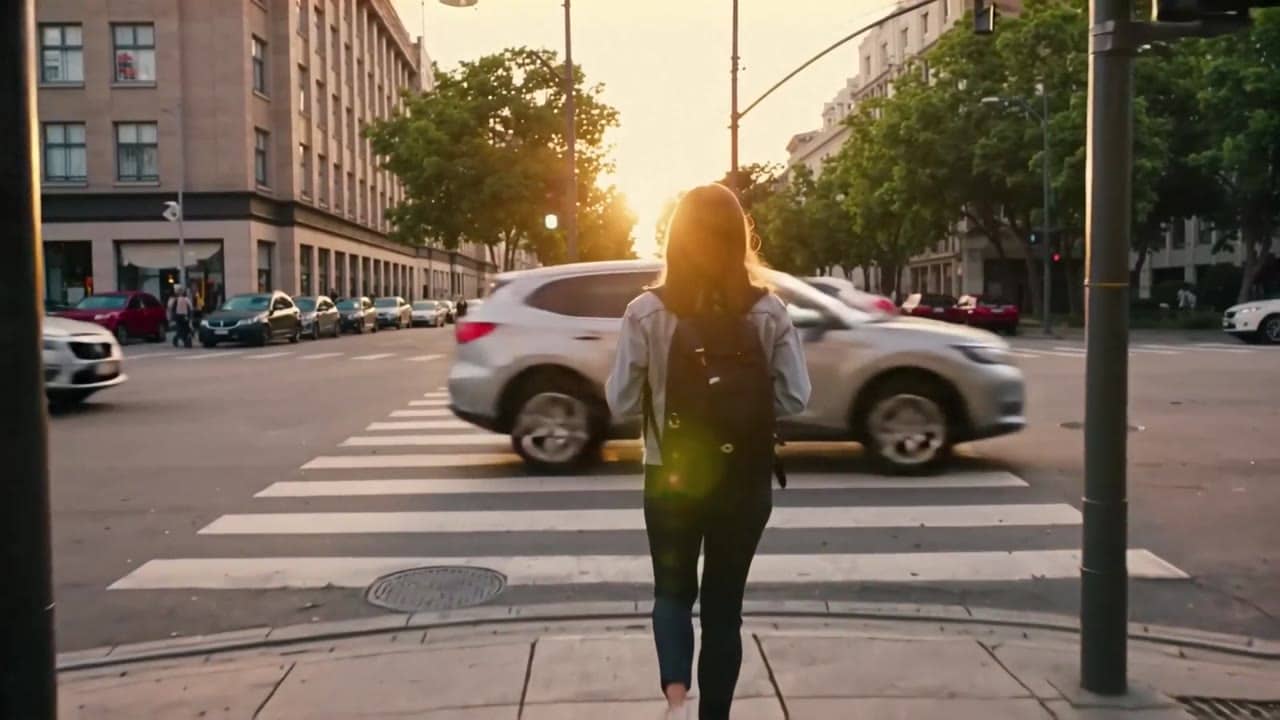
Subject: Young woman at a busy crosswalk • Action: Waits, then crosses in golden-hour light
Camera: Starts behind her, then moves into a smooth handheld follow • Style: Busy city, warm light, cinematic social clip
Audio: City ambience, no dialogue
8 second 16:9 cinematic shot at a busy city crosswalk at golden hour. The camera starts behind a young woman with a backpack as she waits at the curb, then moves into a smooth handheld tracking shot as she steps onto the crosswalk and walks toward the opposite…
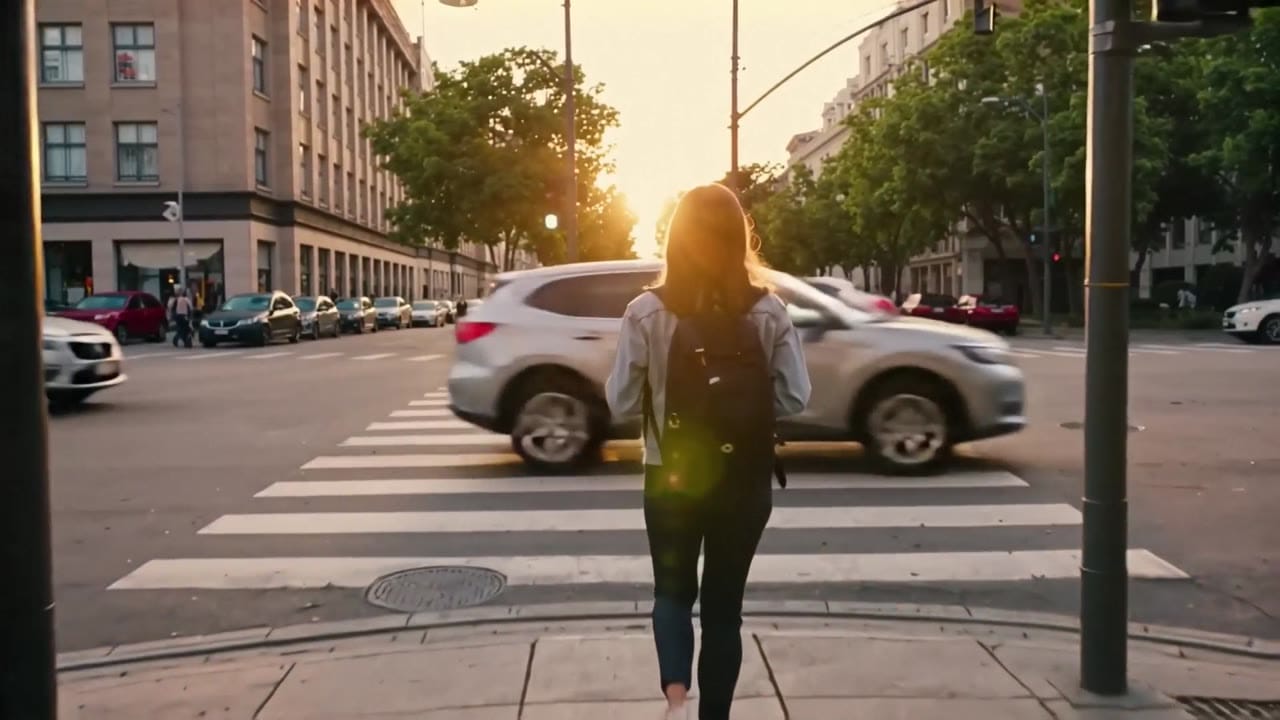
LTX 2 Fast is most reliable when you treat it like a draft pass: simple shots, quick variations, then polish the winner.
These side-by-side comparisons break down price, resolution, audio, speed, and motion style so you can pick the right engine fast.
Each page includes real outputs and practical best-use cases.
Stay on a fast workflow but move to the current LTX 2.3 Fast routing for newer text-to-video and image-to-video generation.
See LTX 2.3 Fast ->Move up to LTX 2.3 Pro when the project needs audio-to-video, Extend, Retake, and the broader current-generation LTX workflow set.
See LTX 2.3 Pro ->The limits that shape your renders.
Designed for rapid iteration and volume. Use it to discover hooks and pacing before polishing.
The prompt format carries over to LTX 2, so upgrades are simple. Treat Fast as your draft layer.
Built-in safeguards and best practices for responsible creation with LTX 2 Fast.
6–20 seconds. Durations above 10 seconds must run at 1080p and 25 fps per Fal constraints.
Yes, native audio is on by default. You can toggle it off for silent exports.
16:9 only in the current Fast routing. Use Wan or Pika for flexible ratios.