
LTX Video 2.0 Fast camera movement example: studio push-in
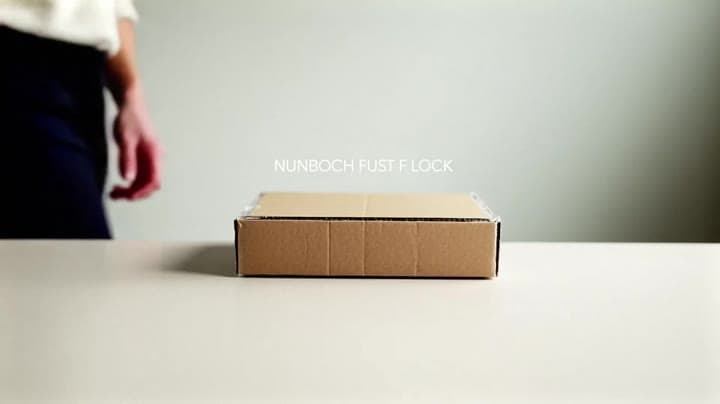
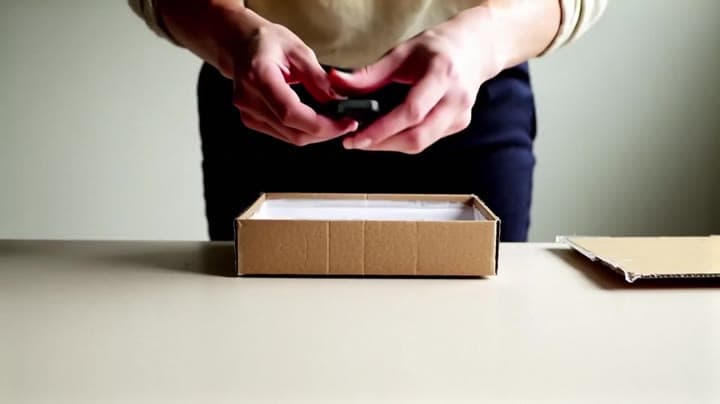
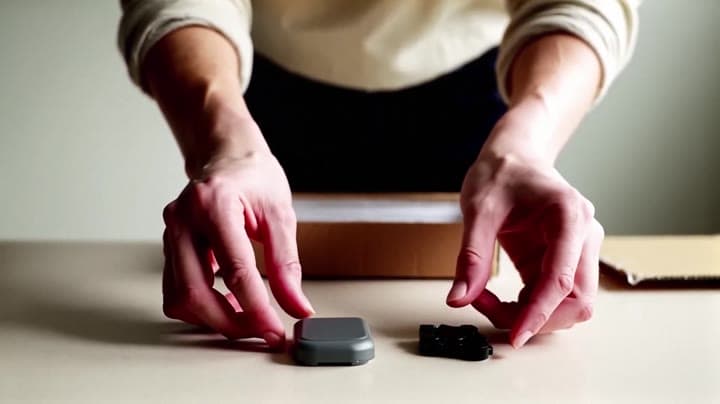
This LTX Video 2.0 Fast text to video example shows studio push-in. It highlights audio-enabled output and camera motion control with 8-second timing · 16:9 · 1080p output.
Prompt breakdown
Prompt used to generate this render.
Wide 16:9 full-body unboxing video in a clean studio/kitchen setting. A person is fully visible (head-to-toe or at least head-to-knees) standing behind a minimalist tabletop. They unbox a small generic gadget from a pla…Show full promptHide full prompt
Wide 16:9 full-body unboxing video in a clean studio/kitchen setting. A person is fully visible (head-to-toe or at least head-to-knees) standing behind a minimalist tabletop. They unbox a small generic gadget from a plain matte cardboard box: peel the seal, open the lid, remove the inner tray, take out the device and accessories, and lay everything neatly on the table. The person occasionally lifts the item toward the camera for a closer look, then places it back down. Realism requirements: natural body proportions, stable identity, realistic skin and clothing fabric, no face warping, no unnatural limb bending. Hands must be highly realistic: correct finger count, natural grip, believable pressure/contact with the box and device, consistent shadows, no extra fingers, no “floating” objects. Keep object geometry stable, no wobbling background, minimal temporal flicker. Camera: single continuous shot, tripod-stable, slight cinematic push-in (very slow), eye-level or slightly above table height. Natural soft daylight, clean shadows, realistic materials and textures. No logos, no brand names, no watermarks. No subtitles. Optional on-screen title at the top (perfectly readable and stable, no jitter): "UNBOXING — FIRST LOOK"
Workflow
Text to video
Camera
Push In
Output
8s · 16:9 · 1080p
Recorded render cost
$0.42
Audio
Enabled
Constraints
Text To Video, Audio Enabled, Push In
Prompt improvement notes
Note 1
Keep the subject, camera move, lighting, duration, aspect ratio and audio requirement grouped so the render has one clear production brief.
Note 2
Change one variable at a time when cloning this prompt: model, duration, camera motion or reference input. That makes quality and price differences easier to compare.
Note 3
Add a short negative prompt if you need to block text overlays, logos, distorted hands, face warping or unwanted camera shake.
Compare this model
Review this example beside nearby engines before choosing a render path.
Why LTX Video 2.0 Fast fits this shot
Generate fast cinematic AI videos with LTX-2 Fast. Text and image to video with synchronized audio, up to 4K, ideal for rapid iteration and social content.
Image input
Audio option
20s max
Key frames
Related examples
View all examples Kling 3 Pro
Kling 3 Pro Mars terraforming sci-fi video example
This Kling 3 Pro watch page shows a 16:9 text-to-video sci-fi terraforming scene on Mars, using a dolly-in, slow orbit and dramatic red-to-green landscape transformation.
 LTX 2.3 Pro
LTX 2.3 Pro rooftop lightning fashion shot example
This LTX 2.3 Pro page shows a rooftop fashion prompt with storm lighting, neon city atmosphere and cinematic subject isolation.
 Seedance 2.0
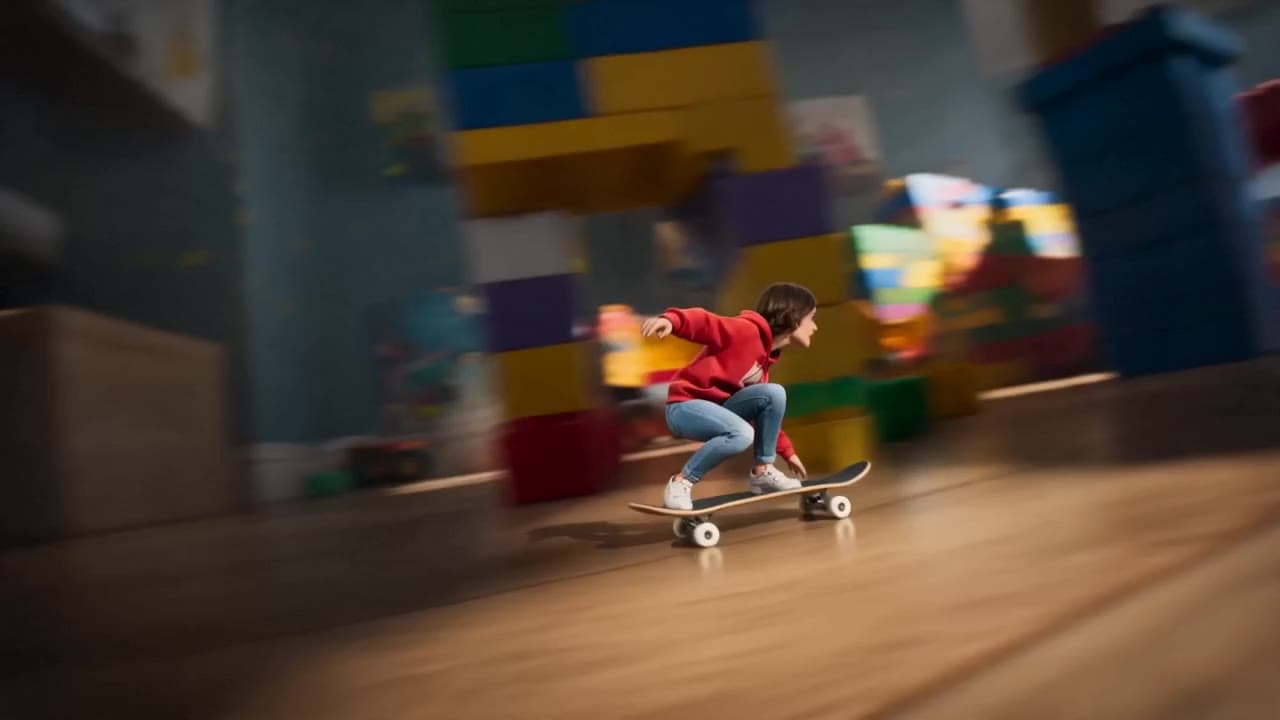
Seedance 2.0 miniature bedroom skateboard chase video example
This Seedance 2.0 text-to-video with audio example turns a children’s bedroom into a cinematic macro-scale chase sequence. A tiny skateboard rider races through oversized toy blocks, books, furniture, a rolling toy ball and a closing toy box, while the camera stays low to the floor in a fast continuous tracking shot. Use it as a reference for AI text-to-video camera movement, miniature world prompts, toy-scale action scenes and whimsical cinematic chase videos.
 Kling 3 Pro
Kling 3 Pro neon street multi-shot example
This Kling 3 Pro example demonstrates a multi-shot neon street sequence with rain reflections, native audio and structured scene anchors.