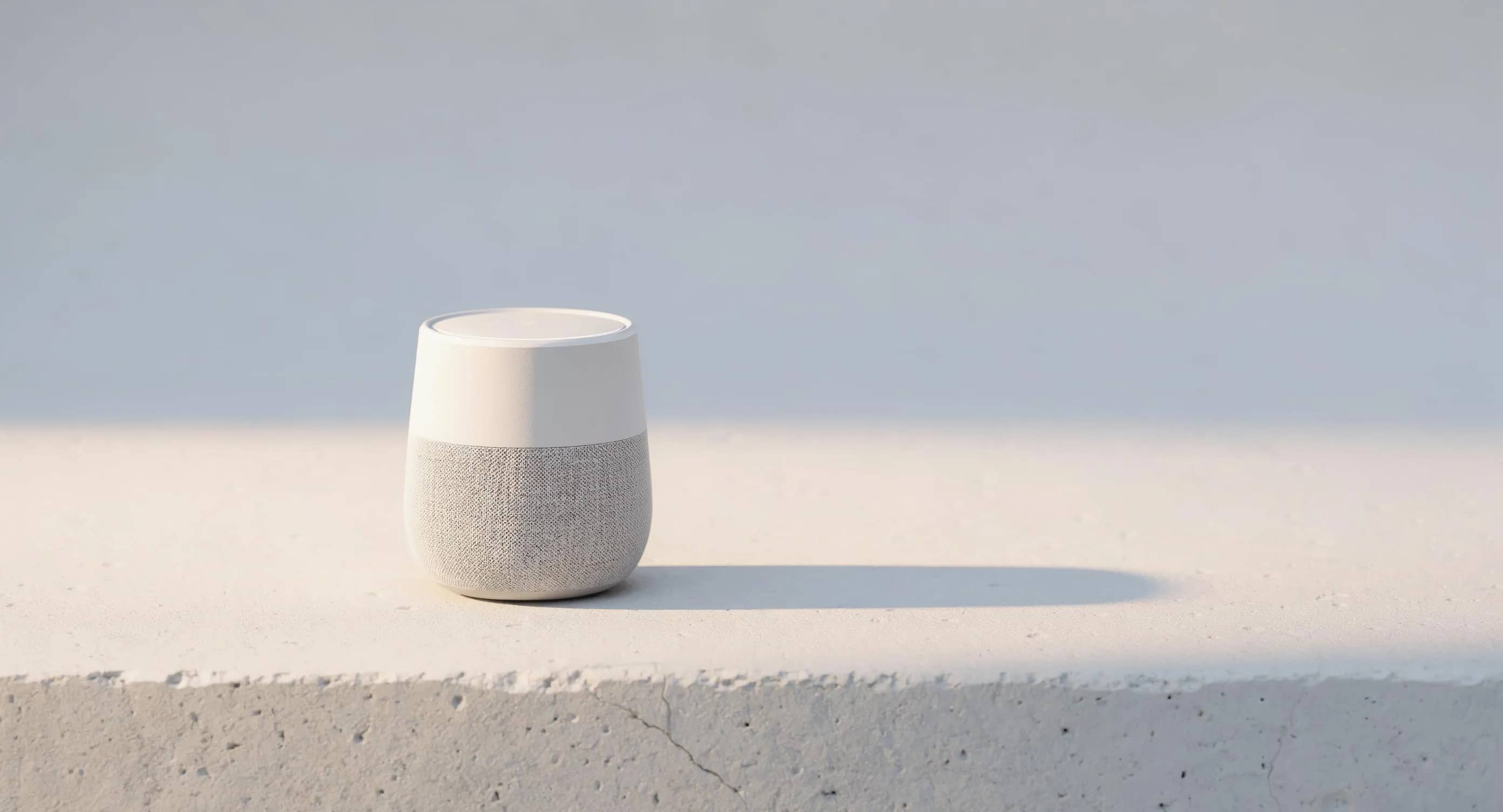
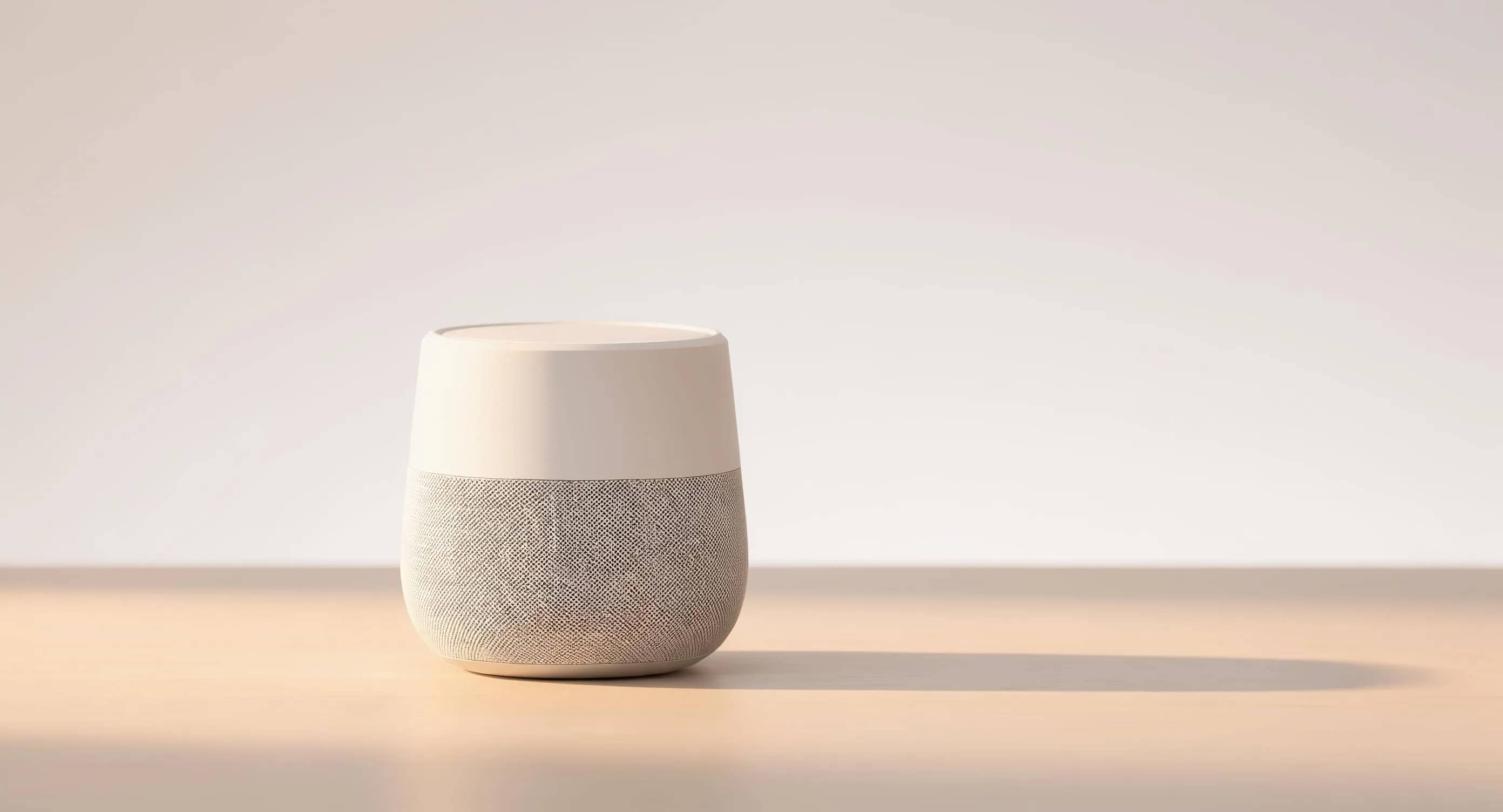
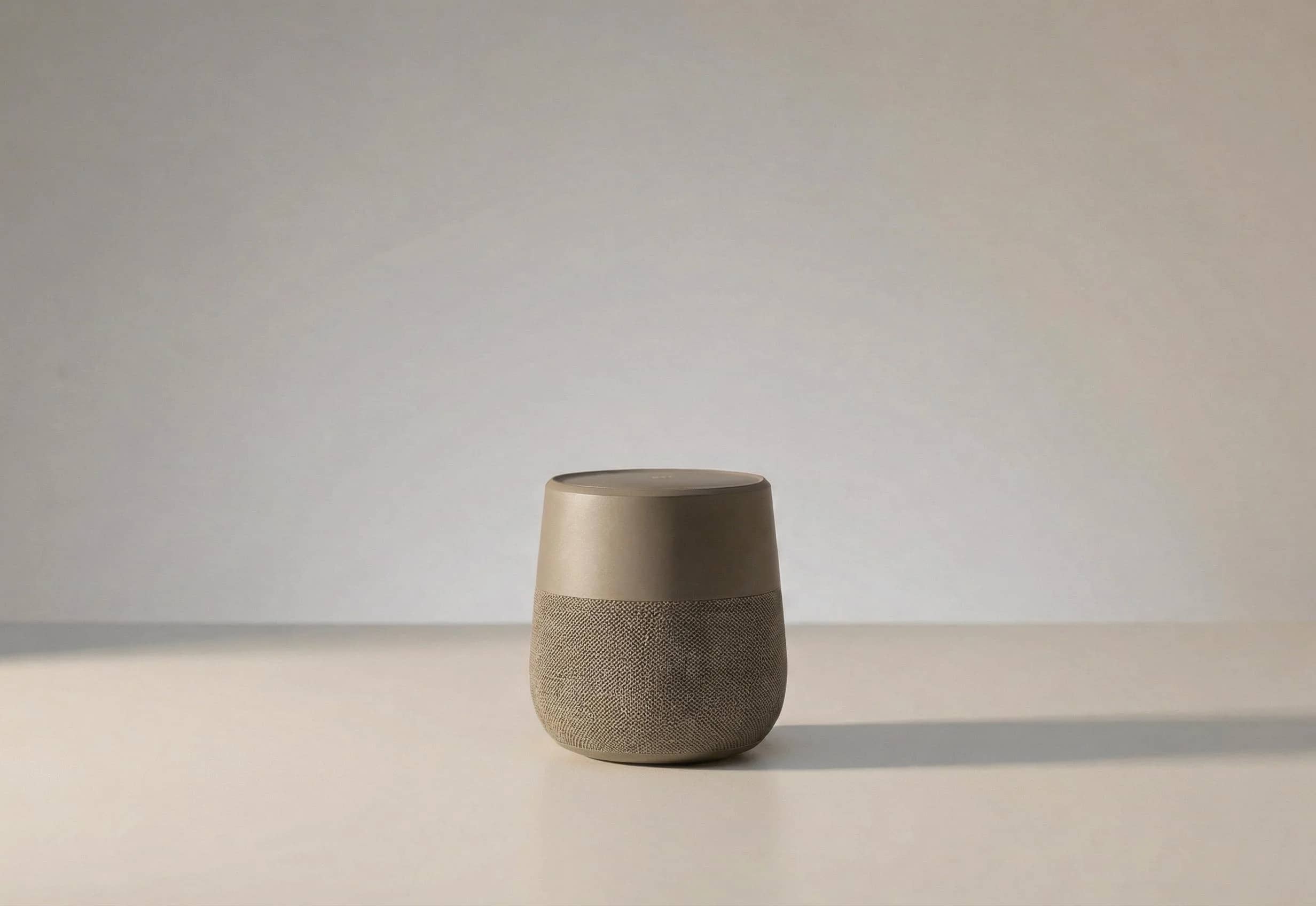
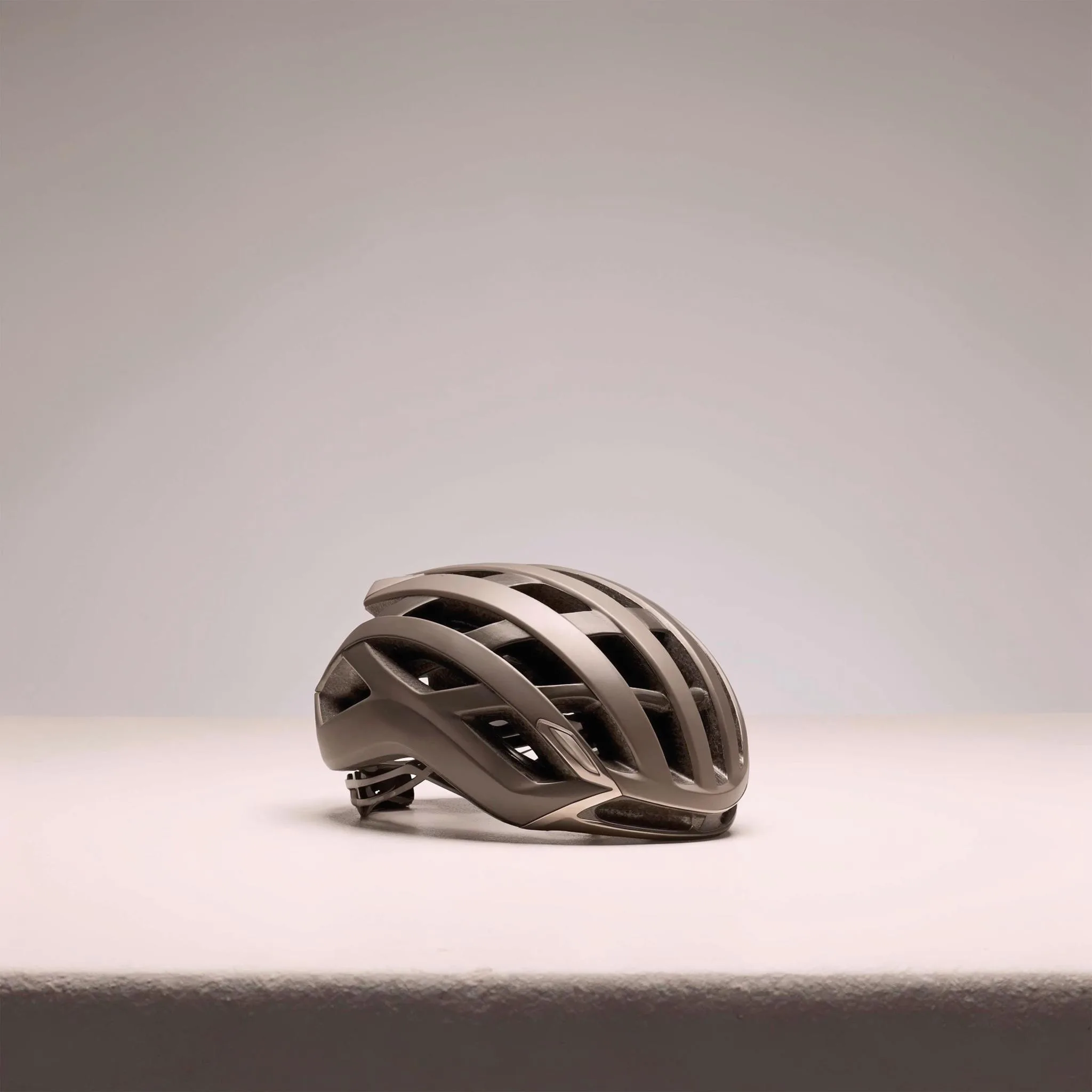
2K image
$0.06
Single generated still
LUMA IMAGE GENERATION ROUTE
2K image generation with image edits, multi-reference guidance, layout reasoning and optional web-grounded references.
Use Uni-1 for text-to-image, source-image edits, reference-led layouts and visual research stills when you need a thoughtful Luma image route without claiming perfect typography or guaranteed factual accuracy.
Luma Uni-1 example
Reference-led 2K image generation and edit workflow
2K stills
Create single 2K images for concepts, references and layout exploration.
Source edits
Use the first image as the edit source, then guide revisions with the prompt.
Multi-reference input
Attach references for product shape, style, typography direction or composition cues.
Layout reasoning
Useful for arranging visual elements, but exact text still needs review.
Web-grounded option
Use web search only when current visual context helps the still brief.
Display pricing
Display prices use MaxVideoAI pricing before generation.
Display prices use MaxVideoAI pricing; exact price appears before generation.
$0.06
Single generated still
$0.06
Source image edit
$0.08
Most popularSource + 3 references
Reference and edit examples include source/reference image counts where shown; final app quotes remain authoritative.
Use examples to plan source edits, product references and still-image handoffs.
Luma Uni-1 is best tested with a focused visual direction, not overloaded prompts.
Edit a source image while keeping product shape, palette, and layout readable.
Use start or style references when consistency matters.
Validate product, square, vertical, or 16:9 stills before video.
Use the strongest stills as start images for Ray 3.2.
Choose Uni-1 for 2K still concepts, source edits, reference preparation and visual layout exploration before a final image route.
Give each reference a role: product shape, palette, layout, style or text hierarchy. Keep the prompt explicit about what to preserve.
Move selected stills to Max when the hero asset needs higher-fidelity detail, product finish or more careful revisions.
Treat the prompt like a still-image creative brief: artifact, subject, layout, references and constraints.
Describe the artifact, subject, layout, visual style, aspect ratio and any text that needs review.
Upload one source image, then separate preserve instructions from changes.
Use references to anchor subject, style, palette and composition instead of asking one prompt to carry everything.
Enable web search only when recent visual context is useful and still verify the result.
Save the clearest still as a start image when the next step is motion in a video model.
Use these for campaign stills, typography posters, reference edits and 2K-to-4K finals.
2K campaign still for an amber perfume bottle on white acrylic, soft studio key light, clean shadow, exact headline "AURA NOIRE" top-left, small logo lockup bottom edge.
Vertical 4K poster, premium editorial grid, graphite background, exact headline "MIDNIGHT LAUNCH", subhead "LIMITED DROP", crisp hierarchy, generous margins, readable text.
Using this product reference, keep the shape, logo and proportions. Change the scene to a midnight-blue studio, improve reflections, remove dust and fingerprints.
Rerun the approved 2K composition as a 4K final. Sharpen fine details, keep typography identical, preserve brand colors, product position and the locked framing.
Best practices, common fixes, and important limitations to help you get the strongest results with Luma Uni-1.
The limits that shape your renders.
Built-in safeguards and best practices for responsible creation with Luma Uni-1.
Yes. In MaxVideoAI this page describes still-image generation and image editing only.
Yes. Text requests can use multiple visual references, and edit requests use the first image as the source plus optional references.
Use the displayed MaxVideoAI quote. Public copy uses MaxVideoAI pricing with margin rather than promising lower provider costs.
Use Uni-1 for exploration and reference preparation. Move to Uni-1 Max when a selected still needs higher fidelity or more careful revisions.