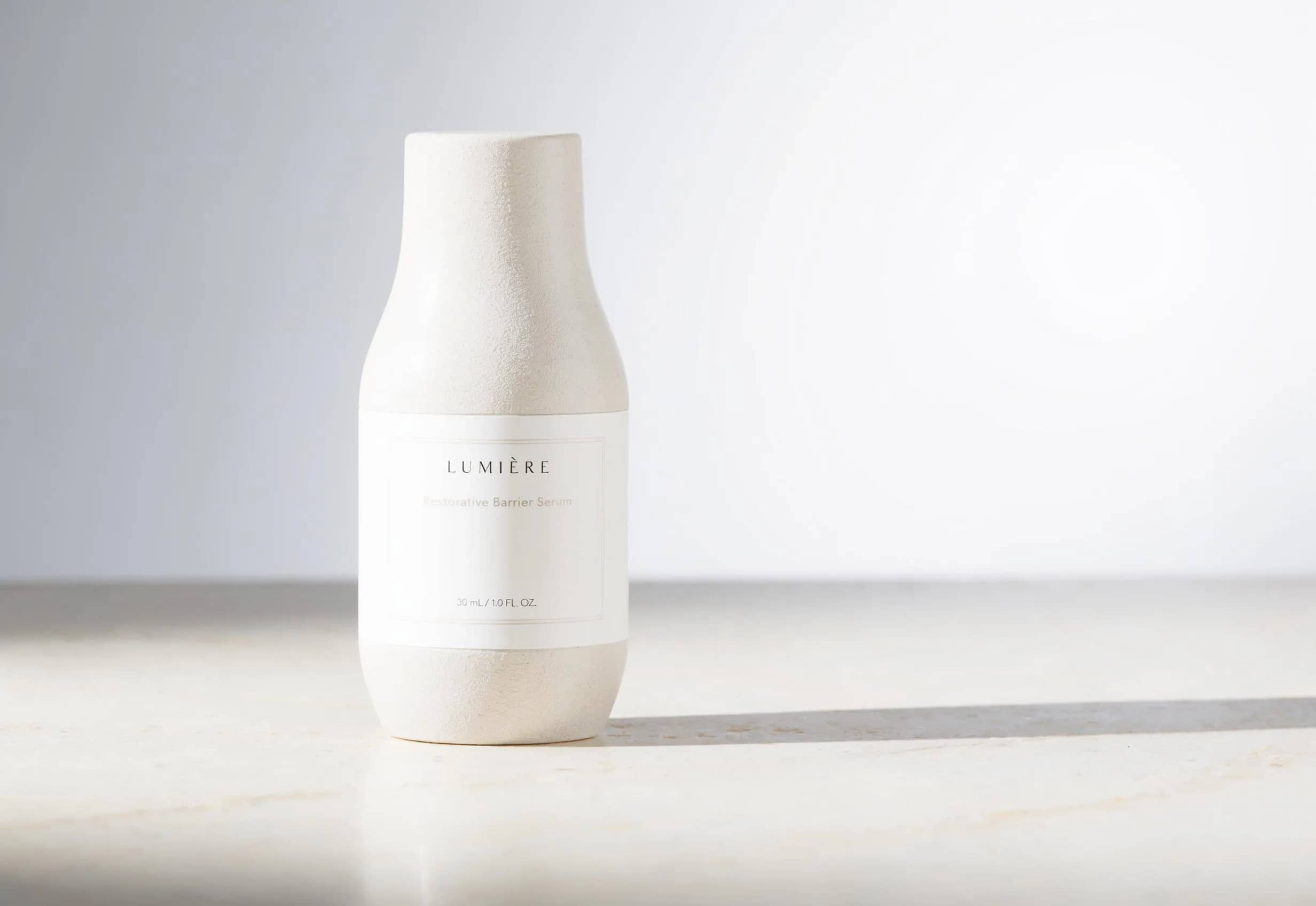
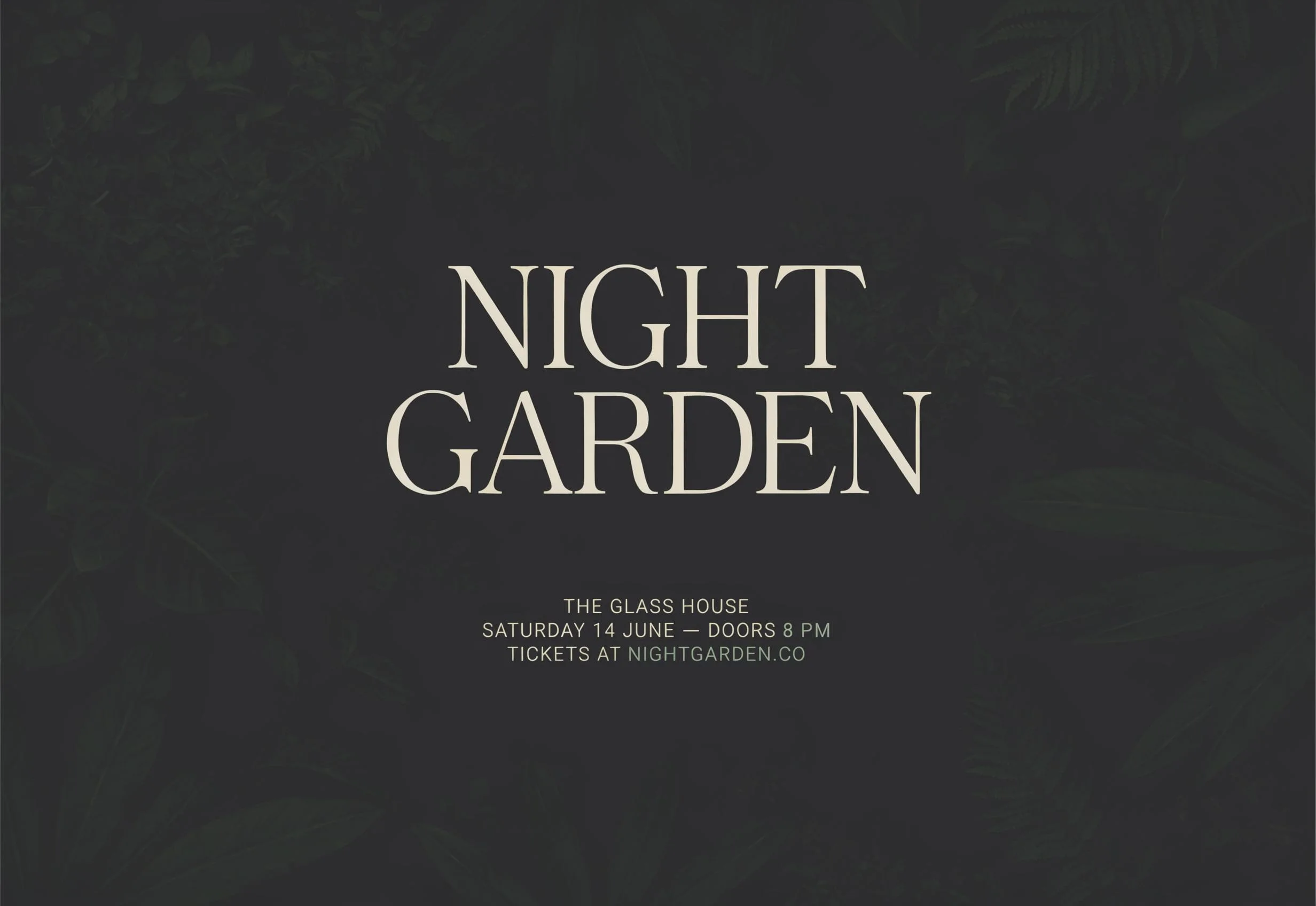
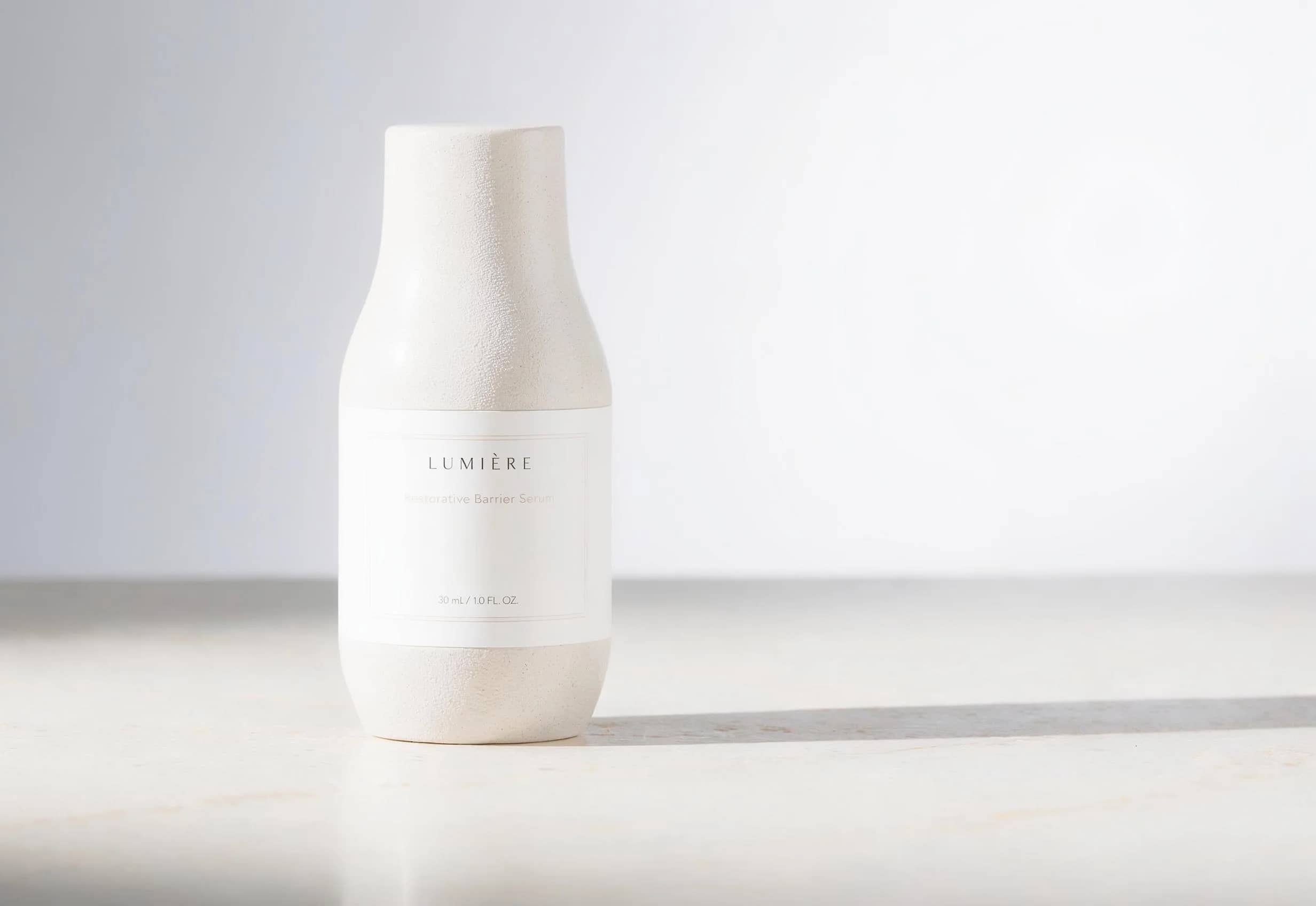
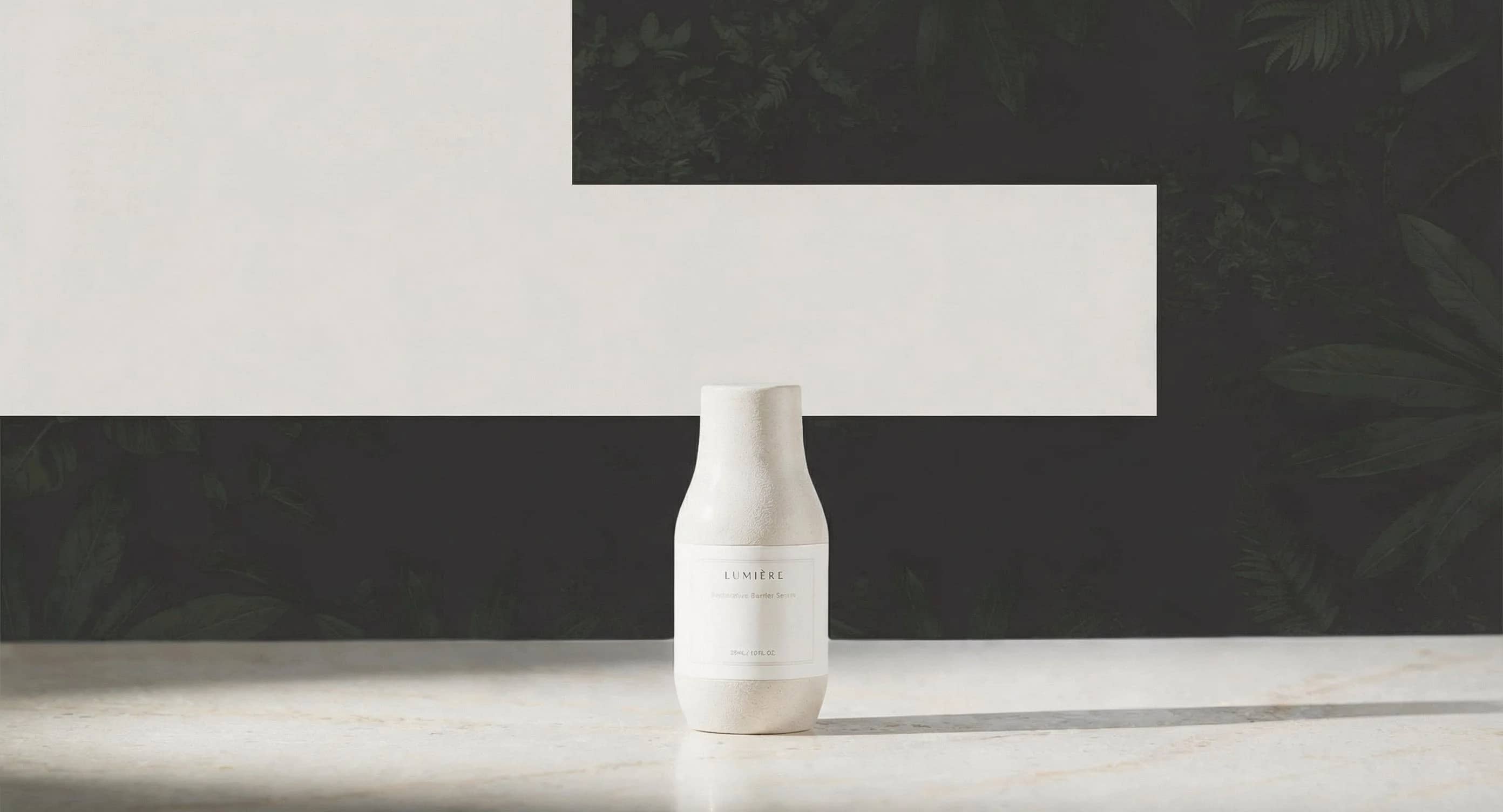
2K hero image
$0.14
Single generated still
LUMA PREMIUM IMAGE ROUTE
Higher-fidelity Uni-1 stills for precise image revisions, product visuals and reference-led edits.
Use Uni-1 Max when the still needs more careful detail than the base route: hero images, product-label layouts, typography-sensitive concepts and high-detail edits with references.
Luma Uni-1 Max example
Premium 2K still and reference edit workflow
Premium 2K route
Use Max for selected stills that need stronger detail and finish.
Product visuals
Good fit for catalog-style stills, labels, packaging and campaign layouts.
Precise revisions
Use source images and references to narrow what should change.
Typography-sensitive
Helpful for text-aware layouts, while exact copy still needs inspection.
Reference direction
Blend product, style, wardrobe or layout references into one still brief.
Display pricing
Display prices use MaxVideoAI pricing before generation.
Display prices use MaxVideoAI pricing; exact price appears before generation.
$0.14
Single generated still
$0.14
Source image edit
$0.15
Most popularSource + 3 references
Max is not positioned as cheaper or faster than Uni-1; choose it when the still needs the higher-fidelity route.
Use examples to plan hero stills, product edits and reference-led campaign assets.
Luma Uni-1 Max is best tested with a focused visual direction, not overloaded prompts.
Edit a source image while keeping product shape, palette, and layout readable.
Use start or style references when consistency matters.
Useful for posters, packshots, and short typography tests.
Use the strongest stills as start images for Ray 3.2.
Use base Uni-1 for exploration. Use Max for selected hero stills, product detail and revisions that justify the higher-cost route.
Name exact label hierarchy, surface materials, lighting and composition; then inspect text and edges before shipping.
Use the source image for what must remain, then add references only when each one has a clear role.
Start from a selected creative direction and specify the final still, source constraints and reference roles.
Define product, scene, layout, copy placement, lighting and output ratio before generating.
Write text hierarchy explicitly, then verify lettering, logo placement and fine details.
Upload the source image and describe the smallest set of changes needed.
Assign references to product identity, palette, material, style or composition.
Use the strongest still as a start image when the campaign later needs motion.
Use these for campaign stills, typography posters, reference edits and 2K-to-4K finals.
2K campaign still for an amber perfume bottle on white acrylic, soft studio key light, clean shadow, exact headline "AURA NOIRE" top-left, small logo lockup bottom edge.
Vertical 4K poster, premium editorial grid, graphite background, exact headline "MIDNIGHT LAUNCH", subhead "LIMITED DROP", crisp hierarchy, generous margins, readable text.
Using this product reference, keep the shape, logo and proportions. Change the scene to a midnight-blue studio, improve reflections, remove dust and fingerprints.
Rerun the approved 2K composition as a 4K final. Sharpen fine details, keep typography identical, preserve brand colors, product position and the locked framing.
Best practices, common fixes, and important limitations to help you get the strongest results with Luma Uni-1 Max.
The limits that shape your renders.
Built-in safeguards and best practices for responsible creation with Luma Uni-1 Max.
Use Uni-1 Max for higher-fidelity stills, product visuals, typography-sensitive layouts and careful source-image edits.
No. Public copy should not claim that. Use the app quote and choose Max when fidelity matters more than exploration cost.
Yes. The edit route uses a source image plus optional references to guide product, style, layout or material changes.
Displayed examples use MaxVideoAI pricing with margin. The exact app quote appears before generation.