
Wan 2.5 Text & Image to Video audio-enabled video example: Cinematic medieval…
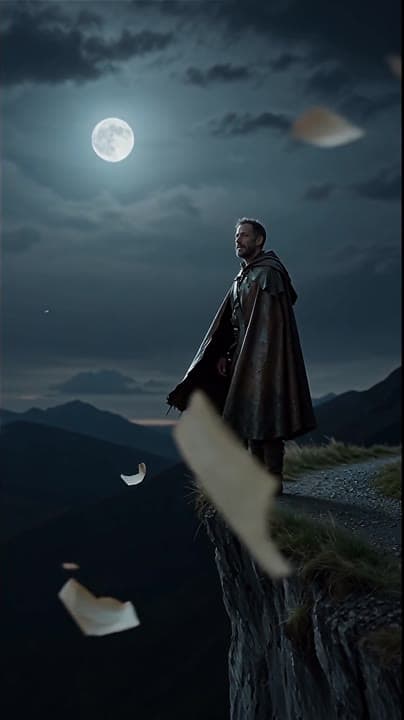
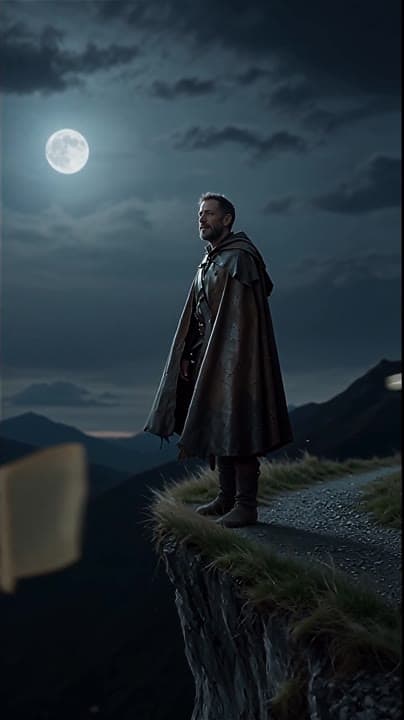
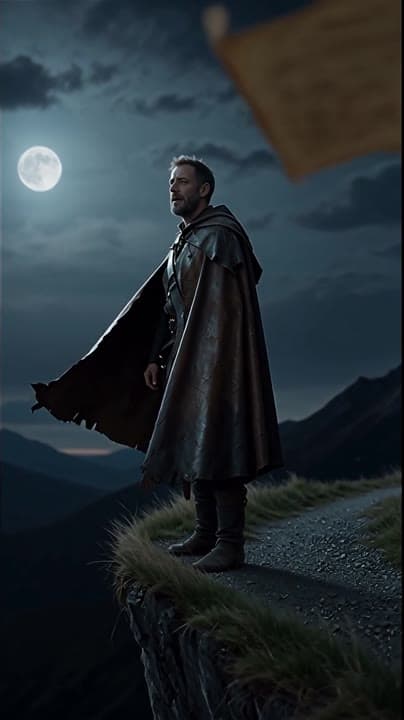
This Wan 2.5 Text & Image to Video text to video example shows Cinematic medieval cliffside at night vertical. It highlights audio-enabled output with 5-second timing · 9:16 output.
Prompt breakdown
Prompt used to generate this render.
Cinematic medieval cliffside at night, vertical 9:16. A lone ranger in a weathered leather cloak stands against a windswept ridge, illuminated by cool moonlight with subtle rim-lighting on his silhouette. Camera perform…Show full promptHide full prompt
Cinematic medieval cliffside at night, vertical 9:16. A lone ranger in a weathered leather cloak stands against a windswept ridge, illuminated by cool moonlight with subtle rim-lighting on his silhouette. Camera performs a slow forward dolly (steady, 35mm lens) while soft choral voices echo with natural outdoor reverb. His eyes lift to the horizon as he murmurs: ‘Every journey begins somewhere.’ Dust and parchment scraps drift through the air, captured with shallow depth of field and realistic film-grain.
Workflow
Text to video
Camera
Audio Enabled
Output
5s · 9:16
Recorded render cost
$0.65
Audio
Enabled
Constraints
Text To Video, Audio Enabled
Prompt improvement notes
Note 1
Keep the subject, camera move, lighting, duration, aspect ratio and audio requirement grouped so the render has one clear production brief.
Note 2
Change one variable at a time when cloning this prompt: model, duration, camera motion or reference input. That makes quality and price differences easier to compare.
Note 3
Add a short negative prompt if you need to block text overlays, logos, distorted hands, face warping or unwanted camera shake.
Compare this model
Review this example beside nearby engines before choosing a render path.
Why Wan 2.5 Text & Image to Video fits this shot
Wan 2.5 handles 5 or 10 second clips with optional background audio plus prompt expansion when you need extra detail.
Audio option
5s or 10s
480p–1080p
Key frames
Related examples
View all examples Wan 2.5 Text & Image to Video
Wan 2.5 vertical spy-to-Zoom comedy video example
This Wan 2.5 watch page shows a vertical comedy prompt that opens like a spy action scene and ends with a Zoom-call reveal.
 Wan 2.5 Text & Image to Video
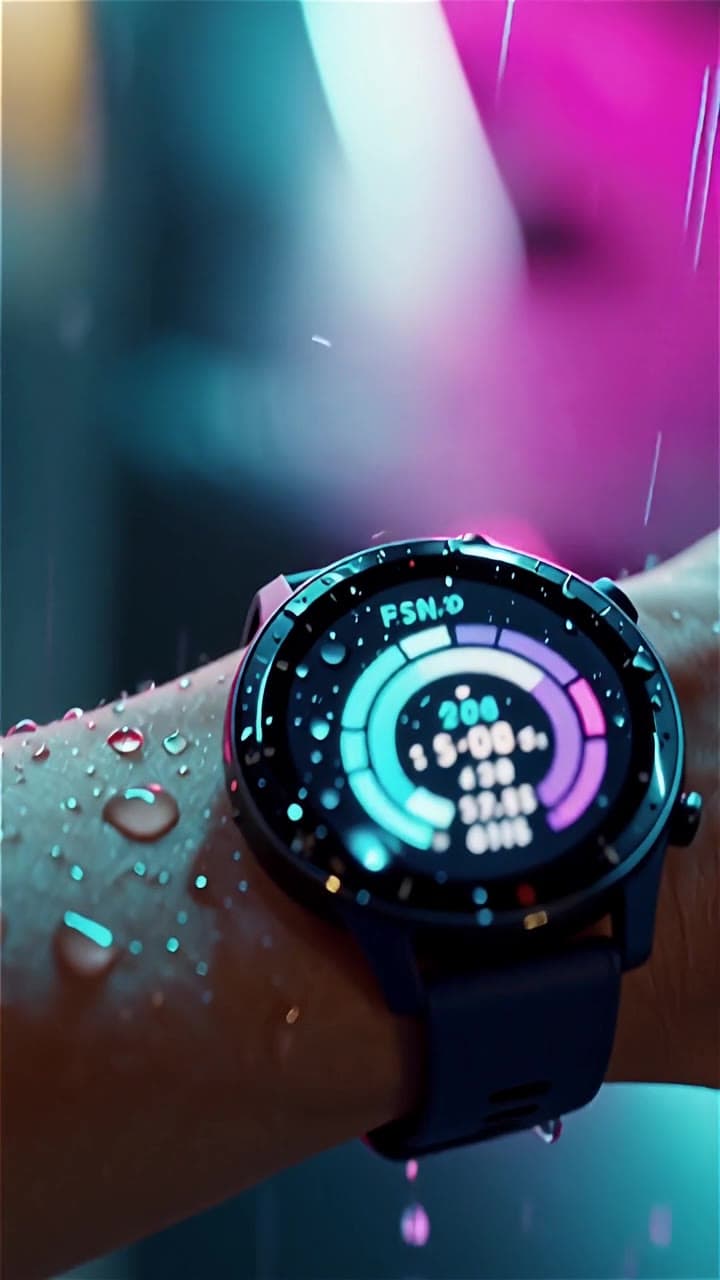
Wan 2.5 vertical smartwatch runner ad example
This Wan 2.5 example turns a smartwatch prompt into a vertical runner ad with beat-timed motion, rain details and audio-enabled pacing.
 LTX 2.3 Pro
LTX 2.3 Pro rooftop lightning fashion shot example
This LTX 2.3 Pro page shows a rooftop fashion prompt with storm lighting, neon city atmosphere and cinematic subject isolation.
 OpenAI Sora 2
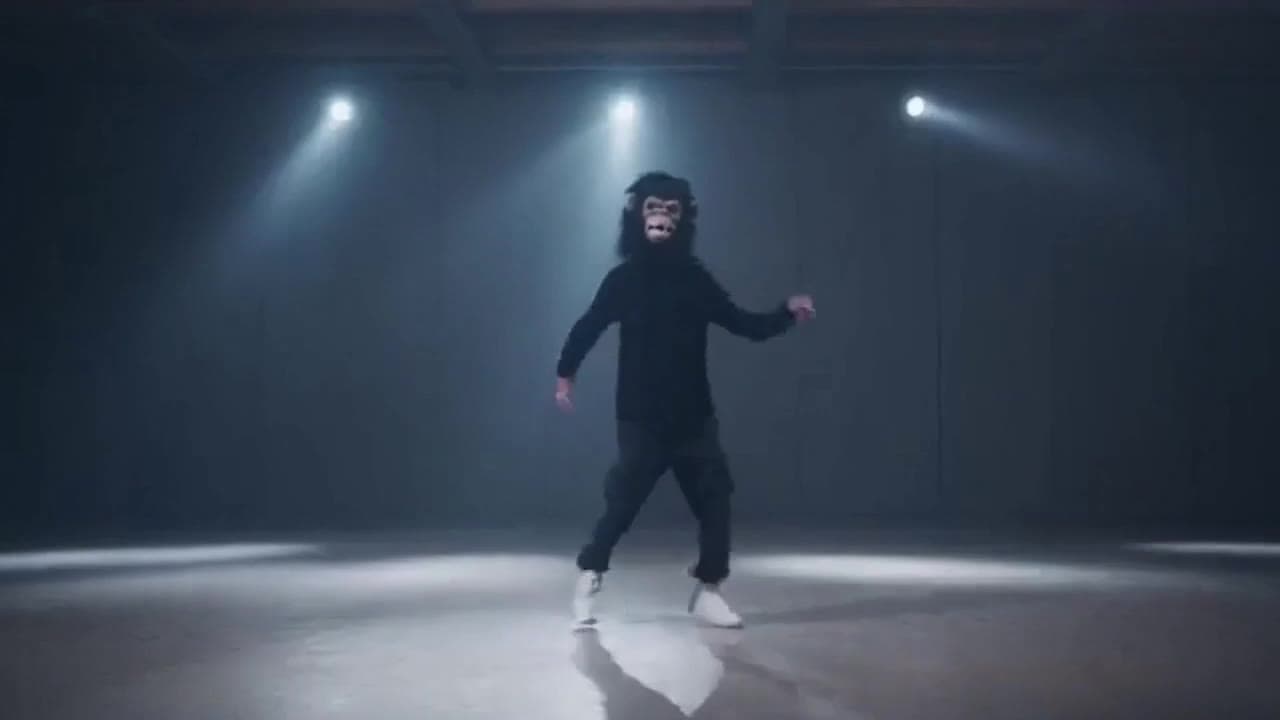
Sora 2 gorilla dance video example with strobe lighting
This Sora 2 watch page shows a gorilla-mask dance prompt rendered with strobe lighting, changing camera angles, native audio and a 16:9 output.