
LTX 2.3 Pro rooftop lightning fashion shot example
This LTX 2.3 Pro page shows a rooftop fashion prompt with storm lighting, neon city atmosphere and cinematic subject isolation.
Prompt breakdown
Prompt used to generate this render.
A striking woman in a flowing crimson evening gown stands alone on a wet rooftop above a neon city at night. Wind catches her hair and dress as she slowly turns toward the camera, and a sudden flash of distant lightning…Show full promptHide full prompt
A striking woman in a flowing crimson evening gown stands alone on a wet rooftop above a neon city at night. Wind catches her hair and dress as she slowly turns toward the camera, and a sudden flash of distant lightning reveals the skyline reflected in the rain around her. The shot begins as a low-angle medium close-up from behind, then the camera circles smoothly to the front and ends in a powerful centered hero frame. Glossy wet concrete, vivid red fabric, shimmering reflections, cinematic blue and magenta city glow, subtle mist in the air, fashion editorial meets luxury thriller, elegant and hypnotic. Soft thunder, distant traffic, wind moving through the rooftop, no text, no logos, no watermark.
Workflow
Text to video
Camera
Close Up
Output
10s · 16:9 · 1080p
Recorded render cost
$0.78
Audio
Enabled
Constraints
Text To Video, Audio Enabled, Close Up
Prompt improvement notes
Note 1
Keep the subject, camera move, lighting, duration, aspect ratio and audio requirement grouped so the render has one clear production brief.
Note 2
Change one variable at a time when cloning this prompt: model, duration, camera motion or reference input. That makes quality and price differences easier to compare.
Note 3
Add a short negative prompt if you need to block text overlays, logos, distorted hands, face warping or unwanted camera shake.
Compare this model
Review this example beside nearby engines before choosing a render path.
Why LTX 2.3 Pro fits this shot
Use LTX 2.3 Pro on MaxVideoAI for text-to-video, image-to-video, audio-to-video, extend-video and retake-video workflows with official 1080p/1440p/4K and 24/25/48/50 fps options.
Image input
Audio option
20s max
Key frames
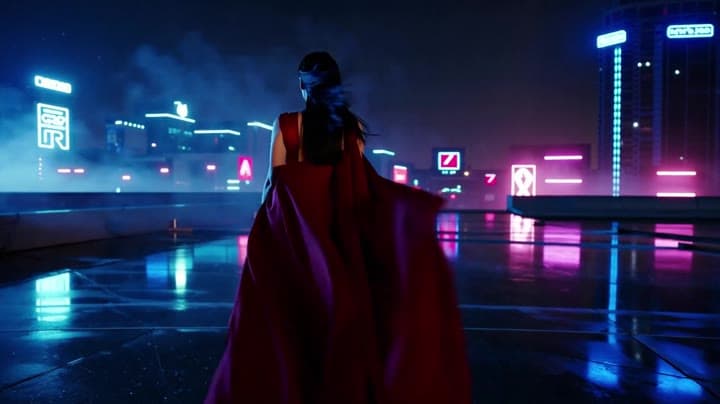
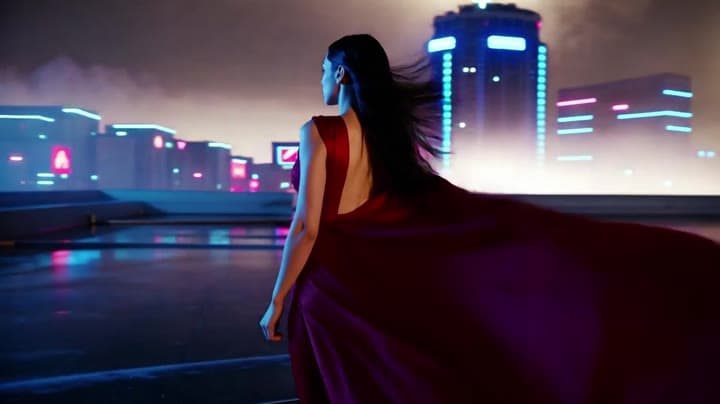
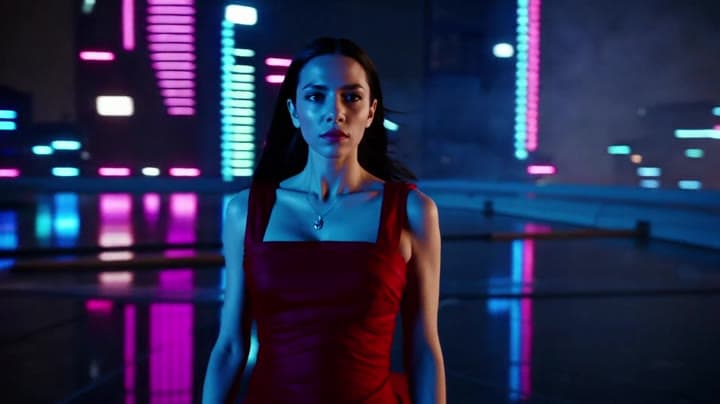
Related examples
View all examples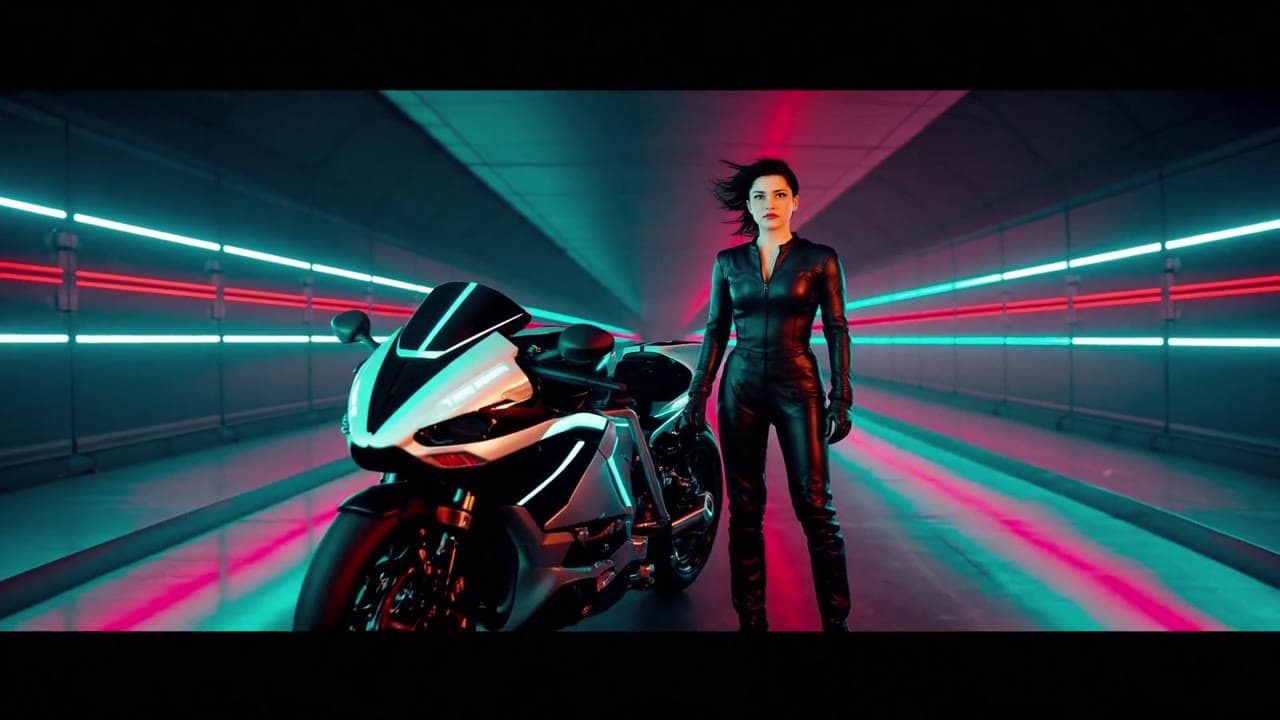 LTX 2.3 Fast
LTX 2.3 Fast neon racer reveal example
This LTX 2.3 Fast example shows a neon racer reveal beside a futuristic motorcycle, testing character motion and product-ad framing.
 LTX 2.3 Pro
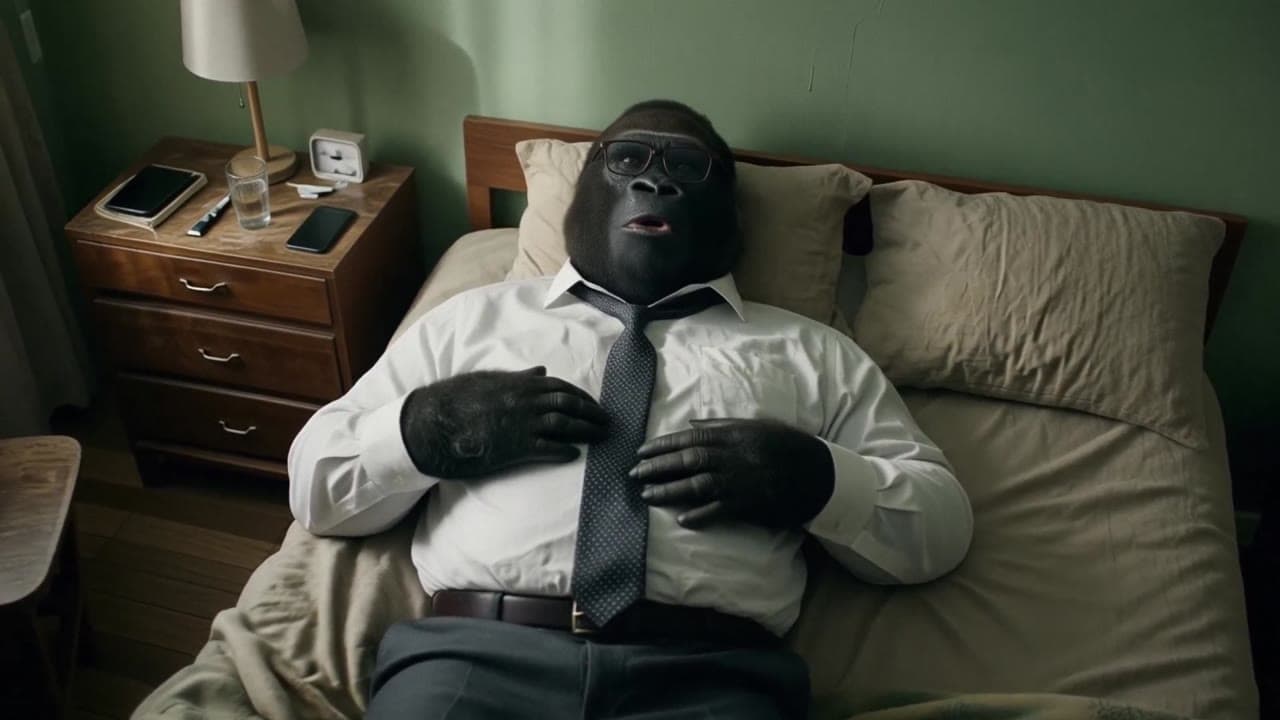
LTX 2.3 Pro office image-to-video transition example
This LTX 2.3 Pro example uses image-to-video controls to preserve a scene across a directed office transition with strong frame continuity.
 MiniMax H3
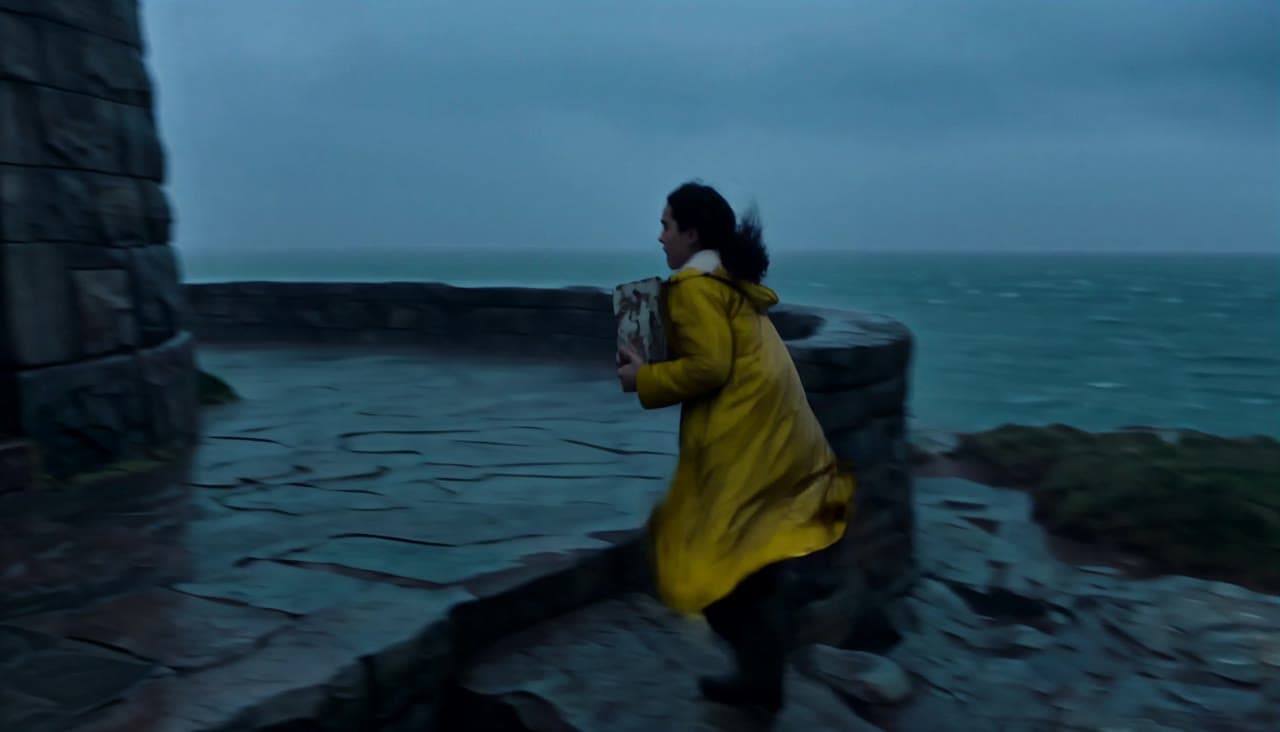
MiniMax H3 lighthouse keeper rescue video with native audio
This MiniMax H3 text-to-video example follows Elara through a storm as she relights a lighthouse, speaks in the lantern room and guides a lifeboat home across four connected shots.
 MiniMax H3
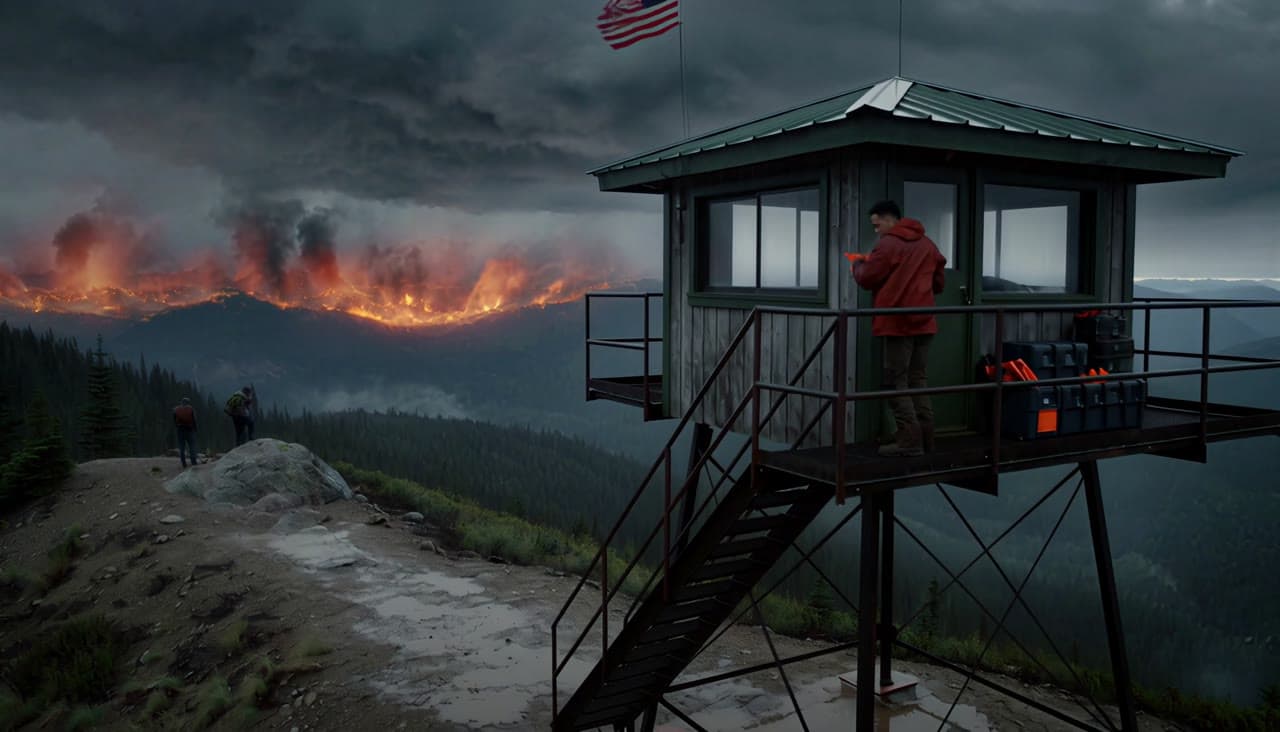
MiniMax H3 wildfire lookout rescue video with native audio
This MiniMax H3 text-to-video example follows Lio from a mountain lookout tower to a flare-lit rescue trail, preserving character identity across four connected shots with dialogue and native stereo sound.