
LTX 2.3 Pro image-to-video example: cinematic walk toward camera
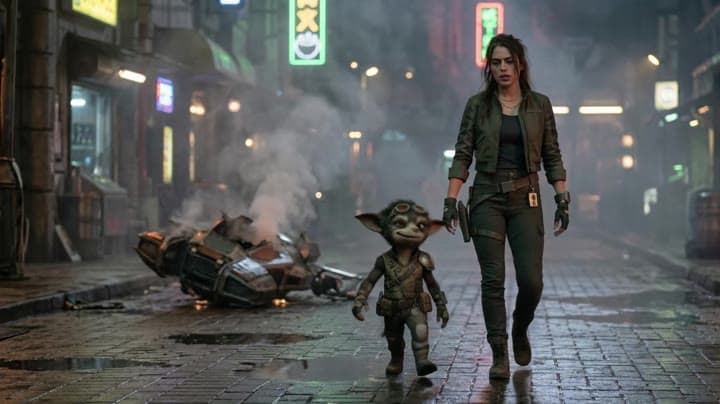
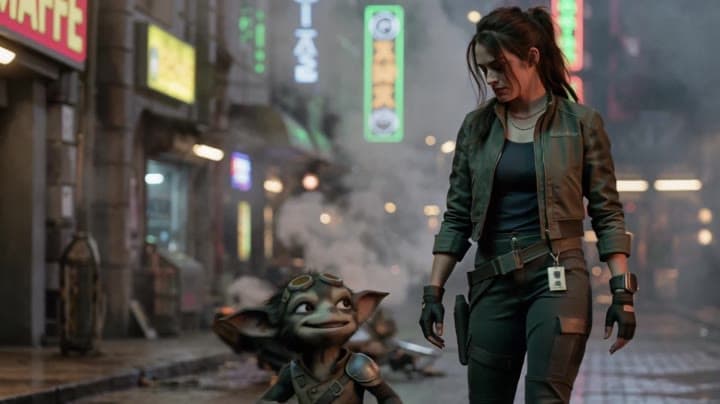
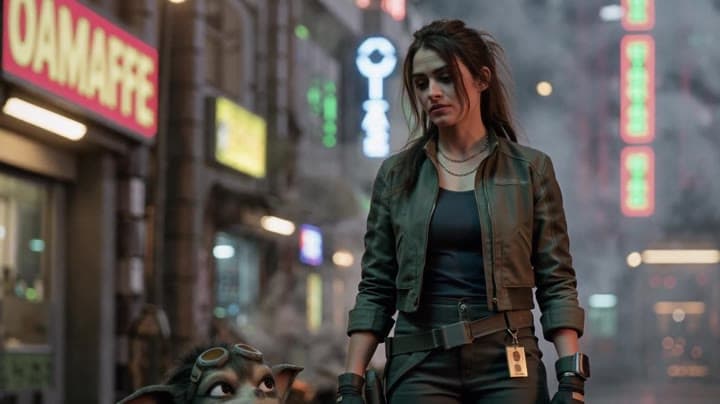
This LTX 2.3 Pro image to video example shows cinematic walk toward camera. It highlights audio-enabled output and camera motion control with 10-second timing · 16:9 · 1080p output.
Prompt breakdown
Prompt used to generate this render.
Use the provided start image exactly as the first frame. Cinematic live-action sci-fi shot. Slow backward tracking shot as the woman and her small alien sidekick walk toward camera through the wet neon street. Smoke ris…Show full promptHide full prompt
Use the provided start image exactly as the first frame. Cinematic live-action sci-fi shot. Slow backward tracking shot as the woman and her small alien sidekick walk toward camera through the wet neon street. Smoke rises from the crashed ship behind them. Grounded realism, subtle humor, natural motion, premium cinematic lighting. Performance: The woman walks with tired focus, annoyed but controlled. She gives him a brief sideways look, like she already knows the answer. The sidekick is overactive, smug, energized, talking with too much confidence, small restless body language, quick head turns, little hand gestures, shamelessly pleased with himself. Dialogue: WOMAN (dry, tired) ...Tell me that crash wasn’t you. COMPANION (too fast, innocent-ish) Okay— first of all, that is... wow, very specific. WOMAN You stole something again. COMPANION (beat, tiny shrug) Borrowed. Aggressively. Keep the acting natural and cinematic. Small pauses, micro-expressions, subtle hesitation, realistic walking behavior. No slapstick, no exaggerated cartoon motion, no extra characters.
Workflow
Image to video
Camera
Tracking
Output
10s · 16:9 · 1080p
Recorded render cost
$0.78
Audio
Enabled
Constraints
Image To Video, Audio Enabled, Reference Image
Reference image
Provided
Prompt improvement notes
Note 1
Keep the subject, camera move, lighting, duration, aspect ratio and audio requirement grouped so the render has one clear production brief.
Note 2
Change one variable at a time when cloning this prompt: model, duration, camera motion or reference input. That makes quality and price differences easier to compare.
Note 3
Add a short negative prompt if you need to block text overlays, logos, distorted hands, face warping or unwanted camera shake.
Compare this model
Review this example beside nearby engines before choosing a render path.
Why LTX 2.3 Pro fits this shot
Use LTX 2.3 Pro on MaxVideoAI for text-to-video, image-to-video, audio-to-video, extend-video and retake-video workflows with official 1080p/1440p/4K and 24/25/48/50 fps options.
Image input
Audio option
20s max
Key frames
Related examples
View all examples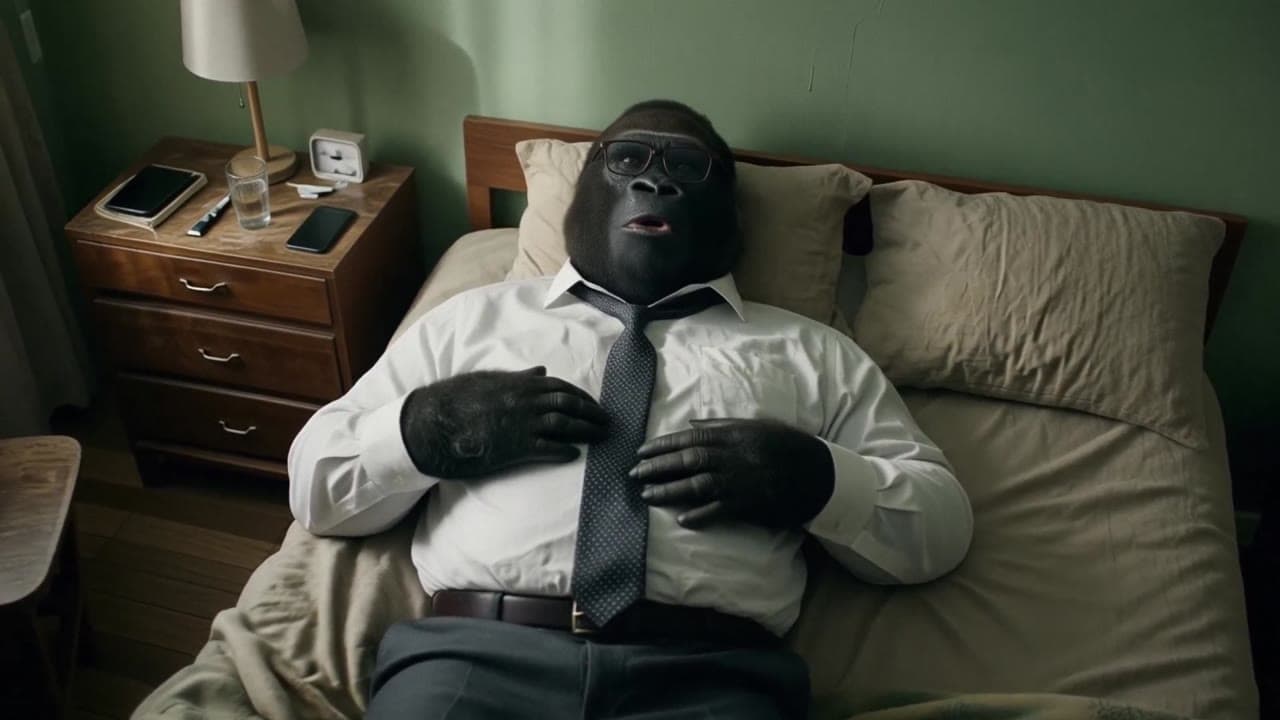 LTX 2.3 Pro
LTX 2.3 Pro office image-to-video transition example
This LTX 2.3 Pro example uses image-to-video controls to preserve a scene across a directed office transition with strong frame continuity.
 LTX 2.3 Pro
LTX 2.3 Pro anime sword attack image-to-video example
This LTX 2.3 Pro draft uses a first-frame image to animate an anime sword attack with water effects, forward camera motion, sharp character detail and 16:9 framing.
 Seedance 2.0
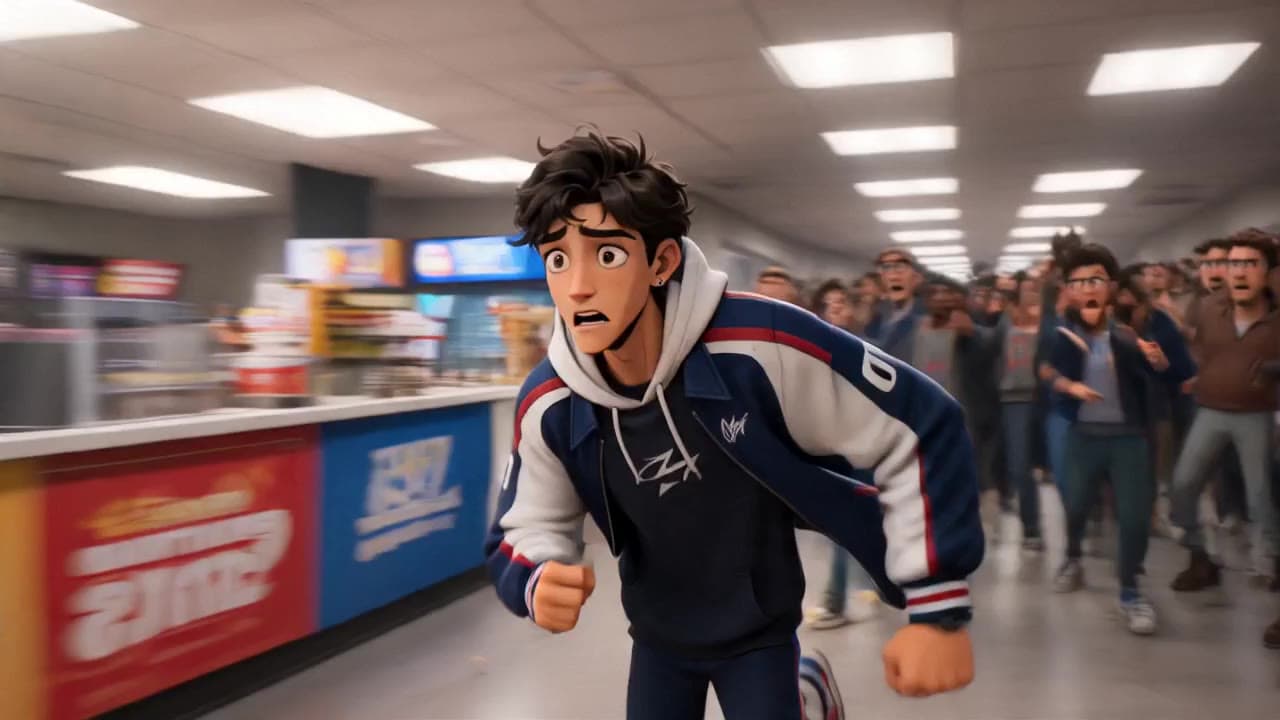
Seedance 2.0 storyboard-to-video animated short with dialogue
This Seedance 2.0 storyboard-to-video example uses visual reference frames to generate a short animated chase scene with cartoon-style characters, cinematic staging, native audio and dialogue. The sequence turns a planned storyboard into a structured 3D animated short with scene continuity, character action, crowd movement and fast narrative pacing. Use it as a reference for AI animated shorts, storyboard-driven video workflows and dialogue-based animation examples.
 Kling 3 Pro
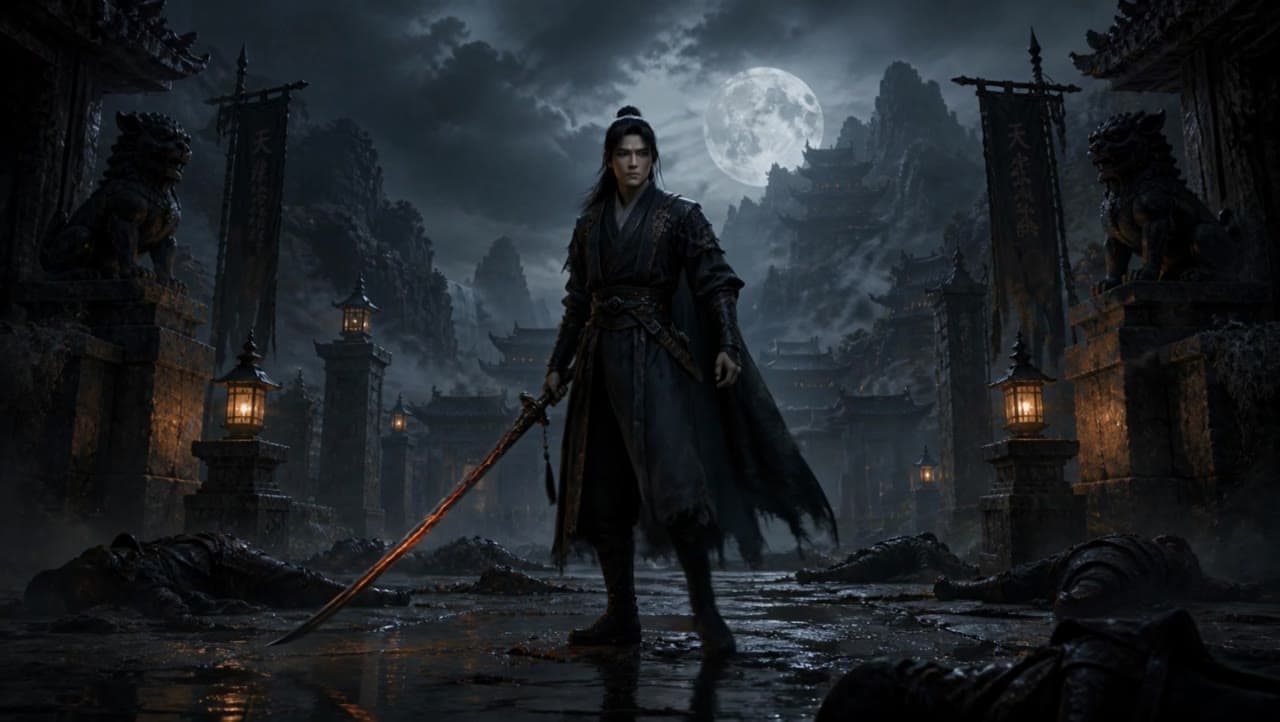
Kling 3 Pro dark warrior red katana example
This Kling 3 Pro draft animates a dark warrior reference image into a 16:9 red-katana temple scene with five camera beats, fog, moonlight and audio.