
Kling 3 Pro dark warrior red katana example
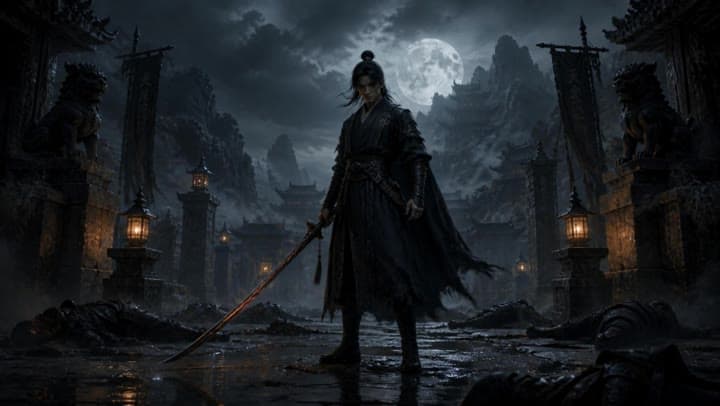
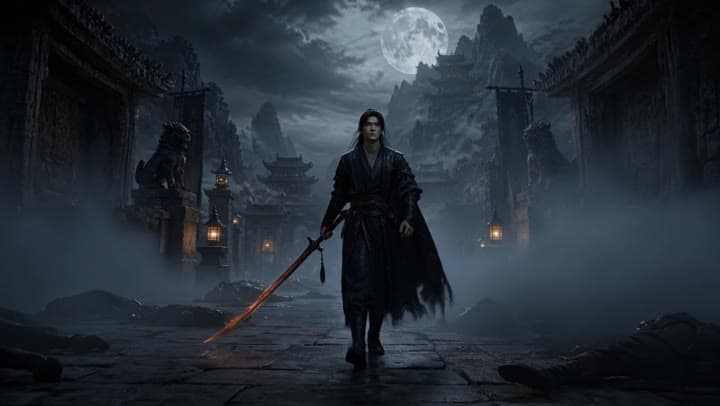
This Kling 3 Pro draft animates a dark warrior reference image into a 16:9 red-katana temple scene with five camera beats, fog, moonlight and audio.
Prompt breakdown
Prompt used to generate this render.
Scene 1: handheld wide shot: the dark warrior stands still in the ruined temple courtyard, surrounded by fog and fallen bodies. Lanterns flicker softly in the background. | Scene 2: slow push-in: the warrior starts walk…Show full promptHide full prompt
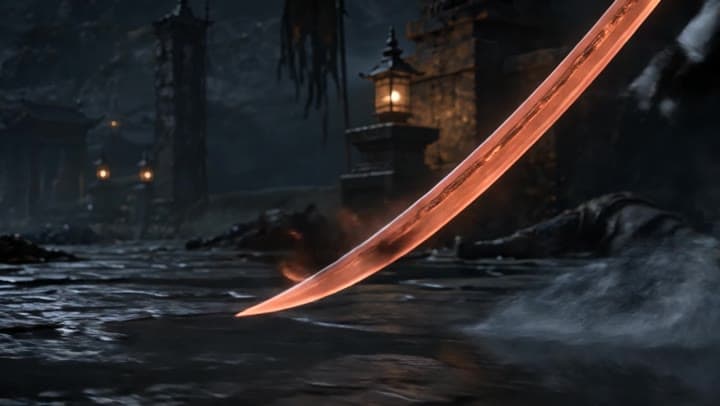
Scene 1: handheld wide shot: the dark warrior stands still in the ruined temple courtyard, surrounded by fog and fallen bodies. Lanterns flicker softly in the background. | Scene 2: slow push-in: the warrior starts walking forward. His black cloak moves in the wind, the ember-red katana lowered beside him. | Scene 3: closeup on the katana: the red blade glows brighter, small sparks and smoke drifting from the edge. | Scene 4: low angle tracking shot: the warrior walks past the camera through shallow water and mist, moonlight behind him, fallen enemies blurred in the foreground. | Scene 5: hero final shot: the camera slowly pulls back as the warrior stops and raises his eyes toward camera. The red katana burns faintly, fog rolling behind him, ruined temple and full moon visible in the distance.
Workflow
Image to video
Camera
Push In, Tracking, Close Up
Output
15s · 16:9 · 1080p
Recorded render cost
$3.28
Audio
Enabled
Constraints
Image To Video, Audio Enabled, Multi Shot
Shot type
customize
Multi-prompt scenes
5
Reference image
Provided
Prompt improvement notes
Note 1
Keep the subject, camera move, lighting, duration, aspect ratio and audio requirement grouped so the render has one clear production brief.
Note 2
Change one variable at a time when cloning this prompt: model, duration, camera motion or reference input. That makes quality and price differences easier to compare.
Note 3
Add a short negative prompt if you need to block text overlays, logos, distorted hands, face warping or unwanted camera shake.
Note 4
For multi-shot prompts, keep each beat short and give every cut a clear start state, camera direction and landing frame.
Compare this model
Review this example beside nearby engines before choosing a render path.
Why Kling 3 Pro fits this shot
Kling 3 Pro adds multi-prompt sequencing, start-frame animation, Kling Elements, and native audio for long-form cinematic shots.
Multi-prompt
Start frame
Audio native
Key frames
Related examples
View all examples Kling 3 Standard
Kling 3 Standard image to video example for a multi-shot product ad
This Kling 3 Standard image-to-video example shows how a visual reference can be turned into a multi-shot product ad with cinematic camera movement, sci-fi orbital staging, audio, and commercial pacing. Use it as a reference for AI product commercials, futuristic brand films, launch videos, and image-to-video workflows that need more structure than a single animated shot.
 Kling 3 Pro
Kling 3 Pro cartoon bunny character video example
This Kling 3 Pro text-to-video with audio example shows a fluffy cartoon bunny carrying an oversized bouquet of colorful flowers through a bright, whimsical scene. Use it as a reference for AI cartoon character prompts, cute animated greeting videos, soft fantasy visuals and short family-friendly character animation examples.
 LTX 2.3 Pro
LTX 2.3 Pro anime sword attack image-to-video example
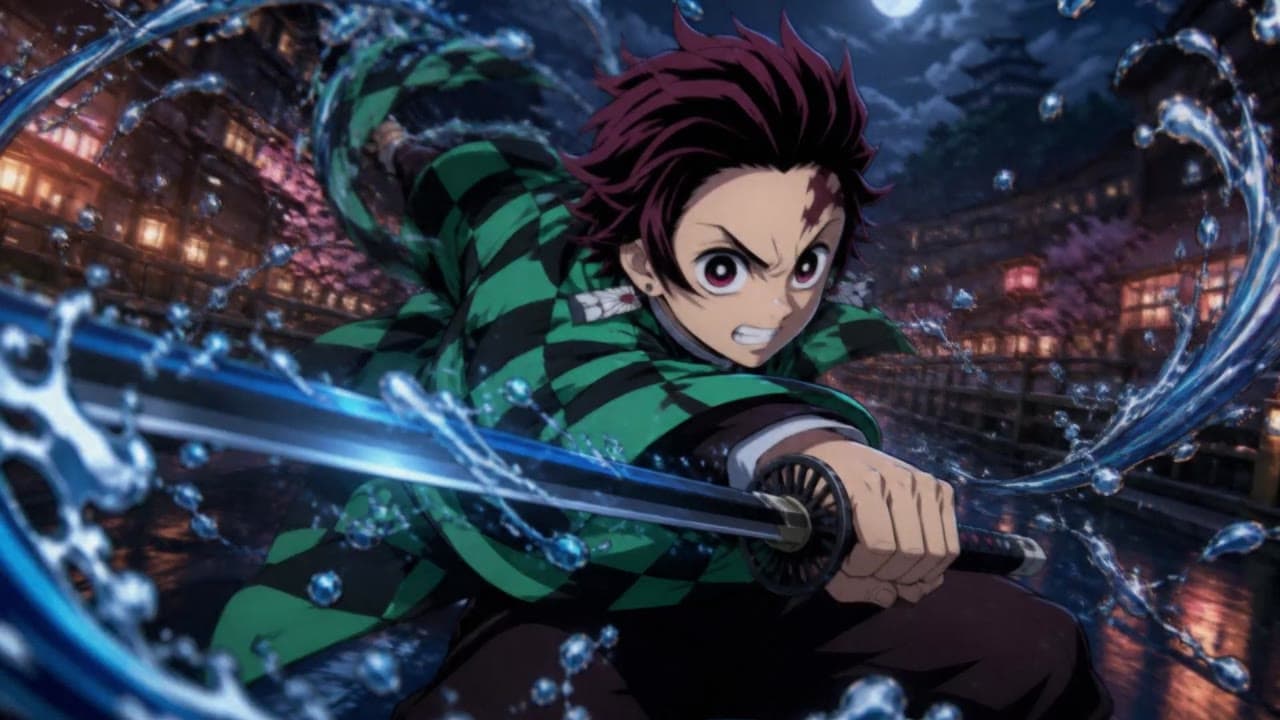
This LTX 2.3 Pro draft uses a first-frame image to animate an anime sword attack with water effects, forward camera motion, sharp character detail and 16:9 framing.
 LTX 2.3 Pro
LTX 2.3 Pro office image-to-video transition example
This LTX 2.3 Pro example uses image-to-video controls to preserve a scene across a directed office transition with strong frame continuity.