
Kling 3.0 Omni Pro audio-enabled video example: Use the reference storyboard to make
This Kling 3.0 Omni Pro reference to video example shows Use the reference storyboard to make. It highlights reference images and audio-enabled output with 12-second timing · 16:9 · 1080p output.
Prompt breakdown
Prompt used to generate this render.
Workflow
Reference to video
Camera
Audio Enabled
Output
12s · 16:9 · 1080p
Recorded render cost
$2.63
Audio
Enabled
Constraints
Reference To Video, Audio Enabled, Reference Images
Shot type
customize
Reference images
1
Prompt improvement notes
Note 1
Keep the subject, camera move, lighting, duration, aspect ratio and audio requirement grouped so the render has one clear production brief.
Note 2
Change one variable at a time when cloning this prompt: model, duration, camera motion or reference input. That makes quality and price differences easier to compare.
Note 3
Add a short negative prompt if you need to block text overlays, logos, distorted hands, face warping or unwanted camera shake.
Compare this model
Review this example beside nearby engines before choosing a render path.
Why Kling 3.0 Omni Pro fits this shot
Kling 3.0 Omni Pro is the reference-guided Kling route for storyboard, source-video V2V, style, character, and object inputs.
Reference mode
Source video
V2V
Key frames
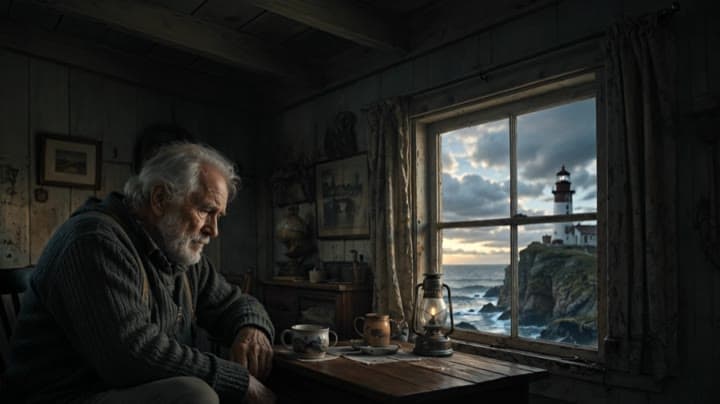
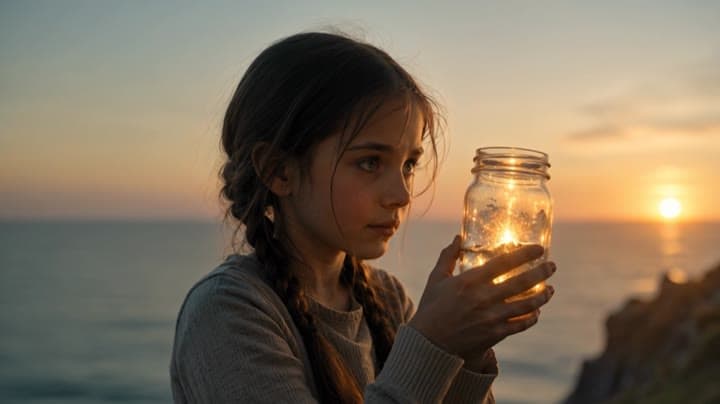
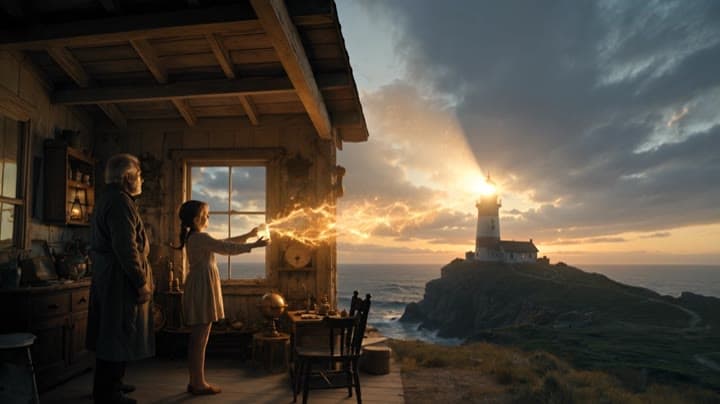
Related examples
View all examples Kling 3.0 Omni 4K
Kling 3.0 Omni 4K exploded product ad video example
This Kling 3.0 Omni 4K storyboard-to-video example shows a premium tech product ad with a cinematic exploded-view product moment. The sequence uses visual reference frames to control the product reveal, internal component separation, camera motion and final hero shot. Use it as a reference for AI product ads, tech commercials, product teardown visuals and storyboard-driven video workflows that need more structure than a single text prompt.
 Kling 3.0 Omni Standard
Kling 3.0 Omni Storyboard-to-Video Animation Example
This Kling 3.0 Omni Standard storyboard-to-video example uses visual reference frames to generate a short animated scene with a girl flying past a large building while holding a red umbrella. The sequence combines storyboard-driven composition, cinematic camera movement, character animation, atmospheric lighting and native audio. Use it as a reference for AI animation workflows, storyboard-based video generation, animated short prompts and visually guided character action scenes.
 LTX 2.3 Pro
LTX 2.3 Pro rooftop lightning fashion shot example
This LTX 2.3 Pro page shows a rooftop fashion prompt with storm lighting, neon city atmosphere and cinematic subject isolation.
 Seedance 2.0
Seedance 2.0 action chase camera path example with map reference
This Seedance 2.0 text-to-video with map reference example uses an escape route image to guide a cinematic action chase sequence. The video follows a planned route through an urban environment with fast vehicle motion, helicopter pursuit energy, camera path control, dramatic pacing and native audio. Use it as a reference for AI action movie prompts, route-guided camera movement, chase scene planning and map-to-video style workflows.