
OpenAI Sora 2 audio-enabled video example: city camera move
This OpenAI Sora 2 text to video example shows city camera move. It highlights audio-enabled output with 12-second timing · 9:16 output.
Prompt breakdown
Prompt used to generate this render.
Logline A vertical, cinematic mini action scene where a spy-style hero runs like in a blockbuster trailer, only to reveal at the end that they are just late for a Zoom call. The tone is intense at first, then funny and…Show full promptHide full prompt
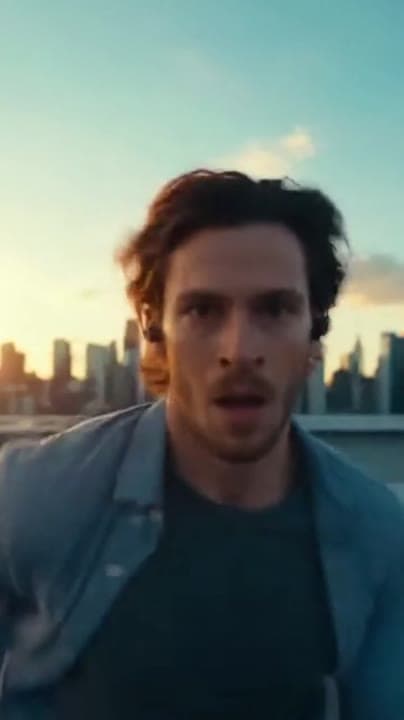
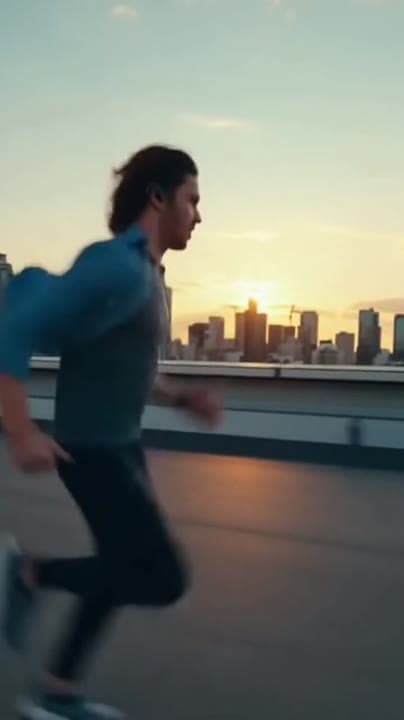
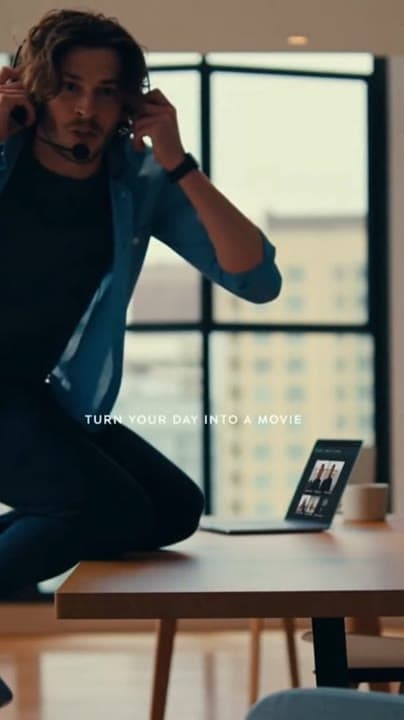
Logline A vertical, cinematic mini action scene where a spy-style hero runs like in a blockbuster trailer, only to reveal at the end that they are just late for a Zoom call. The tone is intense at first, then funny and self-aware. Global style and format Vertical 9:16, 1080x1920 if supported (otherwise 720x1280). Photorealistic, high-contrast, dramatic “blockbuster” lighting. Intended use: TikTok, Instagram Reels, YouTube Shorts. Total duration: 12 seconds. Shot 1 – 0–4s: Rooftop chase Exterior, early morning. Vertical shot of a generic action hero sprinting across a city rooftop, wearing casual clothes with a light tactical vibe (no specific franchise, no logos). The camera is in front of the hero, running backwards, very close to their face, cinema-style. Wind in their hair, serious expression, city skyline behind in soft focus. The motion is smooth and dynamic, like a movie trailer. Dialogue (Shot 1) The hero, slightly out of breath, mutters to themselves: “Okay… no pressure… totally under control…” Shot 2 – 4–8s: Almost-mission-impossible Hard cut to a side angle: the hero charges towards what looks like the edge of the rooftop. The camera moves with them in profile. At the last second, they make a dramatic leap in slow motion, as if jumping between two skyscrapers. We briefly see their feet flying over… a very small gap with a single air-conditioning unit and a tiny puddle. The shot is still framed and graded like a serious action scene, but the gap is obviously ridiculous. Dialogue (Shot 2) As they jump, we hear them think out loud: “This is just like those movies… please don’t trip now…” Shot 3 – 8–12s: Comedic reveal and punchline Cut to a medium shot inside a modern apartment. The hero lands with a heavy, cinematic “thud” in front of a desk with a laptop open on a video call screen. The camera settles in a vertical mid-shot. The hero straightens their shirt, grabs a headset from the desk and looks straight into the camera with a mix of intensity and embarrassment. On the laptop screen we see generic, blurred silhouettes of people on a call (no identifiable faces). Dialogue (Shot 3) The hero, suddenly very polite, says: “Hi everyone, sorry I’m late… little… parkour situation.” On-screen text At the bottom of the frame between 10 and 12 seconds, add clean white text: TURN YOUR DAY INTO A MOVIE Simple sans-serif font, high contrast, sharp and stable. Audio Generate synchronized audio: - Big, dramatic trailer-style percussion and pulses in Shots 1 and 2, matching the running and the jump. - Subtle city ambience under the music on the rooftop (distant traffic, wind). - A heavy “whoosh” and impact sound as the hero lands in Shot 3. - As soon as they deliver the punchline, the music drops into a light, cheeky sting, as if the trailer suddenly became a comedy. No additional voiceover besides the hero’s lines. Constraints Keep the hero generic and non-identifiable: no specific actor likeness, no real brand logos. Do not show real software UI or a recognisable logo on the laptop, just a generic video call layout with blurred silhouettes. Avoid excessive camera shake; the energy should come from motion, framing and sound, not from random jitter.
Workflow
Text to video
Camera
Audio Enabled
Output
12s · 9:16
Recorded render cost
$1.56
Audio
Enabled
Constraints
Text To Video, Audio Enabled, Camera Move
Prompt improvement notes
Note 1
Keep the subject, camera move, lighting, duration, aspect ratio and audio requirement grouped so the render has one clear production brief.
Note 2
Change one variable at a time when cloning this prompt: model, duration, camera motion or reference input. That makes quality and price differences easier to compare.
Note 3
Add a short negative prompt if you need to block text overlays, logos, distorted hands, face warping or unwanted camera shake.
Compare this model
Review this example beside nearby engines before choosing a render path.
Why OpenAI Sora 2 fits this shot
OpenAI Sora 2 handles cinematic narratives with lip-sync and audio - ideal for hero renders.
Audio native
Cinematic
Remix
Key frames
Related examples
View all examples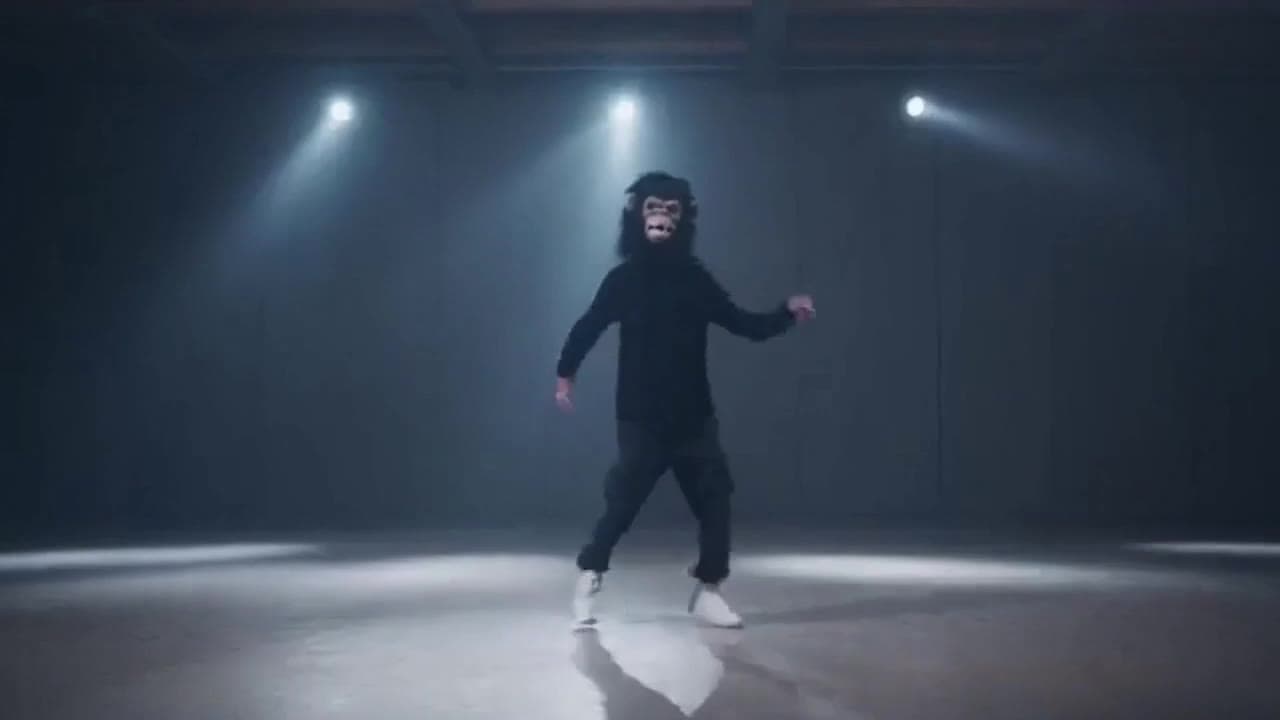 OpenAI Sora 2
Sora 2 gorilla dance video example with strobe lighting
This Sora 2 watch page shows a gorilla-mask dance prompt rendered with strobe lighting, changing camera angles, native audio and a 16:9 output.
 OpenAI Sora 2
Sora 2 mouse hallway escape video example
This Sora 2 page showcases a mouse-style hallway escape prompt with audio, obstacle timing and a compact narrative sequence.
 LTX 2.3 Pro
LTX 2.3 Pro rooftop lightning fashion shot example
This LTX 2.3 Pro page shows a rooftop fashion prompt with storm lighting, neon city atmosphere and cinematic subject isolation.
 Wan 2.5 Text & Image to Video
Wan 2.5 vertical spy-to-Zoom comedy video example
This Wan 2.5 watch page shows a vertical comedy prompt that opens like a spy action scene and ends with a Zoom-call reveal.