
lTX 2.3 Fast product ad example: the strict start-frame anchor. Preserve
Draft watch-page candidate from the next SEO shortlist. Model: LTX 2.3 Fast. Workflow: Image-to-video + audio. Intent: product-ad. Visual review is required before approval.
Prompt breakdown
Prompt used to generate this render.
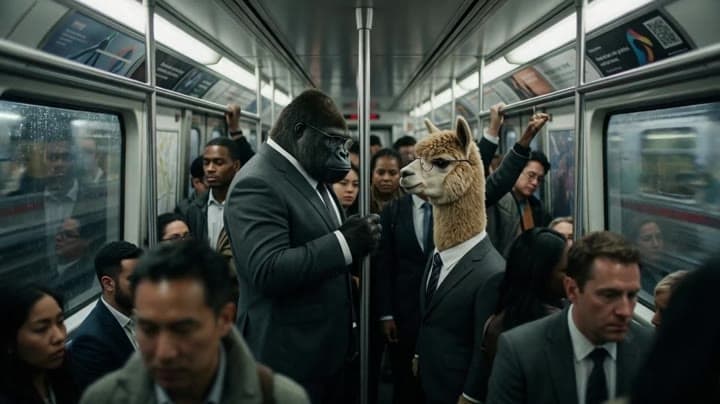
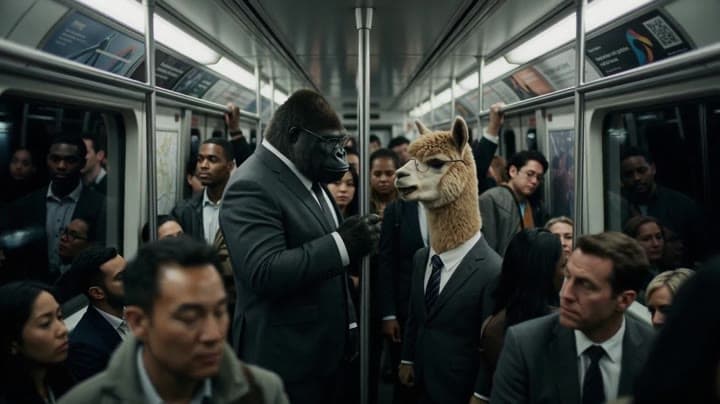
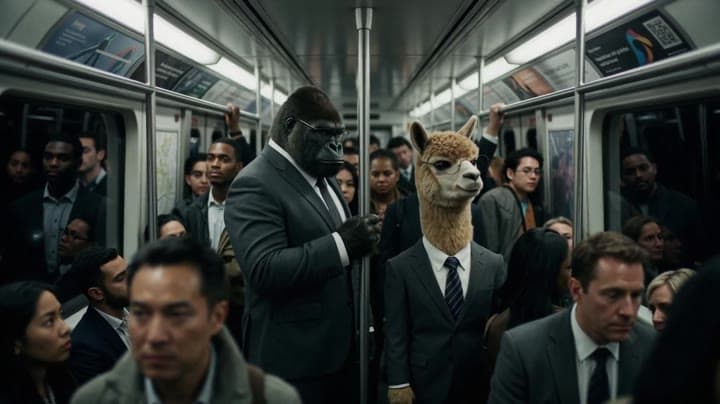
Use the uploaded image as the strict start-frame anchor. Preserve the exact same crowded metro carriage, the same gorilla in a dark tailored suit, the same alpaca in a formal suit and glasses, and the same surrounding c…Show full promptHide full prompt
Use the uploaded image as the strict start-frame anchor. Preserve the exact same crowded metro carriage, the same gorilla in a dark tailored suit, the same alpaca in a formal suit and glasses, and the same surrounding commuters. Keep the framing realistic and cinematic. The train is moving steadily through the tunnel with subtle carriage sway, soft metallic rattling, low rail noise, distant tunnel rumble, fluorescent hum, and realistic motion blur outside the windows. No exaggerated action. The entire scene is driven by performance, timing, breathing, silence, and eye contact. The gorilla and the alpaca stand face to face in the middle of the crowded metro, both completely serious, tired, and slightly awkward, like two strangers who are not sure whether a social interaction has just happened. Performance direction: - very subtle body movement only - natural breathing visible in the chest and shoulders - tiny eye movements - slight hesitation before each line - uncomfortable but controlled silence - deadpan British-style social awkwardness - surrounding commuters remain mostly quiet and serious, with minimal reaction Dialogue timing and acting: 0:00–0:03 The train sways gently. The gorilla briefly glances toward the alpaca, then away, then back again. Gorilla, low voice, awkward, almost apologetic: “Sorry… were you talking to me?” 0:03–0:05 A short silence. The alpaca blinks once, keeps a straight face, tiny inhale. Alpaca, calm and dry: “No.” 0:05–0:07 Another pause. The gorilla looks slightly confused, shifts his grip, breathes out through the nose. Gorilla: “Right… and you?” 0:07–0:09 The alpaca gives the smallest possible side glance, still perfectly serious. Alpaca: “No, not really.” 0:09–0:11 A longer silence. The train rattles. One nearby commuter subtly looks up, then looks away again. Gorilla, almost to himself: “No one talks anymore anyway.” 0:11–0:14 Silence. The alpaca stares forward, then gives a tiny thoughtful nod. Alpaca, quietly: “That’s true, actually.” Audio direction: - realistic moving metro ambience throughout - soft rail clatter and low tunnel rumble - fluorescent carriage hum - subtle clothing movement and breathing during pauses - dialogue clean, dry, understated, intimate, no theatrical projection - leave natural silence between lines - no music - no subtitles - no text on screen - no logos - no extra fantasy elements Visual direction: prestige cinematic realism, restrained performance comedy, subtle depth of field, grounded lighting, natural commuter stillness, premium film look, humor comes entirely from timing, silence, and serious acting.
Workflow
Image to video
Camera
Product Ad
Output
14s · 16:9 · 1080p
Recorded render cost
$0.73
Audio
Enabled
Constraints
Image To Video, Audio Enabled, Reference Image
Reference image
Provided
Prompt improvement notes
Note 1
Keep the subject, camera move, lighting, duration, aspect ratio and audio requirement grouped so the render has one clear production brief.
Note 2
Change one variable at a time when cloning this prompt: model, duration, camera motion or reference input. That makes quality and price differences easier to compare.
Note 3
Add a short negative prompt if you need to block text overlays, logos, distorted hands, face warping or unwanted camera shake.
Note 4
For product shots, keep the product name generic, describe materials and lighting, and avoid adding too many scene changes in one clip.
Compare this model
Review this example beside nearby engines before choosing a render path.
Why LTX 2.3 Fast fits this shot
Generate fast AI video with LTX 2.3 Fast on MaxVideoAI. Text and image workflows support 6–20s clips, 1080p/1440p/4K, native audio, and 25/50 fps options.
Image input
Audio option
20s max
Key frames
Related examples
View all examples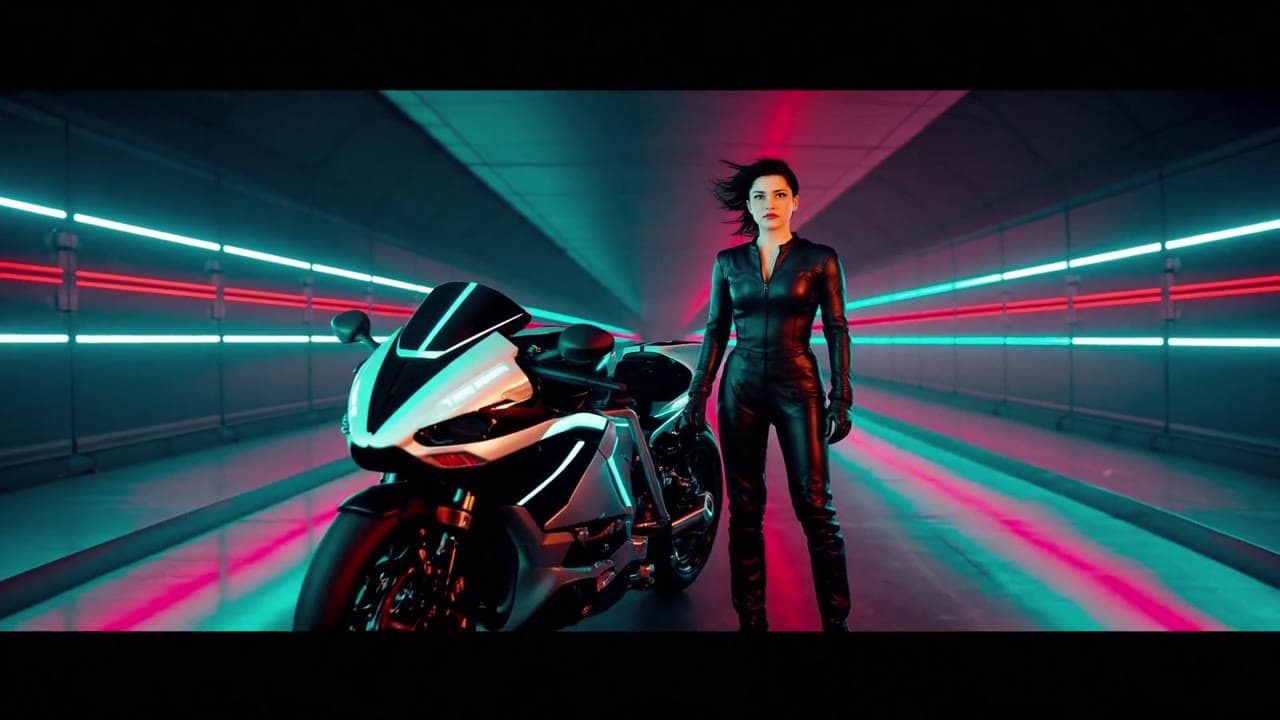 LTX 2.3 Fast
LTX 2.3 Fast neon racer reveal example
This LTX 2.3 Fast example shows a neon racer reveal beside a futuristic motorcycle, testing character motion and product-ad framing.
 LTX 2.3 Pro
LTX 2.3 Pro anime sword attack image-to-video example
This LTX 2.3 Pro draft uses a first-frame image to animate an anime sword attack with water effects, forward camera motion, sharp character detail and 16:9 framing.
 Seedance 2.0
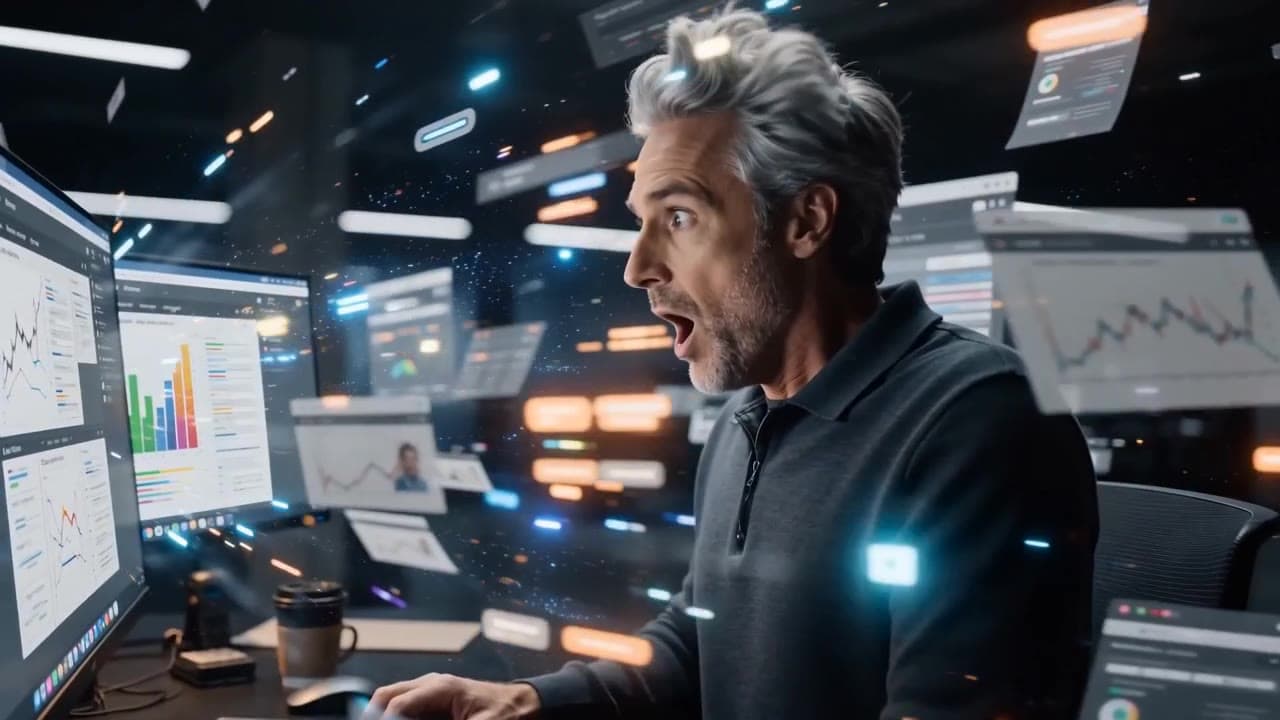
Seedance 2.0 AI SaaS product ad video example
This Seedance 2.0 text-to-video with audio example shows how an AI SaaS or enterprise software product ad can use cinematic control room visuals, glowing monitor walls, polished lighting, and confident pacing to create a premium commercial look. Use it as a reference for startup launch videos, AI platform ads, software promos, and B2B product commercials that need more atmosphere than a basic product demo.
 Seedance 2.0 Fast
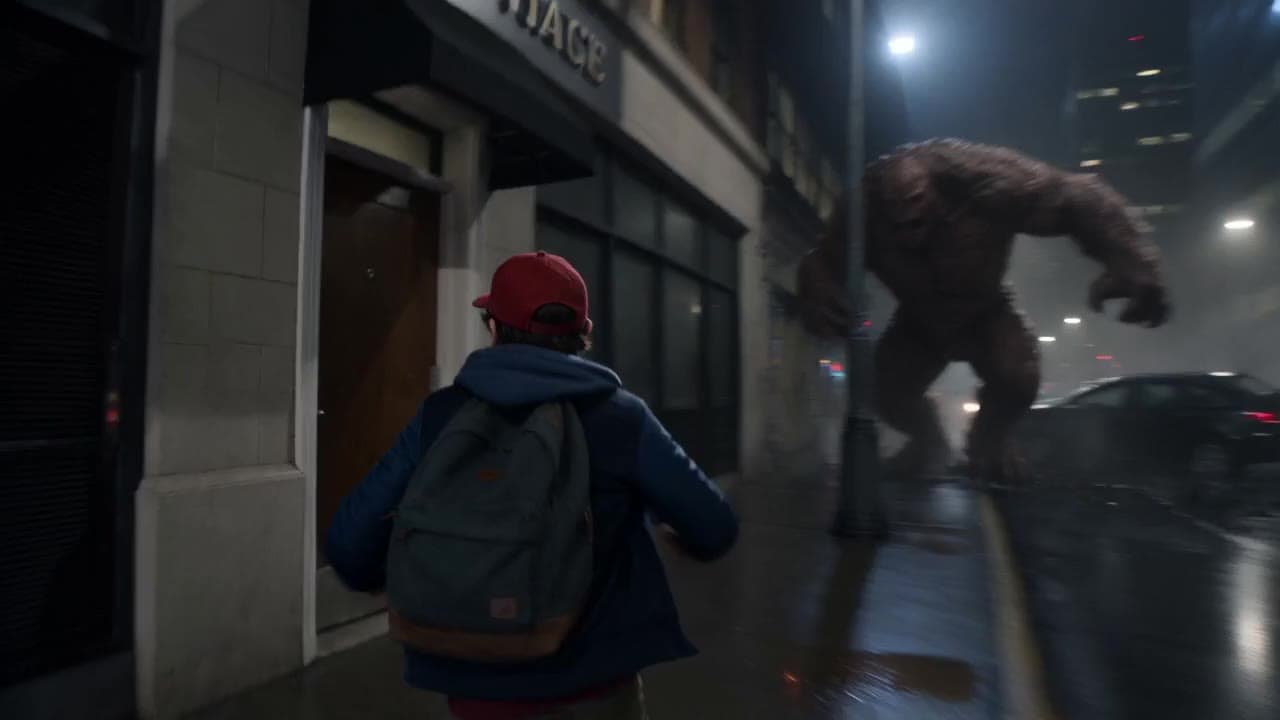
Seedance 2.0 Fast action product ad video example
This Seedance 2.0 Fast text-to-video with audio example shows how an action-style product ad can use cinematic camera motion, dramatic lighting, fast pacing, and high-impact visuals to create a polished commercial sequence. Use it as a reference for automotive ads, sports promos, game trailers, launch videos, and brand campaigns that need speed, tension, spectacle, and a more cinematic feel than a basic product shot.