
lTX 2.3 Pro image to video example: the exact first frame and keep the same
Draft watch-page candidate from the next SEO shortlist. Model: LTX 2.3 Pro. Workflow: Image-to-video + audio. Intent: image-to-video. Visual review is required before approval.
Prompt breakdown
Prompt used to generate this render.
Use the provided start image as the exact first frame and keep the same old grumpy Toad character, same face, same mushroom cap, same tiny worn outfit, same frying pan, same walking stick, and same ruined battlefield en…Show full promptHide full prompt
Use the provided start image as the exact first frame and keep the same old grumpy Toad character, same face, same mushroom cap, same tiny worn outfit, same frying pan, same walking stick, and same ruined battlefield environment with broken pipes, smoke, embers, and fire in the background. Create a short live-action fantasy cinematic shot with subtle but expressive motion. Toad stays mostly in place, like a stubborn old survivor who has seen too much. He shifts his weight slightly, tightens his grip on the frying pan, gives a small irritated glance to one side, then looks forward with a deeply unimpressed expression. His face should animate naturally: a little frown, a blink, a tiny scoff, and the attitude of a grumpy veteran who is tired of everyone and everything. His performance should feel dry, deadpan, and funny without becoming cartoonish. Dialogue: in a small old grumbling voice, with perfect dry timing, Toad mutters: “I said I was retired... Apparently evil didn’t get the memo.” Acting direction: the first line is annoyed and tired, like he has already had this conversation too many times. The second line lands with bitter sarcasm and total disbelief. Keep it understated, not exaggerated, not theatrical, not cute. Camera: slightly handheld cinematic close-medium shot, very subtle push-in, as if filmed by a live-action fantasy war film camera operator standing a few steps away. Natural micro-shake, realistic lens breathing, shallow depth of field, grounded framing, no flashy moves. Background action: light environmental movement only — drifting smoke, glowing embers, faint fire flicker, a few falling ashes, subtle heat distortion, maybe a small distant collapse or spark in the ruined battlefield behind him, but nothing that steals focus from Toad. Audio: no music. Only battlefield ambience — soft fire crackle, distant metal creaks, faint rubble settling, low wind through ruins, subtle pipe resonance, drifting ash, small cloth movement, tiny footsteps adjustment, and Toad’s dry grumpy voice clearly audible in the center. Tone: dark live-action fantasy, serious world, dry humor through performance only. Realistic textures, practical atmosphere, emotionally readable, grounded and cinematic, no CGI gloss, no cartoon silliness, no game look.
Workflow
Image to video
Camera
Push In
Output
8s · 16:9 · 1080p
Recorded render cost
$0.62
Audio
Enabled
Constraints
Image To Video, Audio Enabled, Reference Image
Reference image
Provided
Prompt improvement notes
Note 1
Keep the subject, camera move, lighting, duration, aspect ratio and audio requirement grouped so the render has one clear production brief.
Note 2
Change one variable at a time when cloning this prompt: model, duration, camera motion or reference input. That makes quality and price differences easier to compare.
Note 3
Add a short negative prompt if you need to block text overlays, logos, distorted hands, face warping or unwanted camera shake.
Compare this model
Review this example beside nearby engines before choosing a render path.
Why LTX 2.3 Pro fits this shot
Use LTX 2.3 Pro on MaxVideoAI for text-to-video, image-to-video, audio-to-video, extend-video and retake-video workflows with official 1080p/1440p/4K and 24/25/48/50 fps options.
Image input
Audio option
20s max
Key frames
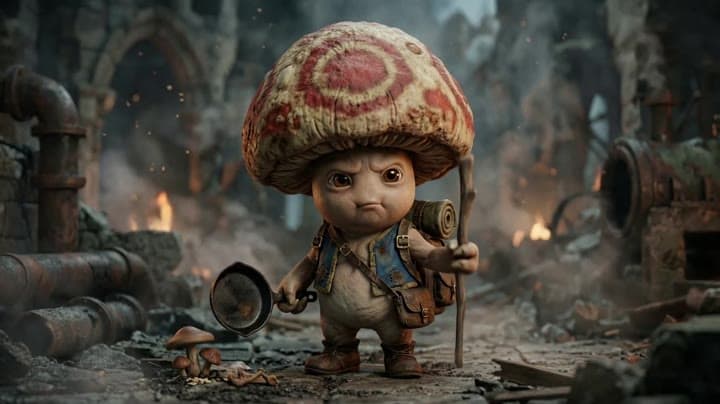
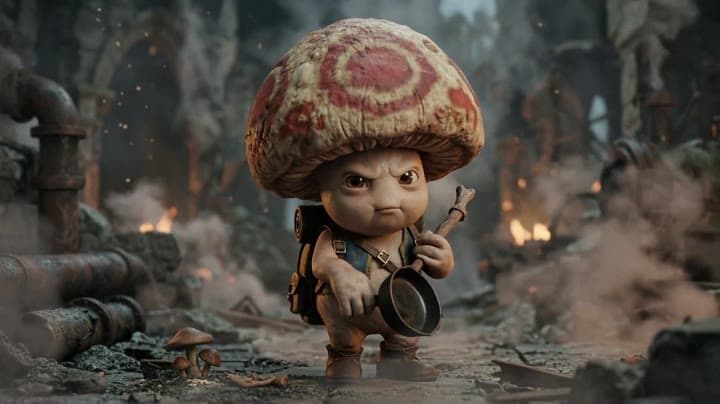
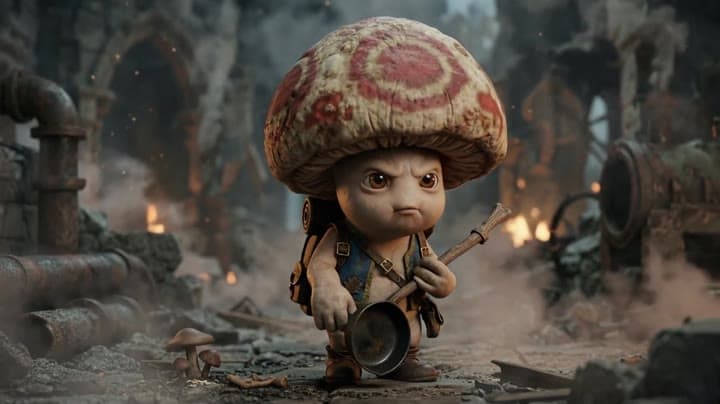
Related examples
View all examples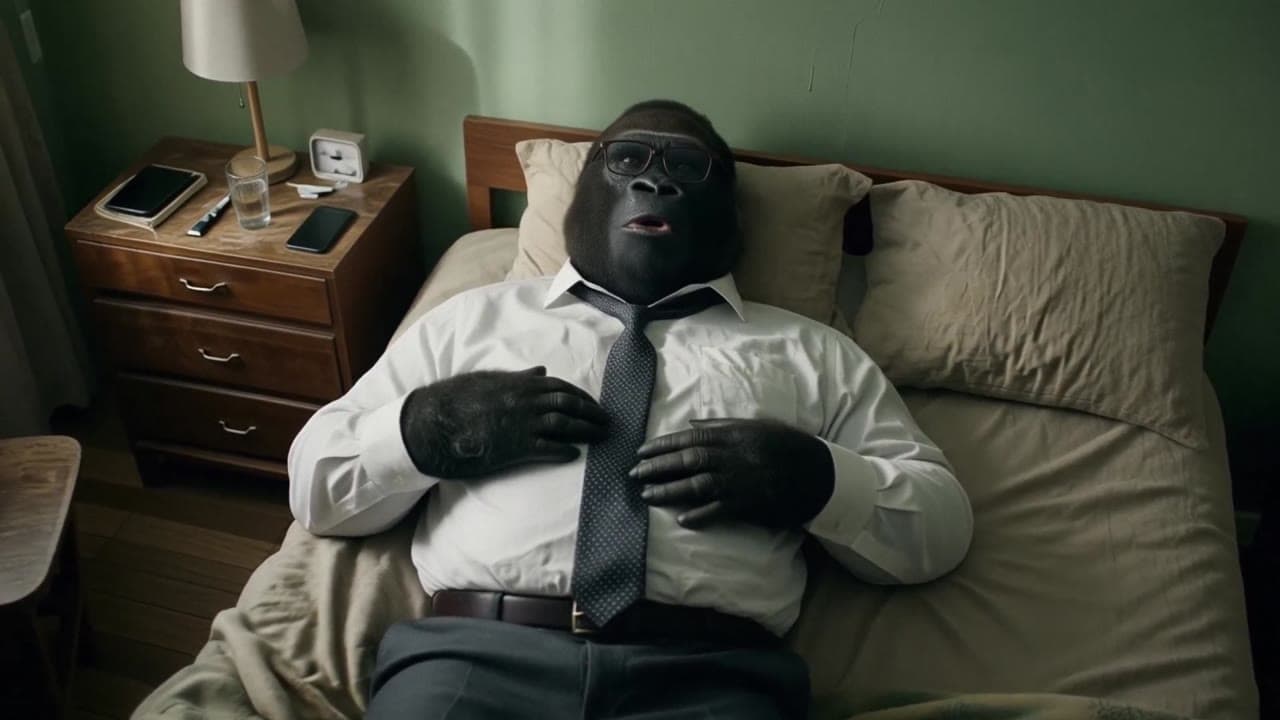 LTX 2.3 Pro
LTX 2.3 Pro office image-to-video transition example
This LTX 2.3 Pro example uses image-to-video controls to preserve a scene across a directed office transition with strong frame continuity.
 LTX 2.3 Pro
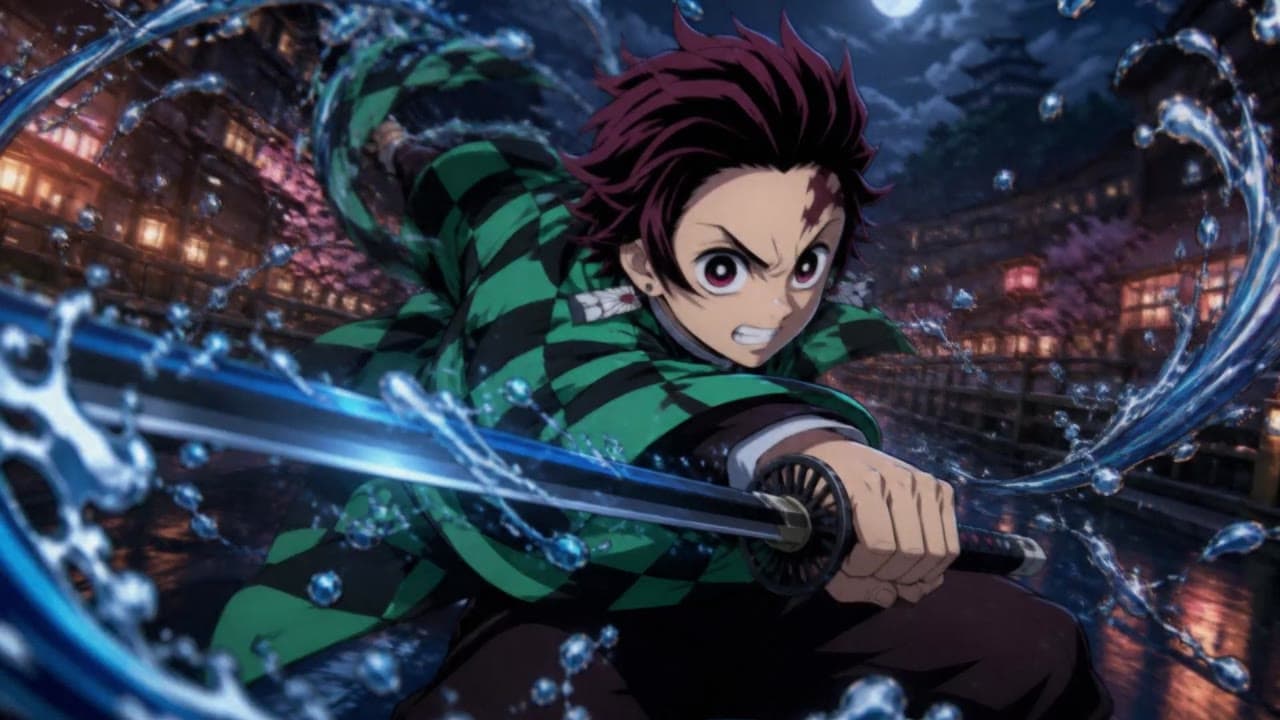
LTX 2.3 Pro anime sword attack image-to-video example
This LTX 2.3 Pro draft uses a first-frame image to animate an anime sword attack with water effects, forward camera motion, sharp character detail and 16:9 framing.
 Kling 3 Pro
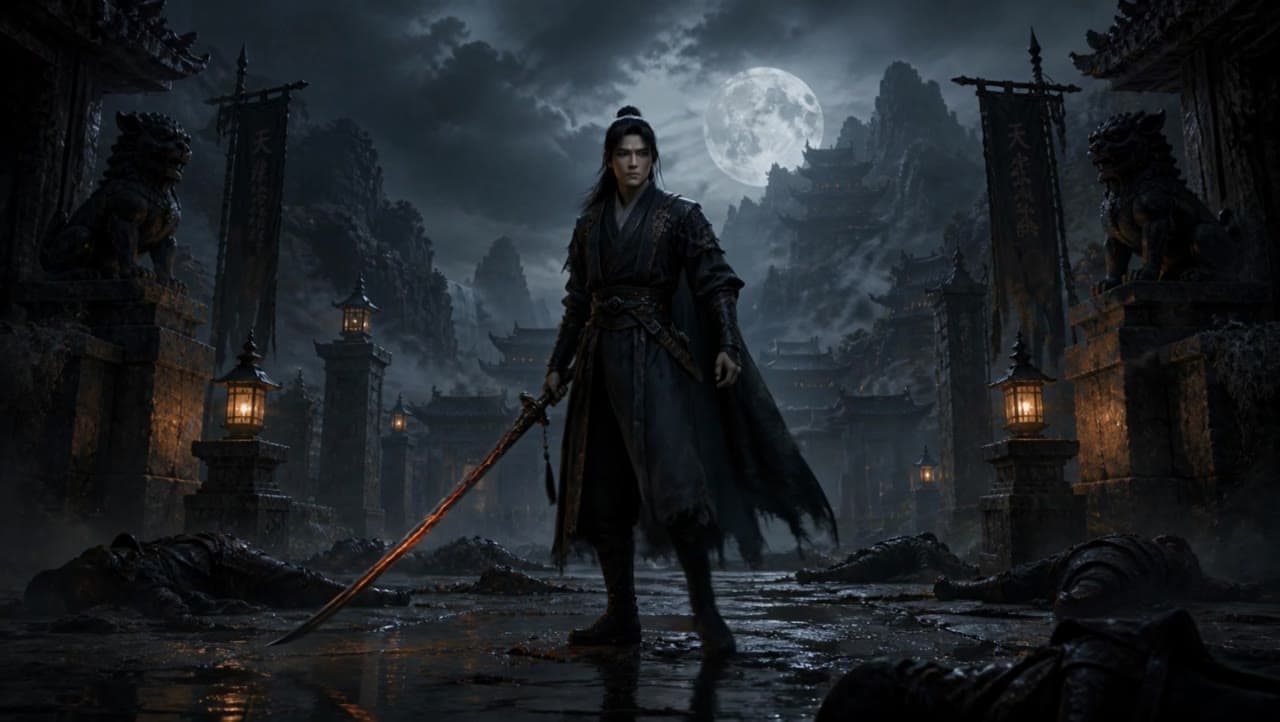
Kling 3 Pro dark warrior red katana example
This Kling 3 Pro draft animates a dark warrior reference image into a 16:9 red-katana temple scene with five camera beats, fog, moonlight and audio.
 Kling 3 Standard
Kling 3 Standard image to video example for a multi-shot product ad
This Kling 3 Standard image-to-video example shows how a visual reference can be turned into a multi-shot product ad with cinematic camera movement, sci-fi orbital staging, audio, and commercial pacing. Use it as a reference for AI product commercials, futuristic brand films, launch videos, and image-to-video workflows that need more structure than a single animated shot.