
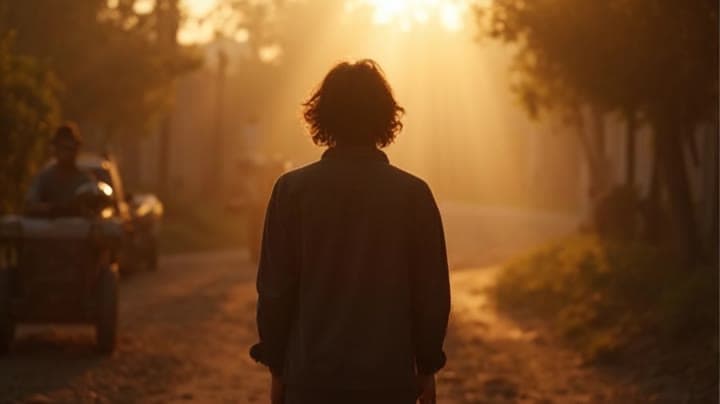
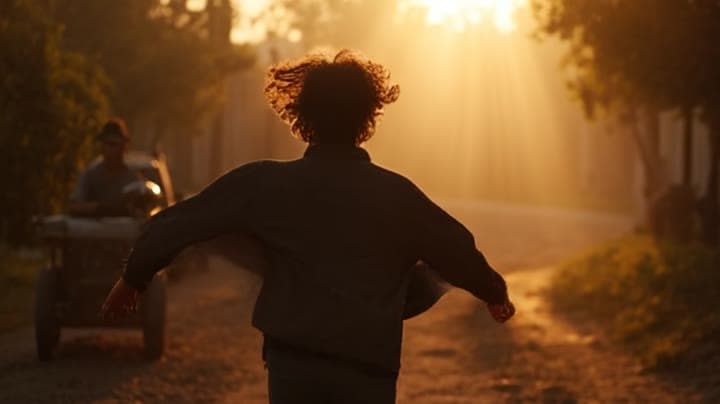
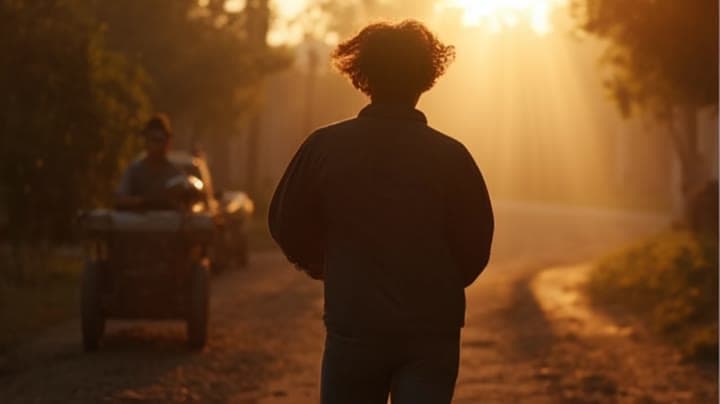
Pika 2.2 cinematic walk toward camera example
This Pika 2.2 example needs a stronger editorial prompt and richer copy before it should be included in the video sitemap.
Prompt breakdown
Prompt used to generate this render.
A person walking slowly toward the camera. Wind moving clothes and hair. Soft backlight. Cinematic lighting, shallow depth of field, smooth camera motion, film look.Show full promptHide full prompt
A person walking slowly toward the camera. Wind moving clothes and hair. Soft backlight. Cinematic lighting, shallow depth of field, smooth camera motion, film look.
Workflow
Text to video
Camera
Camera Motion
Output
10s · 16:9 · 720p
Recorded render cost
$0.52
Audio
Off
Constraints
Text To Video, Camera Move
Prompt improvement notes
Note 1
Keep the subject, camera move, lighting, duration, aspect ratio and audio requirement grouped so the render has one clear production brief.
Note 2
Change one variable at a time when cloning this prompt: model, duration, camera motion or reference input. That makes quality and price differences easier to compare.
Note 3
Add a short negative prompt if you need to block text overlays, logos, distorted hands, face warping or unwanted camera shake.
Compare this model
Review this example beside nearby engines before choosing a render path.
Why Pika 2.2 Text & Image to Video fits this shot
Pika 2.2 handles stylized prompts or uploaded stills in one card — perfect for quick loops and product explainers.
Text prompts
Image input
Fast queue
Key frames
Related examples
View all examples Kling 3 Pro
Kling 3 Pro Mars terraforming sci-fi video example
This Kling 3 Pro watch page shows a 16:9 text-to-video sci-fi terraforming scene on Mars, using a dolly-in, slow orbit and dramatic red-to-green landscape transformation.
 Seedance 2.0
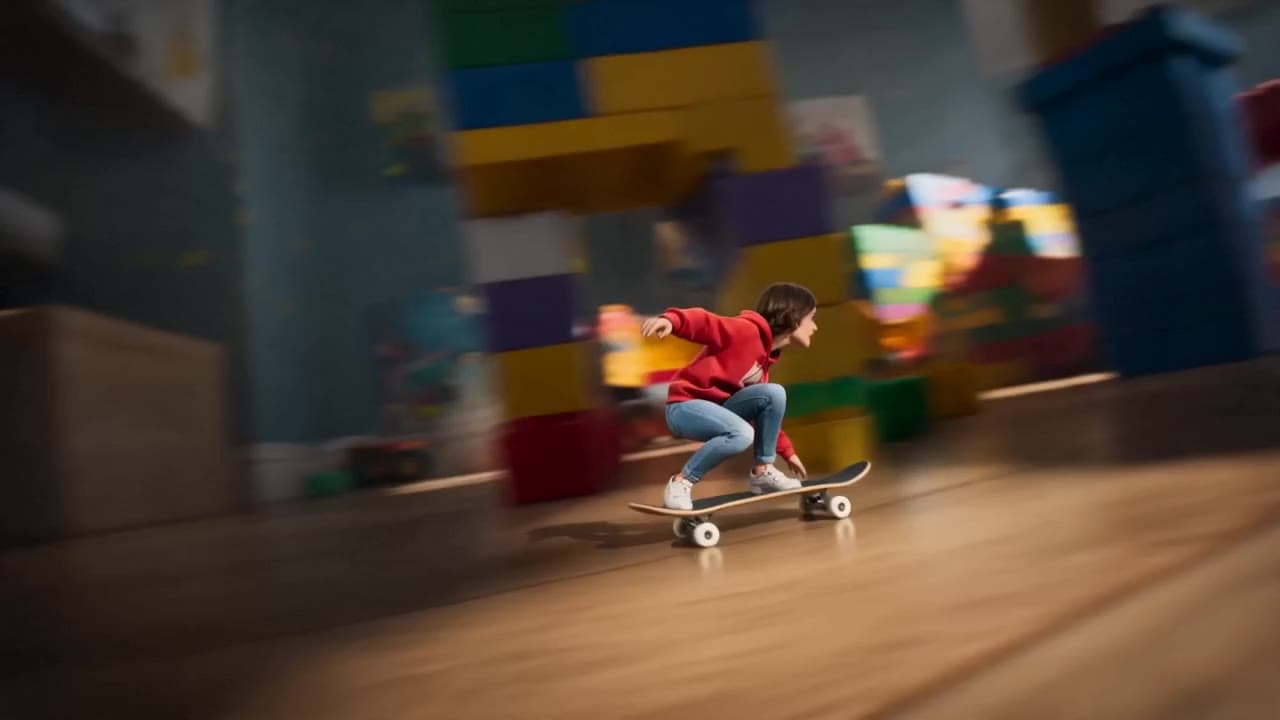
Seedance 2.0 miniature bedroom skateboard chase video example
This Seedance 2.0 text-to-video with audio example turns a children’s bedroom into a cinematic macro-scale chase sequence. A tiny skateboard rider races through oversized toy blocks, books, furniture, a rolling toy ball and a closing toy box, while the camera stays low to the floor in a fast continuous tracking shot. Use it as a reference for AI text-to-video camera movement, miniature world prompts, toy-scale action scenes and whimsical cinematic chase videos.
 Kling 3 Pro
Kling 3 Pro futuristic city drone flythrough example
This Kling 3 Pro example demonstrates a futuristic city flythrough with continuous drone-style motion and a seamless interior transition.
 Google Veo 3.1 Fast
Veo 3.1 Fast FPV apartment commercial example
This Veo 3.1 Fast example uses an FPV-style camera move to reveal a staged apartment commercial with sound and polished lighting.