
Sora 2 mouse hallway escape video example
This Sora 2 page showcases a mouse-style hallway escape prompt with audio, obstacle timing and a compact narrative sequence.
Prompt breakdown
Prompt used to generate this render.
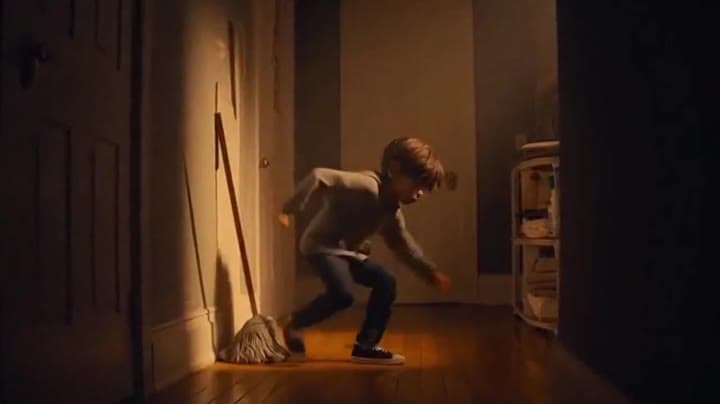
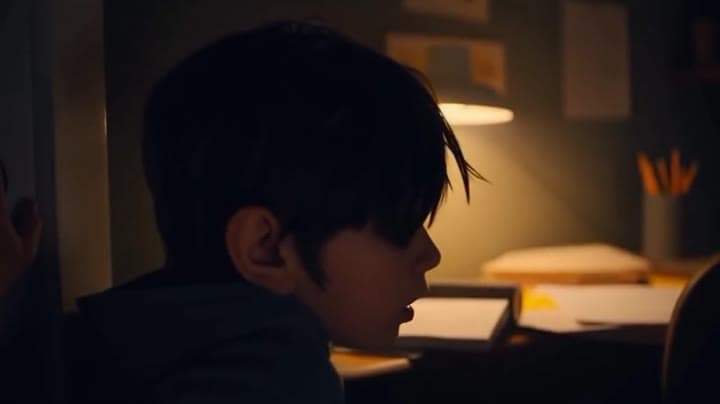
OBJECTIVE: 🧀 Get to your room before Dad finds you. He scurries across the hallway — up a mop handle, onto a shelf, through a crack in the wall. Dust falls around him as he squeezes into a vent. The camera pans behind…Show full promptHide full prompt
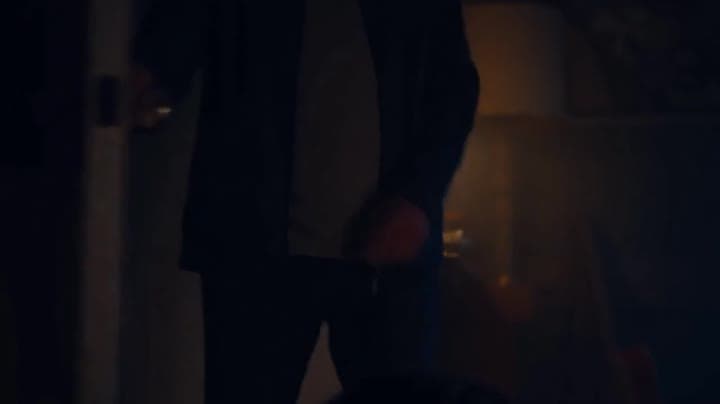
OBJECTIVE: 🧀 Get to your room before Dad finds you. He scurries across the hallway — up a mop handle, onto a shelf, through a crack in the wall. Dust falls around him as he squeezes into a vent. The camera pans behind him, giving a “third-person stealth” angle. SFX: Footsteps growing closer. The floorboards groan. Theo leaps out of the vent into his room, panting. He slams the door shut and collapses against it, heart racing. He quickly sits at his desk, flips open his homework, and grabs his pencil. He hears the slow steps outside the door. DAD (off-screen): “Theo?” Theo tries to steady his voice. THEO: “Yeah, Dad! Just studying!” Silence. Then a low, creaky laugh. DAD (off-screen, too calm): “Studying, huh?” The doorknob turns — slowly. Theo’s ears flatten. The door swings open. Dad stands there — tall, shadowed, his eyes half-hidden in the dim light.
Workflow
Text to video
Camera
Audio Enabled
Output
12s · 16:9
Recorded render cost
$1.56
Audio
Enabled
Constraints
Text To Video, Audio Enabled
Prompt improvement notes
Note 1
Keep the subject, camera move, lighting, duration, aspect ratio and audio requirement grouped so the render has one clear production brief.
Note 2
Change one variable at a time when cloning this prompt: model, duration, camera motion or reference input. That makes quality and price differences easier to compare.
Note 3
Add a short negative prompt if you need to block text overlays, logos, distorted hands, face warping or unwanted camera shake.
Compare this model
Review this example beside nearby engines before choosing a render path.
Why OpenAI Sora 2 fits this shot
OpenAI Sora 2 handles cinematic narratives with lip-sync and audio - ideal for hero renders.
Audio native
Cinematic
Remix
Key frames
Related examples
View all examples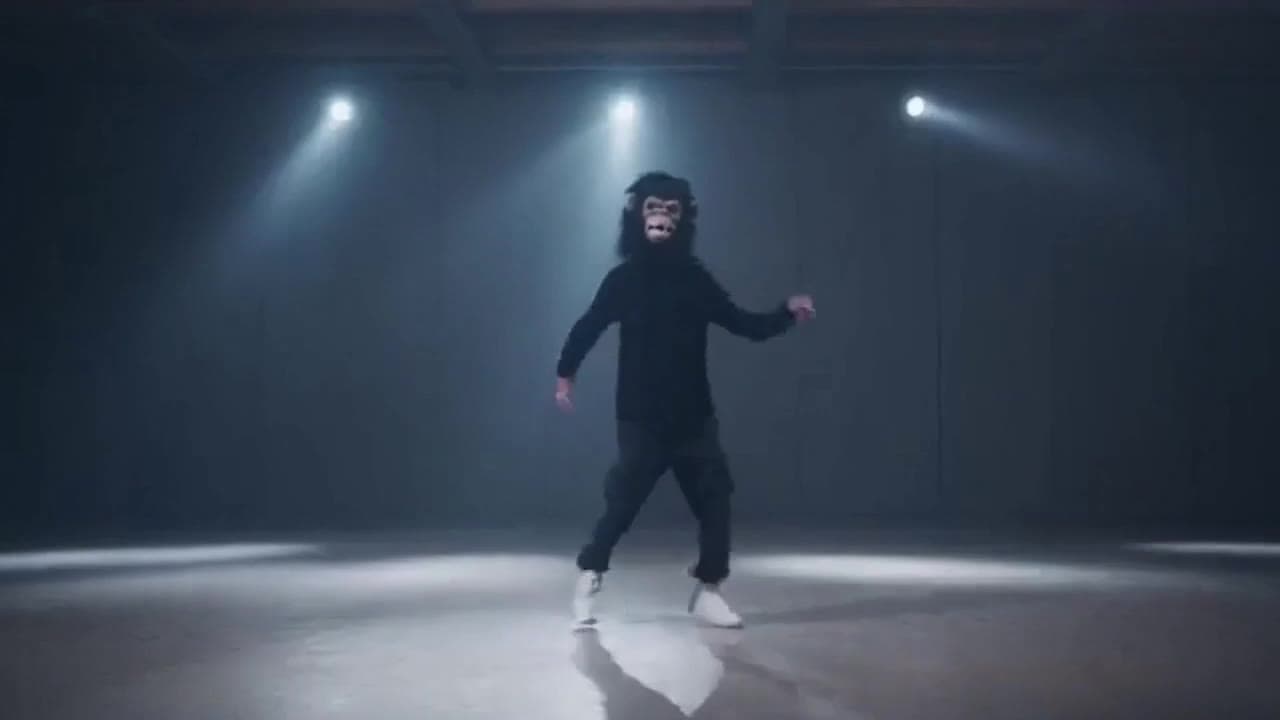 OpenAI Sora 2
Sora 2 gorilla dance video example with strobe lighting
This Sora 2 watch page shows a gorilla-mask dance prompt rendered with strobe lighting, changing camera angles, native audio and a 16:9 output.
 LTX 2.3 Pro
LTX 2.3 Pro rooftop lightning fashion shot example
This LTX 2.3 Pro page shows a rooftop fashion prompt with storm lighting, neon city atmosphere and cinematic subject isolation.
 Wan 2.5 Text & Image to Video
Wan 2.5 vertical spy-to-Zoom comedy video example
This Wan 2.5 watch page shows a vertical comedy prompt that opens like a spy action scene and ends with a Zoom-call reveal.
 OpenAI Sora 2 Pro
Sora 2 Pro CCTV cat in wet cement example
This Sora 2 Pro watch page shows a CCTV-style construction scene where a cat crosses wet cement, testing fixed framing and comic timing.