
google Veo 3.1 product ad example: Camera: smooth dolly moves between shots,
Draft watch-page candidate from the next SEO shortlist. Model: Google Veo 3.1. Workflow: Text-to-video + audio. Intent: product-ad. Visual review is required before approval.
Prompt breakdown
Prompt used to generate this render.
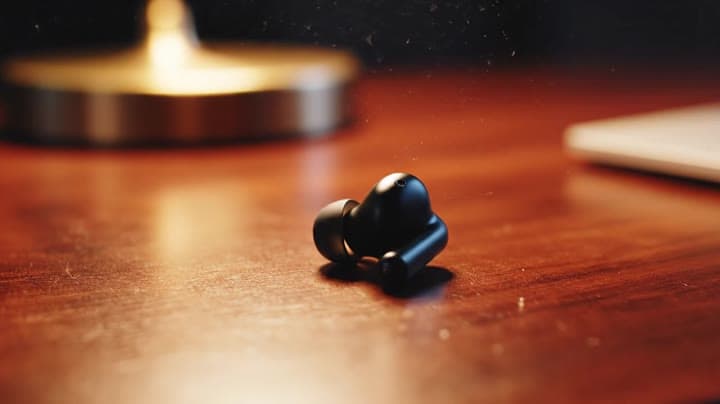
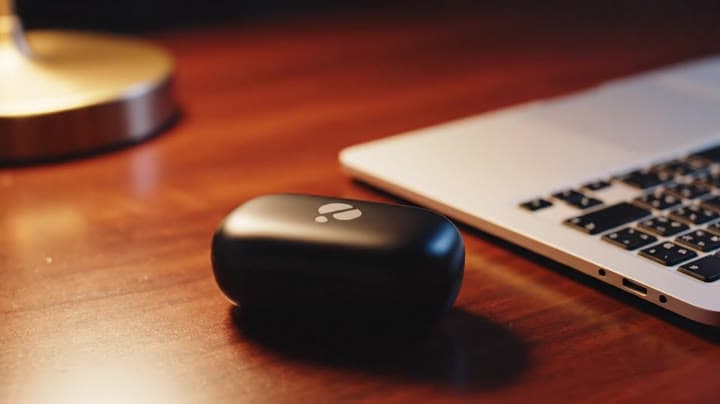
Shot 1 (0–3 s): macro close-up of one earbud rotating slowly on a wooden desk, shallow depth of field, warm desk lamp glow. Shot 2 (3–6 s): medium shot of a young professional putting the earbuds in before stepping onto…Show full promptHide full prompt
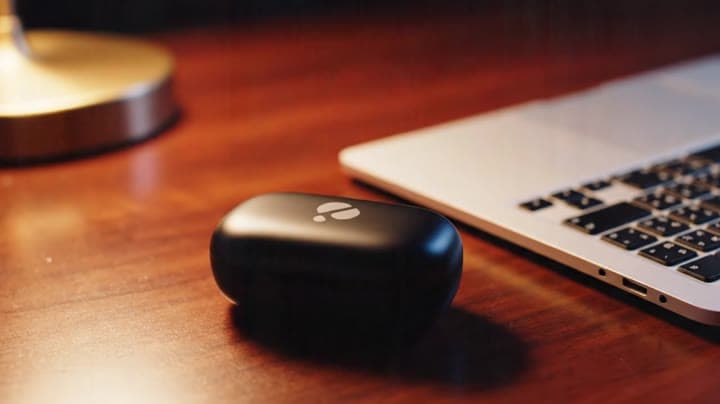
Shot 1 (0–3 s): macro close-up of one earbud rotating slowly on a wooden desk, shallow depth of field, warm desk lamp glow. Shot 2 (3–6 s): medium shot of a young professional putting the earbuds in before stepping onto a busy city street, subtle bokeh lights. Shot 3 (6–8 s): close-up of the charging case clicking shut next to a laptop, soft logo reflection in the lid. Camera: smooth dolly moves between shots, handheld feel but not shaky. Lighting: evening, warm indoors transitioning to cool street light, gentle film grain. Audio: city ambience low in the mix, soft electronic music bed, short VO line: “Block the noise, keep the focus.” No subtitles. Negative: no brand names, no on-screen text, no extreme wide angles.
Workflow
Text to video
Camera
Close Up
Output
8s · 16:9
Recorded render cost
$4.16
Audio
Enabled
Constraints
Text To Video, Audio Enabled, Close Up
Prompt improvement notes
Note 1
Keep the subject, camera move, lighting, duration, aspect ratio and audio requirement grouped so the render has one clear production brief.
Note 2
Change one variable at a time when cloning this prompt: model, duration, camera motion or reference input. That makes quality and price differences easier to compare.
Note 3
Add a short negative prompt if you need to block text overlays, logos, distorted hands, face warping or unwanted camera shake.
Note 4
For product shots, keep the product name generic, describe materials and lighting, and avoid adding too many scene changes in one clip.
Why Google Veo 3.1 fits this shot
Open the engine page for specs, controls, and pricing.
Text-to-video workflow
8-second render in 16:9
Audio-enabled output
Close-up framing
Key frames
Related examples
View all examples Google Veo 3.1 Fast
Google Veo 3.1 Fast product ad example: futuristic street dancer with glowing
Google Veo 3.1 Fast product-ad example (text-to-video + audio): futuristic street dancer with glowing neon, plus stable video/thumbnail and related Veo examples.
 Google Veo 3.1 Fast
Veo 3.1 Fast living room TV commercial example
This Veo 3.1 Fast watch page shows a bright living-room TV commercial prompt with native audio, controlled staging and a 16:9 ad format.
 LTX 2.3 Fast
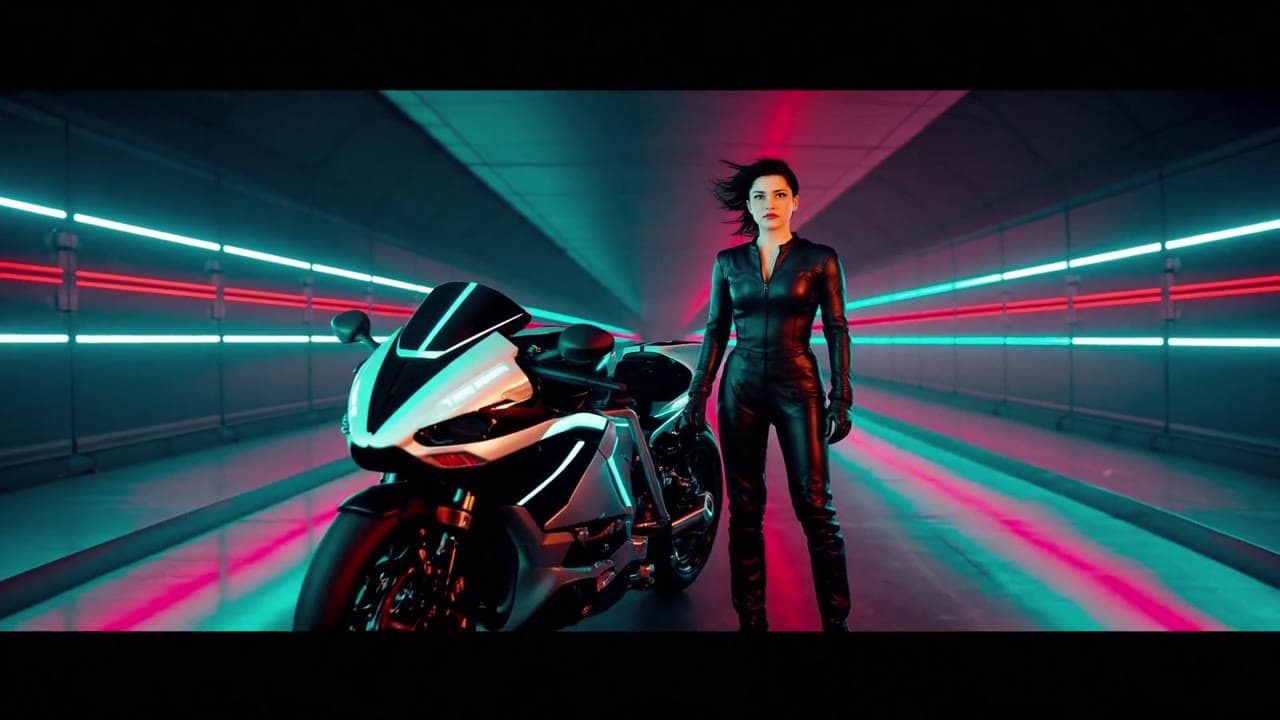
LTX 2.3 Fast neon racer reveal example
This LTX 2.3 Fast example shows a neon racer reveal beside a futuristic motorcycle, testing character motion and product-ad framing.
 Seedance 2.0
Seedance 2.0 AI SaaS product ad video example
This Seedance 2.0 text-to-video with audio example shows how an AI SaaS or enterprise software product ad can use cinematic control room visuals, glowing monitor walls, polished lighting, and confident pacing to create a premium commercial look. Use it as a reference for startup launch videos, AI platform ads, software promos, and B2B product commercials that need more atmosphere than a basic product demo.