
lTX 2.3 Pro image to video example: stylized 1970s office scene frozen
Draft watch-page candidate from the next SEO shortlist. Model: LTX 2.3 Pro. Workflow: Image-to-video + audio. Intent: image-to-video. Visual review is required before approval.
Prompt breakdown
Prompt used to generate this render.
A stylized 1970s office scene frozen at the exact moment a man in a brown suit slips on a banana peel, mid-air, legs spread, body tilted backward. The camera begins very close to his face, capturing a highly detailed ex…Show full promptHide full prompt
A stylized 1970s office scene frozen at the exact moment a man in a brown suit slips on a banana peel, mid-air, legs spread, body tilted backward. The camera begins very close to his face, capturing a highly detailed expression of shock: wide eyes, raised eyebrows, slightly open mouth, subtle skin texture, cinematic lighting reflecting in his eyes. The camera then performs a smooth bullet-time orbit around him, moving in a perfect arc from front to side to behind, while time is nearly frozen. Only subtle motion is visible: droplets of coffee suspended in the air slowly wobble and stretch, papers gently rotate, the banana peel slightly shifts on the carpet fibers. As the camera moves, focus transitions dynamically: sharp on the face at first, then gradually shifting to the floating coffee splash, then to the typewriter and flying papers in the background, maintaining shallow depth of field. The lighting is warm and cinematic, with soft shadows and realistic reflections. The scene maintains a comedic tone but highly realistic rendering. Micro-movements are crucial: slight trembling in fingers, tiny fabric motion on the suit, minimal facial muscle twitch, subtle hair movement. No sudden motion, no time resume — pure slow-motion suspended moment. 16:9, cinematic realism, no text, no logo.
Workflow
Image to video
Camera
Image To Video
Output
8s · 16:9 · 1080p
Recorded render cost
$0.63
Audio
Enabled
Constraints
Image To Video, Audio Enabled, Reference Image
Reference image
Provided
Prompt improvement notes
Note 1
Keep the subject, camera move, lighting, duration, aspect ratio and audio requirement grouped so the render has one clear production brief.
Note 2
Change one variable at a time when cloning this prompt: model, duration, camera motion or reference input. That makes quality and price differences easier to compare.
Note 3
Add a short negative prompt if you need to block text overlays, logos, distorted hands, face warping or unwanted camera shake.
Compare this model
Review this example beside nearby engines before choosing a render path.
Why LTX 2.3 Pro fits this shot
Use LTX 2.3 Pro on MaxVideoAI for text-to-video, image-to-video, audio-to-video, extend-video and retake-video workflows with official 1080p/1440p/4K and 24/25/48/50 fps options.
Image input
Audio option
20s max
Key frames
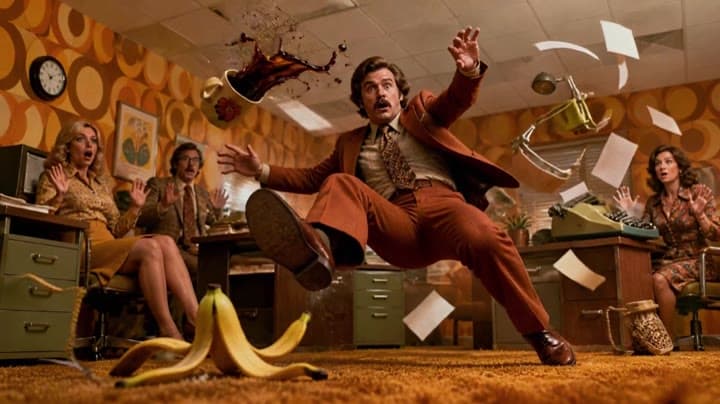
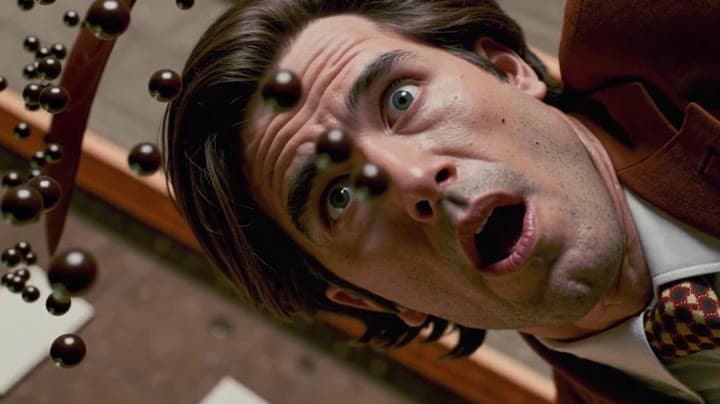
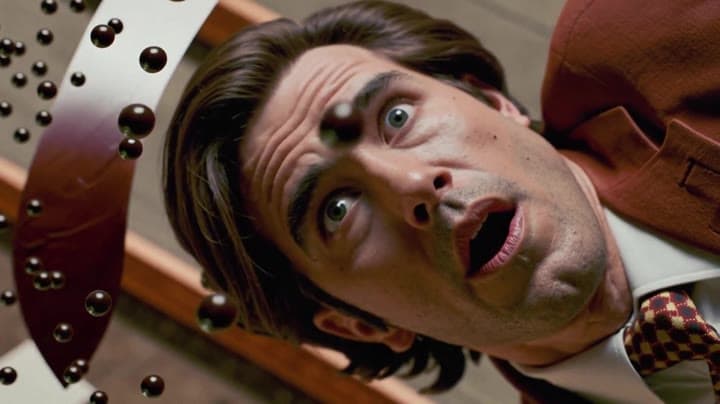
Related examples
View all examples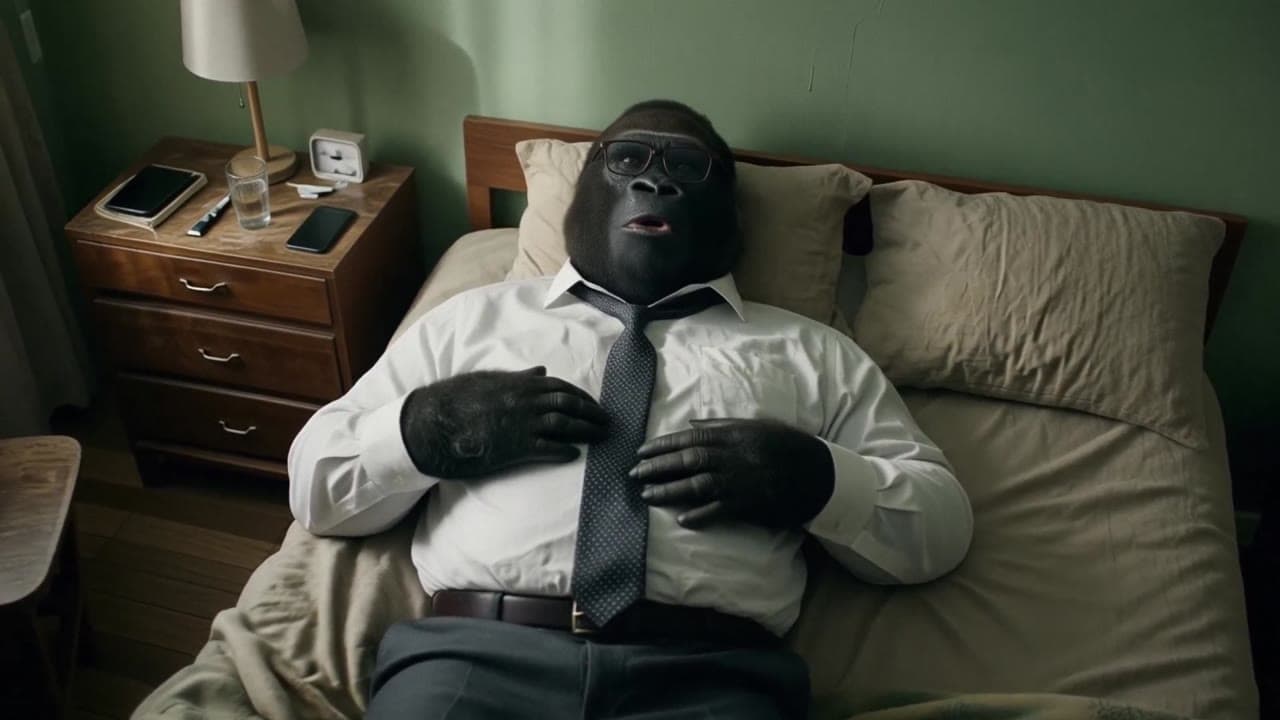 LTX 2.3 Pro
LTX 2.3 Pro office image-to-video transition example
This LTX 2.3 Pro example uses image-to-video controls to preserve a scene across a directed office transition with strong frame continuity.
 LTX 2.3 Pro
LTX 2.3 Pro anime sword attack image-to-video example
This LTX 2.3 Pro draft uses a first-frame image to animate an anime sword attack with water effects, forward camera motion, sharp character detail and 16:9 framing.
 Seedance 2.0
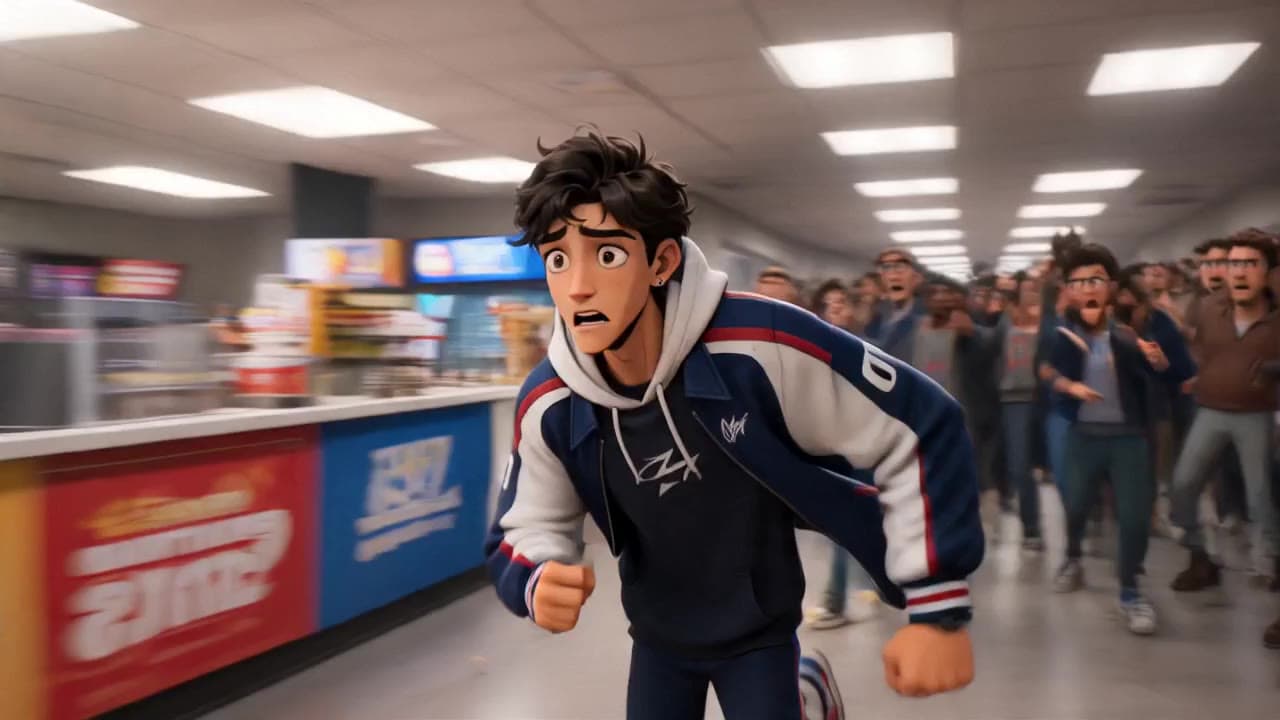
Seedance 2.0 storyboard-to-video animated short with dialogue
This Seedance 2.0 storyboard-to-video example uses visual reference frames to generate a short animated chase scene with cartoon-style characters, cinematic staging, native audio and dialogue. The sequence turns a planned storyboard into a structured 3D animated short with scene continuity, character action, crowd movement and fast narrative pacing. Use it as a reference for AI animated shorts, storyboard-driven video workflows and dialogue-based animation examples.
 Kling 3 Pro
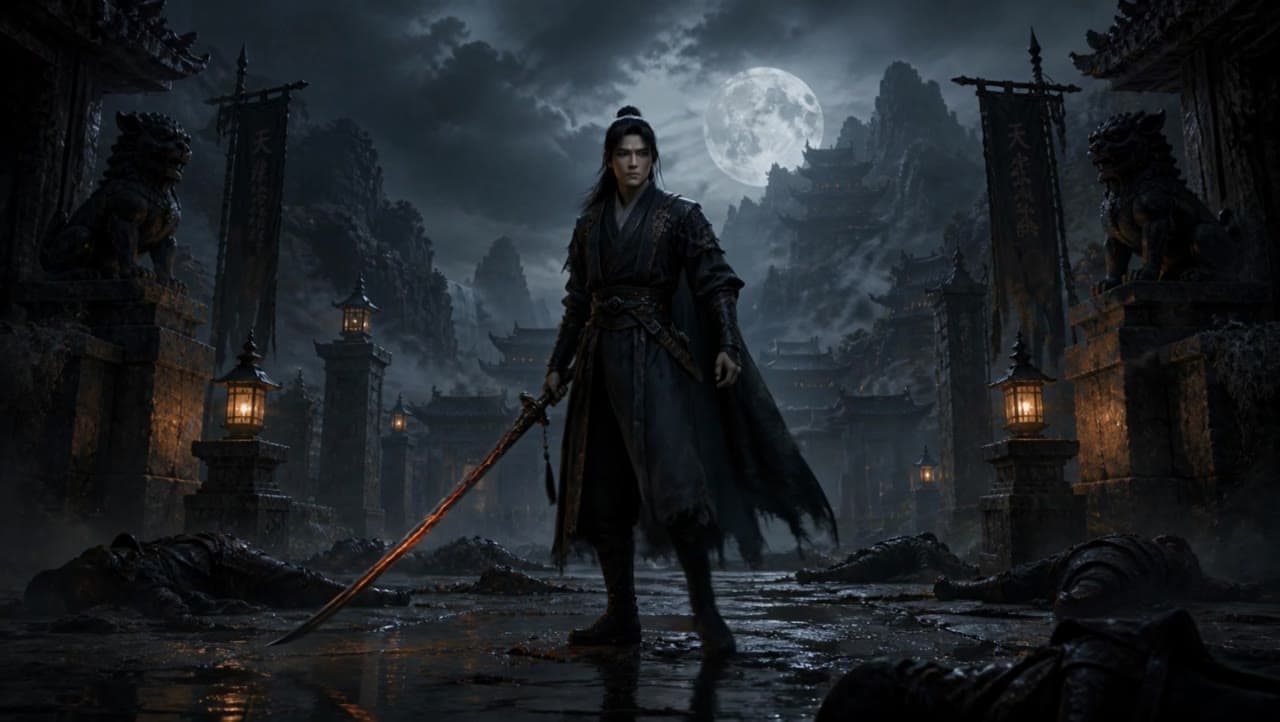
Kling 3 Pro dark warrior red katana example
This Kling 3 Pro draft animates a dark warrior reference image into a 16:9 red-katana temple scene with five camera beats, fog, moonlight and audio.