
Kling 2.5 Turbo video example: city
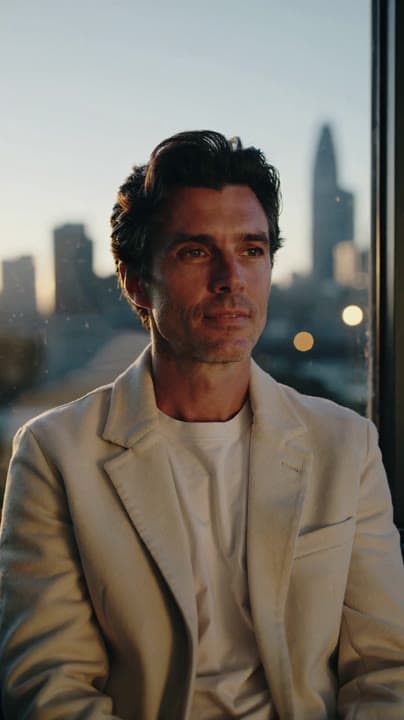
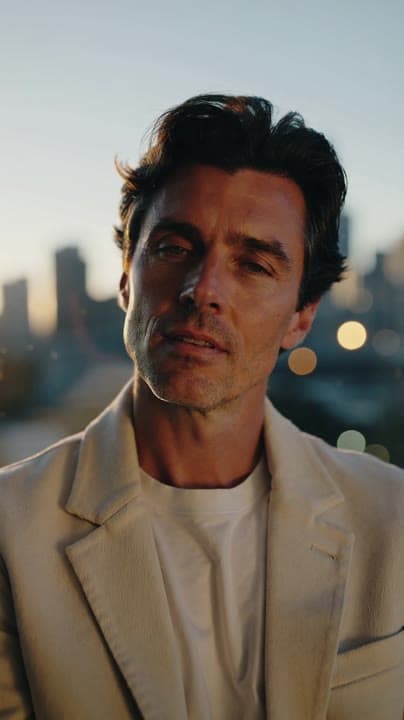
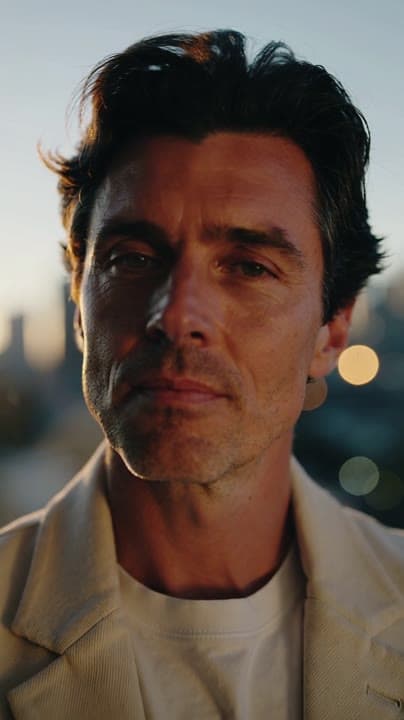
This Kling 2.5 Turbo text to video example shows city. It shows how Kling 2.5 Turbo handles this prompt with 5-second timing · 9:16 output.
Prompt breakdown
Prompt used to generate this render.
5s vertical 9:16 clip of a startup founder by a window at golden hour. Camera: slow handheld drift from chest-up to closer on the face, shallow depth. City lights blurred in the background, realistic skin and fabric, ge…Show full promptHide full prompt
5s vertical 9:16 clip of a startup founder by a window at golden hour. Camera: slow handheld drift from chest-up to closer on the face, shallow depth. City lights blurred in the background, realistic skin and fabric, gentle flares. No text, no logos, no extra people.
Workflow
Text to video
Camera
Prompt Example
Output
5s · 9:16
Recorded render cost
$0.46
Audio
Off
Constraints
Text To Video
Prompt improvement notes
Note 1
Keep the subject, camera move, lighting, duration, aspect ratio and audio requirement grouped so the render has one clear production brief.
Note 2
Change one variable at a time when cloning this prompt: model, duration, camera motion or reference input. That makes quality and price differences easier to compare.
Note 3
Add a short negative prompt if you need to block text overlays, logos, distorted hands, face warping or unwanted camera shake.
Compare this model
Review this example beside nearby engines before choosing a render path.
Why Kling 2.5 Turbo fits this shot
Kling 2.5 Turbo lives in one card with Pro text, Pro image, and Standard image-to-video modes for cinematic shots or budget loops.
Text prompts
Image-to-video
Standard tier
Key frames
Related examples
View all examples Kling 3 Pro
Kling 3 Pro futuristic city drone flythrough example
This Kling 3 Pro example demonstrates a futuristic city flythrough with continuous drone-style motion and a seamless interior transition.
 Kling 3 Pro
Kling 3 Pro Mars terraforming sci-fi video example
This Kling 3 Pro watch page shows a 16:9 text-to-video sci-fi terraforming scene on Mars, using a dolly-in, slow orbit and dramatic red-to-green landscape transformation.
 Seedance 2.0 Fast
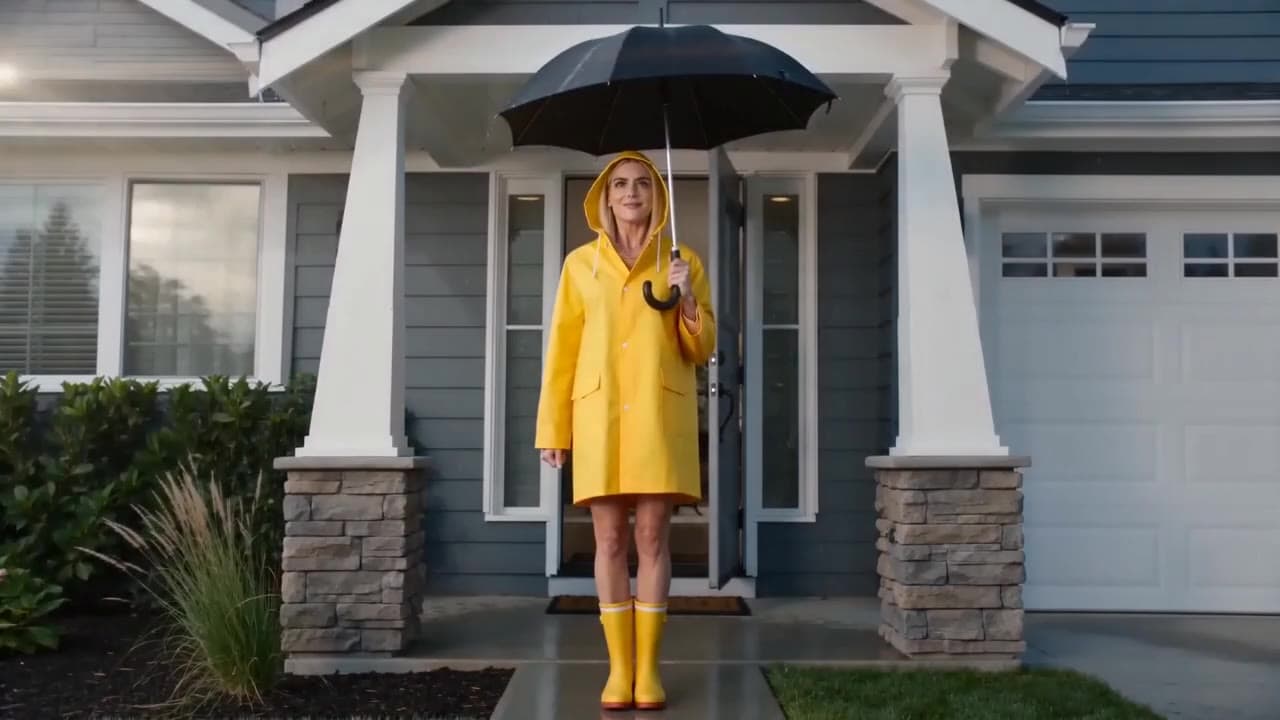
Seedance 2.0 Fast comedy short raincoat umbrella video example
This Seedance 2.0 Fast text-to-video with audio example shows a short photorealistic live-action comedy scene set in front of a suburban house. A woman in a bright yellow raincoat and rain boots stands under an umbrella, creating a simple visual gag setup with strong color contrast, clean framing and short-form comedy pacing. Use it as a reference for AI comedy short prompts, live-action sketch ideas, character-driven micro scenes and social-ready humorous video examples.
 Seedance 2.0
Seedance 2.0 multi-shot insulated water bottle product ad example
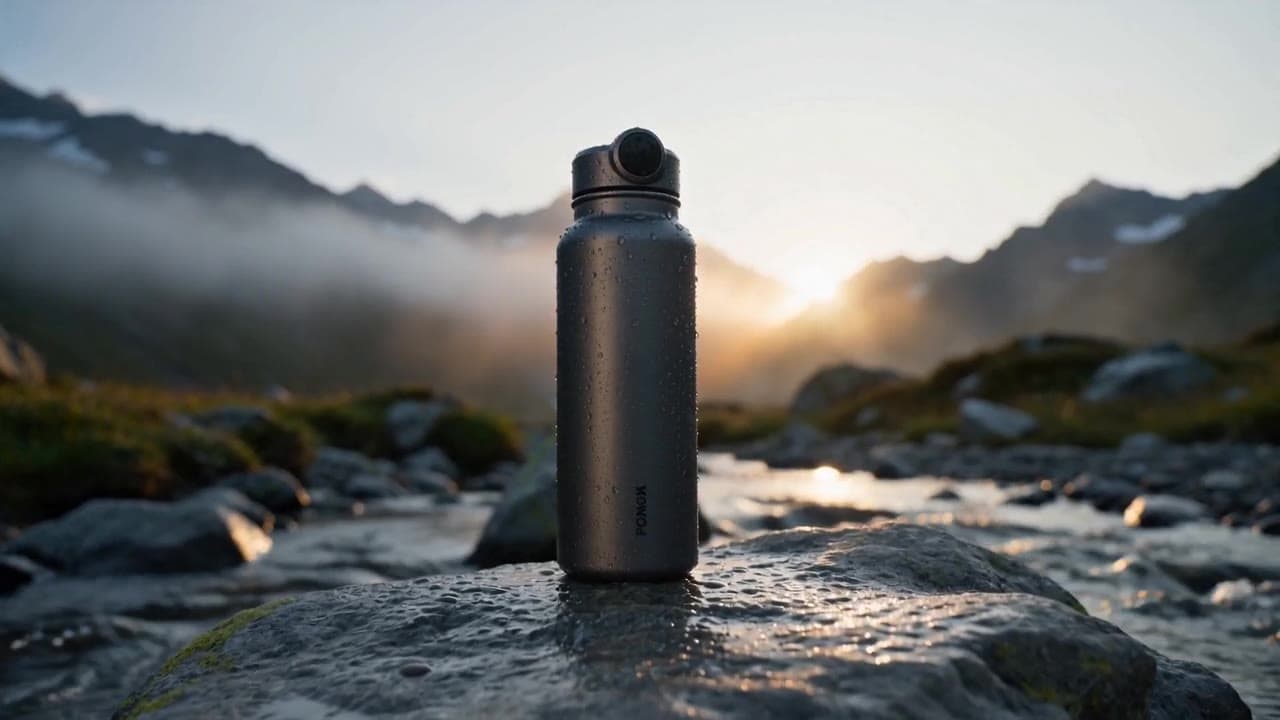
This Seedance 2.0 text-to-video with audio example shows a cinematic multi-shot product ad for a premium insulated water bottle. The sequence uses an alpine outdoor setting, product hero framing, macro detail shots, water ambience and polished commercial pacing to demonstrate how Seedance can turn a structured product brief into a complete ad-style video.