
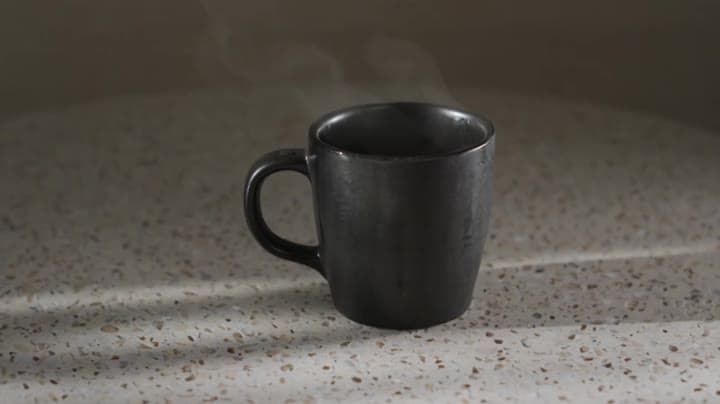
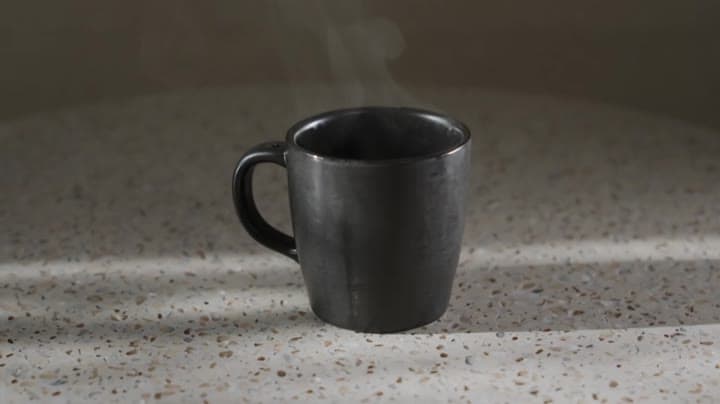
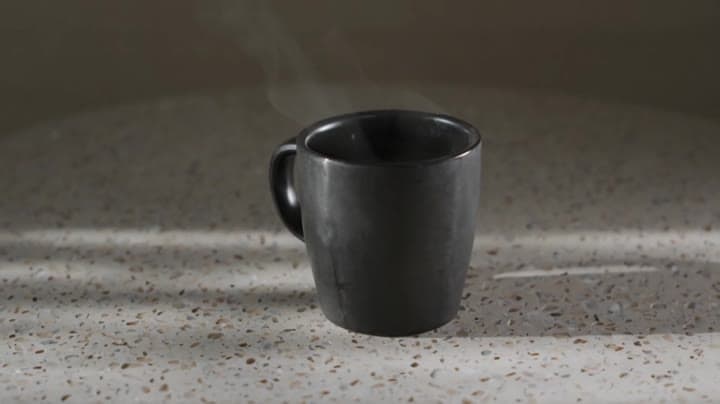
Luma Ray 3.2 camera movement example: studio push-in
This Luma Ray 3.2 text to video example shows studio push-in. It highlights camera motion control with 5-second timing · 16:9 · 540p output.
Prompt breakdown
Prompt used to generate this render.
Workflow
Text to video
Camera
Push In
Output
5s · 16:9 · 540p
Recorded render cost
$0.65
Audio
Off
Constraints
Text To Video, Push In
Prompt improvement notes
Note 1
Keep the subject, camera move, lighting, duration, aspect ratio and audio requirement grouped so the render has one clear production brief.
Note 2
Change one variable at a time when cloning this prompt: model, duration, camera motion or reference input. That makes quality and price differences easier to compare.
Note 3
Add a short negative prompt if you need to block text overlays, logos, distorted hands, face warping or unwanted camera shake.
Compare this model
Review this example beside nearby engines before choosing a render path.
Why Luma Ray 3.2 fits this shot
Use Luma Ray 3.2 in MaxVideoAI for source-video Modify, AI video Reframe, guide/keyframe controls, and supporting text-to-video or image-to-video tests.
Image input
Motion controls
30s max
Key frames
Related examples
View all examples Kling 3 Pro
Kling 3 Pro neon street multi-shot example
This Kling 3 Pro example demonstrates a multi-shot neon street sequence with rain reflections, native audio and structured scene anchors.
 Kling 3 Standard
Kling 3 Standard rainy neon street multi-shot example
This Kling 3 Standard page shows a rainy neon street prompt with multi-shot structure, audio-enabled pacing and cinematic reflections.
 Google Veo 3.1 Fast
Veo 3.1 Fast studio interview push-in example
This Veo 3.1 Fast watch page shows a studio interview prompt with a controlled push-in camera move, native audio and documentary-style staging.
 Wan 2.6 Text & Image to Video
Wan 2.6 rainy neon thriller sequence example
This Wan 2.6 page shows a rainy neon thriller prompt with multi-shot direction, smooth camera work and audio-enabled pacing.